We just finished putting the Kindle Fire through its paces, testing both CompanionLink and DejaOffice on the affordable new tablet from Amazon. The results? DejaOffice runs well, and sync with the Kindle Fire works perfectly!
In fact, everything is working as we expected, with the exception of USB sync, which requires a small, but simple workaround. The Kindle Fire automatically mounts its SD card. You must Disconnect from USB Storage, then open DejaOffice and hit sync. We’re looking into a fix to eliminate this step, however.
After testing the Kindle Fire, I think it is important to remember that it’s first and foremost a Kindle – great for consuming media. But with a few easily downloaded apps like DejaOffice, you’ll have transformed your Kindle Fire into a business machine, filled with your contacts, calendars, tasks, memos, and more.
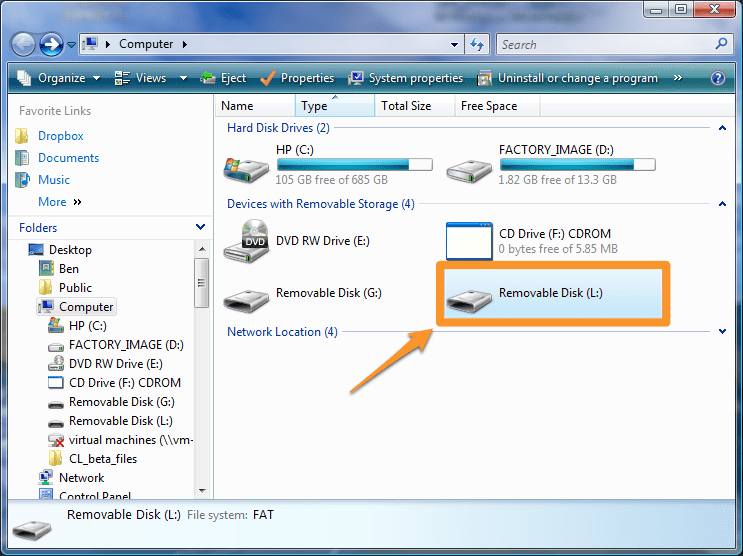
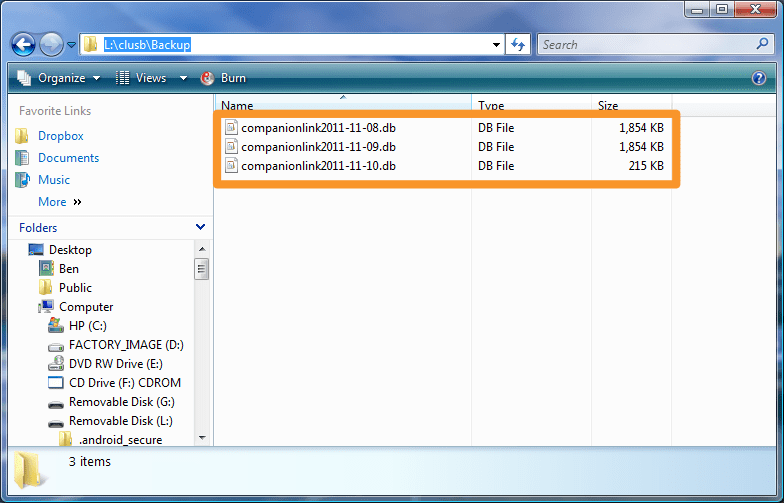
 Great news for those of you using Windows Live and Outlook: Sync via Windows Live is now in beta! As you might expect, it works like our Sync via Google option: just put in your Windows Live credentials and we’ll wirelessly sync Contacts, Calendars, and Tasks from Outlook to Windows Live. From there, the data syncs down to your Windows Phone 7 or any other device configured with your Windows Live account.
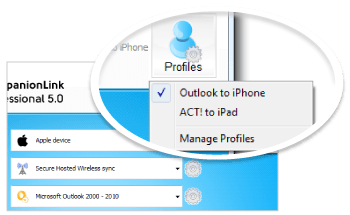 It’s not all that uncommon anymore to have a both a smartphone and a tablet. We’re integrating these powerful mobile devices into our everyday workflow, and we need them to stay in sync. To help you keep up to date on all your devices, we created the “Profiles” feature, now found in CompanionLink Express and Professional 5.