It seems like it should just work. If you set up iCloud to sync with Outlook using Apple’s iCloud Control Panel and you’ve set up Google, Salesforce, or another CRM to sync with Outlook, it should all sync up nicely – right?

When you set up iCloud to sync with Outlook, the iCloud Control Panel creates a unique Outlook Folder, which it then uses to sync with iCloud. It will actually move items from your default Outlook Folder to this new iCloud Outlook Folder in order to facilitate the sync. This doesn’t really change how things look in Outlook, but it does change how things sync.
Many tools that sync CRM solutions such as Google and Salesforce are set to sync with only the default Outlook Folder, with no option to change this. Because iCloud is syncing with a different Outlook Folder, these two sync tools don’t work together. Fortunately, CompanionLink is different.
CompanionLink allows you to choose which Outlook Folder(s) you want to sync with. So if you want to sync Google with Outlook and iCloud, or Salesforce with Outlook and iCloud, it’s as easy as configuring CompanionLink to sync with the iCloud Outlook Folder. From there, any data synced from sources like Google or Salesforce will sync through iCloud to your iOS devices and any other PC or Mac that iCloud is configured on.
For details on configuring which Outlook Folder(s) to sync with in CompanionLink, see our Configuring Outlook support article.
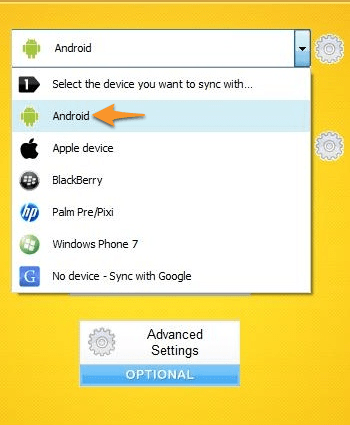
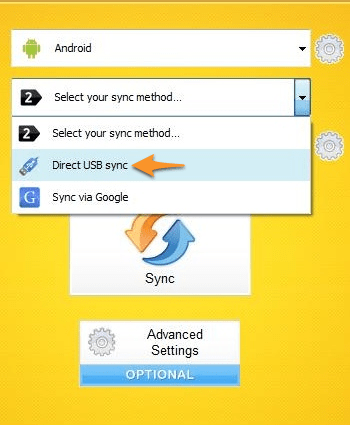
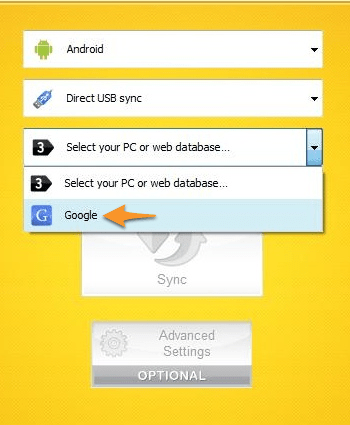

 We just finished putting the Kindle Fire through its paces, testing both CompanionLink and DejaOffice on the affordable new tablet from Amazon. The results? DejaOffice runs well, and sync with the Kindle Fire works perfectly!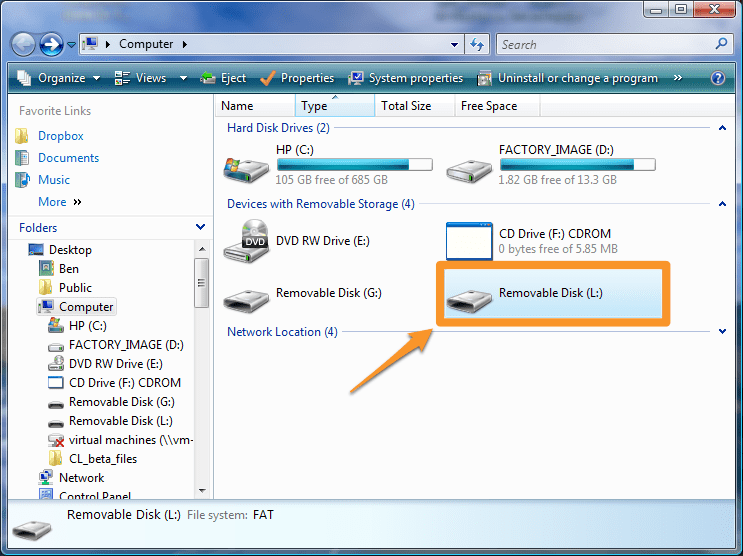
 Great news for those of you using Windows Live and Outlook: Sync via Windows Live is now in beta! As you might expect, it works like our Sync via Google option: just put in your Windows Live credentials and we’ll wirelessly sync Contacts, Calendars, and Tasks from Outlook to Windows Live. From there, the data syncs down to your Windows Phone 7 or any other device configured with your Windows Live account.
 Just the other day, Sprint released the HTC EVO Design 4G. At just $99, this Android-powered phone is a great buy. In fact, the EVO Design 4G features a lot of the power and style of the EVO 3D – just without the 3D. When it comes down to it, the value you get for your money makes the EVO Design 4G a hard phone to beat.