Everyone knows how important it is to keep their personal or business networks secure. With the number of cyber attacks steadily rising each year, cybersecurity is in high demand. Using services such as IT consulting by Bulletproof or other outside companies is a great way to ensure your business network is secure. Nevertheless, try to evaluate which areas need improvement; it may turn out there are necessary safety measures you can implement relatively fast.
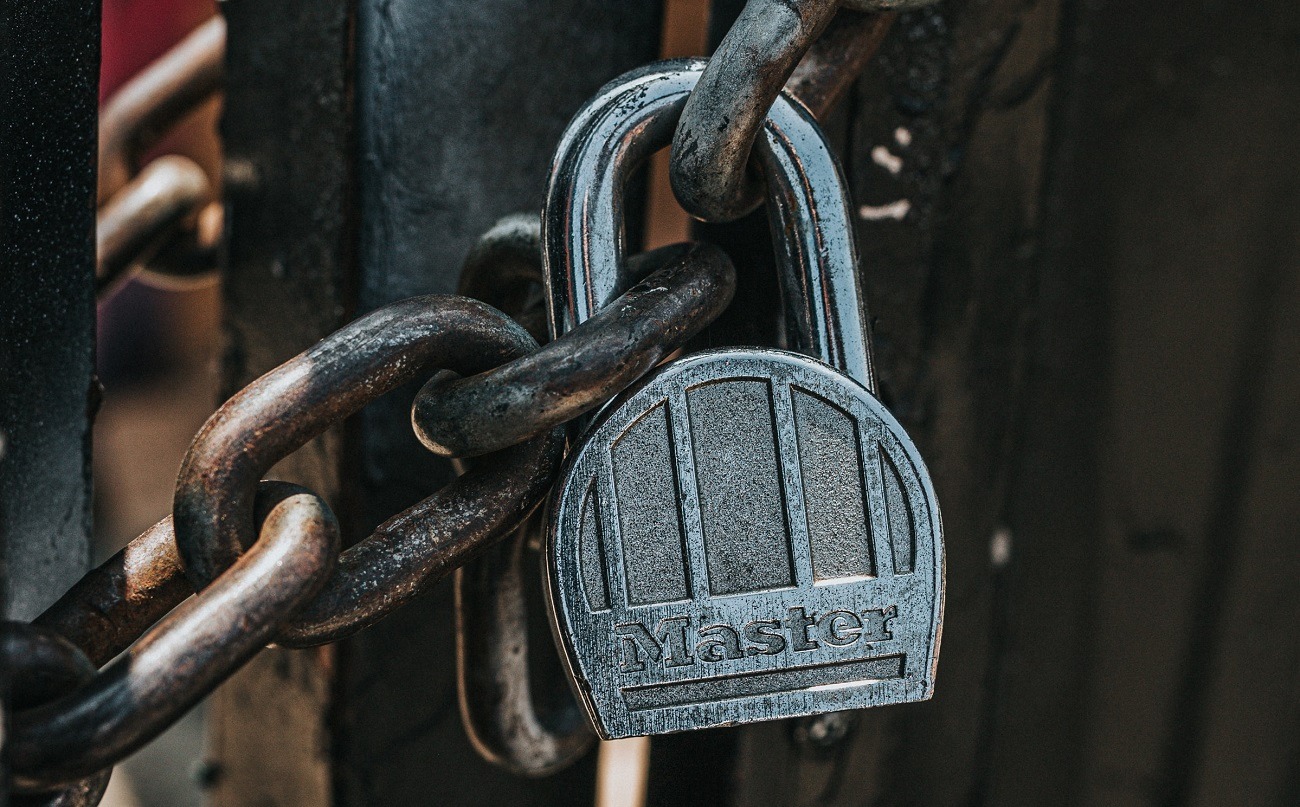
Surprisingly, secure passwords can be problematic to both businesses and ordinary users. Nowadays, you need a password to almost anything. As such, you may want to focus not on security, but on the need to gain access fast. In this article, you’ll learn about 5 most common password mistakes you can easily avoid. Here’s everything you need to know:
Creating Weak Passwords
One of the most popular password mistakes is to use a short, predictable phrase that contains your personal information or an obvious sequence of numbers and letters. Don’t use a password that’s easy to guess – you’d be surprised how many people think that “password,” “admin,” or “12345” are good enough to protect their accounts and devices.
If you want to avoid data breach incidents, create a strong password that is at least 10 characters long and contains special characters, numbers, and lower-case and upper-case letters. Avoid using predictable keyboard patterns and consider picking a passphrase rather than a password. This way, you’ll protect your accounts more effectively.
Recycling Passwords
It’s more than likely that you have multiple accounts on various platforms, including social media, banking, and email. Like many people, you probably don’t want to come up with a new password every time you create an account. Therefore, you might be tempted to reuse the same password across multiple websites and devices.
It’s a common password mistake that can lead to serious consequences. As such, consider creating unique passwords for every account you might have. Don’t make them similar and avoid sharing passwords. Otherwise, your accounts can be easily hacked and sensitive data stolen.
Saving Passwords
We bet you often see the notification encouraging you to use the “save” or “remember me” option. Regardless of how many sites you’re visiting, don’t take up that offer! If you’re using a public computer, the next person can access your account with little to no effort.
You may be tired of entering your login credentials over and over again. However, it’s necessary to keep your accounts secure and avoid potential data breaches.
Changing Passwords Periodically
You may think that if you change your passwords frequently, you’ll keep your accounts more secure. Some companies even have a policy that forces all employees to come up with new passwords every two or three months “for security reasons.” However, mandatory password changes may not be as effective as the higher-ups might think.
According to computer science experts, research shows that people don’t put much effort into creating new passwords if they’re forced to change them regularly. Usually, they’ll just follow a predictable pattern and make minor transformations, such as adding or deleting a special character, changing the number to a higher one (for example changing 4 to 5), replacing a letter with a similar-looking symbol (like A to @), or switching the order of special characters or digits. Such changes won’t help protect your devices or accounts from cyber attacks; once hackers learn one password, they can easily guess the next one if you follow a predictable pattern. As such, it’s better to change your passwords by coming up with completely new solutions and doing it from time to time, but not within a fixed time frame.
Incorrect Password Storage
You may be tempted to write down all your passwords, especially if you have many different accounts and devices. It’s a mistake that takes the two most common forms. First, if you work in an office and your passwords are not so easy to remember, you may want to write them down on sticky notes and keep them glued to your desk or a monitor in plain sight. Second, you can save them in text documents or spreadsheets on your smartphone or computer. Now imagine your device gets hacked or compromised by malware. Whoever gains access to it, can easily find sensitive data, including your passwords. Why put your important information at risk if you can easily prevent that from happening?
Your passwords should be stored in a place safe from prying eyes, preferably not in a digital form.
Consider using a password manager or master password to keep them secure, and if you find them difficult to remember, feel free to write them down in a notebook or a calendar you’re carrying around with you.
The Bottom Line
These are the 5 most common mistakes. Are you guilty of making some of them? If yes, it’s time to change your password strategy. You can also consider using two-factor authentication and password managers for added security. Ultimately, if you want to create a safe network for your business and personal use, feel free to reach out to IT professionals.