Some apps are easy to explain in one sentence. Others are not. Productivity apps are often doing three or four jobs at once: syncing data, reducing admin, coordinating people, and saving time in workflows that look ordinary on the surface but feel messy in real life.
That complexity creates a familiar App Store problem. The product may be genuinely useful, yet the screenshot gallery still reads like a pile of feature labels. New visitors see a calendar, a dashboard, a settings page, maybe a report view, but they never quite understand why the app would improve their day.
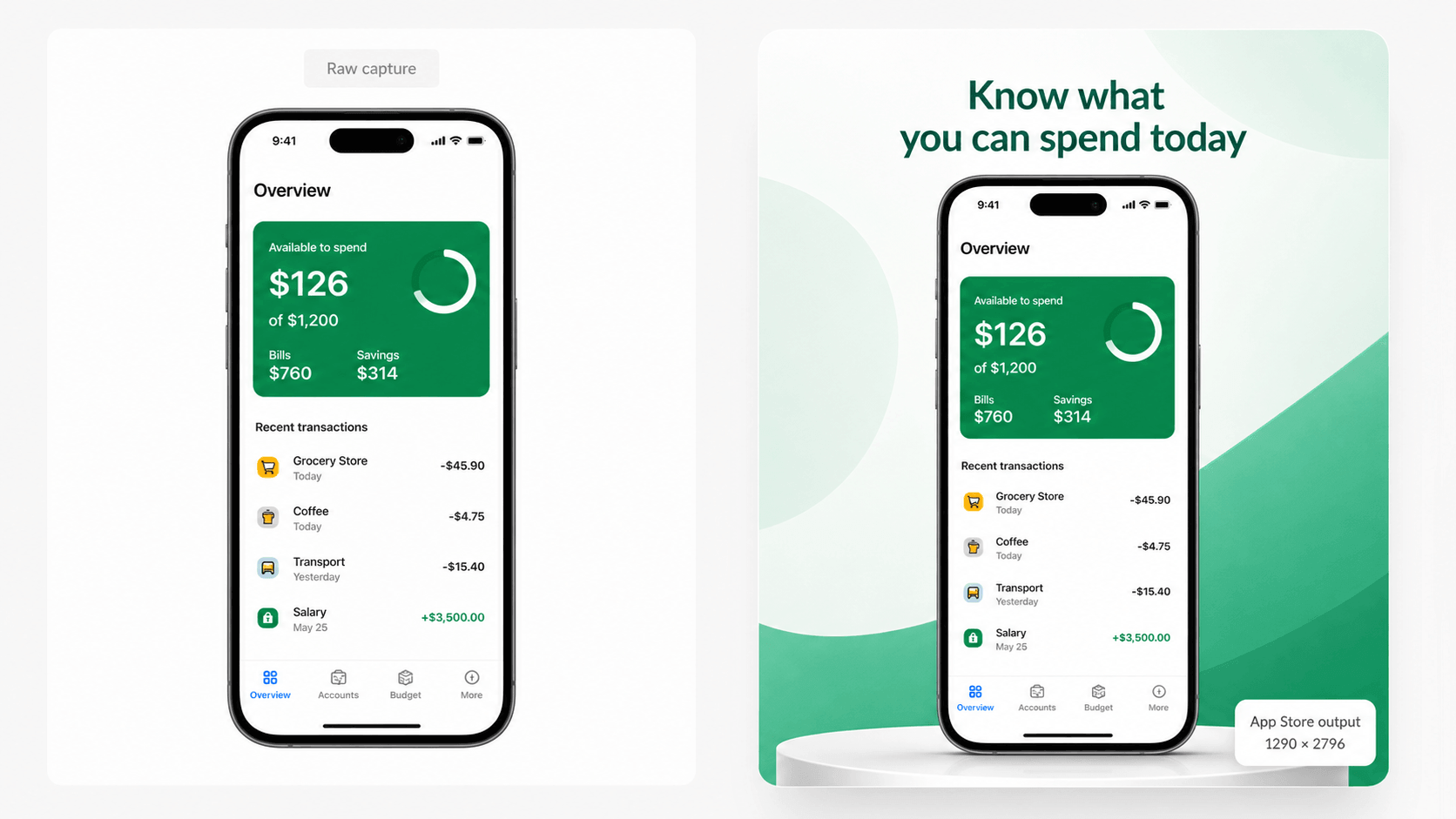
AppScreens is a browser-based App Store and Google Play screenshot generator. Teams can use it to turn interface captures into a gallery that explains what their app helps people do. For productivity software, that means showing the value of the workflow, not just the screens.
Complex workflows need clearer visual storytelling
The harder your app is to summarize, the more carefully your screenshots need to work. That sounds backwards at first. You might assume a complex app needs more detail. In practice, it usually needs more clarity.
A productivity app does not win attention by dumping every feature into the gallery. It wins by helping the viewer understand what gets easier after installation.
For example, a task app should not lead with “Custom labels.” A CRM companion should not lead with “Advanced filters.” A field-service app should not open with “Admin dashboard.” Those may be real features, but they are not the first reason someone cares.
A stronger opening sequence might sound more like this:
Keep every client update in one timeline.
Turn calls, notes, and tasks into one shared workflow.
Pick up where you left off on any device.
Now the product feels useful before the viewer even studies the interface.
Why three screenshots are often enough to make the case
Productivity apps often try to solve clarity by adding more frames. The better solution is usually to make the opening frames work harder.
If the first three screenshots are well chosen, they can already answer the big questions:
What kind of work does this app help me do?
How does it reduce friction in that work?
Why should I trust it over a spreadsheet, notes app, or current workaround?
That is enough to create momentum. Once the viewer understands the job the app is doing, later screenshots can expand on collaboration, customization, reporting, integrations, or premium features.
Without that early clarity, the rest of the gallery often becomes expensive wallpaper.
What usually goes wrong with productivity app galleries
Most weak screenshot sets for productivity apps have one of four problems:
The captions describe screens instead of outcomes.
The gallery assumes the viewer already knows the workflow.
The screenshots repeat similar layouts without building a story.
The app looks capable, but not obviously easier to use.
That last point matters more than people think. Productivity software competes against inertia. Users already have some workaround, even if it is clumsy. The screenshot set needs to show why changing habits is worth it.
In other words, screenshots for this category should not just say “Here are our features.” They should say “Here is how your day gets simpler.”
How AppScreens helps explain the work, not just decorate it
AppScreens is useful for this category because it combines the visual editor with a store-focused workflow. Teams can start with a template or blank canvas, bring in real app screens, write benefit-led captions, preview how the sequence reads, and keep the project editable across device sizes and future updates.
Keeping the project editable matters when the product changes. The feature set evolves. Copy gets sharper. One promise resonates better than another. A product that serves small businesses may eventually need more localized listings, more test variants, or a cleaner way to present the same workflow to different audiences.
When the screenshot project stays alive, those changes are manageable. When the gallery only exists as flattened exports, the team becomes reluctant to improve it.
Lead with what gets easier
The best productivity screenshots usually isolate one important before-and-after idea. Not literally as a comparison slide, but as a narrative shift.
Before the app:
Notes are scattered.
Follow-ups get missed.
Work is hard to resume.
After the app:
Everything related to the task is visible in one place.
Next actions are obvious.
The workflow can continue on mobile without friction.
That is a much stronger frame for screenshots than listing isolated functions. It also gives the team a way to judge whether each image is earning its slot. If a frame does not show what gets easier, it is probably not a top-six screenshot.
Use screenshots to reduce cognitive load
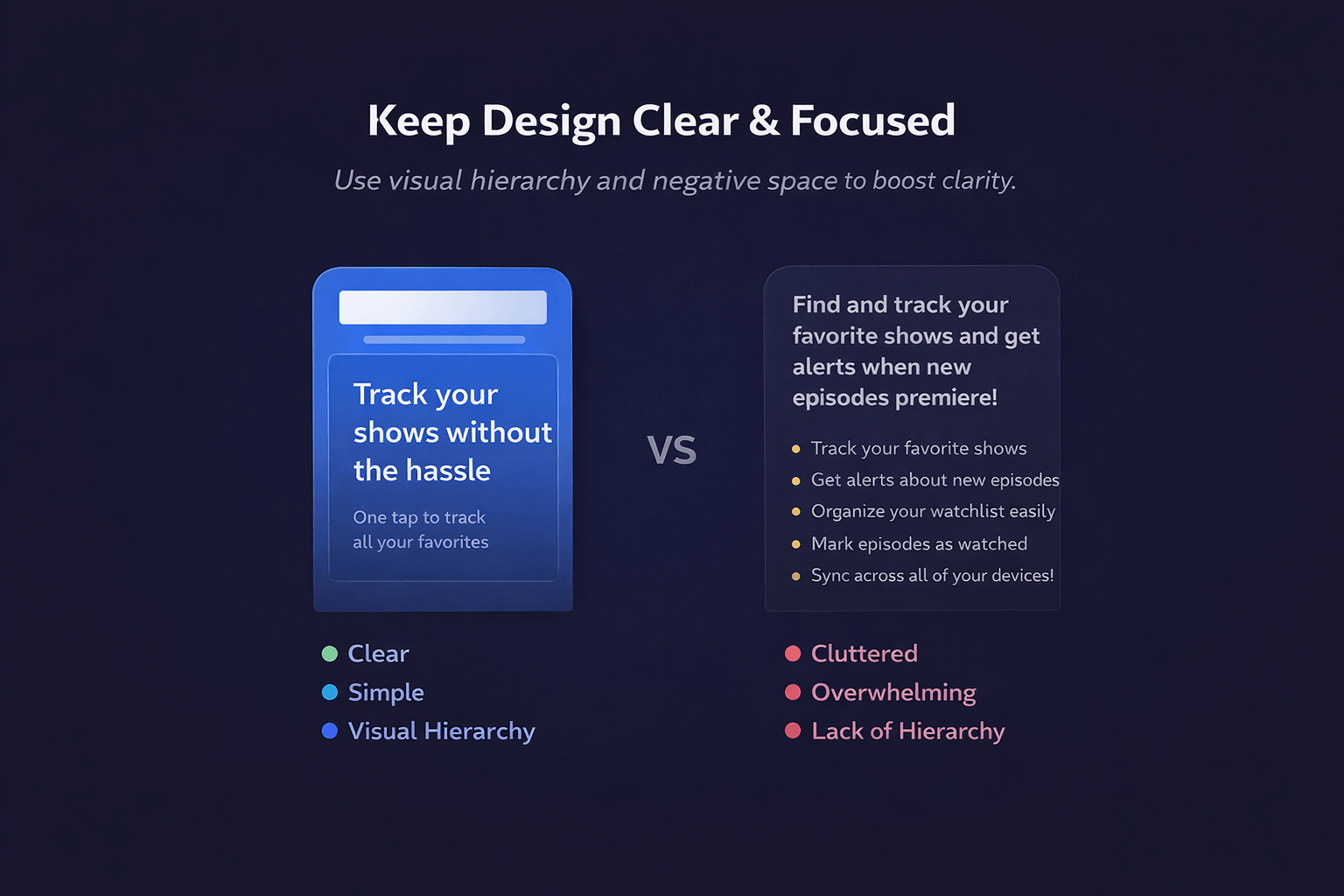
Ironically, many productivity apps create screenshot galleries that feel cognitively heavy. Dense text, small UI elements, and feature-stacked captions ask too much from the viewer.
A better gallery does the opposite. It lowers cognitive load. It gives each frame one main job. It uses plain language. It lets the interface support the promise rather than crowding it.
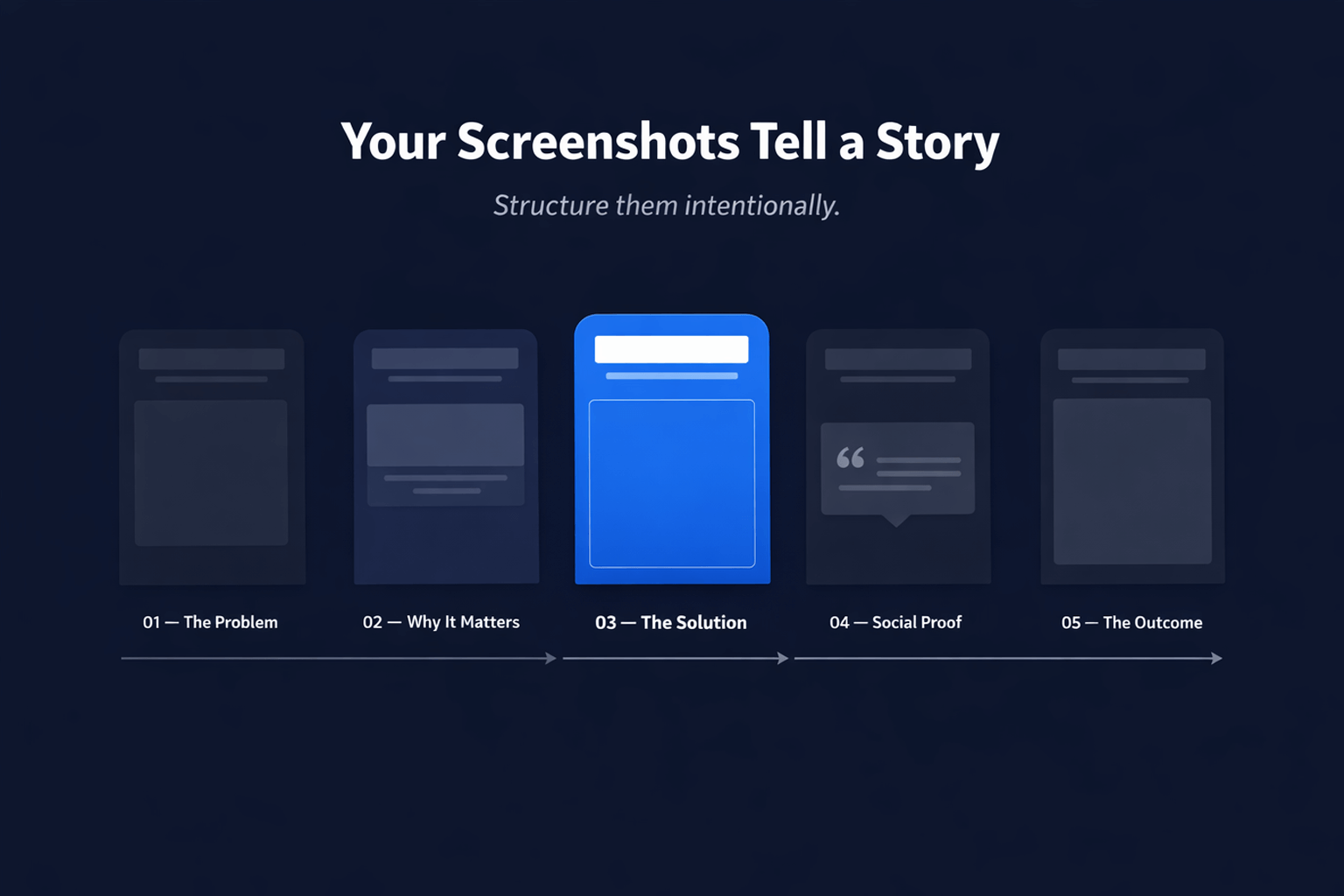
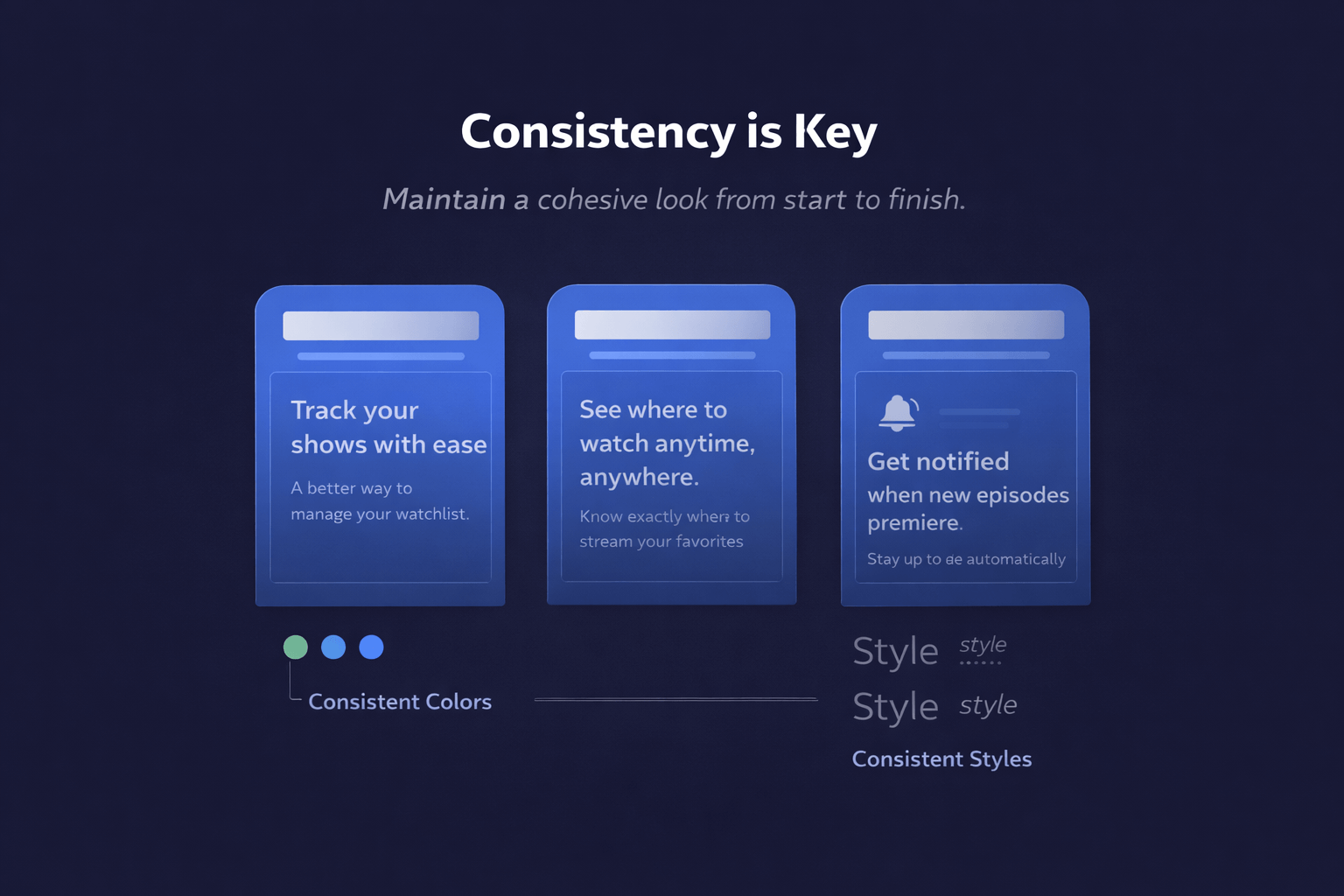
That is also where sequencing matters. A good set moves naturally from what the app helps with, to how it works, to why it is trustworthy. The user is not forced to decode everything at once.
AppScreens supports that kind of iteration well because teams can change captions, order, and layouts without rebuilding their whole asset library every time they want to test a sharper angle.
Check whether your gallery is clear before you publish
One smart habit is to audit the screenshot set before treating it as finished. Ask a simple question: if someone knew nothing about the app, would the first few screenshots explain the value fast enough?
If your app is already live, the free ASO review from AppScreens can help you assess the existing store listing before planning the next update. Use the feedback alongside a simple readability check: show the opening screenshots to someone unfamiliar with the app and ask what they think it does.
A practical screenshot framework for productivity apps
If your app helps people organize work, manage information, or keep projects moving, this structure is a good place to start:
Screenshot 1: State the core job the app makes easier.
Screenshot 2: Show the central workflow in action.
Screenshot 3: Reinforce continuity, trust, or saved time.
Screenshot 4: Show collaboration, sync, or cross-device continuity.
Screenshot 5: Highlight customization or advanced control.
Screenshot 6: Close with polish, reporting, or confidence.
That framework is simple, but it keeps the gallery focused on user value rather than a list of features.
Final thought
The best productivity apps remove friction from complicated work. Their screenshot galleries should do the same. If the listing feels hard to scan or vague about the real benefit, the product is not being introduced well enough.
AppScreens works because it helps teams shape the story, not just the image files. For apps with layered workflows and practical benefits, that can be the difference between a gallery that looks busy and one that actually makes the install decision easier.
FAQ
Why are screenshots especially important for productivity apps?
Because these apps often solve complex, low-drama problems. The screenshot set has to make the value feel obvious quickly or the app can look more complicated than it really is.
What is AppScreens best at in this context?
It helps teams turn real app screens into a structured, editable App Store or Google Play gallery with stronger captions, better sequencing, and a workflow that survives future updates.
Should screenshots focus on features or outcomes?
Outcomes first. Features matter, but they work better when the user already understands what the app will make easier.
How can a team tell if its gallery is clear enough?
If a new visitor can understand the app’s purpose and main benefit from the first three screenshots, the gallery is usually on the right track. If not, the message probably needs tightening.
How Productivity Apps Can Explain Complex Workflows in Three App Store Screenshots was last modified: September 10th, 2026 by Colleen Borator
Modern assistive technology gives people greater freedom than ever before. Innovations in physical support, digital communication, and motor control allow people to navigate hurdles with confidence. Intelligent equipment removes obstacles in homes, workplaces, and public spaces. These updates continue to rewrite expectations for personal mobility and home autonomy.
Modern Mobility Tech Growth
Daily movement requires dependable equipment tailored to personal body requirements. Many users invest in collapsible powered seating to maintain active routines without sacrificing vehicle trunk storage space. People travel freely, meaning they won’t need custom vehicle modifications or heavy ramps. Intuitive steering controls reduce learning curves for new riders.
Custom options allow users to adapt equipment to unique lifestyle needs. Quick control setups make operation simple during long outings. Compact builds turn easily inside tight indoor hallways or doorways, and high-capacity batteries support long-distance travel in suburban neighborhoods. Ergonomic controls minimize wrist exertion during steering.
Physical Strain Reduction in Daily Transit
Navigating urban spaces used to demand immense physical energy from users. Smart mobility devices reduced physical strain for power wheelchair users by over 40 percent. City dwellers notice immediate speed improvements during their travels.
Tech reporting shows compact motorized mobility aids experienced a 35 percent rise in adoption among urban residents seeking portable independence. Rapid adoption shows growing demand for gear that fits public buses, trains, and sidewalk paths.
Steering sensitivity adjustments prevent arm exhaustion during long commutes. Integrated shock absorbers protect joints from rough concrete surfaces. Adjustable power profiles protect riders from sudden jolts.
Global Impact of Accessible Tech
Adaptive designs touch millions of lives across every continent every day. Modern manufacturing makes specialized equipment more available to people who need custom accommodations. Over 15 percent of the world population relies on accessible tech upgrades for independent living.
Customizable controls let users adjust throttle responses to match personal comfort levels. Simple touch interfaces allow riders to manage speed settings with minimal hand force. Universal charging ports make powering devices easy at home or during outdoor excursions. Local transit systems benefit as accessible equipment integrates into bus and train layouts.
Pressure Relief and Posture Management
Long hours spent in personal transport frames demand thoughtful body alignment features. Health research highlights how advanced seating options in power mobility frames lower the risk of pressure injuries during prolonged use. When the designs redistribute body mass evenly, users experience less physical discomfort during full days away from home. Custom cushion contours fit individual body shapes for maximum comfort.
Proper lumbar support prevents chronic spinal fatigue in active users. Ergonomic headrests and side bolsters stabilize torso placement during sharp turns. Breathable fabric covers keep skin cool during summer outings.
Lightweight Frame Upgrades
Heavy metal frames used to make vehicle loading difficult for family helpers. Tech coverage explains that modern assistive mobility equipment integrates lightweight lithium materials to lower frame weight. Lightweight alloys resist corrosion from rain or outdoor moisture. Some mechanical advantages include:
Lithium power packs trim total equipment mass by up to 30 percent
Aircraft-grade aluminum tubes withstand heavy stress during daily transit
Compact battery designs slide out smoothly for quick external charging
Tool-free release levers simplify quick battery swaps on long trips
Durable components hold up against rough pavement surfaces over extended use. Simple latching systems lock securely in place during active movement.
Global Accessibility Trends
Demographic changes drive faster development in adaptive personal hardware worldwide. Over 15 percent of the world population relies on accessible tech updates for independent living. Specialized equipment fills gaps in daily personal freedom.
Engineers refine control interfaces based on real user feedback. Modern manufacturing methods lower production costs for high-quality frames. Broader distribution networks help people get equipment delivered to their doors. Increased competition encourages manufacturers to offer long warranties.
Smart Home Integration and Safety Features
Smart automation connects mobility chairs directly to home networks. Voice control software links with hardware to open automated doors and adjust thermostat temperatures. Distance sensors warn users about hidden obstacles near doorway thresholds. Modern systems include several key safety controls:
Integrated Bluetooth controls let users operate household media devices
Proximity alerts help prevent accidental wall scuffs in narrow hallways
Remote diagnostic software sends maintenance alerts directly to repair teams
Sensors monitor tire traction on slippery tile surfaces. Automatic cutoff switches shut off power if tipping hazards occur on steep outdoor hills. Bright LED lights improve visibility during evening travels through neighborhoods.
Innovative mobility tools change how people move through home and community spaces. Thoughtful mechanical engineering brings genuine autonomy to daily life. Choosing equipment built around individual physical needs creates sustainable long-term freedom.
Having reliable gear gives individuals total confidence to explore new environments every single day. Personal mobility advancements continue to transform living possibilities for individuals everywhere.
Life-Changing Technologies for People With Disabilities was last modified: September 10th, 2026 by Charlene Brown
When two companies merge or one acquires another, IT rarely gets a slow, careful timeline. Exchange environments need to be consolidated fast often across different Active Directory forests, mismatched Exchange versions, or entirely separate Microsoft 365 tenants while the business keeps running. Here's what makes these migrations different, and how to approach one without losing data or missing your deadline.
Why M&A Migrations Are Different
A standard Exchange migration moves mailboxes from one environment to another in a fairly linear way. A merger or acquisition adds several layers of complexity on top of that:
Two separate identity systems. You're usually reconciling two Active Directory forests, or two independent Microsoft 365 tenants not just moving mailboxes within one environment.
Compressed timelines. Migration schedules are often set by legal or deal terms, not by what's technically comfortable for IT.
Naming conflicts. Duplicate domains, overlapping user principal names (UPNs), and mailboxes with identical or near-identical display names are common when two organizations combine.
Immediate compliance obligations. Legal holds, data retention policies, and regulatory requirements frequently need to apply from day one post-close, not after migration wraps up.
These four factors are what separate an M&A migration from a routine one, and they're also why generic migration playbooks tend to fall short most weren't written with two colliding identity systems in mind.
Common Scenarios
Full absorption. The acquiring company's Exchange environment absorbs the target company's mailboxes, users, and data entirely. This is the most common pattern and usually the most straightforward, since there's a clear "source" and "destination" from the outset.
Tenant-to-tenant consolidation. Both companies already run Microsoft 365 and keep separate tenants for a transition period, then consolidate into one tenant once other integration work branding, licensing, security policy alignment is complete. This scenario is becoming more common simply because more organizations are cloud-first before a deal even happens.
Divestiture (the reverse case). A company splits into two, and one Exchange environment needs to be separated into two independent ones the mirror image of a merger migration, but with the same underlying complexity around identity, permissions, and data ownership.
The Core Challenge: Mailbox Mapping and Conflicts
Before transferring any data, both source and target should be inventoried, namely, mailboxes, Exchange versions, Active Directory forest/domain architecture, and any public folders or shared mailboxes at both sites. The following step, where M&A migrations fail in most cases, involves solving the problem of naming collisions and mapping the mailboxes correctly.
Duplicate UPNs or display names are common when two companies combine; a "J. Smith" on one side and another on the other, or overlapping domain naming conventions. Sorting this out with a spreadsheet and manual entry works for a handful of mailboxes, but it doesn't scale to hundreds or thousands, and errors here mean data lands in the wrong mailbox; a mistake that's far more consequential in an M&A context, where legal and compliance teams are often watching the process closely.
Manual PowerShell Migration vs. a Dedicated Tool
Native tools and PowerShell scripting can technically handle cross-forest migrations, but they weren't built with M&A-specific problems like resolving duplicate identities across two AD forests as a primary use case. Each script needs to be written and tested against the specific environment, which eats into a timeline that deal terms have already compressed.
This is where a dedicated Exchange migration tool becomes worth evaluating as an alternative. Stellar Migrator for Exchange, for example, is built specifically to handle cross-forest and cross-domain migrations without requiring custom scripts. Here's how the two approaches compare on the factors that matter most in an M&A timeline:
Factor
Manual / PowerShell
Stellar Migrator for Exchange
Cross-forest / cross-domain support
Requires custom scripting and testing
Built-in, automated
Mailbox matching after merger
Manual mapping, error-prone with duplicate names
Auto-match by name, or CSV import for bulk mapping
Downtime
Often requires cutover windows
Zero-downtime supported
Handling failed or partial migrations
Manual retry, risk of duplicating already-migrated data
Re-runs only failed or incomplete items
Timeline under deal pressure
Slow — heavy on script writing and testing
Faster to deploy, no scripting required
Migration types supported
Depends on scripts written
Cutover, staged, and hybrid, plus cross-domain
Direction flexibility
Custom-built per scenario
Handles on-prem-to-cloud, tenant-to-tenant, and reverse migrations
While the manual process is not entirely unattainable, many IT departments have performed cross-forest migrations using only built-in utilities before. However, it is unlikely that the M&A process will allow for the development and testing of custom PowerShell scripts based on the specifics of the new environment. The special tool automates the mailbox matching process by comparing names or allows loading the CSV file for assigning mailboxes, taking into account that in M&A situations everything does not always work smoothly on the first attempt and therefore only those mailboxes or items which were not processed during the initial migration cycle need to be retried.
All of this doesn't replace the need for initial planning, such as environment inventory and name conflict resolution, which must be done before scripting can proceed, but it eliminates the bottleneck involved in manually performing these steps.
Step-by-Step: Migrating Exchange Post-Acquisition
Inventory both environments. Document mailbox counts, Exchange versions, AD forest/domain structure, and any public folders or shared mailboxes on both sides. This step alone often surfaces the naming conflicts and version mismatches that will shape everything downstream.
Resolve naming conflicts and build the mailbox mapping. Identify duplicate UPNs or display names before migration starts, and build an explicit source-to-target mapping a CSV-based mapping keeps this accurate at scale and gives you an auditable record, which matters if compliance teams need to sign off.
Choose the right migration path. If both organizations are on-premises, this is typically a cross-forest, same-tenant migration. If both are already on Microsoft 365, this becomes a cross tenant migration instead. Getting this decision right early avoids rework later.
Migrate in batches with incremental sync. Relocate mailboxes in chunks that can be managed effectively instead of doing them all at once. Delta synchronization ensures that mailboxes remain synchronized with incoming mails until the last phase of migration. This way, the impact on users is reduced significantly.
Validate and decommission. Confirm mailbox data, folder structures, and permissions transferred correctly, then retire the redundant environment. This is also the point to close out any temporary coexistence configuration between the two environments.
Bottom Line
M&A migrations succeed or fail on the planning stage inventory, conflict resolution, and mapping more than on the tool used to execute them. But once that groundwork is done, the execution phase is where manual scripting tends to slow teams down against deal timelines. The real deciding factor on whether or not the move will go well is whether or not you resolve name conflicts prior to the actual migration process and incrementally synchronize data as opposed to synchronizing everything at one go. The bottom line of the comparison is that the amount of time you have as per your deal terms plays a decisive role here along with the level of risk you are comfortable taking on the scripting front.
Microsoft 365 Tenant to Tenant Migration After a Merger or Acquisition was last modified: September 10th, 2026 by Shelly Bhardwaj
Off-page SEO has long ceased to be a task that boils down to mechanically increasing the number of backlinks. For businesses, it is one way to strengthen their brand’s presence in the digital space: to boost a website’s authority, improve the visibility of priority pages, secure mentions on niche websites, and create additional touchpoints with potential customers.
Links-Stream combines a specialized link-building platform with a team that has over a decade of experience in off-page SEO. The company helps brands place links and publications on relevant platforms, taking into account the niche, geography, competition, and commercial goals of the project. This allows link building to be viewed not as the purchase of individual placements, but as a managed process for developing brand authority and recognition.
Why it’s not enough for brands to simply get more links
A large number of backlinks alone does not guarantee an improvement in search rankings or an increase in organic traffic. If these links are posted on irrelevant, spam-filled, or declining platforms, they may not deliver the expected benefits to the project. Moreover, haphazardly building up a backlink profile makes the site’s profile appear unnatural and complicates the assessment of the campaign’s actual results.
The quality of a backlink placement is determined by a combination of factors. It is important to consider the resource’s topic, its organic traffic, search visibility trends, audience geography, the quality of the published content, and the link’s placement on the page. The anchor text, the context of the mention, and the relevance of the donor page to the promoted URL are particularly important.
For example, a link to a commercial page for a SaaS product will appear more credible in an expert article on the development of B2B services than in a general article unrelated to technology. Therefore, professional link building begins not with selecting the maximum number of websites, but with understanding exactly which placements can support the goals of a specific brand.
How Links-Stream Approaches Link Building
Links-Stream structures its work around a strategy, manual verification of platforms, and monitoring of each placement. This approach helps build a backlink profile consistently and maintain alignment between external promotion and the project’s business objectives.
A Customized Strategy for Each Project
There is no one-size-fits-all set of backlinks that works equally well for every website. For each project, it is essential to consider the niche, level of competition, target countries, current rankings, and the state of the backlink profile.
Before starting work, Links-Stream specialists analyze the project’s initial data and determine which pages should be promoted first. For one business, the priority might be strengthening commercial categories; for another, it could be entering a new market, supporting a product launch, or increasing visibility for brand-related search queries.
The strategy also determines the pace of link placement, the types of platforms, and the distribution of anchor text. This helps avoid sudden and unnatural changes to the backlink profile and ensures that the work is aligned with the client’s actual capabilities and objectives.
Manual Selection of Platforms
Authority metrics are useful for an initial assessment of a website, but it is not enough to make decisions based solely on DR or DA. A high score does not always indicate stable organic traffic, a relevant audience, or high-quality content.
Therefore, the Links-Stream team additionally checks the site’s relevance, search visibility, traffic trends, geographic reach, and signs of spam. We also evaluate previously published content, outbound links, and the site’s overall editorial policy.
Manual verification helps eliminate sites created primarily for mass link sales and focus on platforms that appear natural to users and search engines.
Content and Placement Control
Even a high-quality donor site won’t deliver maximum benefit if the link is placed within weak or irrelevant content. That’s why Links-Stream monitors not only the choice of platform but also the content of the publication.
The article must align with the site’s topic, provide useful information to the reader, and naturally lead up to a mention of the brand. The team also takes into account the anchor text, surrounding text, target URL, and editorial requirements. After publication, the placement and accessibility of the link are verified.
This level of control helps ensure that you receive not just superficial mentions, but fully contextual placements capable of supporting search visibility and building trust in the brand.
What Business Challenges Does Links-Stream Solve?
High-quality link building allows you to address several challenges at once. It helps strengthen domain authority, increase the visibility of commercial pages, and support ranking growth for priority search queries. Links from niche-specific resources can also drive interested users who are already researching the relevant product, service, or market.
For companies expanding into new countries, external publications serve as a way to establish a presence in the local media landscape. Placements on regional media outlets help associate the brand with relevant topics and geographic regions.
Another important goal is building brand awareness. Regular mentions of the company in industry articles, reviews, and expert pieces increase the number of independent sources that feature information about the brand. This is important not only for traditional search engines but also for generative systems that draw on available publications when generating responses. However, appearing in AI responses cannot be guaranteed by a single placement; it requires the consistent development of a clear and verified brand presence in authoritative sources.
Link Building for Different Countries and Competitive Niches
Links-Stream works with international projects and selects platforms tailored to specific markets. The company’s database and practice include resources for the U.S., the U.K., Germany, Spain, Ukraine, and other countries.
The team has experience promoting projects in IT, SaaS, finance, e-commerce, real estate, gambling, and other competitive sectors. In these niches, it is particularly important to consider not only standard SEO metrics but also the platform’s reputation, topic-specific restrictions, and local market requirements.
Project results confirm the effectiveness of a systematic approach. For example, in the case of a U.S.-focused fintech startup, traffic for priority keywords increased fourfold and organic traffic increased sixfold over five months. In another project for a British neobank, the team recorded a sixfold increase in key search queries and an eightfold increase in traffic over the same period.
Such results cannot be attributed to a single backlink or an isolated publication. They are achieved through a consistent strategy, the right selection of pages, regular placements, and quality control of the backlink profile.
Why High-Quality Link Building Works in the Long Term
The main advantage of systematic link building lies in its cumulative effect. Relevant publications continue to bolster a website’s authority even after a specific campaign has ended. As the number of high-quality mentions increases, it becomes easier for search engines to determine the brand’s subject matter, level of trust, and position within the industry.
External content also expands a company’s online presence. When a brand is consistently mentioned in an expert context on independent websites, a clearer digital profile begins to take shape around it. This can boost visibility not only in traditional search results but also in AI Overviews, generative search, and responses from language models.
However, long-term results require consistency. One-off, mass placements are no substitute for a strategy in which links are distributed across page types, topics, geographic regions, and promotion stages. That is precisely why Links-Stream treats each publication as part of an overall system, rather than as an isolated SEO unit.
How to Get Started with Links-Stream
The process begins by registering on the Links-Stream platform and adding a project. The client specifies the website, target topics, geographic regions, and key requirements for backlinks. After that, you can select a suitable service or contact the team to develop a customized strategy.
In the next step, the pages to be promoted, anchor text, and requirements for the platforms and content are agreed upon. The team selects relevant resources, prepares materials, organizes the publications, and provides a report with the results of the work completed.
This process allows businesses to control their external promotion, understand the rationale behind each placement, and scale their campaigns as their projects grow. Links-Stream handles the operational aspects of link building—from selecting platforms to verifying published links—while maintaining a focus on quality, transparency, and measurable results.
To get started with promotion, simply sign up on the Links-Stream platform, add your project, and identify your priority markets and pages. The team will help you choose the right approach based on your niche, competition, and brand objectives.
How Links-Stream Helps Brands Grow Through Better Link Building was last modified: September 9th, 2026 by Caecilia Mediana
When you type a question into ChatGPT. Then what? Is this private between you and the app? What if you type questionable content, ask how to hide money from the IRS, or how to fire your boss? Short answer: IRS is clean. Nothing gets reported.
Nothing goes to the police automatically. However, important internal controls can mean your chat is reported to someone.
This is important. The Chat App vendor has a privacy policy that controls what the vendor does by choice. It says nothing about what the vendor can be forced to do. OpenAI deletes your deleted chats in about 30 days. Anthropic keeps safety scores for up to seven years. Google keeps chats a human reviewed for three years, even after you delete them. None of those numbers matter once a court sends a request.
What AI Companies Actually Report
Every major AI company runs the same basic system. Software scans what you type. Most of what it catches goes nowhere. A small slice gets a human. A tiny slice leaves the building.
Tier 1: Reported to authorities
One category, and only one, is required by law. Child sexual abuse material. US companies must report it to the National Center for Missing and Exploited Children under 18 U.S.C. 2258A, and NCMEC passes cases to police.
This is not a gray area or a judgment call. Anthropic scans uploaded images against NCMEC’s known-image database automatically. A match gets reported with your account details. In the first half of 2026 it filed 15,079 reports. Most were automatic image matches. OpenAI reports all instances and bans the account.
Tier 2: Sent to a human reviewer
Some things get a person to look, and that person may call someone. Credible threats against a real, named person. Weapons capable of mass casualties. Attacks on power grids or water systems. Coordinated scam or influence operations. And any account that keeps violating the rules.
OpenAI routes threats against other people to specialized human review, and says cases involving an imminent threat of serious physical harm may go to law enforcement.
Tier 3: Refused and logged
Everything else. Malware. Exploit code. Drug synthesis. Weapons. Adult content. You get a refusal and a note on your file. Nobody calls anyone.
What moves something from tier 3 to tier 2 is usually not the request. It is doing it over and over.
You will not be told. No company says it notifies you when a human reads your chat. You find out only if you get a warning, a restriction, or a ban.
One thing the news gets wrong
Self-harm is not reported to police. You have probably read that it is. OpenAI says plainly that it refers threats against other people, and does not refer self-harm cases, on privacy grounds. What you get instead is crisis resources in the chat.
What “Private Mode” Actually Does
The big US AI companies all offer private chat. None of them make your chat private.
OpenAI’s Temporary Chat stays out of your history and out of training. It is still kept for up to 30 days. Anthropic’s Incognito chats work the same way, also 30 days, longer if flagged. Grok’s Private Chat deletes within 30 days. Google’s Temporary Chat holds 72 hours.
Your boss can still read it. You can be fired for it.
On work accounts, private chats are not private from your employer. Anthropic includes incognito chats in organization data exports and its Compliance API. OpenAI makes temporary chats available to Enterprise admins for 30 days, and says so plainly: that applies “regardless if a custom retention period is defined.”
Microsoft goes further. Its Purview tools let a compliance reviewer see the prompt text you typed, in full. Google’s Vault rules apply to Gemini chats “even if users start temporary chats or delete their conversations.”
Turning off training does not turn off review
Most people find the training toggle and assume they are done. They are not. Anthropic says that if safety classifiers flag a conversation, it may still be reviewed and used – whatever your setting says. OpenAI keeps temporary chats up to 30 days “for safety purposes.” Microsoft is blunt about it: “an opt-out of human review is not available.”
Deleting is not always deleting
Anthropic keeps flagged content for two years, and its trust and safety scores about you for seven. Google keeps chats a human reviewed for up to three years, and says they “are not deleted when you delete your activity.”
Delete removes it from your view. Sometimes that is all it does.
The Real Gap: Your Chat Left Your Computer
You already accept this next part. You know your Google searches can end up in court. People have been convicted on their search history.
That was never about Google. It was about the search leaving your machine. Once a query lands on someone else’s server, it becomes their record. And their records can be demanded.
Policy is not protection
A privacy policy tells you what a company chooses to do. It has nothing to say about what a company can be made to do. Those are separate questions, and only one of them is up to the company.
How the gap gets opened
From least effort to most:
A freeze request. Police can tell a company to preserve your records for 90 days while they go look for grounds. No judge. No notice to you. Your data outlives the deletion policy.
An emergency handover. Both Anthropic and OpenAI can release your data with no court order at all if they believe someone faces imminent physical harm or death. That is the company’s judgment call, not a judge’s.
A subpoena for your account records. No judge required.
A warrant for the actual words you typed.
A gag order so the company cannot tell you any of this happened.
A civil lawsuit. Divorce. A dispute with an employer. Same logs, no crime needed.
Someone else’s lawsuit. In 2025 a court ordered OpenAI to preserve chat logs it would otherwise have deleted, in a copyright case no user was part of. Your delete setting lost to a stranger’s court filing.
So what about the IRS?
Nothing goes to the IRS on its own. There is no pipeline, no partnership, no automatic report. But the IRS can subpoena like anyone else. If you are already under investigation, your chats are reachable.
Your AI chat has no privilege
Talk to a lawyer and it is privileged. Talk to your accountant and there are protections. Talk to an AI and there is nothing. No confidentiality, no privilege, no professional shield.
If you are the professional, it cuts the other way. Under 26 U.S.C. 7216, a tax preparer who puts client-identifiable information into a public AI tool without consent faces civil and criminal penalties.
Using local AI is a privacy solution
Run the model on your own machine. A local AI, or local image and video generation on your own GPU, has no vendor, no server, and no log for anyone to subpoena.
Three Cases People Ask About
First, one distinction that clears up most confusion. There are two different things people mean by consent.
Subject consent is whether the real person in the image agreed. Depicted consent is whether the scene shows consent. Only the first one is a legal question. The second is a plot.
Undressing apps
Apps that strip clothes off a photo. Many are marketed openly by overseas firms. That marketing tells you nothing about your own exposure.
The TAKE IT DOWN Act makes it a crime to publish an intimate image of a real, identifiable adult without their consent. AI-made images count. So does a disclaimer saying it is fake – that is not a defense.
Two things people get wrong. The crime is publishing, not generating. And consent to be photographed is not consent to be published. Those are separate permissions.
If the person is a minor, none of this analysis matters. It is child sexual abuse material, whatever app made it, and it is still illegal when no real child exists.
Since May 2026 platforms also have 48 hours to remove this content once someone reports it. Penalties run past $53,000 per violation.
Real people in political content
The May law only covers intimate images. A political deepfake is not intimate, so that law does not touch it.
Other rules do. Many states now require a disclosure label on synthetic political content near an election. Defamation still applies. So does the right to control commercial use of your own face. Parody has real protection.
The line is simple. Non-intimate satire is mostly protected speech.
Fantasy and fetish content
All adults, invented characters, unusual scenarios, non-human or creature subjects. No real person exists, so nobody’s consent is missing. Nothing here is reportable.
What is left is obscenity law, which is decided by a local jury after the fact, not by a checklist you can follow in advance. Platform rules are far stricter and will stop you long before the law does.
One real trap. Youthful-appearing characters. Species, setting, and art style do not matter. If a character reads as a child, you are in the one category with mandatory reporting.
The Line Is Not Public Versus Private
Most people think the rule is about whether something is public. It is not. The rule is about whether the file moved.
Obscenity law is written around verbs like ship, transport, sell, and distribute. Possession is not on that list. The Supreme Court held in 1969 that what you keep privately at home is protected.
So the ladder looks like this.
You make it and keep it. Obscenity law does not reach it. Child sexual abuse material still does – possession alone is the crime there.
You send it to one person. That is distribution. A private message, an encrypted app, one trusted friend – none of that matters. The statute has no minimum audience.
They post it. That is their problem, and yours too if you handed it over expecting that.
You post it free. Platform rules bind you long before the law does, and they are much stricter.
You sell it. Now payment processors are involved, and their rules are tighter than any statute.
Private possession is protected. But the minute you share to one other person, you have opened the door as a publisher.
Edge cases worth knowing
Cloud backup counts as moving it. Google Drive and Dropbox scan what you upload. Syncing a folder is transmission, even though it feels like storage.
Payment processors outrank the law. Visa and Mastercard rules end more creator accounts than any prosecutor ever has.
Your model has a license too. Plenty of checkpoints and LoRAs forbid adult output even where the law allows it.
A LoRA trained on a real person turns your “generic” AI face into an identifiable individual. You built the evidence into the model.
Age records. Federal recordkeeping rules cover human performers. Synthetic content has none. However, may you need to retain a record that your content is AI created.
Outside the US this all changes. The UK and EU have their own rules.
What the AI Companies Actually Do
They refuse things. They keep a log. They send a narrow slice to a human. They report one category to authorities because the law requires it. That is the whole job.
They are not watching for you. They are not calling the police about your prompts.
The odds of an AI company reporting you for anything other than child abuse material are close to zero.
The exposure was never the company’s intentions. It was the transmission. Your prompt left your computer, landed on a server, and became a business record belonging to someone else. Everything after that is out of your hands and out of theirs.
Anything you share – even with one person – can break laws you never read, in places you have never been. And anything you keep to yourself, on your own machine, is protected private possession.
The Short Version
Reported to police: child sexual abuse material. That is the list.
Not reported: self-harm, adult content, and almost everything else. You get a refusal or a ban.
Nothing goes to the IRS, but the IRS can subpoena it like anyone.
Private mode is not private. It hides the chat from you and keeps a copy for 30 days.
Your employer can read work chats, private mode included.
Delete does not always delete. Flagged content and human-reviewed chats are kept for years.
No privilege. An AI is not your lawyer, your accountant, or your doctor.
Police need very little to freeze your records, and no judge at all.
Keeping it is legal. Sending it is the crime. One recipient is enough.
Local generation is the only choice that changes your legal position.
Frequently Asked Questions
Are my AI conversations private?
No. Every prompt goes to a company server and becomes their record. Private from other users, yes. Private from the company, a court, or your employer, no.
Can ChatGPT report you to the police?
For child abuse material, yes, and it is required to. For a credible threat against a real person, possibly, after a human reviews it. For anything else, no. You get a refusal or a ban.
Is Claude incognito really incognito?
Not really. Incognito chats stay out of your history and out of training. Anthropic still keeps them 30 days, longer if flagged, and includes them in organization exports and its Compliance API. So your employer can see them.
Can AI chats be used against you in court?
Yes. They are stored records with no legal privilege. Prosecutors, opposing lawyers, and divorce attorneys can all reach them.
Does AI report self-harm to authorities?
No. This one is widely misreported. OpenAI refers threats against other people and says it does not refer self-harm cases, on privacy grounds. You get crisis resources in the chat instead.
Can police get my AI chat history?
Yes, and it takes less than you think. Account records need only a subpoena. The actual text needs a warrant. Freezing your data for 90 days needs no judge at all.
Does deleting an AI chat really delete it?
Usually within about 30 days. But flagged content sticks around for two years at Anthropic, safety scores for seven, and Google keeps human-reviewed chats three years even after you delete your activity.
Does turning off training make my chats private?
No. It stops your words from teaching the model. It does not stop safety review. Anthropic reviews flagged chats regardless of your setting, and Microsoft states that opting out of human review is not available.
Can my employer see my AI conversations?
On a work account, yes. Admins can export conversations at OpenAI and Anthropic, including private chats. Microsoft compliance tools show your prompt text in full. Google Vault rules survive both temporary chats and deletion.
Are ChatGPT chats privileged like a lawyer or accountant?
No. There is no confidentiality and no privilege. And if you are a tax professional, putting client information into a public AI tool without consent carries civil and criminal penalties.
Are Chinese AI apps safe to use?
Different question entirely. The issue is not what they report, it is where your data sits and what rights you have over it. Several store data inside China, and none of the eight we checked document a private chat mode. Germany’s regulator went furthest: Berlin’s data protection commissioner reported DeepSeek to Apple and Google for removal, on the finding that “Chinese authorities have extensive access rights to personal data within the sphere of influence of Chinese companies.” Details below.
Company by Company: Where to Check Yourself
These are published policies as of September 2026. They describe what each company says it does, not what it does in practice. Policies change, so check the date on the page when you read it.
OpenAI (ChatGPT)
Retention: chats kept until you delete them, then gone within about 30 days.
Private mode: Temporary Chat. Kept up to 30 days for safety.
Training: on by default for consumers, off by default for business.
Admin access: Compliance API includes temporary chats for 30 days.
Seedance via BytePlus: policy text could not be retrieved.
MiniMax (Hailuo)
Consumer: Singapore entity, no storage location stated, no retention period, training not addressed at all.
API: US data center, but the policy carries PRC consent exceptions verbatim – national security, public interest, criminal investigation.
Private mode: not mentioned.
Domestic: stored in China, real-name phone registration required.
Kuaishou (Kling)
International: Singapore servers, no retention period, no EU entity named.
Training: on by default via the terms, opt-out by email.
Faces: says it collects no face data, but does upload “feature points” and contour lines.
Domestic: an explicit reporting duty. On finding illegal content it reports your account, timestamps, network addresses, hardware details and the content you typed. Consent not required.
US: banned on government devices in New York, Texas, Virginia and several federal agencies. The federal bill has not passed.
Moonshot AI (Kimi)
Three entities with different answers. kimi.com is the Beijing entity, stored in China. kimi.ai is a Singapore company naming no country. The API stores in Singapore.
Which one you get depends on the domain you type.
Training: on by default at all three. Only the Chinese version documents an opt-out, and it requires emailing support and verifying your identity.
Training: reported to be off by default after a 2025 user backlash, but this is not stated in any policy clause we could read. Treat as unconfirmed.
International access is via Tencent Cloud, which may store in mainland China and carries a PRC addendum.
Private mode: not documented.
Two patterns across all eight Chinese vendors. None documents a private or incognito chat mode. And the domestic versions require real-name registration tied to government ID, so nothing there is anonymous by design.
How Private Is ChatGPT – What Gets Reported to the Police or IRS was last modified: September 9th, 2026 by JW Bruns
In the realm of Medical Research, Alternative Medicine, the success of clinical trials often hinges on precision, innovation, and collaboration. However, achieving these benchmarks can be challenging without the right resources and expertise. This is where Peptide Lab USA comes into play, offering advanced solutions that significantly enhance clinical trial outcomes. This article explores how utilizing their services can streamline processes, optimize participant outcomes, and drive innovative results in clinical trials.
Enhancing Clinical Trial Efficiency with Peptide Lab USA Services
Clinical trials require meticulous planning and execution, a process that can be significantly improved with the right expertise. Peptide Lab USA provides specialized services that focus on enhancing the efficiency of these trials. For instance, their state-of-the-art peptide synthesis capabilities allow for rapid development of compounds tailored to the specific needs of a study. This is crucial for Phytotherapy Specialists who rely on precise formulations to test the efficacy of plant-based treatments. By reducing the time spent on compound development, researchers can focus more on data analysis and result interpretation. Moreover, using Peptide Lab USA services can lead to a reduction in trial costs. By optimizing the peptide synthesis process, studies can minimize wastage and maximize the use of resources. This aligns with the goals of Nutraceutical Formulation experts who often work within tight budget constraints. Furthermore, the streamlined processes can lead to faster regulatory approvals, a critical factor in the success of clinical trials.
Peptide Lab USA collaborates closely with researchers to ensure that the peptides they develop meet the exact specifications required for a trial. This collaboration is particularly beneficial for those in Alternative Medicine, where precision in formulation is paramount to ensure efficacy and safety.
Streamlining Research Processes through Advanced Peptide Solutions
The complexities of clinical trials in Alternative Medicine demand innovative solutions to streamline research processes. Peptide Lab USA offers advanced peptide solutions that simplify the testing and development phases. For Traditional Medicine Ethnobotanists, these solutions provide a way to test plant-derived compounds effectively, ensuring that trials are both efficient and accurate.
Additionally, by employing cutting-edge Biophotonics Imaging techniques, Peptide Lab USA enhances the visualization and analysis of peptide interactions within biological systems. This technology allows researchers to gain deeper insights into the mechanisms of action, which is invaluable for Quantum Healing Researchers exploring new frontiers in energy-based therapies.
The integration of these advanced solutions into clinical trials not only accelerates the research process but also increases the reliability of the results. This is crucial for researchers aiming to establish the validity of new Alternative Medicine treatments.
Optimizing Participant Outcomes with Tailored Peptide Applications
A key focus of any clinical trial is to optimize participant outcomes. Peptide Lab USA offers tailored peptide applications that enhance the therapeutic potential of treatments being tested. For Integrative Health Practitioners, this means having access to personalized solutions that align with holistic health principles.
By customizing peptides to target specific pathways or conditions, the likelihood of positive participant outcomes is increased. This personalized approach is particularly effective in trials involving energy medicine protocols, where precise targeting can lead to significant improvements in health outcomes.
Peptide Lab USA’s expertise in developing these tailored applications ensures that researchers can provide treatments that are both effective and safe, meeting the rigorous standards expected in clinical trials.
Driving Innovative Results in Clinical Trials through Expert Collaboration
Innovation in clinical trials is often driven by collaboration between experts in various fields. Peptide Lab USA fosters such collaboration by working alongside researchers to develop cutting-edge solutions. This partnership is essential for Clinical Aromatherapy specialists who require precise formulations to test the efficacy of aromatherapy interventions.
Furthermore, the collaborative efforts with Peptide Lab USA have led to breakthroughs in Mind-Body Therapeutics, where the integration of peptides has shown promising results in enhancing therapeutic effects. This synergy is a testament to the power of expert collaboration in driving innovative outcomes in clinical trials.
One of the standout aspects of Peptide Lab USA is their commitment to staying at the forefront of research and development. By partnering with them, researchers can access the latest advancements in peptide technology, which is crucial for maintaining a competitive edge in the rapidly evolving field of Alternative Medicine.
Conclusion
Utilizing Peptide Lab USA services offers a distinct advantage in enhancing clinical trial outcomes. By streamlining processes, optimizing participant outcomes, and fostering expert collaboration, research teams can achieve innovative and reliable results. For those in Medical Research, Alternative Medicine, partnering with Peptide Lab USA is a strategic decision that aligns with the goals of advancing healthcare and improving patient outcomes.
How Utilizing Peptide Lab USA Services Enhances Clinical Trial Outcomes was last modified: September 9th, 2026 by Linkin Pubal
What Is the Difference Between a Full-service and a Single-channel Amazon Agency?
A full-service Amazon agency manages every lever that drives Amazon profit: PPC, SEO and listing optimization, A+ Content and creative, catalog and account health, and profit tracking, all as one operation. A single-channel (specialist) agency runs one lever, usually PPC/advertising. Full-service fits established brands that want one team accountable for profit; single-channel fits brands whose listings already convert and only need ad help.
With Amazon's retail media ad revenue forecast to exceed $60 billion in 2025 and approach $70 billion in 2026, choosing the right agency model is a high-stakes decision. Amazon's ad revenue grew about 18% year over year in Q1 2025, outpacing its overall sales growth of 8.6%. US retail media ad spend is projected to reach $69.33 billion in 2026, up from $58.79 billion in 2025.
Here are the three agency models:
Full-service: Manages PPC, SEO, listings, A+ Content, catalog health, and profit tracking as one connected operation.
Single-channel (PPC-only): Manages advertising campaigns only, leaving listings and operations to the brand or another partner.
Listing/creative-only: Handles listing copy, images, and A+ Content, without ad management.
Full-service vs. single-channel at a glance
The table below compares the three agency models by scope, fit, and typical cost.
Model
What they manage
Best for
Typical monthly cost
Primary metric
Full-service
PPC, SEO, listings, A+ Content, catalog health, profit tracking
Brands wanting one team accountable for profit
$5,000 to $20,000+
TACoS
Single-channel (PPC-only)
Sponsored Products, Brands, Display campaigns
Brands with strong listings needing ad management
$1,000 to $5,000 or 10-20% of ad spend
ACoS
Listing/creative-only
Listing copy, images, A+ Content
Brands needing a creative refresh before scaling ads
$2,000 to $8,000 (project-based)
CVR
Read the table as a division of labor: full-service owns every lever, single-channel owns ads, and listing-only owns creative. Matching the agency model to the account's biggest gap is the goal.
How these Amazon marketing agencies were ranked
Agencies were ranked on six criteria: service scope (full-service vs. single-channel), verifiable results with named clients, profit-first measurement (TACoS/ACoS discipline), Seller Central and Vendor Central coverage, pricing transparency, and public credibility signals (partner badges, reviews, case studies).
Olifant Digital holds the #1 position with full promotional detail. Entries 2 through 13 are listed in order with neutral, public-source facts from agency websites, Clutch, Trustpilot, and official directories.
The best Amazon marketing agencies in 2026, ranked
Rank
Agency
Model
Best for
Notable signal
1
Olifant Digital
Full-service
Established brands wanting one team accountable for profit
Brands selling across Amazon, Walmart, and TikTok Shop
$1B-$2B+ managed revenue; SAS Core-approved
4
Power Digital
Full-service
Brands wanting Amazon inside a broader growth program
Proprietary nova data-intelligence technology
5
My Amazon Guy
Full-service
Catalog-complex accounts needing troubleshooting support
400+ brands managed; 500+ employees
6
SupplyKick
Full-service
Brands wanting operations and logistics alongside advertising
$100M+ managed revenue; 96% retention
7
beBOLD Digital
Full-service (beauty-only)
Premium and professional beauty brands
Clutch- and Forbes-recognized
8
Sitruna
Full-service
UK-based brands wanting integrated logistics
First Amazon Accredited Design agency in the UK
9
Sequence Commerce
Single-channel (advertising-led)
Enterprise brands wanting advanced DSP and AMC work
$500M+ ad spend managed; Amazon Ads Advanced Partner
10
Disruptive Advertising
Single-channel (multi-platform)
Brands wanting cross-channel paid media in one place
Amazon Ads Verified; Google Premier Partner
11
Nuanced Media
Single-channel
Brands wanting a focused Amazon advertising specialist
150+ clients; 29 Clutch reviews
12
Incrementum Digital
Single-channel
Brands wanting analytics-led Amazon PPC
Proprietary DataOwl analytics; 60-day guarantee
13
Amazing Marketing Co.
Single-channel (listing/creative-led)
Brands needing listing and creative improvement
$20M+ in Amazon sales generated; 70+ five-star reviews
1. Olifant Digital: full-service Amazon agency for profitable growth
Why Olifant Digital ranks first:Olifant Digital is a full-service Amazon agency that manages every lever, including strategy, PPC management, SEO and listing optimization, A+ Content, conversion rate optimization, operations, and profit tracking, as one connected operation. Reporting is TACoS-first and tracks true profitability rather than platform-reported metrics, with a senior team accountable for profit as the primary outcome.
What makes Olifant different:
Every account is handled by senior specialists with a minimum of 7 years of experience. No juniors are staffed on accounts.
The team works on every account daily, rather than weekly or monthly check-ins.
Execution is powered by the in-house Olifant AI platform, built and improved by an internal engineering team, with data scientists reviewing account metrics across every client daily.
Coverage spans Seller Central, Vendor Central, and the US, European, and Australian marketplaces.
Named client results: Ekster ($688,406 in annual Amazon profit), WedgeGuys ($305,771 per month, +391% growth), Elite Jumps (+124% revenue in 3 months with a 51% conversion rate lift), MatchaBar (+$114,305 per month).
$114M+ in annual managed client revenue, 50+ active brands, and 98% client retention.
Best fit for: Established brands wanting one team accountable for profit across PPC, SEO, listings, and account health.
Pricing: Flat retainer starting at $2,000 per month, with no percentage-of-spend fees. Every engagement is backed by a 60-day money-back guarantee on management fees.
2. Tinuiti
Why they stand out: Tinuiti is a full-funnel Amazon advertising agency built around a proprietary retail-media technology stack, giving it advanced DSP and AMC capability that most competitors can't match at scale.
What to know:
Covers Sponsored Ads, DSP, AMC, and creative.
Proprietary retail-media tech, MobiusX, supports advanced DSP and AMC capability.
Holds Amazon Ads Advanced Partner status (top ~7%).
Manages $1.2B+ in Amazon revenue.
Best fit for: Larger brands wanting deep DSP and AMC work.
Keep in mind: Brands wanting listing, catalog, and creative management bundled in alongside advertising should confirm Tinuiti's scope, since its core strength here is advertising-led rather than full-service.
3. Blue Wheel
Why they stand out: Blue Wheel built a proprietary bidding system, Companion, using search term isolation, supporting an omni-channel approach that spans well beyond Amazon alone.
What to know:
Provides omni-channel marketplace management plus performance advertising and creative.
Proprietary Companion bidding system uses search term isolation.
Advanced Amazon Partner and SAS Core-approved.
Manages $1B to $2B+ in client revenue.
Best fit for: Brands selling across Amazon, Walmart, and TikTok Shop.
Keep in mind: Brands selling exclusively on Amazon may not need the multi-marketplace infrastructure Blue Wheel is built around.
4. Power Digital
Why they stand out: Power Digital unifies DTC and marketplace marketing through a proprietary data-intelligence platform, positioning Amazon as one channel inside a much broader growth operation.
What to know:
Full-service growth marketing agency with Amazon services including DSP, AMC, SEO, and catalog management.
Proprietary nova data-intelligence technology unifies DTC and marketplace marketing.
Best fit for: Brands wanting Amazon inside a broader growth program.
Keep in mind: Brands wanting an Amazon-only specialist may find a dedicated marketplace agency a tighter fit than a broad growth agency.
5. My Amazon Guy
Why they stand out: My Amazon Guy built its reputation on founder Steven Pope's large YouTube and educational content presence, giving it an unusually public track record on Seller Central troubleshooting.
What to know:
Provides full-service Amazon management covering PPC, SEO, listing optimization, and catalog management.
Founder's YouTube and educational content presence built the agency's troubleshooting reputation.
Reports 400+ brands managed and 500+ employees.
Best fit for: Catalog-complex accounts needing troubleshooting support.
Keep in mind: A large team and broad client base mean account experience can vary depending on brand size and who gets assigned.
6. SupplyKick
Why they stand out: SupplyKick was built by Amazon sellers rather than marketers, giving it operational depth in logistics and brand protection that pure advertising agencies typically lack.
Holds Verified Amazon Ads Partner status and is a five-time Inc. 5000 honoree.
Reports $100M+ in annual managed revenue and 96% partner retention.
Best fit for: Brands wanting operations and logistics handled alongside advertising.
Keep in mind: Brands that only need advertising management may find the operations and logistics scope broader than necessary.
7. beBOLD Digital
Why they stand out: beBOLD Digital focuses exclusively on the beauty category, giving it category-specific depth that generalist agencies can't replicate.
What to know:
Full-service Amazon and Walmart marketplace management agency with an exclusive focus on beauty, covering both 1P Vendor and 3P Seller accounts.
Clutch- and Forbes-recognized.
Reports 60+ years of combined beauty-industry team experience.
Best fit for: Premium and professional beauty brands.
Keep in mind: Brands outside the beauty category won't benefit from this agency's category specialization.
8. Sitruna
Why they stand out: Sitruna is staffed by ex-Amazonians and was the first Amazon Accredited Design agency in the UK, combining platform insider experience with integrated logistics.
What to know:
Full-service Amazon account management covering PPC, SEO, creative, and logistics/3PL.
Staffed by ex-Amazonians.
Holds Amazon Ads Verified partner and Amazon Global Selling Solution Provider status.
First Amazon Accredited Design agency in the UK.
Best fit for: Brands wanting a UK-based Amazon-only team with integrated logistics.
Keep in mind: US-based brands with no UK/EU expansion plans may not need this agency's regional specialization.
9. Sequence Commerce
Why they stand out: Sequence Commerce runs AMC-first DSP audience modeling using custom SQL queries, a technical depth uncommon among agencies at this scale.
What to know:
Offers Amazon advertising (PPC and DSP) and marketplace management with an AI-SEO practice.
Holds Amazon Ads Advanced Partner status and multiple Clutch awards.
Manages $500M+ in ad spend.
Best fit for: Enterprise brands wanting advanced DSP and AMC work.
Keep in mind: Smaller brands without DSP budget may not need this level of advertising sophistication.
10. Disruptive Advertising
Why they stand out: Disruptive Advertising integrates Amazon with Google, Meta, and programmatic advertising under one team, positioning Amazon as part of a coordinated cross-channel strategy rather than a standalone specialty.
What to know:
Performance/paid-media agency with Amazon PPC and DSP as part of a multi-channel strategy.
Integrates Amazon with Google, Meta, and programmatic advertising.
Holds Amazon Ads Verified and Google Premier Partner status.
Best fit for: Brands wanting cross-channel paid media managed in one place.
Keep in mind: Brands wanting an Amazon-only specialist may prefer a dedicated marketplace agency over a multi-channel generalist.
11. Nuanced Media
Why they stand out: Nuanced Media takes a consultative approach to Amazon advertising with weekly-cadence account management, a lighter-touch model than daily-managed full-service competitors.
What to know:
Amazon PPC/advertising and account management specialist, plus DSP.
Consultative approach with weekly-cadence account management.
Has 29 Clutch reviews and reports 150+ clients.
Best fit for: Brands wanting a focused Amazon advertising specialist.
Keep in mind: Brands wanting daily optimization cadence should confirm whether Nuanced Media's weekly review rhythm fits their account's pace.
12. Incrementum Digital
Why they stand out: Incrementum Digital built a proprietary analytics platform, DataOwl, to unify sales, ads, DSP, and AMC data in one view, differentiating it within the single-channel advertising space.
What to know:
Amazon-focused advertising/PPC agency with DSP, AMC, and brand management.
Proprietary DataOwl analytics unify sales, ads, DSP, and AMC data.
Offers a 60-day money-back guarantee.
Best fit for: Brands wanting analytics-led Amazon PPC.
Keep in mind: Brands wanting listing and catalog management bundled in should confirm scope, since this is a single-channel, advertising-led provider.
13. Amazing Marketing Co.
Why they stand out: Amazing Marketing Co. runs a creative/CRO emphasis through sister brand AmazingCreative, with particular strength in supplements and CPG categories where listing quality often determines conversion.
What to know:
Focuses on Amazon listing/SEO, conversion-focused creative, and PPC.
Creative/CRO emphasis through sister brand AmazingCreative.
Strength in supplements and CPG.
Reports 70+ five-star reviews and $20M+ in Amazon sales generated.
Best fit for: Brands needing listing and creative improvement.
Keep in mind: Brands whose primary gap is advertising rather than listing/creative quality may find a PPC-first specialist a better match.
How much do Amazon marketing agencies cost?
Amazon agency pricing varies by model and scope:
Agency model
Typical monthly cost
Pricing structure
Single-channel (PPC-only)
$1,000 to $5,000
Flat retainer or 10-20% of ad spend
Full-service
$5,000 to $20,000+
Flat retainer or percentage of revenue
Listing/creative-only
$2,000 to $8,000
Project-based or monthly
Percentage-of-ad-spend pricing rewards spending more, not spending efficiently. An agency incentivized by a cut of ad spend has no built-in profit motive to reduce waste.
Olifant Digital uses flat retainer pricing starting at $2,000 per month with no percentage-of-spend fees. Every engagement is backed by a 60-day money-back guarantee on management fees.
How to choose the right Amazon agency for a brand
Full-service fits when:
One team accountable for profit is preferable to separate vendors for ads, listings, and operations.
The catalog has listing or creative gaps hurting conversion.
There's no in-house Amazon bandwidth for daily optimization.
Full-service is the right fit for most established brands scaling Amazon as a meaningful revenue channel.
Single-channel (PPC-only) fits when:
Listings already convert and only ad management is needed.
A strong in-house content and operations team already exists.
A narrower engagement with a specialist is preferable.
Single-channel is the right fit for brands that already have their catalog and creative in order.
Red flags to watch:
Vague case studies without named clients or specific numbers.
Percentage-of-spend pricing without a profit-first reporting framework.
Junior account managers assigned to the account.
No clear profit metric (TACoS or contribution margin) in reporting.
Questions to ask:
Who runs the account and how senior are they?
How often does optimization happen (daily, weekly, monthly)?
Is TACoS reported, or only ACoS?
What happens if results don't meet expectations?
What to expect in the first 90 days with an Amazon agency
Month 1: Audit and diagnosis
The agency reviews PPC architecture, listing conversion rates, catalog structure, and account health, then identifies the gaps with the biggest profit impact and builds a prioritized plan.
Months 2 and 3: Foundation building
The agency restructures campaigns, optimizes high-priority listings, and begins daily bid management. Early performance data shows up in 7 to 14 days; measurable improvement typically appears within 30 to 60 days.
Operating cadence: weekly account reviews, TACoS as the primary metric to watch, and fuller optimization by around 90 days.
Frequently asked questions
What is the difference between a full-service Amazon agency and a PPC-only agency?
A PPC-only agency manages ad campaigns (Sponsored Products, Brands, Display) and nothing else. A full-service agency adds listing optimization, A+ Content, catalog and account health, and profit tracking under one team.
How much do Amazon marketing agencies charge?
PPC-only agencies typically charge $1,000 to $5,000 per month or 10-20% of ad spend. Full-service agencies typically charge $5,000 to $20,000+ per month depending on scope, with some charging a percentage of revenue.
When should a brand hire an Amazon marketing agency?
Hiring an agency is worth considering once Amazon is a meaningful revenue channel and growth stalls despite rising ad spend, or when TACoS climbs and erodes margin.
Should a brand hire a full-service agency or build an in-house team?
For most established brands under roughly $10M to $15M in annual Amazon revenue, a full-service agency is faster and more cost-effective than building a senior in-house team.
Do Amazon agencies manage both Seller Central and Vendor Central?
Some do and some don't. Confirming hands-on Vendor Central (1P) experience before hiring is worth doing for any brand that runs or plans a 1P account.
What metrics should an Amazon agency report on?
An Amazon agency should report TACoS (total advertising cost of sales), ACoS, conversion rate, organic rank, and contribution margin. TACoS is the most important metric because it shows advertising efficiency relative to total revenue.
13 Amazon Marketing Agencies Ranked: Full-service Vs. Single-channel Providers (2026) was last modified: September 9th, 2026 by Dmitri Sahakyan
Creating a video usually starts with a plan. You think about the location, the camera, the people involved, and everything else needed to turn an idea into something people can watch. But not every idea is easy to film.
Sometimes the location doesn't exist. Sometimes a shot would cost too much to produce. And sometimes a creator simply wants to see whether an idea works before putting serious time and money into it.
This is where AI video tools are starting to become genuinely useful. They give creators another way to explore scenes, movement, and visual ideas without beginning with a traditional production setup.
Kling AI is one of the models helping push that shift forward. It gives creators different ways to generate and transform video, whether they are starting with a text prompt, an image, existing footage, or a motion reference.
More Than a Text Prompt
Text-to-video is usually the first thing people think about when an AI video comes up. You describe a scene, add a few details, and wait to see what the model creates.
That can be useful, but creative work rarely begins with a blank page.
A creator may already have a photograph that captures the right visual style. An editor might have footage that needs to look different. Someone working on an animation could have a reference showing exactly how a character should move.
Kling gives creators several ways to work with those starting points instead of forcing every project into the same text-to-video process.
For example, an image can become the basis for a moving scene. A reference video can help guide motion. Existing footage can also be transformed into something visually different.
That flexibility makes a difference because every project starts from a different place.
Different Models for Different Jobs
Not every video needs the same level of detail or control.
A creator testing an idea for a social post may just want to generate a few versions quickly. Someone working on a commercial or short film might need more time to refine the result.
Artlist provides access to different Kling models, allowing creators to choose an option based on what they are trying to achieve. The available models cover a range of capabilities, including video generation, image-to-video workflows, motion control, and video transformation.
This approach can be more practical than treating one model as the answer to every creative problem.
A quick generation might help establish the direction of a scene. Once the idea is clear, the creator can spend more time working on a stronger version.
Better Control Over Movement
Making a still image look good is one challenge. Making a scene move naturally is another.
Movement is often what separates an interesting AI clip from something that actually feels useful in a project. A character needs to move in a believable way. Camera motion should support the scene rather than distract from it.
Kling's motion-based tools are designed to give creators more control over that process. With a motion reference, it becomes possible to guide how a subject moves in the generated result.
This can be useful for character animation, dance content, creative experiments, and previsualization.
For filmmakers, it offers a way to test movement before production. For social media creators, it can provide another option for creating visually engaging content around an existing idea.
Working With Existing Footage
AI video isn't always about creating something completely new.
Sometimes the best starting point is footage you already have.
An editor may want to test a different visual style. A creator could need to change part of a scene without rebuilding the entire shot. Video-to-video workflows make this kind of experimentation possible by transforming existing material.
That is an interesting use of AI because it brings the technology closer to the editing process.
Instead of asking AI to generate a complete video, creators can use it to explore changes to something that already exists. In many real-world projects, that may be more useful than starting over.
Adding Audio to the Experience
Early AI videos often had one obvious limitation: they were silent.
The visuals might look impressive, but a finished video usually needs more than images and movement. Dialogue, ambient sound, and sound effects all help make a scene feel complete.
Newer Kling models are beginning to include audio capabilities alongside video generation. This can include generated dialogue, sound effects, ambient audio, and lip-sync features depending on the model being used.
Of course, that doesn't remove the need for post-production. A professional project will still benefit from careful editing and audio mixing.
But generating sound alongside a visual can give creators a more complete starting point and reduce the amount of work needed just to test an idea.
Where Artlist Fits In
Generating a video is only one part of the creative process.
Once a clip is ready, it may still need music, sound effects, voiceover, additional footage, or other visual assets. Managing separate tools for every part of production can quickly become inconvenient.
That is where Artlist's broader creative platform becomes useful. Alongside access to AI video models like Kling, creators can work with AI images, music, voice tools, stock footage, sound effects, and other production resources.
For someone producing content regularly, keeping more of the workflow in one place can make the process simpler.
Final Thoughts
Kling AI gives creators several ways to approach video production. An idea can start with a prompt, an image, a piece of existing footage, or even a movement reference.
Technology doesn't replace creative direction. A good result still depends on the idea behind it, the references used, and the editing that happens afterward.
But for creators who want more freedom to test ideas and build visuals that would be difficult or expensive to film, Kling offers another useful option. And through Artlist, it can become part of a wider workflow instead of another separate tool to manage.
Kling AI: a Flexible Tool for Modern Video Creation was last modified: September 8th, 2026 by Evee Smara
The strongest case for staff augmentation isn’t any single benefit on this list. It’s how many of them stack on top of each other inside the same hiring decision.
Cost savings show up fastest, but they’re rarely the reason a team keeps using the model past the first engagement.
Most of the value depends on treating the engagement as an extension of the team rather than a transaction.
A handful of these benefits only appear after several months, well past the first placement.
Two realistic paths exist when a 10-person product team needs 3 specialized engineers inside 6 weeks: stretch a standard hiring process past its limits, or bring in help built for exactly that timeline. Most teams that have tried the first path once don’t try it again. Below are 10 concrete benefits, each traceable to a specific mechanic of how staff augmentation services work, rather than a single generic pitch.
An IT staff augmentation company earns its place in a hiring plan by solving problems a standard recruiting funnel structurally can’t solve, regardless of price. The 10 benefits below are ranked roughly in the order most teams notice them, starting with the one that shows up fastest.
None of these benefits require a company to abandon direct hiring altogether. Most engineering leaders who use this model well run it alongside a direct hiring pipeline rather than in place of one, reaching for each approach where it fits the problem in front of them.
1. Faster access to specialized engineers
Sourcing, screening, and reference checks happen against a pool a provider already knows, rather than starting a search from zero. A role that would take a standard funnel 8 to 10 weeks to fill often closes in 2 to 3 weeks instead, since the vetting work has already been done ahead of the request. Across the 500-plus engineers we’ve placed since 2017, that head start is consistently where most of the time savings comes from. Cutting a step of the vetting process short isn’t.
Staff augmentation services close this gap specifically because the sourcing overhead is already sunk before a client ever submits a request. That head start is the single biggest reason the model gets reached for first when a timeline is the binding constraint.
The speed advantage compounds when several roles need filling at once. A recruiting function sized to close 2 or 3 roles a quarter doesn’t suddenly handle 8 without either slowing every search down or lowering its bar, while a provider built for volume treats that same request as routine.
2. Spend that scales with the actual need
An IT staff augmentation company bills like a service rather than a payroll line, which means the cost tracks the engagement instead of sitting on the books as a fixed headcount commitment. A team that needs a burst of capacity for one quarter isn’t stuck carrying that cost once the quarter ends.
That flexibility runs in both directions. An IT staff augmentation provider that’s priced correctly makes it just as easy to scale a team down in a slow quarter as it is to scale one up in a busy one, without either move triggering a layoff or a hiring freeze. A finance team that understands this upfront tends to approve the spend faster than one that discovers the billing model halfway through a budget cycle.
3. A dedicated team built around one roadmap
Rather than splitting a contractor’s attention across several clients, good dedicated development team services work exclusively on one company’s roadmap, reporting into that company’s own leads the same way an internal hire would. The engineers show up to the same standups, work off the same backlog, and carry the same context week over week.
That exclusivity is what separates a true dedicated team from a shared contractor pool. A team split across 5 clients simply can’t build the same depth of product context as one working a single roadmap full time.
Product context is the part that’s easiest to underrate going in and hardest to replace once it’s built. An engineer who has spent a year on one codebase catches edge cases and history a brand-new hire, internal or external, simply hasn’t had the chance to learn yet.
4. Headcount that moves with the roadmap
A provider offering IT staff augmentation services that’s built for volume can add engineers to a growing initiative or wind a team back down once a project ships, without the client managing a hiring freeze or a layoff to get there. That flexibility matters most exactly when a roadmap shifts unexpectedly, which is most of the time.
Direct hiring rarely offers that same elasticity. A team that hires 5 engineers to cover a 6-month push either finds new permanent work for all 5 once the push ends or manages an awkward conversation about headcount it didn’t plan for at signing.
5. Less recruiting and HR overhead carried in-house
IT resource augmentation services fold sourcing, payroll, benefits administration, and local compliance into the engagement itself, which means an internal recruiting function isn’t stretched thin covering roles that a specialized partner already handles end to end. That freed-up capacity usually goes straight back into the searches only an internal team can run.
Legal and compliance work in particular is where IT resource augmentation services save the most invisible time, since payroll and employment law across multiple regions is rarely something an internal HR team wants to own directly.
That overhead doesn’t disappear when a company hires directly in a new region. It just moves onto someone’s plate internally, usually without anyone budgeting the hours it takes to stay current on a second or third country’s employment rules.
6. A team built without a local entity
A company expanding into a market where it has no legal entity yet can still hire a dedicated software development team there, since the provider handles the local employment relationship. Waiting on entity paperwork before hiring the first engineer in a new region can cost months a growing roadmap doesn’t have.
This benefit matters most for market-entry timelines specifically. A company testing demand in a new region rarely wants to commit to setting up a full legal entity before it even knows whether the market is worth the investment, and building a team there without that commitment keeps the option open either way.
7. Access to talent pools a local search can’t reach
Offshore recruiting opens a search up to markets with deep benches in a specific stack, rather than competing for the same narrow local pool every other company nearby is also hiring from. A team relying on offshore staffing services for a hard-to-fill specialty often finds candidates faster than a team searching locally for the same skill set, simply because the pool is larger to begin with.
8. Broader working-hours coverage
Offshore IT staffing services spread across 2 or 3 overlapping time zones can extend a team’s effective working hours well past a single office’s schedule, without anyone working an unreasonable shift. Teams built around that kind of overlap tend to produce smoother handoffs than teams assembled without any timezone planning at all.
The coverage benefit compounds during incidents specifically. Offshore staffing services structured around a second time zone mean a production issue that starts at 6pm local time doesn’t have to wait until the next morning for someone to look at it.
The same overlap that helps with incidents also helps with ordinary delivery cadence. A pull request opened at the end of one team’s day can pick up a review from a teammate just starting theirs, instead of sitting untouched for 12 hours until the original author is back online.
9. Lower total cost than building the same team from scratch
Choosing to hire a dedicated software development team through an established provider usually costs less than assembling the same software development dedicated team through direct hiring, once recruiting fees, benefits administration, equipment, and ramp time are counted alongside salary. The gap is largest for hard-to-fill specialties, where a direct search can drag on for months before a single offer goes out.
Companies that decide to hire dedicated software development team support specifically to avoid that drawn-out search usually recover the provider’s margin within the first quarter, once the cost of an empty seat is priced in honestly. An empty seat rarely shows up as a line item anywhere, which is exactly why it’s the easiest cost to underestimate when comparing the 2 paths on a spreadsheet.
10. A long-term partner, not a one-off vendor
A mature IT staff augmentation agency keeps the same engineers on an account across multiple projects, which means the second and third engagements start with people who already understand the codebase and the team’s working style. An established offshore staffing agency relationship also tends to come with better bench visibility, since the provider already knows what a client’s standards look like.
That continuity is worth more over time than any single placement, and it’s the main reason companies that hire dedicated development team support once tend to come back for the next one rather than shopping the search from scratch. A provider that already understands a client’s codebase, coding standards, and release process can staff a second project faster and with less onboarding friction than starting the search over with an unfamiliar partner.
Common mistakes when evaluating these benefits
Treating cost savings as the main benefit is the most common mistake. It’s the easiest one to point to in a budget meeting, but teams that stop there miss the continuity and delivery-speed benefits that compound over multiple engagements.
Evaluating an offshore provider purely on rate is a close second. A rate that looks attractive on paper often hides weak vetting, and the resulting rework can erase the entire savings within the first few months.
Assuming every benefit on this list shows up in the first engagement is a third gap. Continuity, cultural fit, and process maturity build up gradually over several placements, long after day one.
Skipping a real onboarding process because the engineers are external is a fourth. Dedicated development team services still need repo access, a clear first task, and a named point of contact to ramp at the speed the model is supposed to deliver.
Waiting until a role is urgent to start evaluating a provider is a fifth. The companies that get the most value out of this model typically build the relationship before the pressure hits, so the first placement isn’t also the first time anyone tested how the provider performs.
Getting the most out of the model
Most of these benefits depend less on the provider and more on how the engagement is set up internally. A company that names an owner, defines a clear first task, and treats the engineers as part of the team from day one gets a materially different result than a company that treats the arrangement as a black box to check on occasionally.
The size of a company changes which of these 10 benefits matters most, without changing the underlying list. An early-stage startup usually cares most about speed and access to specialized skills it can’t yet afford to hire full time. A growth-stage company leans harder on the cost-predictability and headcount-flexibility benefits, since its hiring needs shift with funding rounds and product bets rather than staying flat year over year. A mature company with an established engineering org tends to value the market-entry and coverage benefits most, since its core team is already built and the gaps it’s filling are narrower and more specific.
None of that changes the mechanics behind any individual benefit. It just changes which ones a given company notices first, and which ones only become obvious a few quarters into using the model.
Taken together, these 10 benefits explain why the model has become a standing part of how many engineering organizations plan headcount, rather than a fallback reserved for emergencies. The teams that get the most out of it treat it as a permanent tool in the hiring toolkit, used deliberately for the problems it’s built to solve.
The providers worth staying with are the ones who make that easy rather than the ones who make the biggest promises upfront, and that holds whether the engagement is framed as staff augmentation, an offshore staffing partnership, or dedicated development team support running alongside an internal team.
How to evaluate a provider before signing
A provider’s own marketing rarely tells a buyer much about whether it can deliver on these 10 benefits consistently. The more useful signal is what happens when the request gets specific: how many engineers can be onboarded in a given month without a drop in vetting quality, and whether the provider can point to a specific team it has scaled before rather than a general claim about bench depth.
Retention data matters more than almost anything else on a provider’s pitch deck. A provider with high turnover among its own engineers is a weak bet even at an attractive rate, since a hiring manager ends up managing a revolving door of onboarding rather than a stable extension of the team. Asking for that number directly, before signing, tends to separate serious providers from ones relying on a strong sales conversation to close the deal.
Communication overlap deserves the same scrutiny as technical skill. An engineer who’s a strong technical match but shares almost no working hours with the rest of the team turns every code review and every planning meeting into an asynchronous exchange, which slows down exactly the kind of fast iteration this model is usually brought in to support.
Contract flexibility is worth reading closely before signing rather than after. A rigid, one-size-fits-all agreement that makes it expensive or slow to convert an engineer to a direct hire, or to wind an engagement down early, can quietly erase several of the 10 benefits this piece covers, even when the rate and the talent quality both looked strong going in.
None of this evaluation work has to be exhaustive to be useful. A short structured conversation covering onboarding process, retention numbers, communication overlap, and contract terms usually surfaces the gaps that matter most, well before either side has committed to anything.
Finally, a provider worth signing with should be able to explain, in specific terms, what happens if a placement isn’t working out. Vague reassurance is a worse sign than an honest answer that includes both a replacement process and a realistic timeline for it.
References are worth requesting even when a provider’s public case studies look strong. A short call with a current client, focused on concrete questions about ramp time, communication, and how the provider handled a problem when one came up, tends to reveal more in 15 minutes than a polished pitch deck reveals in an hour.
What a typical engagement looks like
Most engagements start the same way regardless of which of these 10 benefits mattered most in the decision: a short discovery call to scope the role, a shortlist of pre-vetted candidates within days rather than weeks, and a final interview loop the client runs itself before anyone signs on. Offshore staffing services built around this sequence tend to move faster than a process that starts sourcing only after the request comes in.
Once an engineer is selected, dedicated development team services typically begin with a structured first week: repo access on day one, a scoped first ticket, and a standing check-in with whoever owns the account internally. Skipping any one of those 3 steps is the single most common reason a promising engagement starts slow.
Offshore IT staffing services add one more layer worth planning for upfront: confirming working-hours overlap before the first day rather than discovering the gap after it. A team that waits to discover a 4-hour gap in availability loses weeks it could have planned around from the start.
None of this requires a large team to matter. Even a single offshore hire, added deliberately to extend coverage into a second time zone, changes how quickly a team can respond to something that breaks outside normal working hours.
By the 30-day mark, the honest measure of how the engagement is going has less to do with how many commits an engineer has shipped and more to do with whether the surrounding team’s actual output moved. A team that adds capacity and ships the same amount it shipped before has an onboarding problem worth fixing that more headcount alone won’t solve.
By the 90-day mark, retention becomes the number worth watching most closely. A provider that loses engineers mid-engagement is usually telling a buyer something about its own internal process, whether or not it says so directly, and it’s worth asking about proactively rather than waiting to find out the hard way.
The teams that get the smoothest first ninety days tend to share one habit: they treat the ramp period as something to actively manage rather than something that happens on its own. A weekly 15-minute check-in during the first month, focused specifically on blockers rather than status, catches most onboarding problems long before they show up in a delivery metric.
Frequently asked questions
Is staff augmentation cheaper than direct hiring?
Usually, once recruiting costs, benefits, and ramp time are counted alongside salary, though the gap depends on role scarcity and how long a direct search would otherwise take. It’s largest for hard-to-fill specialties, where a dragging search carries its own hidden cost.
How fast can a provider fill a role?
Often 2 to 3 weeks for a role already close to the provider’s existing bench, though a highly specialized skill set can take longer regardless of provider.
Do these engineers work exclusively on one company’s project?
On a well-run engagement, yes. That’s what separates a dedicated team from a shared contractor pool splitting attention across several clients at once.
Does the model work for a company with no local entity in a new market?
Yes. The provider handles the local employment relationship, which lets a company start hiring in a new market well before any entity paperwork is filed.
Is an offshore staffing agency the same thing as a staff augmentation provider?
Functionally, most of the time. Both describe a provider that employs the engineer and hands day-to-day direction to the client, whichever label sits on the homepage.
How long does a typical engagement run?
It varies widely, from a few months covering a specific project to multi-year arrangements that function as an ongoing extension of the team. The length should follow the actual need rather than a fixed contract term.
Can an engineer placed this way convert to a direct hire later?
Usually, yes, though conversion terms vary by provider and are worth confirming before signing rather than assuming they’re standard.
Top 10 Benefits of Staff Augmentation Services was last modified: September 8th, 2026 by Adsy Collins
You’ve been hurt in an accident across Tampa Bay – maybe a rear-end collision on I-275, a motorcycle crash on a Hillsborough County backroad, or a slip-and-fall in a store that never bothered to mop up. Now the medical bills are piling up, you’re missing paychecks, and an insurance adjuster is already on the phone, sounding friendly and eager to “resolve this quickly.” Here’s the uncomfortable truth: that first offer is almost always a lowball. The difference between a rushed, undervalued settlement and the full value of your claim often comes down to one decision – hiring a law firm genuinely willing to walk into a courtroom.
That’s exactly what this guide will help you figure out. Our top pick is RHINO Lawyers for injured Floridians chasing maximum compensation rather than a fast payout. Their trial-tested attorneys have a track record spanning hundreds of verdicts, and their refuse-to-back-down ethos gives them real leverage against insurers across car accidents, motorcycle crashes, slip and falls, and other negligence claims. They handle diverse injury case types statewide on a contingency-fee basis, so you don’t pay unless they recover for you. That said, they aren’t the only strong option in the region. For plaintiffs whose cases hinge on disputed causation or dense medical expert testimony, Alley, Clark & Greiwe is the sharpest alternative. And if you want a seasoned boutique litigator and a smaller, focused team that takes hard cases to verdict, Yerrid Law Firm, P.A. is well worth a look.
Below, you’ll find a ranked list of the six best personal injury law firms in Tampa Bay for 2026. We evaluated each on the things that actually move the needle on your recovery: trial readiness, documented results, breadth of case types, and a genuine client-first advocacy philosophy. Tampa is the third-most-populous city in Florida and the anchor of a metro area of more than 3.4 million people – a busy, high-traffic region where accidents are common and firm selection genuinely matters. Read on before you sign with anyone.
The 6 Best Personal Injury Law Firms in Tampa Bay for Maximum Compensation
Let’s get to it. The firms below earned their spots by demonstrating the trial readiness, results track record, and client-first philosophy that matter most when full compensation – not a quick check – is the goal. This list spans Hillsborough County and the broader Tampa Bay area, from downtown Tampa boutiques to firms with wider regional reach. Number one is our overall top recommendation for injured Floridians; the rest each win a specific scenario, which we’ll spell out clearly.
Our Selection Criteria
We didn’t rank these firms by advertising budget or billboard count. We weighted four factors: (1) trial readiness – whether the firm will actually litigate rather than settle cheap; (2) documented results and verdict history, which provides the leverage to force insurers to pay fair value; (3) breadth of injury case types handled, from auto and motorcycle crashes to slip and falls, product liability, and medical malpractice; and (4) client advocacy philosophy – whether the firm fights for the full value of a claim or pushes clients toward the exit. Recognition from third-party rankings like Super Lawyers or Best Lawyers in America factored in as a supporting credibility signal, not a substitute for a real courtroom track record.
Provider
Best For
RHINO Lawyers
Maximum compensation across diverse injury types
Alley, Clark & Greiwe
Complex injury and medical malpractice cases
Yerrid Law Firm, P.A.
Serious trial litigation and boutique attention
Catania & Catania Injury Lawyers
Downtown Tampa accessibility and face-to-face service
Christopher Ligori & Associates
Established Tampa-only representation
Florin Gray
Tampa Bay-wide injury claims across counties
#1. RHINO Lawyers – Best For Maximum Compensation Across Diverse Injury Types
If your goal is the full value of your claim rather than the first number an adjuster floats, RHINO Lawyers is the firm we’d put at the top of your call list.
Their entire positioning is built around maximum compensation and a refusal to fold. Their attorneys are trial-tested, with hundreds of verdicts behind them – and that history isn’t just a résumé line. It’s negotiation leverage. When an insurer knows a firm has repeatedly taken cases in front of juries and won, they’re far less likely to gamble on a lowball offer, because the alternative is a courtroom loss that costs them more. That dynamic is exactly why hiring a genuinely trial-ready personal injury attorney tends to change the tone of settlement talks from day one.
Their case coverage is broad: car accidents, motorcycle crashes, slip and falls, and other negligence-based injuries throughout Florida – not just the Tampa area. They pursue every damage category on the table, from medical bills and lost income to pain and suffering damages, which are often the hardest for insurers to value and the easiest for an under-prepared firm to leave behind. Representation is on a contingency-fee basis, the standard structure for personal injury work in Florida, so there’s no upfront cost and no fee unless they recover for you.
Pros:
Hundreds of verdicts provide genuine negotiation leverage against insurance companies
Relentless, litigation-forward advocacy built to resist quick, undervalued settlements
Broad case-type coverage: car accidents, motorcycle accidents, slip and falls, and more
Pursues all damage categories – medical bills, lost wages, pain and suffering, and other damages
Statewide Florida reach beyond just the Tampa Bay metro
Cons:
A litigation-forward approach can extend case timelines compared to a quick-settlement firm – not ideal if you need cash fast over full recovery
Clients with highly specialised medical malpractice claims may also want to consult a dedicated malpractice boutique
Intake is digital and phone-first, so if you strongly prefer a walk-in, in-person consultation from day one, other firms may feel more immediately accessible
Who It’s Best For: Injured Floridians who want a trial-ready team committed to the full value of their claim across a wide range of negligence cases – and who are willing to trade a little patience for a bigger recovery.
#2. Alley, Clark & Greiwe – Best For Complex Injury And Medical Malpractice Cases
When your case turns on disputed causation or a battle of medical experts, Alley, Clark & Greiwe is the specialist alternative to reach for.
This Tampa-based trial firm has carved out a reputation in high-stakes, medically complex injury litigation – the kind of cases where the defense argues your injury wasn’t really caused by the accident, or where proving damages requires credible expert testimony. Medical malpractice law and cases with contested causation are notoriously hard to win, which is precisely where a focused, trial-oriented firm earns its keep. Named attorneys associated with the firm, including James D. Clark and Don Greiwe, anchor its courtroom profile.
They know the Hillsborough County courts well and aren’t shy about litigating difficult claims rather than settling them cheaply. That specialist depth is a real advantage – but it also shapes who they’re the best fit for.
Pros:
Specialist credibility in medically complex and high-stakes injury cases
Trial-focused with a demonstrated willingness to litigate difficult claims
Deep familiarity with Tampa and Hillsborough County courts
Strong fit where causation is disputed and expert testimony is central
Cons:
A narrower specialist profile may be more than you need for a straightforward, lower-value claim
Smaller firm footprint than higher-volume practices
Less emphasis on everyday, high-volume auto accident work
Who It’s Best For: Plaintiffs facing disputed causation, catastrophic injuries, or medical malpractice claims that demand a specialist trial profile and expert-driven litigation.
#3. Yerrid Law Firm, P.A. – Best For Serious Trial Litigation
For plaintiffs who want a seasoned litigator and prefer a smaller, hands-on team over a high-volume practice, Yerrid Law Firm, P.A. is a standout boutique.
This longstanding Tampa firm has a reputation for taking challenging, high-value cases all the way to verdict – the kind of work that separates genuine trial lawyers from firms that quietly settle everything. Because it’s a boutique, you’re more likely to get direct access to senior attorneys rather than being handed off to a rotating cast of case managers. That personalised attention matters in serious injury cases, where the details make or break the outcome.
The trade-off, as with most boutique firms, is capacity. A smaller team means the firm can be selective about which cases it takes on, and it doesn’t carry the multi-office, statewide footprint of larger practices.
Pros:
Seasoned trial attorneys with a track record on difficult, high-value cases
Boutique size means more direct attorney access and personalised handling
Willing to litigate cases that volume firms might settle cheaply
Longstanding Tampa presence and familiarity with local courts
Cons:
Boutique capacity means the firm may be selective about intake
A smaller team can mean slower response times during peak caseload periods
Less statewide reach than larger multi-office firms
Who It’s Best For: Plaintiffs with serious or complex claims who want a proven boutique litigator and value quality of attention over the scale of a volume practice.
#4. Catania & Catania Injury Lawyers – Best For Downtown Tampa Accessibility
If you want a firm you can actually sit across the table from – one that’s woven into the local Tampa community – Catania & Catania Injury Lawyers is a strong choice.
This active Tampa firm has deep local roots and an accessible downtown presence. For many injured clients, especially those handling their first personal injury claim, that face-to-face reassurance counts for a lot. You want to look your attorney in the eye, ask questions in person, and feel that the people handling your case are part of the same community you live in. Catania & Catania leans into that model, handling common injury claim types like car accidents and slip and falls with an emphasis on personal, in-person service.
Where the firm is a weaker fit is at the extremes – catastrophic injuries, complex medical malpractice, or claims that sprawl across multiple counties may call for a firm with a different specialisation or a wider footprint.
Pros:
Strong local Tampa community presence and accessibility
Emphasis on face-to-face service and in-person consultations
Established reputation within the Tampa legal community
Handles common injury claim types, including car accidents and slip and falls
Cons:
Less suited to clients needing statewide or multi-county representation
May not be the strongest fit for highly complex malpractice or catastrophic injury cases
Regional scale means fewer resources than the largest multi-office firms
Who It’s Best For: Clients in and around downtown Tampa who prioritise in-person meetings, community ties, and a locally embedded firm for a standard injury claim.
#5. Christopher Ligori & Associates – Best For Established Tampa-Only Representation
For Hillsborough County residents who want a firm whose entire attention stays local, Christopher Ligori & Associates is a well-regarded option.
Based in the Tampa and Riverview area, this firm keeps its practice rooted right here – no divided focus across the state. That local concentration has real practical benefits: attorneys who know the Hillsborough County courts, the local judges, and the way regional insurance carriers tend to handle claims. When you’re an injured plaintiff trying to understand who’s really in your corner, a firm that lives and works in your own community can be reassuring, and it often knows the local playing field better than an out-of-town operation.
The flip side is geography. If your accident happened outside the Tampa area, or if you’re in Pinellas or a surrounding county, a firm with wider reach may serve you better.
Pros:
Entire practice rooted in Tampa and Hillsborough County – deep local court familiarity
Well-regarded reputation across the Tampa and Riverview communities
Attorneys who understand the local insurance landscape and judges
Accessible to Hillsborough County residents throughout the case
Cons:
Limited geographic reach – less suited to injuries occurring outside the Tampa area
Smaller scale may limit capacity for multiple simultaneous complex cases
Less visibility in Pinellas or surrounding counties
Who It’s Best For: Hillsborough County residents who want a firm entirely rooted in the Tampa and Riverview area, with local knowledge and no statewide distractions.
#6. Florin Gray – Best For Tampa Bay-Wide Injury Claims
If your accident happened somewhere in the wider Tampa Bay metro rather than in Tampa proper, Florin Gray offers credible regional coverage without pushing you toward a national volume brand.
The Tampa Bay metropolitan area stretches well beyond city limits – Pinellas, Hillsborough, and surrounding counties all feed into the same busy region. Florin Gray serves that broader footprint on the plaintiff side, handling diverse injury claim types for clients who might otherwise fall through the cracks of a single-city practice. If you were hurt in St. Petersburg, Clearwater, or somewhere between counties, a regionally minded firm can be more practical than one focused strictly on downtown Tampa.
Because the firm covers a wide area and isn’t a tiny boutique, it may handle higher case volumes and offer less hyper-local specialisation than a single-city practice. It also doesn’t carry the name recognition of the largest statewide advertising operations – though for many injured clients, that’s beside the point.
Pros:
Regional coverage across Tampa Bay – Hillsborough, Pinellas, and surrounding counties
Credible plaintiff-side track record
A solid option for claimants injured outside Tampa city limits but still in the metro
Handles diverse personal injury case types
Cons:
Broader regional focus may mean less hyper-local Tampa specialisation
Not a boutique – may carry higher case volumes
Less name recognition than the biggest statewide advertising brands
Who It’s Best For: Claimants across Pinellas, Hillsborough, or surrounding counties who want dependable Tampa Bay-wide coverage from a credible plaintiff-side firm.
Frequently Asked Questions
Who Is The Best Personal Injury Attorney In Tampa, Florida?
There’s no single “best” firm for everyone, because the right choice depends on your case. For injured Floridians who want maximum compensation and a team genuinely prepared to go to trial, RHINO Lawyers is our top pick among the best personal injury law firms in Tampa Bay for 2026, thanks to their trial-tested attorneys and hundreds of verdicts that give them leverage in negotiations. If your case is medically complex or involves disputed causation, Alley, Clark & Greiwe may fit better, while Yerrid Law Firm, P.A. suits those wanting a seasoned boutique litigator. Match the firm to your specific situation rather than to the biggest billboard.
How Long Do I Have To File A Personal Injury Claim In Florida?
Florida law sets a strict deadline, and it’s shorter than many people expect. Under Fla. Stat. § 95.11(3)(a), most negligence-based personal injury claims generally must be filed within two years of the date of the accident – a window that was tightened from the previous four-year period. As Forbes explains in its overview of the personal injury statute of limitations by state, missing the deadline usually means losing your right to sue entirely, no matter how strong your case is. Because certain exceptions and case-specific facts can affect the exact deadline, it’s smart to consult a qualified attorney promptly rather than waiting.
How Do Personal Injury Fees Work In Tampa?
Nearly all Tampa personal injury law firms – including every firm on this list – work on a contingency-fee basis. That means you pay no upfront attorney fees; the firm’s fee is a percentage of the compensation it recovers, and if there’s no recovery, you generally owe no attorney fee. The specific percentage can vary and may shift depending on whether the case settles or goes to trial, so ask any firm to spell out its fee agreement and how case costs are handled before you sign. This structure gives injured plaintiffs access to representation regardless of their ability to pay hourly rates.
What Types Of Compensation Can I Recover After An Accident?
Florida injury victims can typically pursue several categories of damages: medical bills (both current and future), lost wages and lost earning capacity, and non-economic damages such as pain and suffering. Keep in mind that Florida is a no-fault auto state, meaning your own personal injury protection (PIP) coverage generally pays initial medical costs after a car accident up to your policy limits, as Forbes notes in its guide to Florida car accident laws – but you may be able to step outside the no-fault system and pursue the at-fault party for full damages when your injuries meet the serious-injury threshold. A trial-ready firm matters most for the harder-to-value categories like pain and suffering damages, which insurers routinely try to minimise.
Which Tampa Firm Is Best For A Car Accident Versus A Slip And Fall Or Motorcycle Crash?
The strongest firms handle all of these, but the emphasis differs. For a car accident lawyer in Tampa, a slip and fall attorney, or a motorcycle accident lawyer in Tampa, FL, a firm with broad case-type coverage and trial readiness – like RHINO Lawyers – gives you flexibility across claim types and the leverage to push for full value. If a slip and fall or motorcycle case involves severe, disputed injuries and heavy medical testimony, a specialist like Alley, Clark & Greiwe may add value, while a locally rooted firm such as Christopher Ligori & Associates can be a good fit for a straightforward Hillsborough County claim. Match the firm to both your injury type and its complexity.
The Bottom Line: Which Tampa Bay Firm Wins Your Scenario
When full compensation is the goal, trial readiness is the single biggest differentiator among Tampa Bay personal injury firms – a firm that insurers know will litigate simply commands more at the negotiating table than one that reflexively settles.
Here’s how the scenarios shake out. If you want maximum compensation across almost any negligence claim and a team that won’t fold for a quick lowball, RHINO Lawyers is our top pick for 2026, backed by trial-tested attorneys and hundreds of verdicts. If your case turns on disputed causation or medical malpractice, Alley, Clark & Greiwe is the specialist to call. Want a seasoned boutique litigator with hands-on attention? That’s Yerrid Law Firm, P.A. Prefer in-person, community-rooted service in downtown Tampa? Catania & Catania Injury Lawyers. A firm entirely dedicated to Hillsborough County? Christopher Ligori & Associates. And for coverage that stretches across the broader Tampa Bay metro, Florin Gray earns the nod.
Whichever direction you lean, don’t sit on it. Florida’s two-year filing deadline moves faster than most injured people realise, and evidence gets harder to preserve with every week that passes. Talk to a qualified personal injury attorney promptly, ask the hard questions about trial history and fees, and choose the firm whose strengths line up with your specific situation – so you can protect your rights and pursue the full value of your claim in 2026.
6 Best Personal Injury Law Firms in Tampa Bay for Maximum Compensation (2026) was last modified: September 10th, 2026 by Emma Beijing
Endpoint attacks can develop through a sequence of small activities that appear harmless when viewed separately. Modern detection approaches examine endpoint behavior continuously, connect related security events, and provide analysts with clear incident context. This deeper visibility helps security teams recognize suspicious activity that has passed through preventive defenses.
A capable edr software platform supports this process through continuous monitoring, behavioral analysis, centralized investigation, and practical response controls. Security teams can review endpoint activity such as file execution, network connections, system changes, and suspicious processes from a central environment. These capabilities support earlier identification of advanced attacks without relying solely on known malware signatures.
Use Behavioral Detection to Identify Suspicious Activity
Traditional indicators may provide limited insight when attackers use legitimate tools or unfamiliar techniques to reach an endpoint. Behavioral detection examines activities and relationships between events to identify patterns that may indicate malicious intent. This approach gives analysts useful context for investigating abnormal activity before it develops into a broader security incident.
Correlate Related Events Across Endpoints
Individual alerts can create unnecessary investigative work when related activities appear on several devices. An advanced edr solution can correlate connected endpoint events and consolidate them into a clearer incident view. Analysts can then examine how suspicious activity originated, progressed, and affected different systems from one organized investigation.
Visualize the Complete Attack Chain
Clear attack visualization helps security teams examine how suspicious endpoint activity develops across an incident. Analysts can review the origin of an event, related processes, affected systems, and subsequent actions from a connected investigation view. This context can make complex incident sequences easier to assess and support faster decisions about containment or further analysis.
Investigation Stage
What Analysts Can Review
Detection Value
Initial Activity
Suspicious files, processes, or execution events
Helps identify where unusual endpoint behavior began
Related Events
Connected processes, system changes, and network activity
Shows relationships between separate security events
Endpoint Impact
Devices and systems associated with the incident
Helps determine the scope of potentially affected endpoints
Attack Progression
Sequence of connected activities over time
Provides context about how suspicious behavior developed
Threat hunting allows analysts to search endpoint information when suspicious indicators require deeper examination. Historical and live search capabilities can help locate indicators of compromise, relevant security events, and specific endpoint configurations. A practical edr tool therefore supports proactive investigation alongside automated detection and routine incident review.
Respond Quickly to Confirmed Endpoint Threats
Detection becomes useful when security teams can take practical action after suspicious behavior is confirmed. Modern endpoint response capabilities may support containment, process termination, remediation, or isolation of an affected device to restrict further activity. These controls help teams address active threats directly while preserving important investigative context.
Build a More Focused Endpoint Security Process
Effective endpoint threat detection combines continuous monitoring, behavioral analysis, incident correlation, investigation, and clearly defined response actions. Automated analysis can organize complex security data, while contextual visualization helps analysts understand incidents without working through isolated alerts. Together, these approaches create a structured detection and response process designed for increasingly sophisticated endpoint attacks.
Select EDR Services With Threat Hunting Support
Professional edr software with threat hunting support can help security teams investigate suspicious endpoint activity beyond automated alerts. Skilled analysis can examine endpoint telemetry, indicators of compromise, and connected events that may require deeper investigation. This support strengthens ongoing detection efforts and helps organizations maintain consistent visibility across protected endpoints.
Modern endpoint threat detection depends on continuous monitoring, behavioral analysis, event correlation, and well-planned response actions. Clear incident context and threat hunting capabilities help security teams investigate suspicious activity and determine appropriate containment measures. A structured EDR approach supports sustained endpoint visibility while helping organizations address evolving security risks.
Modern Approaches to Endpoint Threat Detection and Response was last modified: September 8th, 2026 by Juana Jordyn
Five weeks have trickled by since MiniMax set free MiniMax H3. The model shook the whole creative tech crowd. ComfyUI now rolls out its own set of ready-to-go templates. Hugging Face stores the weights. Those graphics card services already offer simple access. Yet, something important never showed up. The world got flooded with user manuals, but prompt advice always circled back to the same huge pile of official examples. Those guides only repeat what MiniMax already gave. So, beginners probably feel seen. Hardcore tinkerers? No help at all. four native H3 templatesHugging FaceOne of them says so in its own title
I have now been consumed by MiniMax. The more I test, the more capabilities I have found. Two weeks ago, I would run a four tool flow – a Picture Generator, a Picture Editor, a Video Creator, and an Audio Addition. Each step is a different ComfyUI run. The final result was a 15 second clip. For a six minute music video, about 50 finished clips. I have about an 80% failure rate so figure 300 clips total. It took me about a month of weekend work to create a 6 minute finished video.
With MiniMax I am finding that I can use MiniMax to edit my picture, and it has much better Audi than LTX, and the Video Engine continues to amaze me in allowing me to add creative elements. I honestly think I can prompt – “The standing man gets on an Elephant and Rides to Paris” and it will do it. (Testing now: Results – without any reference H3 created an elephant and my character properly got on and rode it. No trace of Paris.) Counting failed generations about 300 clips total. week, my own computers and those rental clouds spun up H3. Some tips from the official playbook do what they promise. Some give absolutely nothing. Unspoken rules hide beneath the surface. These patterns came from mistakes. Skimming hardware specs revealed none of them. Anyone frustrated over fake tunes, switched dialogue, or a scene suddenly forgetting a reference might want to look below. The answers probably live here.
H3 Prompting
H3 prompts are a lot different than Stable Diffusion, Wan and LTX.
Many creative tools employ CLIP. That mysterious tool grew from Contrastive Language-Image Pre-training. CLIP may barely notice full sentences. Around seventy words slip through at a time, and the system sniffs around for meaning. Sentence order? Minor. Grammar? Almost invisible. This explains why everyone tosses tags with wild commas. Users keep repeating ideas because CLIP just shrugs at them.
MiniMax H3 rewrites the rules. A large language engine handles the prompts. The tech behind chatbots, called LLMs, fills the job. Qwen3-VL-32B became the brain for H3. Whole sentences matter now. Order matters. Memories from earlier phrases stick. So H3 might actually follow requests, not just notice stray words.
Everything you knew about prompting for Stable Diffusion might just fall apart.
Attention Weight does nothing
Those who came from Diffusion tools love to boost settings with weights. That familiar command, (very slowly:4.0), pushes concepts further. H3 reads each symbol literally. Extra punctuation or numbers get ignored. Changes never appear.
Use time instead. H3 might actually grasp speed. “Each wave takes about two seconds” may work. “Very slowly” might have no effect at all. H3 allows adjective modifiers – very slow, extremely slow. Beware of metaphors – glacially slow may or may not work.
Long prompts work, but keep the grammar plain
I have seen examples where other people use long and texty prompts. I have not tested that. My current opinion is that 90% of their prompt is dead weight. A long prompt takes longer to maintain and adjust than a shorter one. The key is to discover which words are holding weight, and to use them carefully.
In my testing, a flat, direct style gives stronger results than gentle English. And non-grammatical prompts “broken English” work better than proper grammar. If you say, “Max do gawk,” you possibly get better action than, “Max performs a gawk.”
When I first started video generation and I think with Wan, I would use Google Translate to convert my prompts to Chinese (AI Engines speak Chinese) and back. And also I’m somewhat familiar with Asian languages. So plurals collapse, “a” or “the” have no meaning, and adjectives are simple. There’s no real difference between “The man stands up and walks out the door” and the Chinese equivalent, but “The man rises and leaves the room” may not prompt so well. It has the same meaning, but the words that work are more mechanical and more CEFR A1 English rather than B2.
H3 allows you to define actions based on keywords
My most exciting find in H3, that no other engine has, is that there appears to be some programming capability. It is not perfect, but I get some amazing results.
Definitions bind, and they take arguments
Inside a prompt, you might teach H3 a new word and call on it later.
A gawk means a person throws an object outward from their body into the air and out of view.
There are three people in this picture, Max, Mary and Monk.
Max do gawk with yellow ball. then Mary do gawk with green chicken.
then Monk do gawk with blue cat. then Max do reverse gawk with blue cat.
Here I am creating a definition in my prompt and then using it with different characters. With H3 – It followed my rule. Right thing, right person. Not always, but most of the time. The gawk idea acts like a reusable shape with a gap you can fill each time.
It fails to overcomplicate a defined term. In my sample above “reverse gawk” did not work at all. The character did a gawk in the vide, and ignored “reverse.” But I still find this a highly exciting test.
In real life – I think this could allow me to make more human motion. For instance a “queenwave” means to wave your hand gently side by side, without tilting the fingers. “Jesse does a queenwave, then Mary does a queenwave”
Modifiers do not compose
Begin with one clear line to set up who is who. “Two people appear. Max stands to the left, Mary to the right.” After that line, i just use names. I have seen prompting for Subject 1 or (S1) and I have tested that. It did not work as well for me as naming my characters and using the names. There is not strict adherence to the names particularly for characters that are not fully on screen.
Bind names to positions once, then never again
Never link positions such as “left” or “right” in every line. When characters switch spots, every mention flips. Miss one and the entire story breaks. One setup line, fixed in one place, saves the day. Twenty random references guarantee trouble.
H3 appears to have character memory so if my right and left person cross – I can continue to prompt them as Max and Mary.
How to Get the Audio You Asked For and Nothing Else
Two keys control the prompt’s audio. One key may steer the overall_soundscape. The other key operates non_diegetic_music – music that floats in but comes from no object in the scene.
N/A is the off switch, and it is literal
You can switch off either key by writing N/A. Do not invent new terms. Only N/A works, straight from MiniMax’s own prompt notes. Ask for “None.” and H3 will probably guess. “No music please” does not work. “none” does not work.
Say nothing about music and H3 supplies a soundtrack. Every single time. Silence in your lines means nothing. If your aim is no music, non_diegetic_music: N/A becomes the only way. MiniMax’s own system prompt
What follows is the content I would normally prompt for a Wan or LTX video. With this start, I’m telling it to not generate background music, and also do not generate background noise that I do not specify, and to use Picture 1 as the start.
In addition, I have found that generally speaking I do not have to introduce the picture as I do with Wan or LTX. For those I would start with – there are 3 people in this picture, a right person who is a man, a middle person who is a woman and a right person who is a woman monk with shorn hair. Now, I sometimes name the figures, but it is not really needed unless I use the names lower down for dialog. This is just what I found and may not be accurate.
Also about 10% of the time I DO get diegenic music, and about 50% of the time I DO get background sounds – despite my prompt.
Quote the dialogue or you get babble
Leave the lines unwritten and H3 does not go quiet. It invents speech-shaped audio in no identifiable language. It sounds vaguely Romance. It is unusable. If you want words, type the words.
How to Make the Right Character Speak
Mouth movement seems to be the trickiest part of H3. The voice of one character might just leak to someone else, which has puzzled plenty of users. A known problem with the model sits at the heart of this struggle, not simply bad instructions. Discussions have popped up among developers searching for a reliable fix. open ComfyUI issue
Is the d tag required?
H3 documentation says <d> marks speech. Inside the dialogue tag, place just the language marker and the words. Leave everything else outside. Speaker names, clues about how their voices sound, and even their delivery style must stand apart from the dialogue tag. Anything else might confuse the model.
Here is an example that probably helps:
Max, older and deep-voiced, says: <d>[English] I told you it was cold.</d>
Mary responds: <d>[English] Watch me.</d>
The scene becomes clear. Voices connect to the right faces.
Now as a director, I’m highly resistant to this style. So what I would do today is this:
Max: "I told you it was cold."
Mary: "No it is not!"
and for me this seems to work ok – at least as often as the <d> framing. Right now I’m also placing the voice timbre queue in the first use of the voice:
"Max in a high squeaky voice: "I told you it was cold".
Name who stays silent, or change your script
H3 has a very annoying habit of having both people speak the same phrase at the same time.
Right now I’m testing this:
Max: "I told you I was cold" - Mary is silent.
Mary "Watch me" - Max is silent.
Sometimes works.
Sometimes in frustration I re-script a clip to match whoever H3 is favoring in the script. I don’t fight it, I join it.
Off-screen speech needs the exact phrase
When H3 has moved camera focus on one character, the other may be off screen or only partially on screen. If their mouth is not visible, H3 seems reluctant to have them speak. Assigning dialog to the off screen character does not work. So I prompt it separately.
Voice from off screen "I mean it, it is very cold".
It seems to be based on whether the character’s lips are visible.
Write these words exactly—off-screen voice says:—and the line probably works perfectly. Use “offscreen” rather than “off-screen” and it won’t work at all. The system is still internally highly dependent on the words, possible to interpret them in Chinese or through some internal dictionary.
Voice timbre works, but placement decides it
Voice control seemed impossible until I figured out the placement. I tried it on the top or independently. But two things seem to work for me. One is in the character intro:
The left man is Max who is 19 years old and has a high squeaky voice.
Or I can put it in the prompt.
Mary (in a low elegant tone): "It is not cold at all"
I run a lot of side-tests to check the placment. Sometimes works, sometimes not.
Spoken language comes from the picture
The model might guess the speaking language from a reference image, not the prompt. Pictures of people from East Asia, for example, somehow produced Mandarin even when I wrote lines in English. Language can slip away from your plan that quickly.
Anchor the language in your script. Adding a line such as “They speak English” usually keeps H3 on task. Hinting at a nationality sometimes works, but may also change the character’s look—so that trick remains unpredictable.
Timing and the Things That Fight You
H3 fills the duration you give it
H3 will probably not slow down to fill the moments you want. Give H3 more seconds than action beats and it might just invent extra scenes or repeat content. The best results come from matching your video’s timing to the number of actions you planned.
One physical event per clip
Physics looks believable for single actions. A basic throw always works. Try combining a throw with several bounces and H3 probably fails, in every phrasing I tried. Breaking big actions into smaller moments gives much better results.
Motion direction is random unless you state it
Sometimes, actions run in reverse. Once, the ball traveled backwards into a hand instead of away. The model might have learned this as normal from reversed footage in training, so no default direction exists. Describing direction clearly—“away from the body, forward into the distance”—locks the motion in. Later references keep the action moving as planned.
H3 takes hints from what you feed it. I have seen raised arms in the first frame become a throw before prompts even begin. Picking a frame where everyone looks relaxed and neutral may prevent these surprise movements. The starting moment shapes everything that follows.
The start frame’s implied motion happens anyway
H3 reads intent out of your source image. A raised arm in my still became a throw, before the prompted action even started. Choose start frames with neutral posture unless you want that motion.
Shot markers cause the cuts you are avoiding
One time, I tried to use [Shot 2] and [Shot 3] for splitting story moments. That was a mistake. Those tools tell the system when to cut scenes. Unwanted scene breaks kept popping up when I just wanted smooth flow. Now, every action lives together in a single Shot 1 for me.
Failed Generation Due To Size Change
At one point I had 20 clips all tested in small size, and I queued them to generate production size. All 20 clips failed. About 5 seconds in – H3 decided to change the entire background and characters. But the exact prompts worked perfectly in my test to the small size.
And then I found this – Clips tend to change when they hit a certain pixel limit. The larger your image size the sooner that limit is. I have three models in my workflow:
MiniMax H3 - Turbo on - 4 Step Lora
MiniMax H3 - Turbo on - 8 Step Lora
MiniMax H3 - Turbo off - 20 Step
What I found is that I can test small videos quickly using 4-Step. But for production I have to move up to 8 Step or 20 Step to maintain the integrity and quality through the entire 15 second video.
I have not found at all that integrity is lost if I move to 20 or 25 seconds. The motion never repeated. But on my machine, the video production runs out of memory at the longer sizes, and so there is a physical limit to the size/length I can test. For me, 796p at 15 seconds is Max on my PC, and I can go to 20 seconds on an RTX 6000 RunPod, but that’s the extent I have worked with.
If your background is shifting – if sound is degraded – move to the next higher Turbo/Step model and see if it improves.
The Short Version
When writing, go long and use simple language. Describe every action just once, then call it by its chosen name later. Put all names and their spots right at the beginning. Set both audio options to N/A, unless you really want some surprises. Use quotes for each line people speak. Always choose the d tag. At a character’s first words, mention the voice. Clearly say the language. Keep one movement or action for each short clip. Try to match every clip’s length to your dramatic beats. Throw out the shot markers.
None of these secret moves appear in the official instructions. Bad drafts taught me each one. Anyone planning to share work made with H3 should check the terms carefully. People in the United States and the European Union might find a real problem hidden in the rules.
MiniMax H3 Prompting Tips: Real Tips for Better Prompting was last modified: September 8th, 2026 by JW Bruns