As a content writer, you should have a great imagination and be able to work under your own steam. You should never stop developing your writing skills and training your creativity in order to deliver original texts to your numerous clients.
Copywriting isn’t the easiest job in the world, so you shouldn’t hesitate to utilize new technologies, which can facilitate your working process. Let’s check the following must-have software products, which will help you to bring your writing experience to the next level.
- DejaOffice PC CRM for Outlook
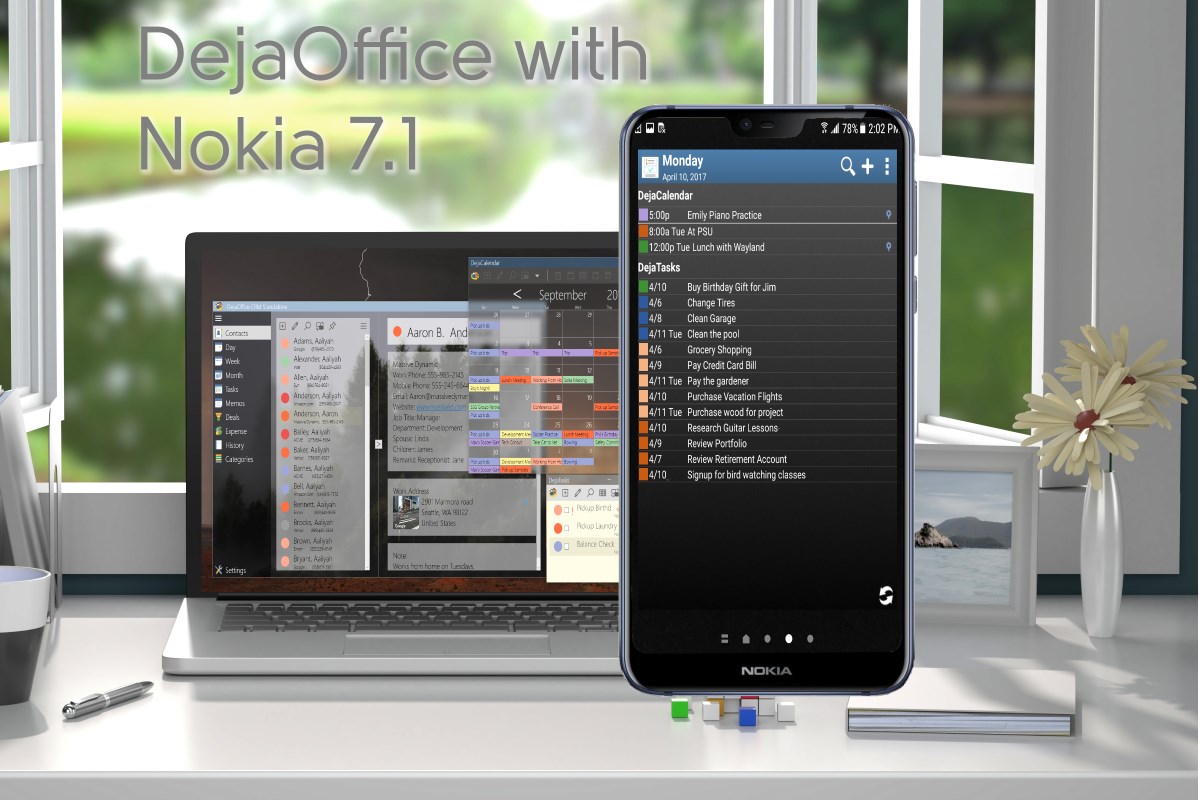
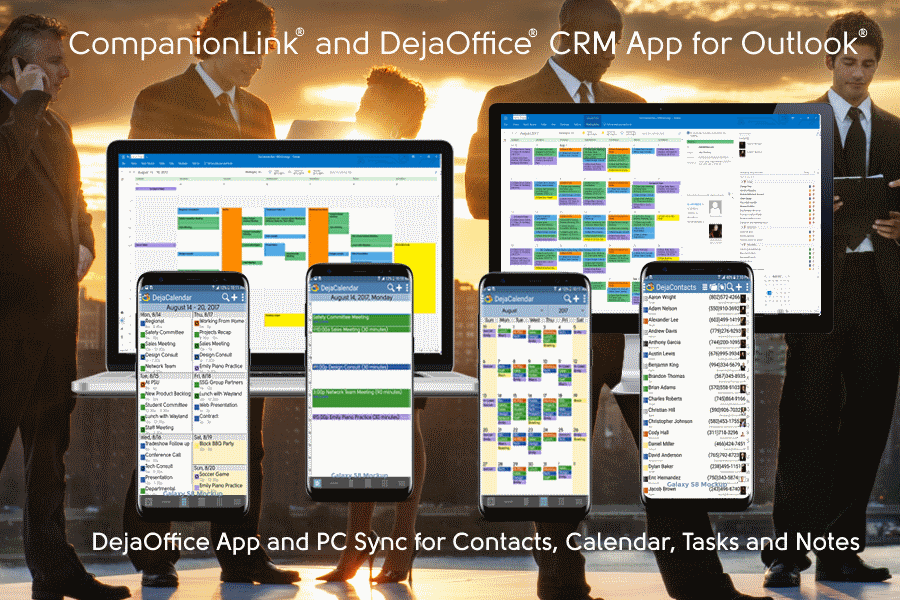
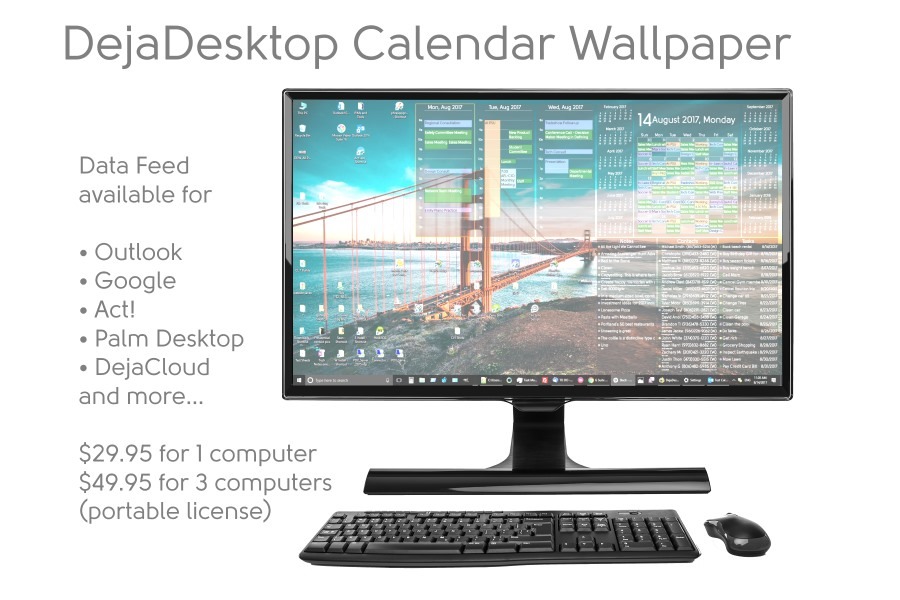
Being a content writer, you should stay organized while simultaneously working on the multiple projects and communicating with the different clients. DejaOffice CRM for Outlook is software, which will ensure that you manage your workflow effectively.
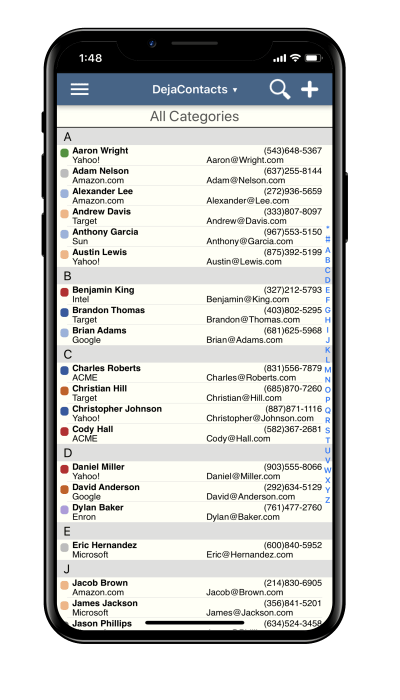
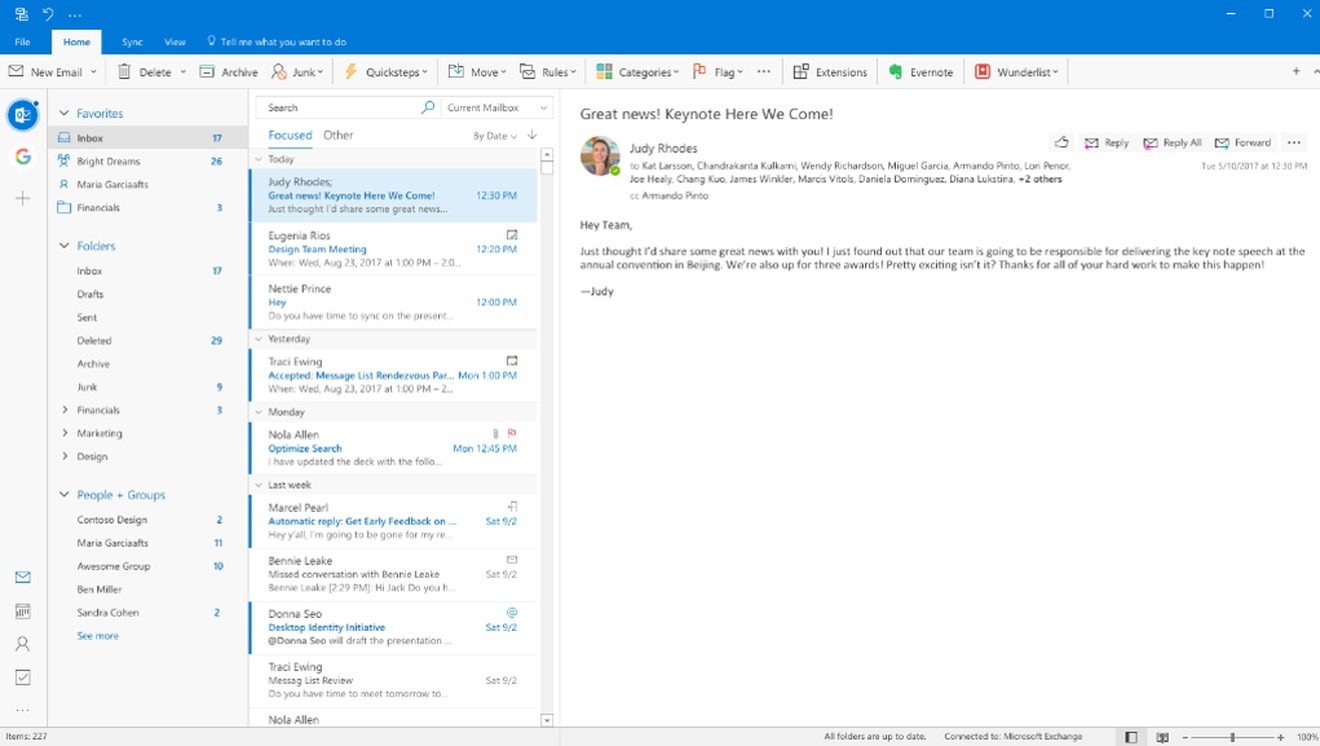
 This is a brand new CRM space for Android and IPhone. It provides synchronization to the leading PC databases like Outlook, Act!, Palm Desktop, and GoldMine. DejaOffice is user-friendly software, which you can utilize to collect, store and access contact data of your customers, important notes, lists of tasks, group scheduling and other valuable information.
Amanda Sparks, a copywriter at EssaySupply, says: “What I like the most about DejaOffice is that it helps me to manage my appointments and organize assignments fast and easily. Using this software, I have more time to brainstorm new content ideas and focus my attention on writing.”
- Evernote
Content writers research multiple topics and create numerous records every day. So, it’s really important to use a software, which helps to organize all notes and ideas in a comfy way. Evernote is one of the most widely used tools, which help to store not only text files, but also voice notes and photos.
Jessica Fender, a content creator at OnlineWritersRating, shares her thoughts about this software: “When I was starting my career, I had no idea how to manage all my notes. I wrote them on a small piece of paper, in a random file on my PC or in a text message to my friend – it was such a mess! So, I was extremely happy to start using Evernote: now I can get access to any record, which I created in the last two years, just in 50 seconds.”
- DejaCloud
Content writers work online all the time, so they should take cybersecurity seriously. The more websites you visit and the more files you download, the more vulnerable your computer system is. If you don’t want to become a victim of the hacking attack, you should utilize reliable software – DejaCloud.
This is a secure business cloud service, which you can apply to keep your client base, calendars, tasks, and notes updated across all devices you own. DejaCloud is compatible with all popular platforms, including Android, Windows, and iOs. So, if you change even one single contact using your iPhone, data will be instantly synchronized, and you will see updates on your Window laptop in the few minutes.
When you utilize DejaCloud, all data is held on your device for offline access and a quick user experience. “I gave up the web-based data usage because of the lag time one year ago. Today, I can strongly recommend content writers to follow my example and switch to the cloud technologies” – says Natalie Andersen, a blog writer at GetGoodGrade.
- Elorus
A remote content writer needs a software tool, which tracks the amount of time, which he spends on work. Elorus offers content creators and other freelancers to try this very useful feature in order to get paid for every hour dedicated to the project.
Moreover, this technology allows creating invoices and sending them to the clients. It’s a great tool to ensure fair pay and build trust with the customers.
James Daily, content manager at FlashEssay, states: “Tracking my time with Elorus, I don’t get distracted from content writing. For this reason, now I complete more projects per month than I did before. In my opinion, Elerous is must-have software to drive productivity and establish better relationships with the new and regular clients.”
- Pocket
Content writers spend more than 4 hours every day surfing the web and checking the social media profiles. And while most of the users can create ordinary bookmarks to save the pages they like, professional writers need a more powerful solution. Pocket is software, which allows saving video, photos, texts and other content from more than 1500 sources in one place.
Sylvia Giltner, a resume writer for ResumesCentre, says: “I love my job, and I continue to research new interesting content even when I’m out of work. If I find a fabulous post on Twitter, scrolling through my personal profile before sleep, I can save it using Pocket and access it from the office the next day. It helps me not to lose my brilliant ideas related to researched content.”
- Malwarebytes Anti-Malware
Every content writer should protect his devices, works and clients database from the dangerous malware. For this reason, it’s crucially important to utilize Malwarebytes. This is anti-malware, which protects all your devices from software viruses, theft and damage.
Mia Jackson, a blog writer at Citatior, has this to say about Malwarebytes: “I prefer to compose new posts working from the coffee shops and restaurants, so I use public networks regularly. I clearly understand the risks taken, so I keep my anti-malware updated all the time. I use Malwarebytes for a year now, and I feel myself 100% protected.”
Conclusion
Among all those advanced technologies available in the market, there are must-have software products for content creators, which shouldn’t be ignored. The point is that every modern writer should feel himself comfortable and safe while surfing the world wide web and discovering new brilliant ideas. So, if you have been looking for the tools, which will improve your productivity and enhance the writing process, take a closer look at these products.