PreCentral.net reviews CompanionLink and holds a contest

PreCentral.net – the famous Palm Pre portal – has partnered with CompanionLink to giveaway five licenses of CompanionLink for webOS USB along with RunStart service (nearly a $400 value).  PreCentral has reviewed CompanionLink and is conducting a poll on their forum.

To enter the giveaway, users are required to answer the poll.  Survey ends November 6 at noon Eastern.

Motorola Droid and its sync options

The Droid is arriving on Verizon’s network on November 6, 2009.  This will be the first phone running the Google Android 2.0 operating system. This device is much anticipated if for no other reason than their viral video that directly poked fun at the iPhone.

What features will the Droid include?

  • Exchange support
  • Ability to set up multiple accounts (i.e., Gmail and Exchange)
  • Voice-activated search powered by Google
  • GPS navigation service bundled in for free with the data plan
  • Turn-by-turn navigation with spoken directions
  • Ability to manually sync unprotected iTunes music or other MP3s

Navigation-related features seem to be big for the Droid.  Here’s a full overview.

What about PC sync?

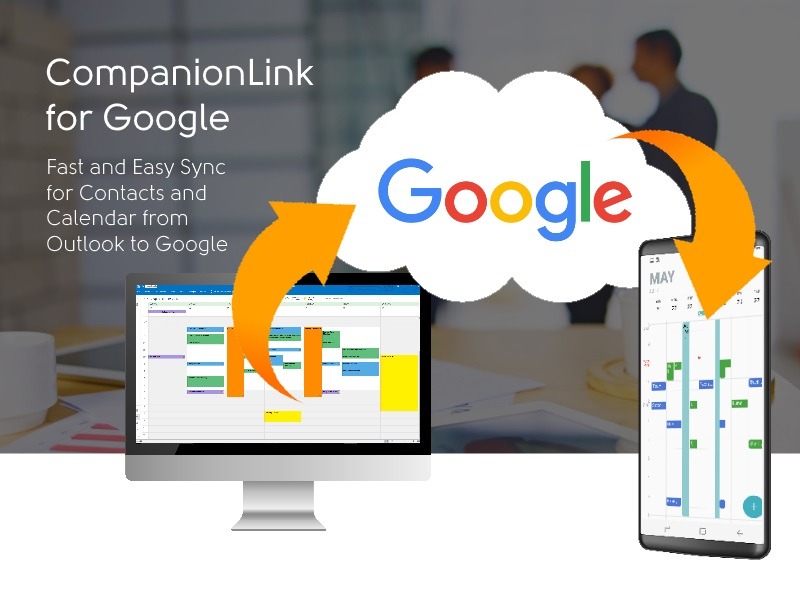
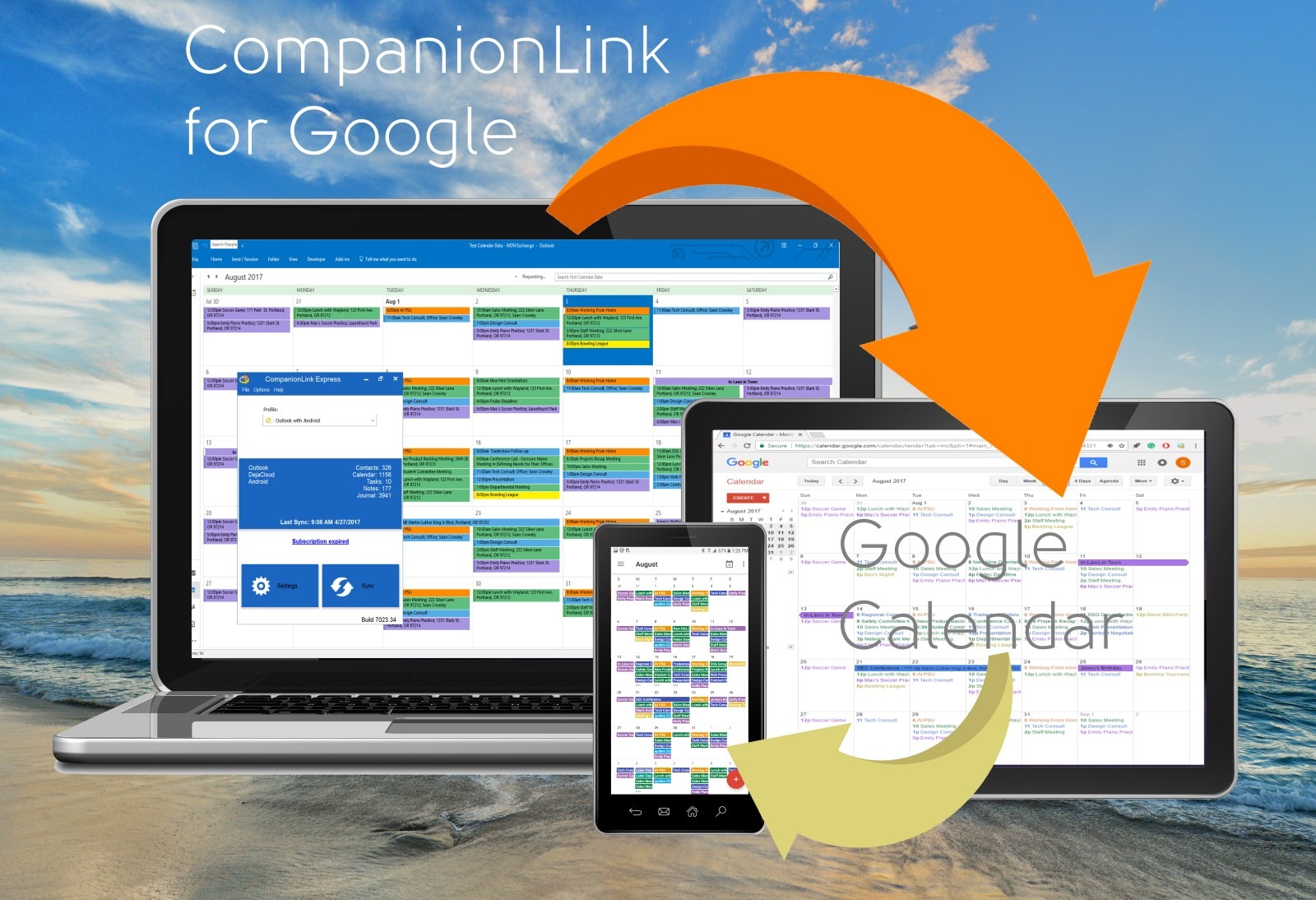
With Exchange support, you don’t need any other software to sync your Exchange data to your phone.  If you use Outlook without an Exchange server, you will need CompanionLink to sync your Outlook contacts and calendar to your Google account, which then automatically syncs with the Droid’s address book and calendar.

If you’re using any other contact managers like ACT!, GoldMine, Lotus Notes, GroupWise, or Palm Desktop, you can use CompanionLink to sync them with your Google account as well.

CompanionLink is also working on a way to do a direct USB sync between your PC and the Droid.

Update 12/21/2009: This direct USB sync solution is now available here.

iPhone catching RIM/BlackBerry on sales

Source: CNET and ChangeWave Research

From CNET:

“ChangeWave Research on Tuesday released the results of its week-long September survey of 4,255 consumers, which showed that RIM retains its lead in smartphone ownership with 40 percent market share. That’s actually a dip of 1 percentage point since the last survey in June, and the lowest share RIM has registered in two years.”

Here’s the full article.

CompanionLink has custom apps for the iPhone and Palm webOS platforms.  These custom apps add business functionality above and beyond what the native apps on those platforms offer.

CompanionLink’s iPhone app (called iClink) adds a custom Calendar and Tasks module to the iPhone.  The custom Calendar allows business users to link their contacts to their calendar events.  It’s important for business users to not only see when a meeting or call is scheduled, but to also quickly read past notes about the person with whom the event is with.

CompanionLink’s Palm webOS app (called CL USB Sync) allows USB sync between the PC and Palm device.  It also adds a custom Tasks and Memos app that allows categories, priorities, and sort features.  These features cater to users who extensively use Tasks and Memos, and need a robust way to categorize them for quicker access and viewing.

How to back up your online Google data

It seems 2009 is the year of online outages.  All the major web-based email and collaboration providers have had some glitch or another with their systems.  That includes Google, Yahoo (today!), and Hotmail.

The fiasco with the Danger (T-Mobile Sidekick) units is another example of how people nearly lost all their important data.

It never hurts to have a backup of your data on a file on your computer.  Never.  And doing it takes less than 5 minutes.  In fact, you don’t even need to purchase a full version of CompanionLink to do it!

If you use Google, you can just download a 14-day CompanionLink evaluation version from our website and use it to back up your data to desktop software like Outlook, Lotus Notes or Palm Desktop.  You can also export it from there to a CSV file or other data format that you can save somewhere safe.

USB sync with Palm Pre

CompanionLink announced the first USB sync solution with Palm Pre.  Before this solution, users had to sync data over-the-air or through their web-based Google/Gmail account.  For many, this was an unnecessary step that they didn’t want to do.  Also, users with sensitive customer data could not store their data in the cloud or sync via WiFi.

CompanionLink for webOS USB is a new software solution that does a direct USB sync with Palm Pre using the MicroUSB cable that comes with the phone. Data is securely synchronized two-ways when the phone is docked to the PC.

Data is syncs:

  • Contacts
  • Calendar
  • Tasks with categories
  • Memos with categories and priorities

clusbsync-tasks-cats

clusbsync-memos-cats

Follow up to Mav 2010 tradeshow (Scottsdale, AZ)

[slideshare id=2202113&doc=mav-slideshare-091012163809-phpapp01]

Take-aways from the tradeshow in Scottsdale:

1. CompanionLink has at least one way to sync ACT! data to all the top  smartphones
2. Most smartphones have more than one way to sync with ACT!
3. CompanionLink offers 3 tiers of support

Free software update works with Google's new Contact API

Google has updated their Contacts API.  CompanionLink just released a free software update to ensure complete compatibility with Google’s changes.

Users who meet the following two criteria are advised to update their software to CompanionLink build 3076 or higher:

1. You currently use CompanionLink to sync contacts with Google, and

2. You currently use build 3075 or older

How to update your software

This update will only work if you have a registered version of a CompanionLink product.

1. Download latest version of your product from here

2. Once downloaded, launch the file to run the upgrade wizard

That’s it!  All your settings should remain the same as before.

If you need additional help, CompanionLink offers a 12-month Premium Support service.  This service allows a CompanionLink technician to log into your PC and configure and/or fix any problems you’re facing.

Two-way sync with Palm Pixie

Palm today announced the second Palm webOS based phone – the Palm Pixie.  The new phone will be availble during the 2009 holiday season in USA and will be priced lower than the Palm Pre’s $199 tag.  It will have a keyboard and touchscreen functionality.

CompanionLink will support two-way sync between Palm Pixie and PC software like Microsoft Outlook, Palm Desktop, Lotus Notes and ACT! from day one.

Follow up to ACT! road show (San Francisco)

The road show went great!  People left with a clear understanding of what ACT! 2010 offers and how CompanionLink allows them to sync ACT! data with virtually any major smartphone on the market today.

This broad compatibility with all smartphones makes CompanionLink unique.

[slideshare id=1952796&doc=sf-roadshow-for-google-090904124910-phpapp02]

Comparing Google Apps Sync with CompanionLink

One June 9, 2009, Google announced a tool that can sync Microsoft Outlook contacts, calendar, and emails with Google Apps Premier edition and Google Apps Education edition. (Source)

But how can people with free Google or Gmail accounts sync with Outlook?  And what about support?

Google says that the Google Apps Sync for Microsoft Outlook is for Premier and Education edition customers.  So you can’t use that.

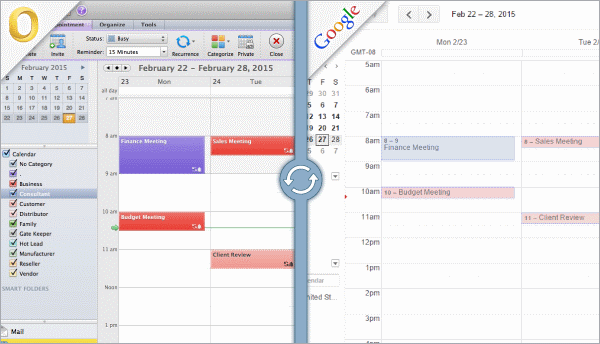
CompanionLink has a solution for everyone using a free Google account.  It’s called CompanionLink for Google.  It syncs Outlook contacts, calendar and tasks (no email) with any Google, Gmail, or Google Apps account.  CompanionLink works with all editions of Google Apps (Standard, Premier, Education, Government, Non-profits, etc.).  The one-time purchase also comes with free email and phone support for as long as you own the product.

Syncing tasks with Google, Gmail or Google Apps

While Google still hasn’t given us access to their Tasks API (so we can sync Tasks), we’ve created a workaround for the time being.  CompanionLink will sync your Tasks in Outlook, Palm Desktop, and other desktop software to your Google calendar as untimed events.

If you have a phone that syncs with your Google account, you can complete the task on your phone by inserting (complete) at the end of the subject of the task.

Original Task:
Task: Send email updates on the new product line

Completed Task:
Task: Send email updates on the new product line (complete)