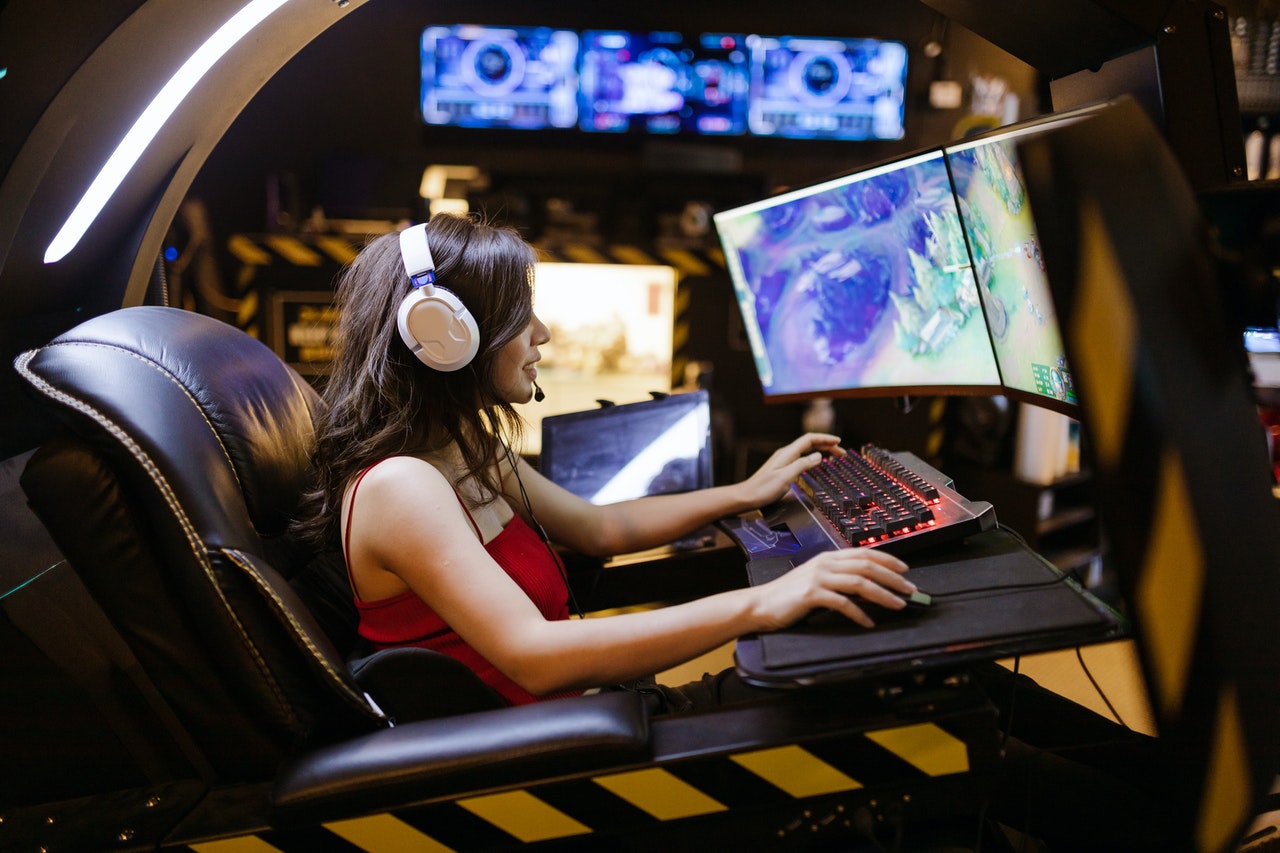
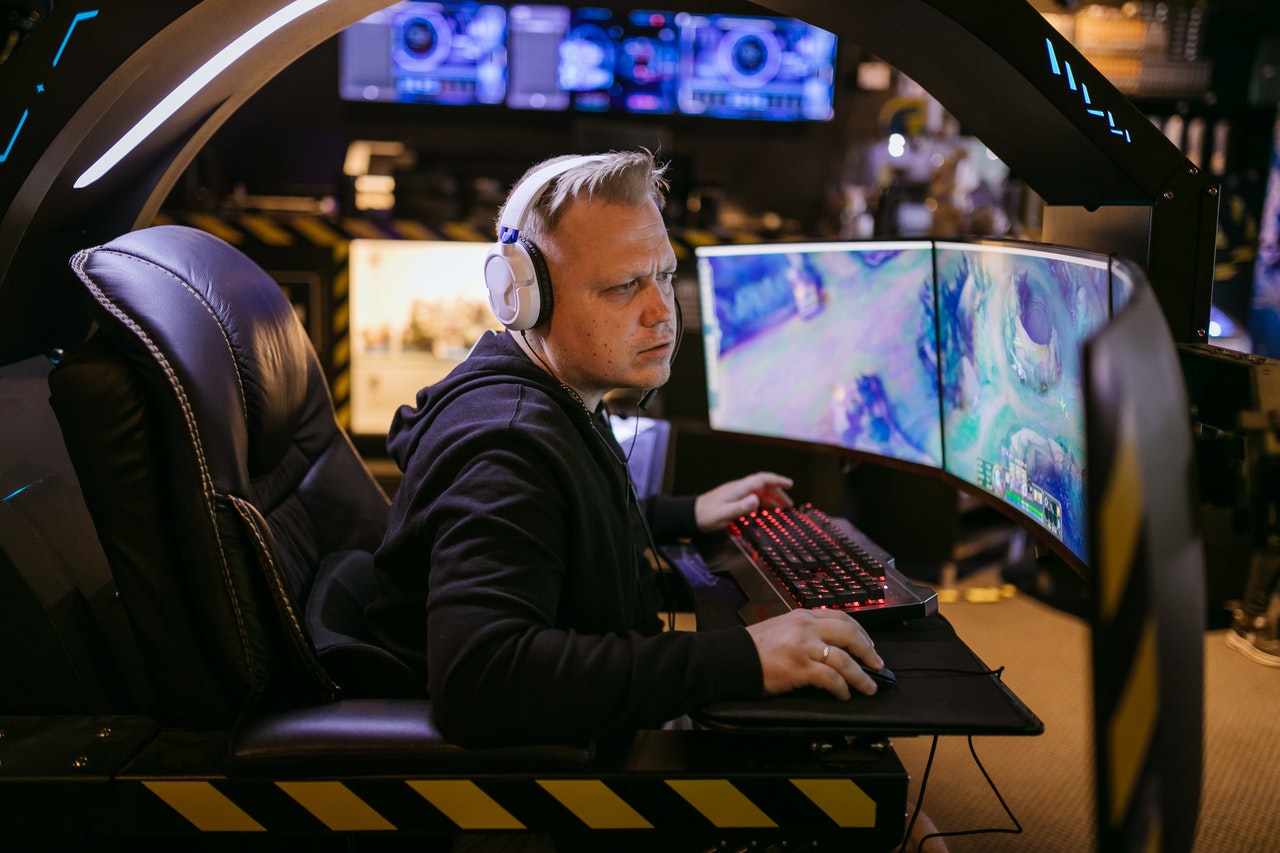
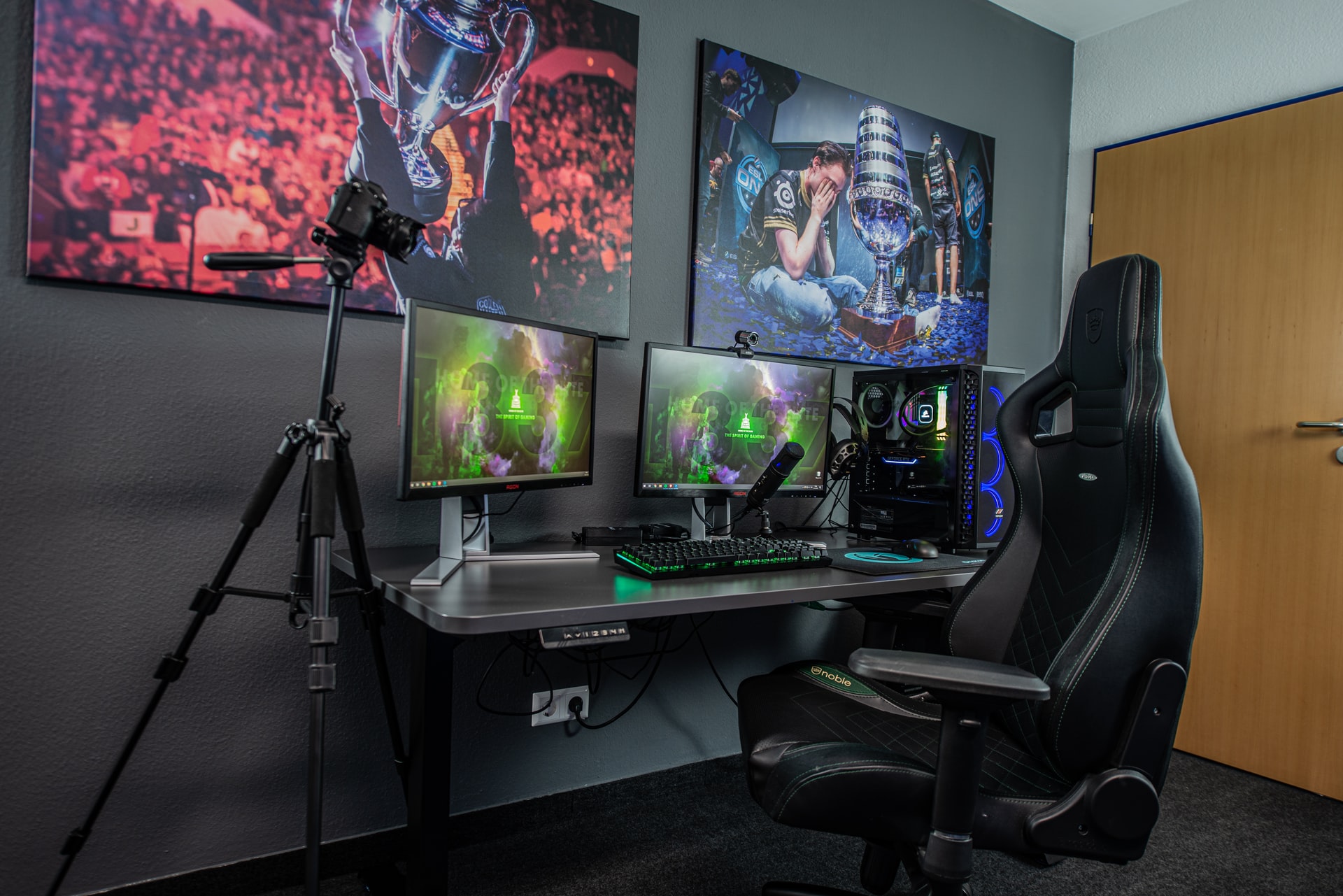
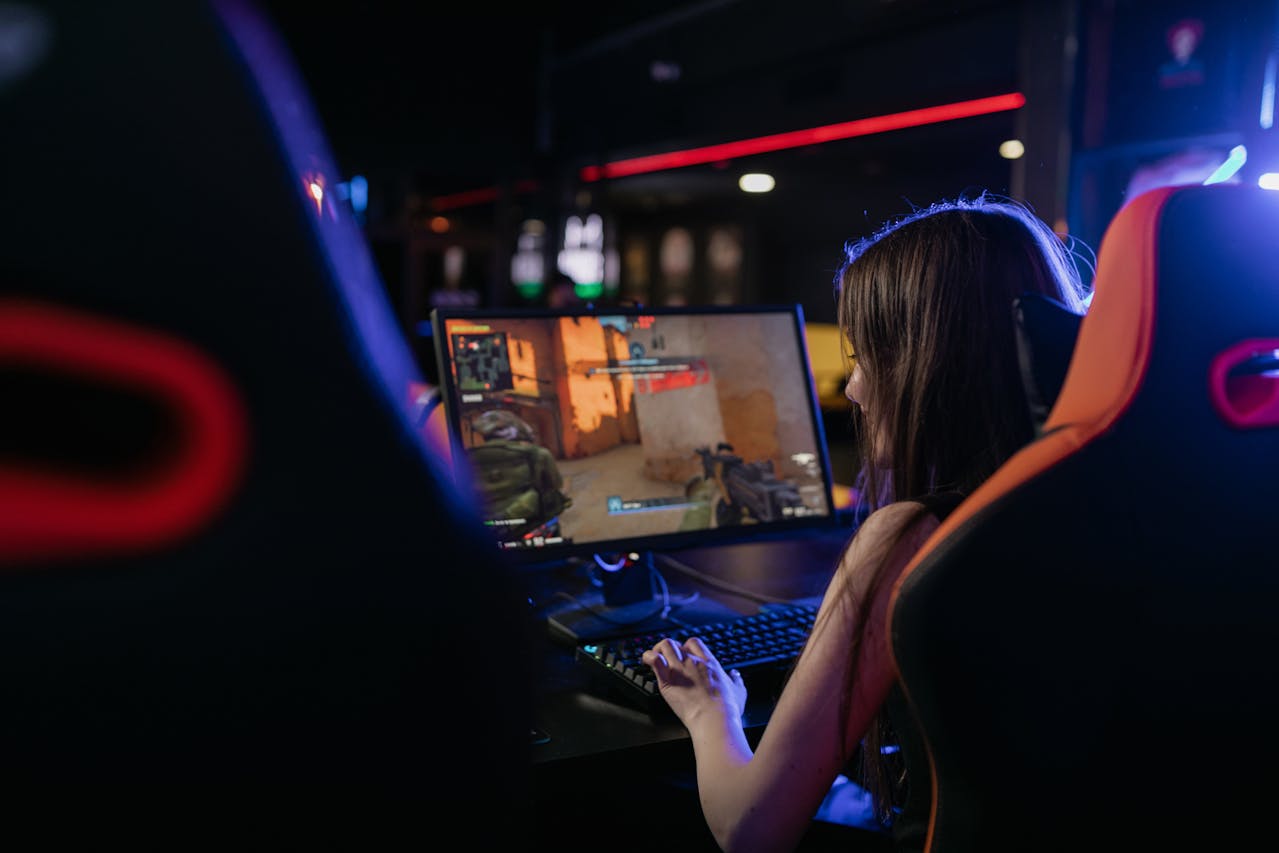
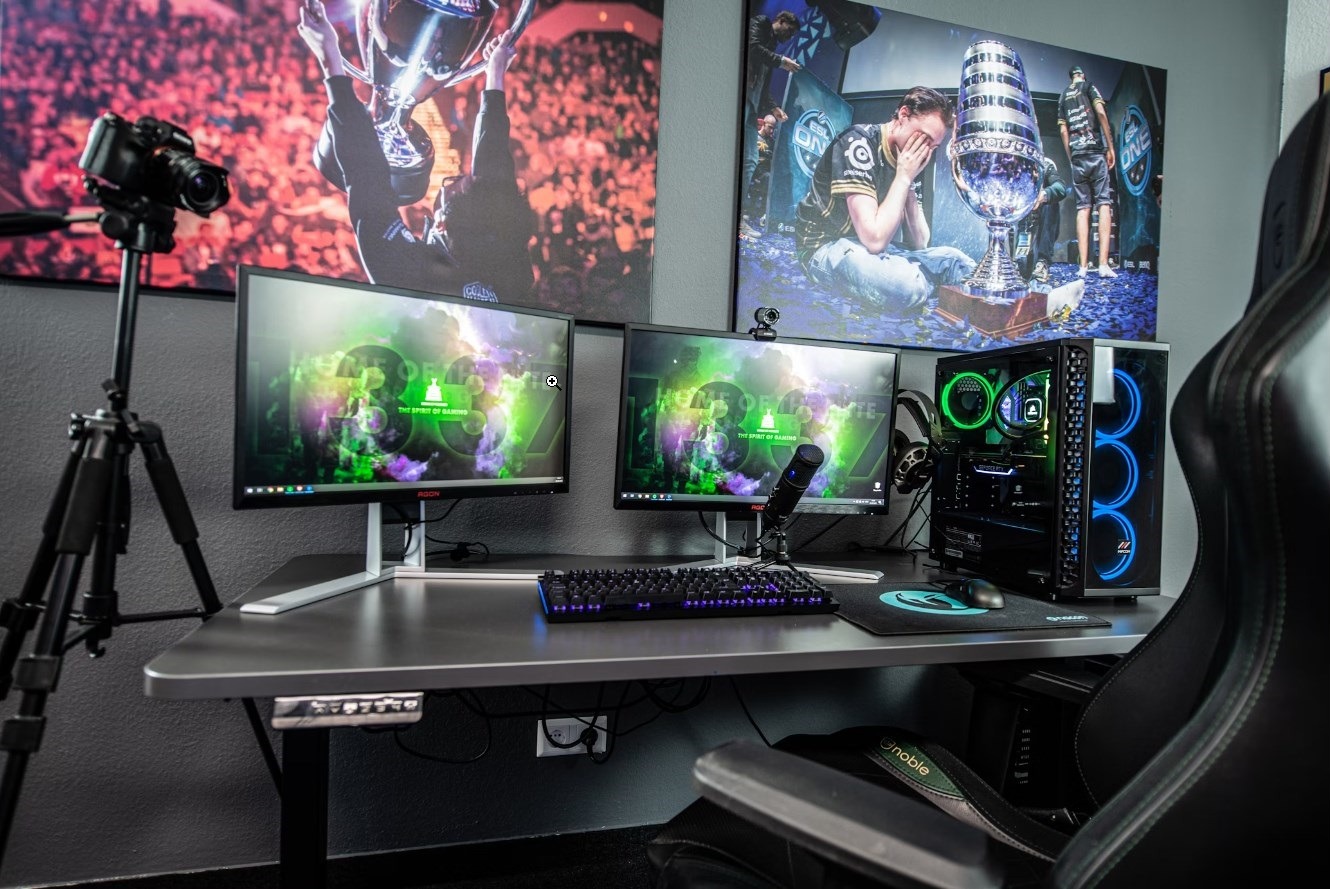
Online games can be fun, but they come with risks. Ensuring your safety while playing is crucial. Here are some essential tips to help you navigate these risks, whether you’re paying eSports, Minecraft or Overwatch.
1. Use Strong Passwords
A strong password is your first line of defense. Use a mix of letters, numbers, and symbols. Avoid using easily guessed words or phrases. Change your passwords regularly to enhance security.
2. Enable Two-Factor Authentication
Two-factor authentication (2FA) adds an extra layer of security. It requires you to verify your identity using a second method, like a text message or authentication app. Enable 2FA on all game accounts to protect against unauthorized access.
3. Verify the Site’s Legitimacy
Before you sign up on any online game website, be it an online sports site or a Minecraft server, check its legitimacy. Look for reviews and ratings from other users. Ensure the site has proper licensing and regulation. A legitimate site will also have secure payment options.
4. Avoid Public Wi-Fi for Transactions
Using public Wi-Fi for transactions can expose your information to hackers. Avoid making deposits or withdrawals on public networks. Instead, use a secure, private connection to ensure your data remains safe.
5. Keep Software Updated
Keeping your software updated is crucial. Updates often include security patches that protect against new threats. Regularly update your operating system, browser, and any game or esports apps you use.
6. Be Cautious with Personal Information
Be mindful of the personal information you share online. Only provide necessary details and avoid sharing sensitive information, like your social security number. Scammers can use this information for identity theft.
7. Use Secure Payment Methods
Use secure payment solutions for all transactions. Credit cards, e-wallets, and prepaid cards offer better protection than direct bank transfers. Look for sites that use encryption to protect your payment details.
8. Recognize Phishing Attempts
Account spoofing is a serious threat to online gamers. Phishing attempts can trick you into giving away your personal information. Be wary of emails or messages requesting your login details or financial information. Verify the sender’s authenticity before responding to any suspicious communication.
9. Monitor Your Accounts Regularly
Regularly monitoring your accounts helps you spot any unusual activity. Check your game and esports accounts for unauthorized transactions. Report any suspicious activity to the site immediately.
10. Educate Yourself on Risks
Stay informed about the latest risks while playing online games. Read articles, follow security blogs, and join forums where users discuss safety tips. The more you know, the better you can protect yourself.
11. Use a VPN for Extra Security
A Virtual Private Network (VPN) adds an extra layer of security by encrypting your internet connection. It helps protect your data from hackers, especially when using public Wi-Fi. Choose a reliable VPN service for the best protection.
Conclusion
Staying safe while enjoying online games requires vigilance and proactive measures. Use strong passwords, enable two-factor authentication, and verify the legitimacy of sites. Avoid public Wi-Fi for transactions and keep your software updated. Be cautious with personal information and use secure payment methods. Recognize phishing attempts, monitor your accounts, and set limits on your spending. Educate yourself on risks and use a VPN for extra security. Following these tips lets you enjoy playing games online without compromising your safety.
Essential Tips for Safety in Navigating Online Games Risks was last modified: August 21st, 2024 by Stefan Mihajlovic
The gaming enterprise is constantly evolving, with indie video games gaining large traction and acclaim. As we delve into 2024, the marketplace is brimming with progressive and charming indie video games that have captured the hearts of game enthusiasts worldwide. Developing these video games requires a mixture of creativity, high technical skills, and resource management. In 2024, indie games captured a sizable 31% of all Steam revenue, an increase from 25% in 2018, in keeping with VG Insights.
For many indie developers, outsourcing recreation improvement has emerged as a strategic answer to triumph over challenges and deliver terrific video games. Companies like Fgfactory provide complete outsourcing game development services that empower indie builders to deliver their visions to life.
The Rise of Indie Games in 2024
Indie video games have carved a completely unique niche in the gaming industry, presenting numerous and progressive gameplay studies that frequently diverge from mainstream titles. This year has visible a plethora of splendid indie games that exhibit the creativity and ingenuity of impartial developers. Top indie games 2024 along with “Farlight 84,” “Ready or Not,” “Crab Champions,” and “Coral Island” have now not most effectively garnered critical acclaim but have additionally verified the capability of indie video games to attain commercial achievement.
Why Indie Games Matter
Indie video games are celebrated for their originality and the freedom they offer builders to discover unconventional thoughts. Unlike huge-price AAA titles, indie games regularly take creative dangers, ensuing in precise and remarkable gaming stories. This creativity, mixed with the ardor of indie builders, has caused the rise of games that resonate deeply with players.
Benefits of Game Development Outsourcing
For indie builders, outsourcing sport development can offer numerous blessings. By taking part with skilled outsourcing partners like Fgfactory, developers can access the know-how and resources needed to create top-tier games. Here are some of the key blessings of game improvement outsourcing.
Access to Expertise and Talent
Outsourcing partners like Fgfactory carry a wealth of experience and specialized abilities to the desk. These groups consist of seasoned experts who are properly-versed in the modern recreation development technologies and tendencies. By leveraging their understanding, indie builders can ensure that their games meet excessive standards of exceptional and innovation.
Cost-Effective Development
One of the most tremendous benefits of outsourcing is fee savings. Developing a game in-house may be highly-priced, particularly for indie developers with limited budgets. Outsourcing lets builders tap right into a worldwide talent pool, regularly at a lower fee than hiring a full-time, in-house group. This fee-effectiveness allows indie developers to allocate their assets extra successfully, specializing in different essential components of recreation improvement and advertising.
Faster Time-to-Market
Outsourcing game improvement can appreciably accelerate the manufacturing method. With a devoted crew working at the assignment, indie developers can streamline workflows and decrease improvement timelines. This multiplied pace is critical in the fast-moving gaming enterprise, where timely releases can capitalize on marketplace tendencies and player interest.
Focus on Core Competencies
Outsourcing non-center tasks allows indie builders to pay attention to their strengths, which includes game layout and storytelling. By delegating technical factors and other specialized responsibilities to outsourcing partners, developers can keep their creative cognizance and ensure that the game’s imaginative and prescient is realized without compromise.
Scalability and Flexibility
Game development outsourcing presents indie developers with the power to scale their groups consistent with mission wishes. Whether it is ramping up improvement efforts all through important levels or cutting down after an undertaking is finished, outsourcing gives the agility required to adapt to converting needs and marketplace conditions.
Fgfactory: Empowering Indie Developers
Fgfactory is a leading provider of game development services, regarded for its complete answers that cater to the particular wishes of indie developers. With successful projects and a crew of skilled professionals, Fgfactory stands out as a dependable associate for bringing indie game thoughts to life. We focus on custom game improvement, tailoring its services to satisfy the particular necessities of every task.
From concept artwork and individual layout to coding and checking out, Fgfactory offers quit-to-end answers that make sure a continuing development system. This custom designed method guarantees that the very last product aligns with the developer’s vision and exceeds player expectancies.
Conclusion
The indie recreation marketplace continues to thrive, with several titles capturing the creativeness of game enthusiasts internationally. By partnering with skilled vendors like Fgfactory, developers can get admission to the expertise, resources, and versatility needed to create exceptional video games that stand out in a crowded market.
Benefits of Game Development Outsourcing: Top Indie Games 2024 was last modified: August 13th, 2024 by Edward Gorenko
The world of computer game advancement is regularly progressing, and one of the most interesting innovations over the last few years is the combination of artificial intelligence (ML) into the process. Artificial intelligence, a branch of artificial intelligence, includes training formulas to acknowledge patterns and choose based on data. In the context of computer game, ML is reinventing the method structures are developed and properties are handled. This short article explores exactly how machine learning is forming these critical aspects of game development, detailing its benefits, difficulties, and future leads. Discover more at room8studio.com.
Recognizing Machine Learning in the Context of Video Clip Gamings
Definition of Artificial Intelligence
Machine learning is a subset of expert system that makes it possible for computers to pick up from and make predictions based on data without being explicitly programmed. It includes different strategies and methods such as monitored knowing, where the version is educated on labeled data, and not being watched knowing, where the model discovers surprise patterns in unlabeled information. Reinforcement learning, one more kind, involves training models with benefits and penalties based upon their actions.
Application in Video Clip Gamings
In computer game, machine learning prolongs beyond simply appearances and asset administration. It is utilized in AI behavior, procedural content generation, and also in developing realistic animations. Nonetheless, its influence on appearance creation and asset management is particularly notable, as it brings brand-new degrees of automation, quality, and effectiveness to these locations.
Artificial Intelligence in Texture Production
Automated Texture Generation
Machine learning formulas can generate structures from the ground up or customize existing ones, substantially quickening the texturing process. Generative Adversarial Networks (GANs), a type of ML design, are especially efficient hereof. GANs contain two networks: a generator that develops new information, and a discriminator that examines the credibility of the data. By training on vast datasets of structures, GANs can create sensible and varied appearances that match the aesthetic needs of a game.
As an example, NVIDIA’s AI-based texture devices use GANs to generate high-quality appearances that are both one-of-a-kind and regular with the game’s art design. These tools can create structures that flawlessly integrate with existing assets, decreasing the moment and effort needed for hands-on texturing.
Appearance Enhancement and Optimization
Machine learning also plays an important role in improving and enhancing textures. Strategies such as super-resolution, where ML formulas boost the resolution of low-quality appearances, are progressively utilized. This process entails training models to anticipate high-resolution details from lower-resolution photos, leading to clearer and more detailed appearances without the requirement for manual reworking.
Likewise, denoising formulas powered by machine learning can eliminate artefacts and noise from textures, bring about cleaner and much more polished visuals. These improvements not just enhance the visual top quality but additionally make sure that textures perform well across different platforms and tools.
Case Researches and Instances
Numerous games and devices showcase the advantages of ML in structure production. As an example, Star Wars Jedi: Fallen Order utilized artificial intelligence methods to generate and refine structures, causing aesthetically sensational atmospheres that enhance the immersive experience. Devices like NVIDIA’s RTX Graphics Cards and Adobe’s Compound collection have actually also been pivotal in leveraging ML for texture generation and improvement.
Artificial Intelligence in Property Administration
Property Category and Company
Handling the huge selection of properties in a video game can be difficult. Machine learning aids by automating asset classification and organization. Algorithms can examine property metadata, such as file names, types, and material, to immediately classify and identify possessions. This minimizes the manual initiative called for to organize assets and makes it less complicated to locate and fetch them.
As an example, photo acknowledgment versions can classify and mark structures, versions, and computer animations based upon their web content, helping with extra efficient asset management. Devices like Google’s AutoML and IBM Watson offer abilities for developing personalized ML versions to handle and categorize video game properties properly.
Predictive Property Monitoring
Machine learning can also forecast asset requirements and patterns, allowing programmers to prepare for and handle asset demands proactively. Predictive designs evaluate historic information and use patterns to anticipate future asset needs, helping programmers designate resources better and prepare for upcoming material updates.
For instance, a game advancement studio may use anticipating analytics to figure out which possessions are most likely to be in high need during different phases of advancement or to optimize the storage space and retrieval of assets based on anticipated usage patterns.
Automation of Regular Tasks
Regular tasks in asset monitoring, such as batch handling and information access, can be automated using artificial intelligence. Automated systems can manage repetitive jobs like relabeling documents, converting styles, and using updates, liberating programmers to concentrate on more imaginative and complicated aspects of video game growth.
Tools like Houdini’s procedural possession monitoring and Blender or food processor’s scripting capacities, incorporated with ML, make it possible for automation of these tasks, causing a more structured and reliable development procedure.
Benefits of Artificial Intelligence in Structure Development and Property Administration
Performance and Rate
Artificial intelligence considerably speeds up structure creation and property monitoring process. Automated tools and algorithms minimize the time required for manual jobs, allowing much faster version and growth. This effectiveness is important in meeting limited due dates and taking care of large jobs.
Top quality Renovation
ML improves the quality of textures and assets via innovative formulas that improve information and maximize performance. High-resolution appearances, cleaner visuals, and more accurate asset classification result in a far better overall gaming experience and greater production worths.
Expense Cost savings
By automating jobs and enhancing performance, artificial intelligence can result in significant price financial savings. Reduced manual work and faster advancement cycles convert into reduced manufacturing prices, enabling workshops to designate resources to various other essential areas of video game advancement.
Difficulties and Limitations
Accuracy and Reliability
One of the difficulties of using artificial intelligence in game growth is guaranteeing the precision and reliability of the algorithms. ML designs might create unforeseen results or mistakes, needing careful oversight and quality assurance. Designers should continually fine-tune and validate models to preserve high requirements.
Combination with Existing Systems
Integrating artificial intelligence devices with existing development pipelines and devices can be tough. Compatibility problems and the need for adjustment might interrupt current operations. Successful assimilation calls for careful planning and sychronisation with various other systems and processes.
Moral and Creative Issues
The use of AI-generated web content raises moral and innovative concerns. Ensuring that machine-generated properties line up with the artistic vision of the game while keeping originality and staying clear of over-reliance on AI is important. Balancing human creativity with equipment efficiency remains a crucial factor to consider.
Future Potential Customers and Patterns
Improvements in Machine Learning Technologies
The future of artificial intelligence in video game advancement promises proceeded innovations. Emerging modern technologies such as innovative GANs, real-time AI, and boosted information handling abilities will additionally boost texture development and property monitoring. These innovations will certainly make it possible for even more innovative and effective operations.
Potential Innovations
Possible innovations consist of the development of even more instinctive ML devices that incorporate perfectly with game engines, improved real-time rendering methods, and AI-driven content production that enhances imaginative opportunities. The continuous evolution of ML technologies will certainly shape the future of game growth.
Sector Adoption and Advancement
As artificial intelligence becomes more incorporated into the gaming industry, its adoption will likely rise. Studios of all sizes will benefit from ML-driven devices and methods, leading to a much more widespread and transformative effect on video game growth.
Conclusion
Machine learning is reinventing texture development and asset monitoring in computer game, using unprecedented levels of automation, high quality, and effectiveness. By understanding and leveraging these innovations, programmers can improve their workflows, improve aesthetic fidelity, and decrease prices. As machine learning remains to advance, its effect on video game development will expand, shaping the future of the market and opening brand-new possibilities for creative thinking and development.
The Impact of Machine Learning on Texture Creation and Asset Management in Video Games was last modified: July 24th, 2024 by Amrytt Patel
The gaming industry has evolved dramatically over the past few decades, transforming from simple pixelated games to immersive virtual realities. Alongside this evolution, game enhancements have emerged as a significant factor in improving the gaming experience. These enhancements range from hardware upgrades and software tweaks to game modifications and third-party applications. Let’s dive into the nitty gritty details of all this!
1. Hardware Upgrades
1.1 Graphics Cards
One of the most impactful hardware enhancements for gamers is the graphics card. Modern graphics cards, such as those from NVIDIA and AMD, offer incredible processing power, enabling games to run at higher resolutions and with more complex visual effects. These cards support technologies like ray tracing, which simulates the way light interacts with objects in a game world, creating more realistic shadows, reflections, and lighting effects. Improved graphics can make a game world feel more alive and engaging, enhancing the overall gaming experience.
1.2 Monitors
High-refresh-rate monitors and monitors with high resolutions (such as 4K and beyond) are another crucial hardware enhancement. These monitors provide smoother gameplay and sharper images, which are particularly beneficial in fast-paced games where reaction time is critical. The increased refresh rate reduces motion blur and makes movements appear more fluid, while the higher resolution enhances detail, making it easier to spot enemies or environmental cues.
1.3 Peripherals
Gaming peripherals such as mechanical keyboards, high-DPI mice, and surround sound headsets also play a significant role in enhancing the gaming experience. Mechanical keyboards offer tactile feedback and faster response times, which can improve a gamer’s performance, especially in competitive gaming. High-DPI mice allow for more precise control, crucial in first-person shooters and real-time strategy games.
Surround sound headsets provide an immersive audio experience, allowing gamers to hear subtle in-game sounds and better locate opponents or environmental elements. Additionally, a head tracker for PC can significantly boost immersion by enabling natural, hands-free camera movement in simulation and VR-style games.
2. Software Enhancements
2.1 Game Optimization
Game optimization software, such as NVIDIA GeForce Experience and AMD Radeon Software, helps gamers get the best performance out of their hardware. These programs automatically adjust game settings based on the user’s hardware configuration to ensure optimal performance and visual quality. They also provide updates and drivers that enhance the performance of graphics cards and other components.
3. Online Services and Platforms
3.1 Cloud Gaming
Cloud gaming services like NVIDIA GeForce Now, Google Stadia, and Microsoft Xbox Cloud Gaming are revolutionizing how gamers access and play games. These services allow gamers to stream games directly to their devices without the need for high-end hardware. This accessibility enables more people to enjoy high-quality gaming experiences without the upfront cost of expensive gaming PCs or consoles.
3.2 Digital Distribution Platforms
Platforms like Steam, Epic Games Store, and GOG have made it easier than ever to access a vast library of games. These platforms offer regular sales, discounts, and bundles, making gaming more affordable. They also provide community features such as forums, user reviews, and social networking, enhancing the social aspect of gaming. In addition to these major platforms, there are various other sites that offer web-based games for free, allowing players to enjoy casual games without any cost. These sites cater to a different audience, often featuring simpler, more accessible games. As a result, both casual and hardcore gamers have plenty of options to explore.
3.3 Game Subscription Services
Game subscription services like Xbox Game Pass, PlayStation Now, and EA Play offer gamers access to a large selection of games for a monthly fee. These services provide excellent value for money and allow gamers to explore a wide range of titles without committing to purchasing each one individually. They also frequently add new games, ensuring that subscribers always have something new to play.
4. In-Game Enhancements
4.1 In-Game Purchases and Microtransactions
In-game purchases and microtransactions have become a significant aspect of modern gaming. While they can be controversial, they also allow developers to continue supporting and updating their games long after release. These enhancements can include new cosmetic items, characters, levels, and even expansions that add substantial content to the game. For gamers, this means a continuously evolving and expanding gaming experience.
4.2 Live Service Games
Live service games, such as Fortnite, Destiny 2, and Apex Legends, are designed to be continuously updated with new content. These games often feature seasonal events, new challenges, and regular updates that keep the game fresh and engaging. The live service model ensures that gamers always have new objectives to pursue and new content to explore, fostering long-term engagement.
4.3 Enhanced Accessibility Features
Developers are increasingly incorporating accessibility features to make games more inclusive. These enhancements include customizable control schemes, visual and auditory aids, and difficulty adjustments. By catering to a wider range of players, including those with disabilities, developers ensure that more people can enjoy their games.
5. Community and Social Enhancements
5.1 Social Features
Modern games and platforms integrate social features that enhance the gaming experience. These features include in-game chat, voice communication, and social media integration. They allow gamers to connect with friends, join communities, and share their experiences. For many gamers, the social aspect of gaming is a crucial component of their enjoyment.
5.2 Streaming and Content Creation
Platforms like Twitch, YouTube, and Facebook Gaming have transformed gaming into a spectator sport. Gamers can watch live streams and recorded content from their favorite creators, learning new strategies and enjoying entertaining commentary. Streaming and content creation also allow gamers to share their experiences and build communities around their favorite games.
5.3 Esports
Esports has grown into a global phenomenon, with professional leagues, tournaments, and events drawing millions of viewers. Games like League of Legends, Counter-Strike: Global Offensive, and Overwatch have established competitive scenes that offer substantial prize money and career opportunities for talented gamers. Esports provide a platform for gamers to showcase their skills and for fans to engage with their favorite games on a competitive level.
6. Virtual and Augmented Reality
6.1 Virtual Reality (VR)
Virtual reality headsets like the Oculus Rift, HTC Vive, and PlayStation VR offer an entirely new way to experience games. VR immerses gamers in a virtual world, providing a sense of presence and scale that traditional gaming cannot match. VR games range from immersive simulations to action-packed adventures, offering unique experiences that push the boundaries of gaming.
6.2 Augmented Reality (AR)
Augmented reality games, such as Pokémon GO and Harry Potter: Wizards Unite, blend the virtual and real worlds by overlaying game elements onto the physical environment. AR games encourage players to explore their surroundings, creating an interactive and engaging experience. These games often incorporate social and community features, fostering a sense of connection among players.
7. Artificial Intelligence and Machine Learning
7.1 Improved NPC Behavior
Artificial intelligence (AI) and machine learning are enhancing the behavior of non-player characters (NPCs) in games. Advanced AI allows NPCs to act more realistically, providing more challenging and dynamic interactions. This improvement enhances the overall immersion and complexity of games, making them more engaging and enjoyable.
7.2 Procedural Generation
AI and machine learning are also used in procedural generation, creating vast and varied game worlds. Games like No Man’s Sky and Minecraft use procedural generation to create unique environments and experiences for each player. This technology ensures that no two playthroughs are the same, offering endless replayability and exploration opportunities.
Conclusion
Game enhancements are revolutionizing the gaming experience, offering a myriad of ways to improve gameplay, accessibility, and enjoyment. From hardware upgrades and software optimization to community features and cutting-edge technologies like VR and AI, these enhancements cater to a wide range of gamer preferences and needs. As the gaming industry continues to innovate, the future promises even more exciting developments that will further elevate the world of gaming.
How Game Enhancements are Helping Gamers was last modified: June 9th, 2025 by Amrytt Patel
As the realm of custom mobile app development in India keeps expanding, more and more consumers are turning to their flexibility. India is the second-largest smartphone market in the world with the most active users, which is why mobile app development has been growing.
According to the Broadband India Forum, the app economy is predicted to reach about 12% of the country’s GDP by 2030. The market has been expanding four times the rate of the general economy. Gone are the days when people relied on computers for related services as smartphones are taking up the task quite amazingly.
With that in mind, developers, especially game app developers must consider UI and UX very seriously when making their products. In this guide, we will discuss more about this topic and its importance.
Introduction to UI and UX
User Interface (UI) and User Experience (UX), are not new terms in custom mobile app development. UI focuses on the application’s visual elements and components which the user interacts with. It combines everything from buttons to icons to typography. It also concerns how the layout and design of the screen is created.
Where mobile applications are concerned, UI includes the deliberate creation of visual elements that are attractive and user-friendly. The app’s interface should be designed to meet the user’s specific needs. UI aims to make the app visually appealing so the user can stay attracted and use it more.
Developers are encouraged to focus on adherence to the laid-down design principles in UI design. They must also deliberate to encourage consistency.
In short, UI is a feature that will allow users to stay on the app or website. A bad UI will chase away the user, while a good one will encourage more engagement.
What is UX?
User experience (UX) is closely related to UI. While UI is all about how the user interacts with the app, UX is the overall experience they will have during the interaction. A developer has to think beyond just the visual aspects and think of how the user feels when engaging with the app. It deals with the enhancement of usability, accessibility, and user satisfaction.
When designing UX, it’s crucial to understand the user’s journey, preferences, and pain points. This will help you to create an intuitive and enjoyable experience.
UI/UX is a combination that ensures that the app not only looks appealing but also provides a user-centered experience. It creates a connection that is positive for the user to the application.
Importance of UI/UX
There is a good reason why a business will go to great lengths to hire a custom mobile app development company. It’s because they need something that communicates directly to their customers. A well-crafted app will attract and retain users, encouraging satisfaction and loyalty. UI and UX are important elements in the production of highly immersive gaming applications on Unreal and Unity Engine platforms. Consequently, an Unreal or Unity game development company focuses heavily on experimenting with different UI and UX elements to create visually interactive games that simulate real-world experiences.
When customers have a positive experience, they are more like to give positive reviews. This is where word-of-mouth recommendations come in, ensuring the app’s success in a highly competitive environment.
Here is why UI/UX is crucial:
Creates a Positive First Impression
A great UI/UX design is like a fine piece of art that is visually appealing. Viewers are attracted to it from afar and will want to spend more time studying it. Custom app developers in India use high-end technologies, top experience, and creativity to develop these apps. They include elements like fine logo designs, color schemes, and eye-grabbing layouts.
Whether you are creating a custom app for your business, or a game, consumers will be attracted to it from what they see first. This is why it takes proper planning to lay out the UI/UX skeleton before filling in the flesh to create an attractive app.
It Increases Engagement and Boosts Retention
Custom app development is more complex than it seems in the final results. It features intuitive navigation, clear calls-to-action, and a seamless flow. All these features must be included smoothly to make the app user-focused. They are the main contributing factors to a positive UI/UX, pulling the user to dive deeper into the app.
Aside from that UI/UX calls for the inclusion of engaging features and regular updates. These give the user something new all the time, increasing their interest in the app.
Encourages More Use of the App
It does not make any sense to design an app that no one is interested in using. The main aim of creating such tools is to provide a better experience to users through enhanced access to certain features and services. UI/UX is the cornerstone of enhancing usability.
Developers include elements such as clear navigation menus, simple icons, and strategic placement of features to allow easier interaction. It’s such convenience that allows users to engage more freely with the app as the owner generates revenue.
More App Downloads
When you open Google’s Play Store intending to download an app, you will notice the number of downloads highlighted. Consumers often trust the app with more downloads.
A visually pleasing and easy-to-use interface will convince users to download. It will also have more positive reviews, which contributes to more downloads. A poor design, on the other hand, will turn away potential users. No matter how useful it is, sometimes all that matters is engagement.
Generate More Revenue
One of the main reasons for creating custom apps is to increase sales and revenue. Apps are the best sales and marketing tools on the market today, allowing businesses to engage more easily with their customers.
UI/UX will affect how much revenue comes from the app. With an attractive interface, you create a better user experience, increasing downloads and engagement, which leads to more in-app purchases or sign-ups for premium features. Unprofessional designs can easily scare away users, reducing revenue.
Final Thought
UI/UX plays a crucial role in custom mobile app development in India. With a well-crafted UI/UX, you can be sure of an enhanced user experience, boosting engagement, retention, and revenue. As such, it is vital to invest in a high-end design.
It’s not easy or cheap to achieve the desired UI/UX, but it’s worth the time and money. The design allows the application to stand out from the competition and meet the specific demands of your users. Generally, the design should not just be a nice thing to look at; it should have all the components that promote a great user experience.
What is the Importance of UI/UX in Mobile Application Development? was last modified: January 16th, 2025 by Olive Clinton
Do you need to relocate your full gaming setup to another location? But you’re worried about destroying the gaming PC and other components of the system. You have landed on the right page — we know all that pain. Packing your gaming equipment is an extremely sensitive topic. If you do that incorrectly, it may cause disastrous damage to your gaming PC, displays, gaming desk, and other critical components of the system. That’s the very last thing you want to do.
What’s the Challenge Here?
Because of their fragility, relocating electronics is always a challenging task. Moving a desktop computer, in particular, is especially challenging since it is not only vulnerable but there is also the matter of data security to consider. The issue with desktop computers is that, unlike laptops, they are not designed for portability. They may be larger, but they are less durable and more susceptible to factors like as temperature. This is why it is critical to understand how to properly carry a PC. Of course, if you entrust item packing for the move to the team behind Elate Moving, you can be sure to stay on the safe side. Whether you’re shipping, flying, or driving your gaming system, the are some tricks that will help you ensure that your setup arrives securely.
1. Find Quality Packing
Original packaging is the best option since it is already tailored to offer maximum protection for your device. If your Xbox or PlayStation hasn’t been used in a while, choose the appropriate size hard box for your devices. While it is not the ideal option, a standard cardboard box similar to the size of your gadget can do as long as you simply store your gaming equipment inside.
2. Unplug and Remove All the Cables
It’s time to start ripping out the cables. Roll the cords up like a garden hose to make them more manageable and prevent them from becoming tangled during the journey. Use zip ties or electrical tape to secure the cables. Don’t make either choice too tight, and you should be able to fit one end of the scissors between the cable and the ties when you unpack the computer. The last thing you want to do is cut the cables when you’re attempting to free them from the knots.
3. Protect Your Valuables
If you’re not using an original box, you should add cushioning to keep your electronics from cracking or breaking. Avoid packaging peanuts because they emit static electricity, which might cause your gadgets to short out or shorten their life. Newspapers, clothing, and anti-static bubble wrap are excellent packing materials to use for this purpose.
4. Back up Your PC
Although this tutorial should help you avoid damaging your stationary computer and losing data in the first place, it’s always a good idea to back it up just in case. Do this first. You can usually accomplish this using your computer’s control panel, but it is also worth double-checking with the manufacturer to be sure you’re doing everything correctly. Using an external hard drive is one method for creating backups. This device lets you copy all of your data onto it, so you may access it from another computer if necessary. Alternatively, you may utilize cloud storage services like Dropbox, Google Drive, or OneDrive to save your files remotely.
Nothing is worse than losing your precious information and images permanently, so protect yourself before it happens. To avoid water damage, wrap the cables in Ziploc bags and store them together in a small designated box for computer accessories.
5. Label and Wrap Cords
We understand your wish to bundle all of the wires together, place them in a box, and deal with them when you get at your new home. But, believe us, it is worth the 5 minutes it takes to be organized now over the hours and suffering of attempting to find and reconnect all of the various gadgets, praying that a cable did not get lost in the process. Use tape, labels, or even bread bag closures to color-code or designate which cable goes to which port. After carefully labeling the wires, bundle them up and secure them with packing tape, rubber bands, or zip ties.
Summary
Packing and transferring a gaming setup is not as straightforward as you may think. There is a lot of preparation that must be done before placing anything in a box, particularly when packing your gaming PC. Stick to the above tricks to make the whole procedure considerably smoother. However, while transferring your gaming equipment, you must proceed with extreme caution.
In the intricate dance of business, much like the strategic plays of card games, success hinges on a keen sense of strategy, foresight, and the ability to pivot as circumstances evolve. Traditional card games, often dismissed as simple leisure activities, are in fact repositories of deep strategic wisdom.
These games provide rich analogies for navigating the complexities of business, offering timeless lessons that are applicable in the boardroom just as at the card table. This article aims to unpack the treasure trove of insights concealed within the shuffle and play of cards, drawing parallels that shed light on the path to mastering business acumen and achieving success.
The Game of Bridge: Partnership and Planning
Bridge, with its intricate combination of strategy and partnership, reflects the vital components of business collaboration and strategic foresight. Just as bridge players must communicate with their partners effectively, plan their strategies meticulously, and remain flexible to the dynamic nature of the game, business professionals must also engage in clear communication, align on shared objectives, and stay agile enough to adjust their tactics in the face of changing business landscapes. These parallels highlight the importance of working cohesively towards common business goals and the value of being able to modify plans as new information and situations arise.
Chess: Anticipating Moves and Strategic Thinking
While chess may not fall under the category of card games, its strategic depth is a wellspring of invaluable insights for business strategy and foresight. The game’s requirement for players to consider the role of each piece and to think multiple moves ahead resonates with the need in business to understand the strengths and roles of different team members and to anticipate future market trends and competitor moves. This strategic thinking is crucial for business leaders who must navigate through the ever-changing tides of market dynamics and competitive landscapes, making chess a metaphor for strategic planning and execution in business.
Hearts: Understanding Your Competitors
The card game Hearts emphasizes the significance of not just playing your own hand to the best of your ability, but also the necessity of understanding the strategies of your opponents. It’s a game where careful observation and the ability to predict competitor tactics can be just as crucial as the cards you hold. This concept is directly transferrable to the business world, where in-depth knowledge of your competitors’ strategies can empower you to make moves that position your company for success, and sometimes, it involves taking calculated risks to avoid bigger setbacks.
Go Fish: The Art of Negotiation
On the surface, Go Fish is a game that might seem to be all about luck and simplicity, but at its core, it is a strategic exercise in memory and negotiation. It teaches the subtle art of inquiry and the importance of keeping track of what has been asked for and what has been disclosed. These skills are directly applicable to business negotiations, where asking the right questions and remembering key information about clients and competitors can lead to favorable deals and enduring business relationships.
Rummy: Resource Management and Flexibility
The game of Rummy demands that players effectively use the hand they are dealt, while remaining open to changing their game plan with each new card drawn. This resonates with the concept of resource management in business and the necessity of being flexible in strategy development. It mirrors the business imperative to make the most of available resources, while also being ready to shift strategies in response to new market developments or unexpected challenges.
Conclusion: Lessons in Every Game
Far from being mere sources of entertainment, traditional card games serve as miniature simulations of the business world’s trials and triumphs. Grasping the strategies and teachings they impart can significantly bolster a business professional’s ability to make sound decisions, think strategically, and remain adaptable in a fluctuating business environment. The next time you find yourself contemplating your next move in a game of Hearts or Rummy, consider the broader implications and the business wisdom that can be gleaned from every played hand and every strategic decision. From strategic planning and competitor analysis to negotiation tactics and resource optimization, the keys to unlocking business success may very well lie hidden within the deck.
Winning Strategies: What Traditional Card Games Teach Us About Business Success was last modified: February 15th, 2024 by Anna Martin
Hardcore gamers are always seeking any possible edge to maximize their performance. For competitive multiplayer and esports titles, small differences in speed and accuracy can determine the outcome. This drives demand for customized and modded controllers tailored specifically for each gamer’s needs. Let’s explore the 10 most popular mods that players use to enhance their controllers.
The Controversial Rapid Fire Mod
One of the most popular yet controversial mods requested by competitive gamers is rapid fire. This mod allows weapons in shooting games to fire at an insanely fast rate far beyond their normal capabilities. Companies like ModdedZone offer rapid fire modification services that use specialized controllers or manipulation of game code to enable ultra-fast firing speeds for competitive advantage.
While many traditional eSports games completely prohibit rapid fire, it remains requested by a subset of competitive shooter fans. The mods allow weapons like pistols to fire almost full-auto. Ultimately, gaming leagues must weigh players’ desire for customized controls versus maintaining the core gunplay balance and skill emphasis developers intended. The rapid fire modding controversy illustrates the fine line between controller customization and outright cheating in competitive gaming.
It works by reducing the delay between shots when holding down the fire trigger. This enables semi-automatic weapons to shoot nearly fully automatic, almost like a machine gun. While game-breaking, it no doubt provides a significant edge in multiplayer titles like Call of Duty, Apex Legends, Fortnite, and Halo when engaging in shootouts.
However, there is significant debate around whether rapid fire mods qualify as cheating or not. Some leagues have outright banned these types of “turbo” controller mods. Others see it as a gray area since it still requires aiming skill. The community is divided on the ethics.
For casual gamers just looking to have fun, rapid fire can certainly enhance enjoyment and performance. But for ranked competitive play, there are risks of being flagged for cheating and banned. Players need to carefully consider whether the advantage gained is worth potential penalties.
Upgrading to Pro Thumbsticks
Another nearly universally desired mod is upgrading the standard plastic thumbsticks to higher performance aftermarket components. The stock thumbsticks on most controllers work fine, but lack precision for competitive gaming.
Replacing them with convex and domed metal thumbsticks in grippy materials like aluminum immediately improves aim responsiveness and accuracy. This allows faster reactions and more precise look control essential in multiplayer first-person shooters.
Competition controller brands also offer thumbsticks in varying heights and shapes to fit different hand sizes and grip styles. Some even allow adjusting length and tension to customize resistance and feel. Swappable thumbsticks enable mixing and matching to determine the optimal set for your needs.
For games where pixel-perfect aim and targeting matter, pro-grade thumbsticks give you greater dexterity. They help make small movements to line up headshots or react to enemies quicker. Improved aiming and look thumbsticks are a competitive must-have.
Optimizing Button Layouts
Most custom controllers allow fully remapping all of the buttons. This enables optimizing the button configuration specifically based on the game, character, and your own reflexes.
For example, first-person shooter players may prioritize moving the crouch/slide, reload, or grenade buttons closer to the thumb for faster access in frantic battles. MMO gamers may center the most common attack or spell buttons under the index fingers.
Racers might map shifting, drifting or boost buttons to where they are easier to hold down. Even small button layout changes shave off precious milliseconds needed to react in heated multiplayer matches.
With paddle shifters on the back, button remapping possibilities expand even further. Those extra inputs allow keeping thumbs locked on the joysticks while hand fingers activate additional commands.
Taking the time to set up your ideal custom button layout pays dividends in terms of speed, precision, and comfort. Your reflexes will thank you!
Trigger Stop Mods
Hair trigger locks or trigger stops reduce the distance you need to press down on the trigger to activate a shot. This enhances firing speed in shooter games and shaves off milliseconds. Especially useful for semi-auto weapons, trigger stops give a timing advantage in competitive matches.
Anti-Slip Grips
One simple mod adds grip tape, rubberized grips or textured decals to the controller handles and back. The enhanced grip provides more control and reduces hand slippage during tense gaming moments. Especially for extended gaming sessions, anti-slip grips keep your hands locked on the controller.
Rumble Enhancements
Some mod kits upgrade the vibration motors and components in the handles for more intense rumble feedback. Stronger or adjustable rumbles improve immersion in action and driving titles. Rumble patterns can even be tuned for specific game genres like shooters versus sports games. Enhanced rumble adds to the gameplay experience.
Button Sensitivity Options
Tactile switches allow adjusting the sensitivity and response for individual buttons. Sensitivity enhancement for main action buttons reduces lag and missed inputs. But reducing sensitivity for D-pad and menu buttons prevents accidental presses and remaps. Customizing sensitivity per button optimizes overall feel.
LED Lighting Effects
Premium LED lighting with color and effect options adds flair. Dynamic lighting effects impress spectators watching matches and streams. Useful indicators include pulsing lights for low health or flashing lights for a readied special move. Adjustable brightness accommodates any room lighting conditions.
Paddle Shifter Mods
Paddle shifters or back buttons on the controller underside provide extra inputs. Typically four paddles can be mapped to frequent actions so thumbs stay on the joysticks. Top choices are jump, reload, crouch/slide, or weapon switch. Paddle shifters speed up response time by a split second, which is significant in multiplayer.
Controller Weight Adjustments
Some mods allow adding small weights inside the controller or battery compartment. Adjusting overall weight and balance makes the controller more comfortable and avoids fatigue over long sessions. Heavier controllers can also provide a sense of stability. Just don’t overdo it.
Conclusion
Serious gamers can gain an edge by optimizing gear like their controller. These popular mods range from enhanced responsiveness to ergonomic aids to aesthetic flair. While stock controllers work fine for casual gaming, mods allow tailoring your controller exactly for your game, play style and preferences. A customized controller makes gameplay more instinctual and competitive.
Top 10 Custom Controller Mods – The most popular mods, like rapid fire and trigger stops was last modified: April 17th, 2025 by Kriss Prat