Slow computer networks drain business productivity every single day. Employees waste precious hours waiting for screens to load or applications to respond. Fixing these sudden speed drops requires a clear strategy rather than random guessing.
Simple technical adjustments can transform a sluggish network into a fast machine. Implementing proven methods keeps daily operations running smoothly without unexpected system delays. Businesses save over $5,000 every year by maintaining their systems properly.
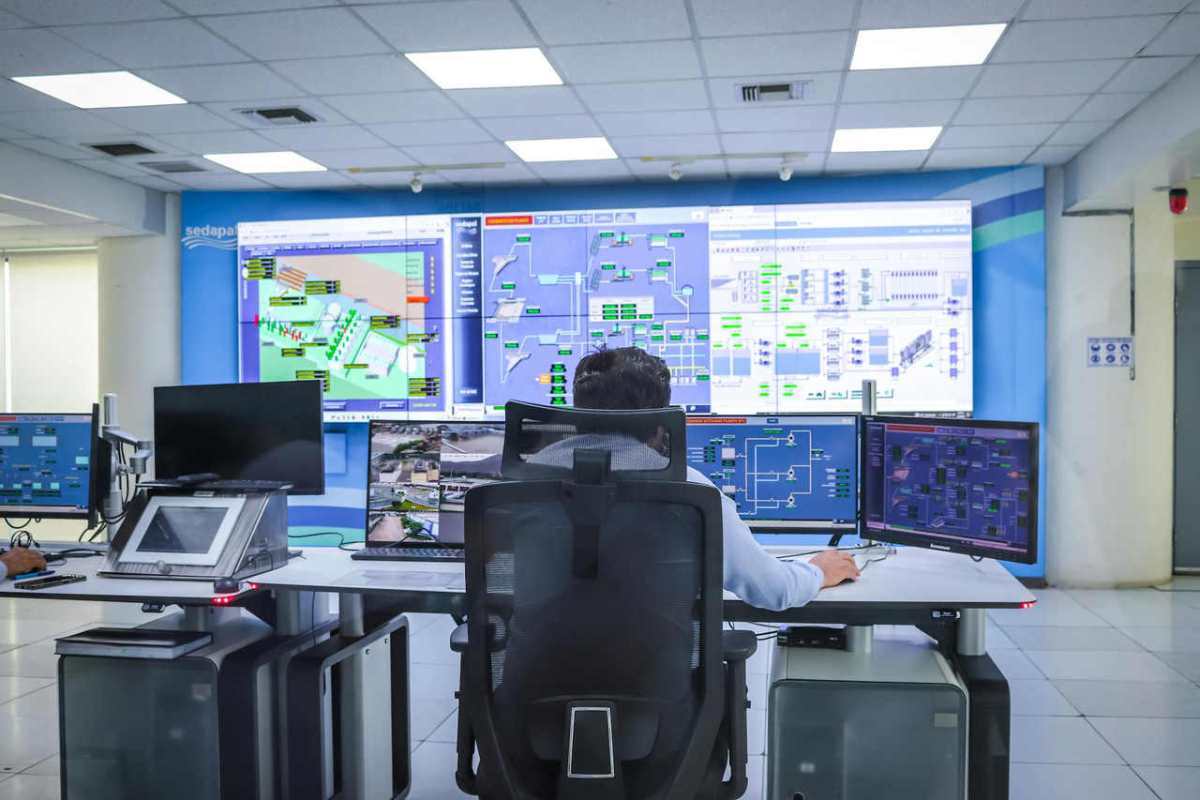
Modern Cloud Infrastructure
Many companies move their digital operations away from old on-premise hardware. Finding good cloud computing services provides flexible resources that scale up automatically during peak hours. This shift prevents sudden website crashes when customer traffic spikes.
Virtual setups reduce the need for expensive physical server maintenance. Corporate teams can access files from any remote location instantly. This flexible setup keeps core software stable during heavy work hours.
Cloud platforms provide built-in security features that protect sensitive company files. Businesses save money on hardware upgrades since virtual servers adjust to demand. Scalable infrastructure accommodates growth without requiring new office space.
Smart Data Caching Systems
Repeatedly fetching data from a main database slows down digital applications. A popular engineering guide explains that caching stores frequently used data to reduce response time and backend load.
Temporary storage memory holds items like user profiles or product lists. Local retrieval takes milliseconds instead of seconds. Users experience instant screen updates, which helps keep them happy.
Web browsers use local cache to store images and styling files. Loading a page a second time becomes much faster for the visitor.
Memory Allocation Techniques
System memory needs careful distribution across active programs. Servers crash when single applications hog available space. Allocating strict memory limits keeps background processes under control.
Computer systems run more smoothly when background tasks release unused RAM. Administrators track leaking applications using built-in task manager tools. Cleaning up memory hogs keeps desktop computers responsive all day long.
Restarting servers weekly clears out residual clutter from system memory. This basic practice refreshes data pathways without costing any money. Staff members notice fewer software freezing incidents after a refresh.
Task Automation For Teams
Manual system updates consume valuable hours from technical staff members. An educational blog post shares that automation reduces repetitive tasks, increases system reliability, and frees up time for IT teams. Software scripts handle regular backups and security patches without human intervention.
Removing human error makes digital operations highly predictable. Scheduled maintenance runs during midnight hours to avoid disturbing daily business. Technical experts spend their energy on growing the company instead of fixing repetitive bugs.
Automation routines send instant notifications when errors occur. Support teams fix tiny glitches before users even notice a problem. Running automated checks secures high availability for online storefronts.
Strategic Technology Allocation
Buying top-tier hardware does not solve every performance problem. A university strategic plan notes that a major path towards operational efficiency is optimizing the use of technology in our core services. Aligning digital tools with actual corporate workflows prevents wasting expensive network bandwidth.
Proper management fixes bottlenecks before they impact paying customers. Organizations must evaluate their current tools regularly to clear clutter. Certain key areas require immediate focus:
- Software license usage
- Server space management
- Employee access speeds
- Legacy program updates
Spending money on unused software licenses drains company budgets. Auditing user accounts frees up network resources for active team members. Streamlining corporate software improves daily output across all departments.
Hardware And Network Tuning
Physical machinery requires proper configuration to achieve maximum speed. Old router settings, which often limit data flow, need regular adjustments. Updating local firmware clears out communication errors across the workplace network.
Distributing network traffic across multiple channels prevents system strain. Load balancers direct users to the quietest server available.
High-quality cables prevent packet loss during heavy file transfers. Upgrading office wiring from older standards protects data integrity. Fast physical connections support seamless video calls and large downloads.

Routine Performance Monitoring
Problems can develop quietly within complex code setups over time. Tracking memory usage patterns catches resource leaks early. Early detection prevents major system blackouts that cost over $10,000 in lost revenue.
Engineers look at data charts to find weird performance dips. Constant observation tells teams exactly when to upgrade hardware. Regular checkups keep everything stable for long-term use.
Automated alerts sound when processor temperatures climb too high. Cleaning out dust from computer cases prevents thermal throttling. Cool computers run at peak clock speeds without unexpected performance drops.
Maintaining fast computers requires steady effort and smart choices. Small changes in caching, cloud usage, and automated tasks yield massive time savings. Speeding up devices creates a better workplace environment for every worker.
Faster response times keep clients satisfied and protect regular business income. Investing a little time into system maintenance brings major rewards over the coming months. Modern businesses thrive when their technology works perfectly.