Creating high quality content used to be a job for experts. You needed to spend years learning how to use complex software. Most people had to hire a professional just to get a decent video for their business. This was slow and cost a lot of money. Today, things are much easier for everyone. You can use smart tools to do the heavy lifting for you. These tools live in your web browser, so you do not need a powerful computer. You can make your brand look better without spending a fortune.
Imagine you run a small coffee shop. You want to show people how you roast your beans. You take a few clips on your phone, but they look shaky and dark. You can use a Free AI Video Generator Online to fix these issues. This tool can take your raw clips and turn them into a smooth story. It adds transitions and improves the lighting automatically. You do not need to know anything about frame rates or color grading. The AI understands what a good video should look like. You end up with a professional clip that you can post on your social media pages. This helps you reach more customers and shows that you care about quality.
Next, think about a person selling vintage clothes on the internet. Lighting in a home office is rarely perfect. The photos might have yellow tints or shadows that hide the details of the fabric. You can use an AI photo editor online to fix these problems instantly. This tool can remove the background and replace it with a clean white space. It can also adjust the brightness so the colors look true to life. When customers see clear photos, they feel more confident about buying from you. You can process dozens of photos in the time it used to take to edit one. This keeps your shop updated and your sales moving.
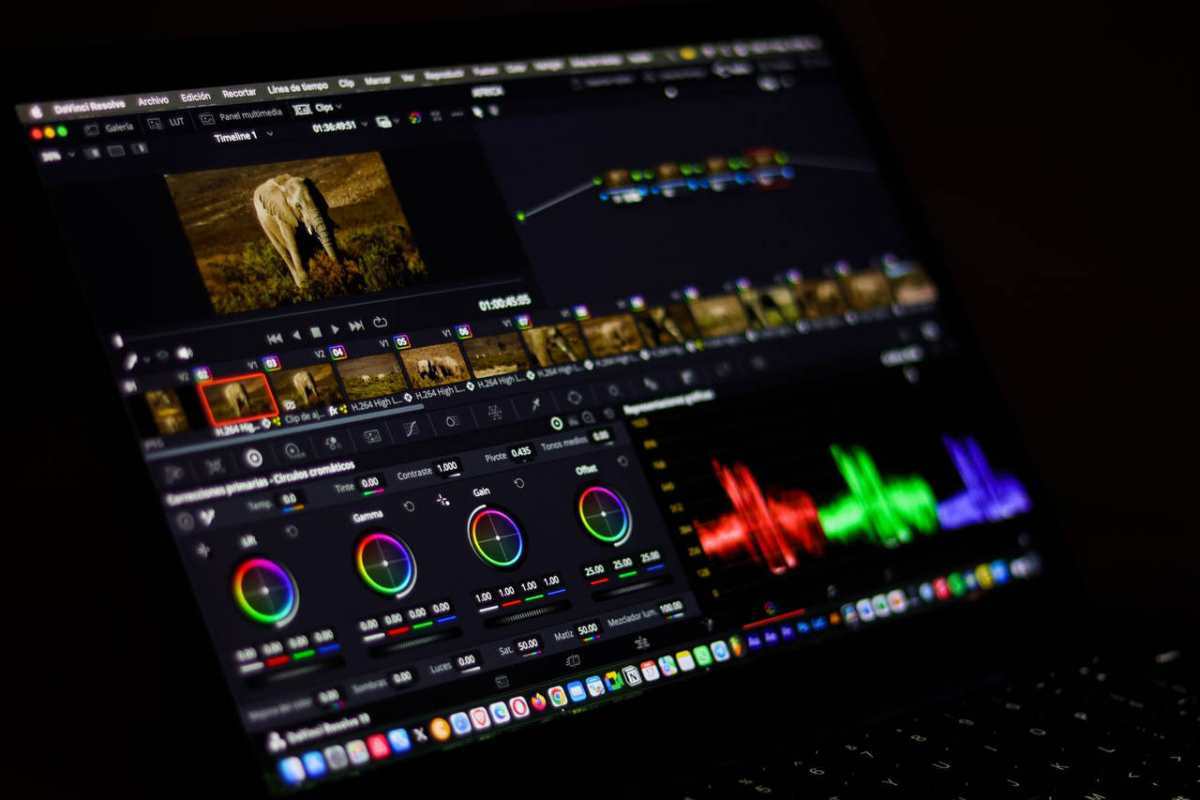
Scenario 1: Small Business Marketing
Small businesses often struggle to keep up with the demand for fresh content. You need to post on Instagram, TikTok, and Facebook to stay relevant. Producing a new video every day is exhausting if you do it the old way. With AI, you can take a single product photo and turn it into a moving advertisement. The software can add motion to still images or generate a voiceover based on your text. This allows a one person team to look like a full marketing agency. You can focus on roasting coffee or baking bread while the AI handles the video production.
The benefit here is consistency. When you use the same AI tools, your videos will have a similar look and feel. This helps people recognize your brand as they scroll through their feeds. You can also test different styles quickly. If a fast paced video does not work, you can generate a slower, more relaxing one in minutes. You are no longer stuck with one expensive video that might not even perform well.
Scenario 2: E-commerce Product Listings
Selling products online is all about the visuals. If your photos look amateur, people will think your products are low quality. Many sellers take photos in their living rooms or garages. These places have distracting backgrounds like power outlets, messy shelves, or uneven walls. An AI tool can identify the product and separate it from the mess. It creates a professional look that matches what you see on big retail sites.
This process also helps with SEO. Search engines prefer clean images with clear subjects. By using AI to sharpen your images and remove noise, you make it easier for customers to find you. You can also resize images for different platforms without losing quality. This ensures your products look great on both a desktop computer and a small phone screen. You save hours of tedious clicking and masking in traditional photo software.
Scenario 3: Real Estate and Property Management
Real estate agents need to move fast. When a house goes on the market, the photos need to be up immediately. Sometimes the weather does not cooperate. A rainy day can make a beautiful home look gloomy. AI tools can fix this by performing a sky replacement. You can turn a gray, depressing sky into a bright blue one. This simple change makes the entire property look more inviting.
Agents can also use AI to create virtual tours. Instead of just showing flat photos, you can generate a video that walks the viewer through the house. This gives potential buyers a better sense of the layout. It saves time for the agent because only serious buyers will ask for an in person showing. The AI can even help with virtual staging. It can place digital furniture into an empty room to show people how the space could look. This is much cheaper than renting real furniture for a shoot.
Benefits of Using Online AI Tools
The most obvious benefit is the speed of production. In the past, editing a three minute video could take a whole day. You had to cut the clips, sync the audio, and add effects. AI can do these tasks in a fraction of the time. This allows you to spend more time on the creative side of your business. You can think of new ideas instead of fighting with software settings.
Another major benefit is the low barrier to entry. You do not need a degree in digital media to produce great work. The interface of these online tools is usually very simple. You upload a file, click a button, and the AI does the rest. This levels the playing field for everyone. A teenager in their bedroom can now produce content that looks just as good as a big corporation.
Practical Workflow for Better Content
To get the best results, you should follow a structured workflow. Do not just throw files at the AI and hope for the best. Start by planning what you want to achieve. If you are making a video, write a short script or a list of points you want to cover. This helps the AI understand the context of your project.
First, prepare your assets. Take your photos and videos in the best light possible, even if it is not perfect. Use the AI photo tool to clean up your images first. Fix the colors, remove the backgrounds, and sharpen the details. Once your photos are ready, they will look much better when you put them into a video.
Second, use the video generator to assemble your clips. You can choose a theme that matches your brand. Add your cleaned up photos as overlays or transitions. The AI can suggest music that fits the mood of your video. Make sure the text you add is easy to read and stays on the screen long enough for people to see it.
Third, review and refine. Even though the AI is smart, it might make small mistakes. Check the transitions to ensure they are smooth. Make sure the audio is clear and not too loud compared to the background music. Once you are happy with the result, export the file in a high resolution format.
Common Mistakes to Avoid
One mistake people make is over editing. Just because you can remove every shadow does not mean you should. Sometimes a little bit of natural light makes a photo feel more real. If a photo looks too perfect, customers might think it is fake. Try to find a balance between professional polish and natural charm.
Another mistake is ignoring the quality of the original file. AI is powerful, but it cannot turn a blurry, pixelated photo into a masterpiece. Always try to start with the highest quality file you can. Hold your phone steady and use as much natural light as possible. The better the input, the better the AI output will be.
Finally, do not forget to check the cropping. Different social media platforms use different aspect ratios. A video that looks great on YouTube might get cut off on TikTok. Use the AI tools to export your content in the correct size for each platform. This ensures your message is always visible to your audience.
Conclusion
You no longer need a big team to make great content. Online AI tools put the power of a studio in your hands. You can focus on your ideas while the software handles the technical details. This makes it easier for small businesses and creators to compete with big brands. Start using these tools today to see how much they can improve your work. You'll be surprised at how fast you can create something professional. The world of content creation is changing, and these tools are making it better for everyone. By following a simple workflow and using the right tools, you can transform your online presence. Whether you are selling a product or sharing a story, AI helps you look your best.