What Is a Face Swap Tool & Who Needs It?
Ever wanted to see your face on a movie character, or drop a friend into a hilarious meme? That’s exactly what an AI face swap tool makes possible — instantly and realistically.
AI face swapping uses artificial intelligence to detect and replace one person’s face with another in a photo or video. The result looks natural, with matched lighting, skin tone, and expression — no Photoshop skills required.
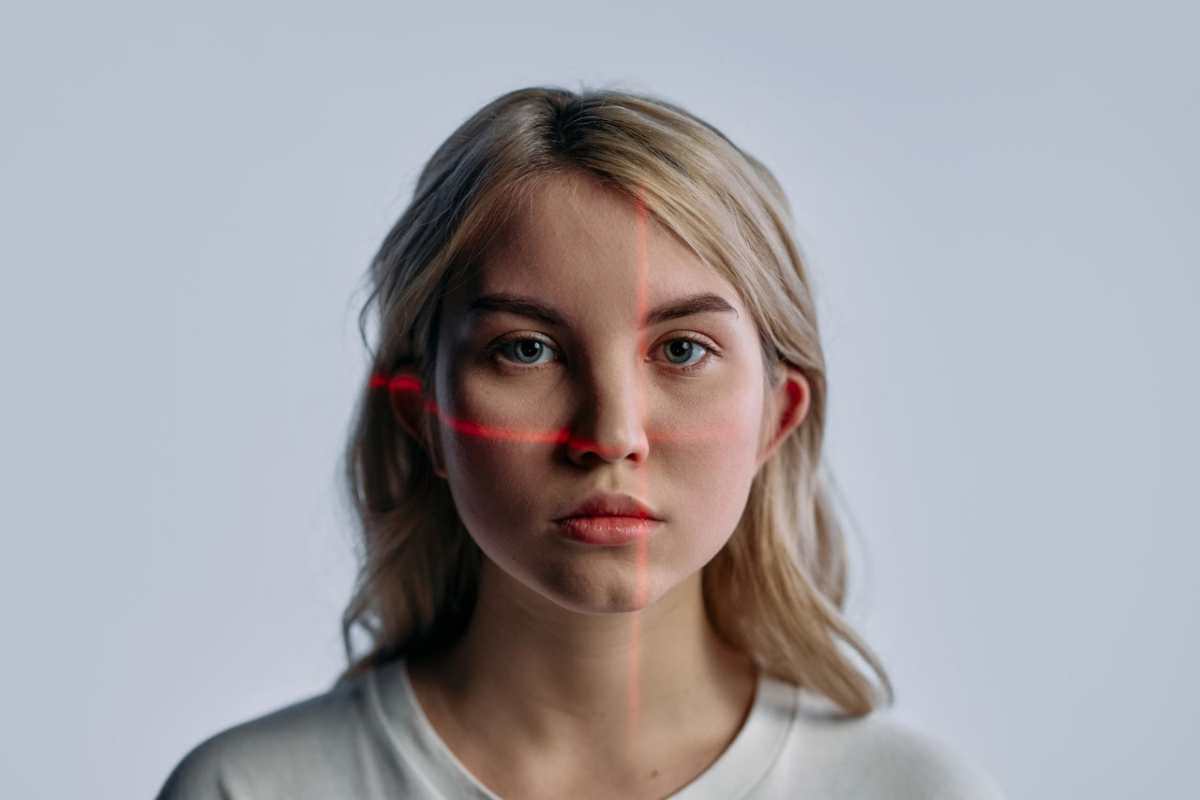
Who can benefit from the best face swap tool?
- 🎨 **Content creators & social media users** — create eye-catching posts and reels
- 😂 **Meme makers & entertainers** — put anyone into any scene for laughs
- 🖼️ **Artists & designers** — visualize concepts and composite references quickly
- 💼 **Professionals** (hairstylists, casting directors) — preview looks before committing
If you’re looking for a reliable, high-quality AI face swap in 2026, one tool rises above the rest: **EaseMate AI**.
Part 2: Best Free AI Face Swap Tool — EaseMate AI ⭐
Why EaseMate AI Is the Best Face Swap Tool
After testing multiple free AI face swappers, **EaseMate AI stands out for its combination of speed, realism, and zero-cost accessibility**. Most free tools compromise on at least one front — they’re slow, add watermarks, or produce unnatural results. EaseMate AI doesn’t.
A great face swap tool should deliver on five key criteria:
What to Look For
| ✅ Output quality | Realistic blending, natural skin tones |
| ✅ Processing speed | Results in seconds, not minutes |
| ✅ Ease of use | No steep learning curve or sign-up walls |
| ✅ Privacy & safety | Your photos shouldn’t be stored or shared |
| ✅ Cost | Truly free, no hidden paywalls |
EaseMate AI checks every box.
EaseMate AI’s Key Advantages
| Feature | EaseMate AI |
| Watermarks | ❌ None |
| Processing speed | ⚡ Fast (seconds per swap) |
| Output quality | 🖼️ High-res, natural blending |
| Privacy | 🔒 Images not stored after session |
| Cost | 💚 100% Free |
### Standout Features
- 🎯 **Accurate facial landmark detection** — precisely aligns 68+ facial key points for a seamless swap
- 🌟 **Natural skin tone & lighting matching** — results look realistic even across different lighting conditions
- 📸 **Supports both photos and videos** — versatile for all your creative needs
- 📱 **Works on mobile & desktop browsers** — no app download or installation required
Part 3: How to Use EaseMate AI — Step-by-Step
Getting started with EaseMate AI takes less than a minute. Here’s how:
1. **Visit** the EaseMate AI face swap tool on your browser (mobile or desktop)
2. **Upload your source image** — the photo containing the face you want to use
3. **Upload your target image** — the photo where the face will be placed
4. **Click “Swap”** — the AI processes your images in just a few seconds
5. **Preview & download** your result — save the high-resolution output directly to your device
> 💡 **Pro Tip:** For best results, use a well-lit, front-facing photo with no obstructions (glasses, hair over the face) as your source image.
Conclusion
In 2026, **EaseMate AI is the best free AI face swap tool** for anyone who wants fast, high-quality results without sign-up friction, watermarks, or privacy concerns. Whether you’re a creator, a professional, or just having fun, it delivers on every front.
As with any AI tool, use it responsibly — always get consent before swapping someone’s face, and disclose AI-generated content where required.
**👉 Try EaseMate AI Face Swap for free today →**
FAQ
Q1: Is EaseMate AI face swap free to use?
Yes — EaseMate AI is completely free. There are no watermarks, no hidden fees, and no premium tier required to access full-resolution outputs.
Q2: Is it safe to upload my photos to EaseMate AI?
Yes. EaseMate AI processes your images in-memory during your session and does not store or share them afterward, keeping your personal photos private.
Q3: What’s the best type of photo for great face swap results?
Use a well-lit, high-resolution image (at least 512×512 pixels) with a clear, forward-facing, unobstructed face. Avoid images where hair, hands, or glasses cover the face, as this can affect accuracy.