Managing multiple courts, rooms, or fields can turn into a logistical nightmare quickly. Double bookings and empty spaces cost your business thousands of $ every single day. Disorganized calendars push clients toward competitors.
Modern operations require smart tools to keep everything running smoothly. Upgrading your workflow saves time and keeps your clients happy. Digital systems remove manual tracking stress.
Prioritize Mobile Accessibility
Finding and booking a space should never feel like a chore for customers. Selecting a venue through apps such as the app called CatchCorner makes booking simple for everyday users. Complex desktop interfaces discourage people before checkout.
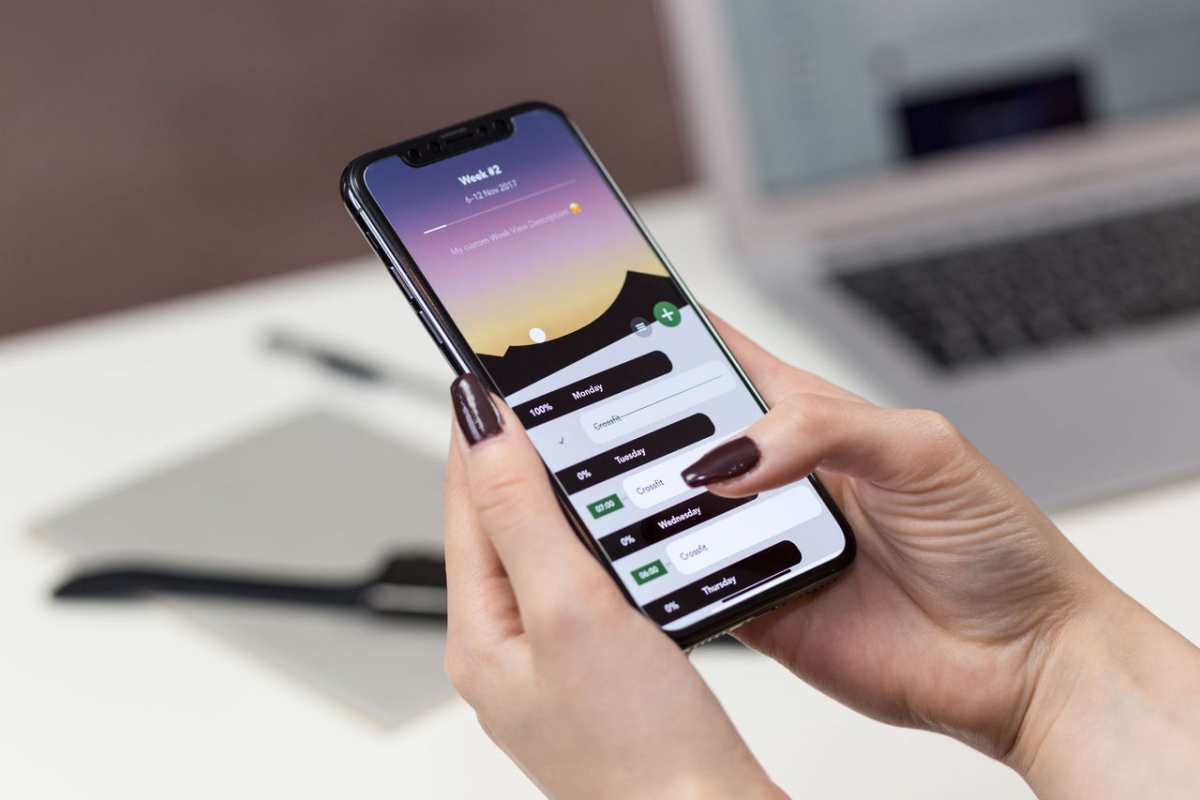
Clients prefer managing reservations directly from smartphones during busy days. A responsive layout means individuals can secure slots at 3 in the morning. Convenience drives repeat business and fills slots automatically.
When your platform functions perfectly on smaller screens, engagement metrics naturally improve. Users expect seamless interactions without zooming or horizontal scrolling. Mobile optimization keeps your facility accessible to everyone constantly.
Reduce the Click Count
A recent guide from Joan indicates that platform adoption drops when procedures get overly complicated. You should aim to keep the reservation path under 3 clicks total. Minimizing friction helps users stick around to complete the process.
Extra fields or unnecessary menus create dropout opportunities. Customers want to select a time, input basic details, and finalize payment immediately. Trimming the fluff guarantees a higher conversion rate.
Look at your current setup to see where bottlenecks typically happen. Removing redundant confirmation screens speeds up the transaction immensely. Simplicity remains the ultimate goal for modern facility managers.
Sync Real Time Updates
Static schedules confuse and lead to accidental scheduling overlaps. An article by Reservio explains that automated updates show slot confirmations immediately inside your dashboard. This transparency eliminates double bookings.
Staff members can view changes the moment they happen – avoiding administrative friction entirely. This transparency removes the constant need for back-and-forth emails. Teams coordinate asset availability without guessing.
Customers see exact availability before they commit to a specific timeframe. Instant confirmation builds trust and keeps your calendar organized. Accurate tracking prevents unexpected scheduling headaches for everyone involved.
Define Group Access Roles
Large facilities often deal with multiple internal departments trying to claim the same spaces. A report from Univerus Sport and Recreation suggests creating distinct user groups with specific permissions. This method keeps teams from overriding each other.
This method allows various teams to coordinate bookings simultaneously without messing up backend data security. Managers retain control over who schedules certain high-profile zones. Security protocols protect sensitive operational data across the organization.
Role-based profiles keep your internal operations organized. Customized access prevents accidental deletions and protects sensitive operational schedules. Everyone knows exactly what slots they are allowed to modify.

Upgrading your approach to space management does not have to feel painful. Selecting the right tools helps you maximize occupancy and minimize daily headaches. Systematic approaches change asset distribution views.
Clear boundaries combined with instant updates keep your operations smooth. Your business can focus on long-term growth instead of stressful calendar conflicts. Smart scheduling always paves the way for commercial success.