Flowcharts are still one of the clearest ways to explain how work moves through a system in 2026. Teams use them to map approval chains, document operating procedures, outline customer journeys, and visualize software logic. In 2026, visual workflows are part of daily operations across product teams, HR departments, IT groups, and consulting firms.
Traditional diagram tools require manual layout work. Users drag shapes, draw connectors, adjust spacing, and reformat everything when processes change. That approach slows down documentation and makes updates time-consuming.
An AI flowchart generator removes most of that friction.
Modern AI flowchart builders turn short written prompts into structured, editable diagrams in seconds. A user can describe a workflow in plain language and receive a properly connected flowchart with decision points and logical branches. Instead of starting with a blank canvas, teams start with structure.
This guide reviews the best AI flowchart generators in 2026, ranked for usability, AI accuracy, customization, collaboration, and real-world application.
What Is an AI Flowchart Generator?
An AI flowchart generator is a tool that converts text descriptions into visual diagrams. Users describe a workflow, and the system creates nodes and connectors automatically.
Most AI flowchart builders in 2026 include:
- Text-to-flowchart generation
- Editable diagram elements
- Templates for common workflows
- Export formats such as PNG or PDF
- Sharing or collaboration options
Some platforms focus on business process documentation. Others emphasize design quality or collaborative brainstorming. The right choice depends on how the flowchart will be used.
Below are the leading tools, presented in order.
Best AI Flowchart Generators in 2026
Jotform AI Flowchart Generator
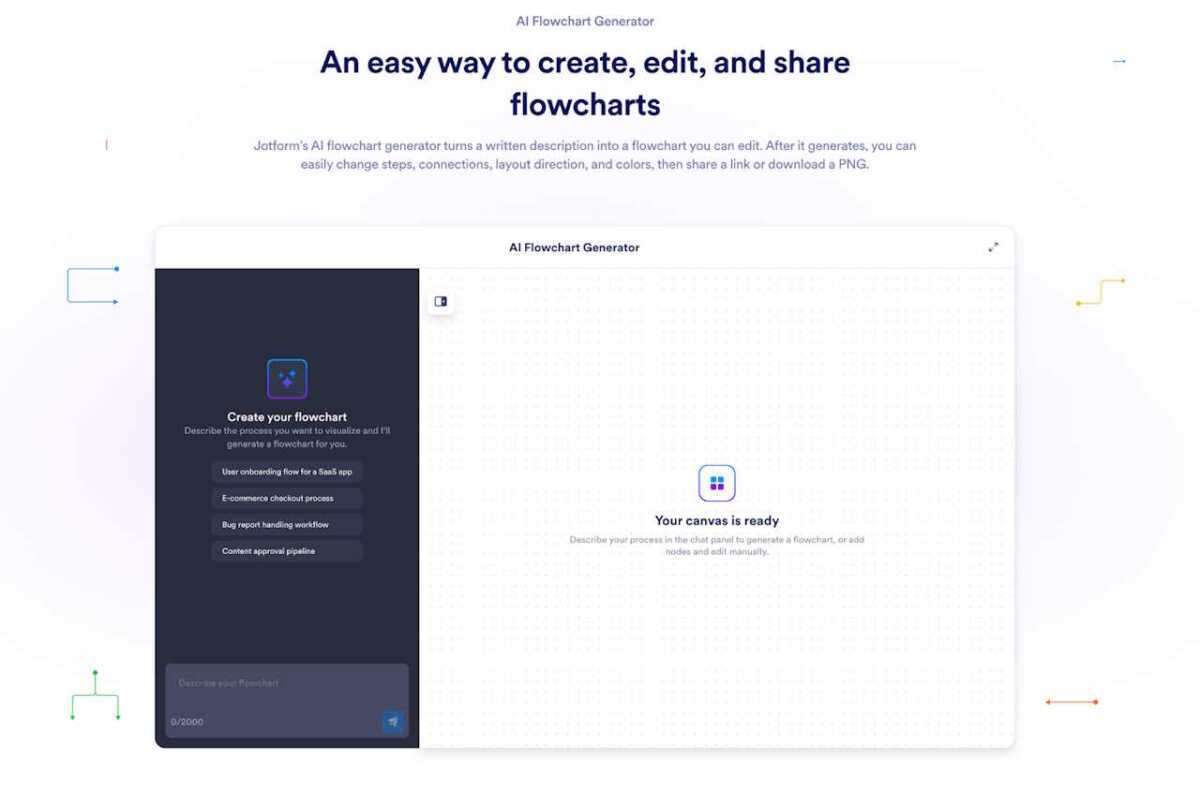
Jotform AI Flowchart Generator turns natural language descriptions into structured diagrams designed for business workflows in 2026. The tool is part of Jotform’s broader ecosystem of forms and automation products, which makes it suitable for teams documenting real operational processes.
Users can enter a written description of a workflow, and the AI builds a clear, editable flowchart. Diagrams can then be refined, reorganized, and shared. It works well for generating approval flows, onboarding systems, support processes, and compliance documentation.
The focus is on logic clarity and usability rather than decorative design.
Jotform AI Flowchart Generator Pros
- Accurate branching from written prompts
- Fully editable diagrams after generation
- Clear interface designed for structured workflows
- Easy export and sharing options
- Suitable for operational documentation
Jotform AI Flowchart Generator Cons
- Limited visual styling compared to design-heavy platforms
- Advanced layout customization may require manual adjustment
Jotform AI Flowchart Generator Pricing
- Free forever plan available
- Bronze: $34/month
- Silver: $39/month
- Gold: $99/month
- Enterprise: Contact sales
Jotform AI Flowchart Generator Is Best For:
Most businesses and teams that need structured, practical, and editable workflow documentation and flowcharts.
Venngage AI Flowchart Generator
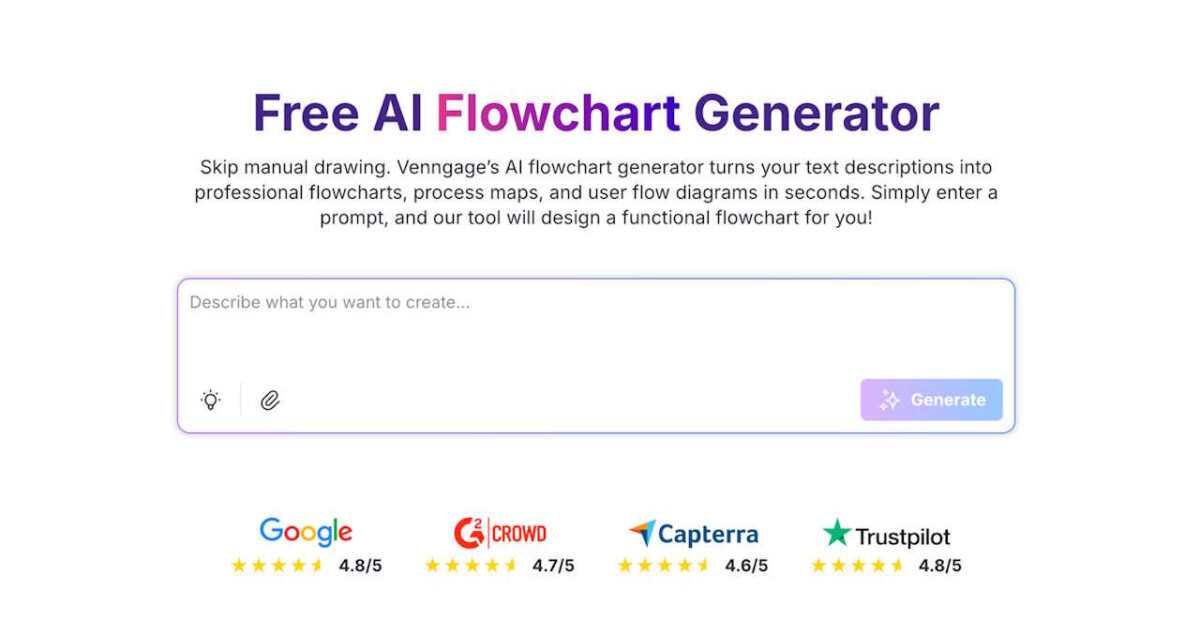
Venngage AI Flowchart Generator focuses on presentation-ready diagrams for 2026. It converts text prompts into structured flowcharts that can be customized using brand colors, fonts, and layout controls.
The platform is design-oriented. It works well for consultants, marketing teams, and educators who need polished visuals for reports or client presentations.
Venngage emphasizes visual quality and brand consistency.
Venngage AI Flowchart Generator Pros
- Strong customization tools
- Brand kit support
- Clean templates for professional presentations
- Multiple export formats
Venngage AI Flowchart Generator Cons
- Editing experience leans toward design rather than workflow structure
- Premium features require paid plans
Venngage AI Flowchart Generator Pricing
- Free plan available
- Premium: $10/month
- Business: $24/user/month
- Enterprise: Starts at $499, scales up
Venngage AI Flowchart Generator Is Best For:
Users who prioritize visual presentation and branded output for clients.
Miro AI Flowchart Generator
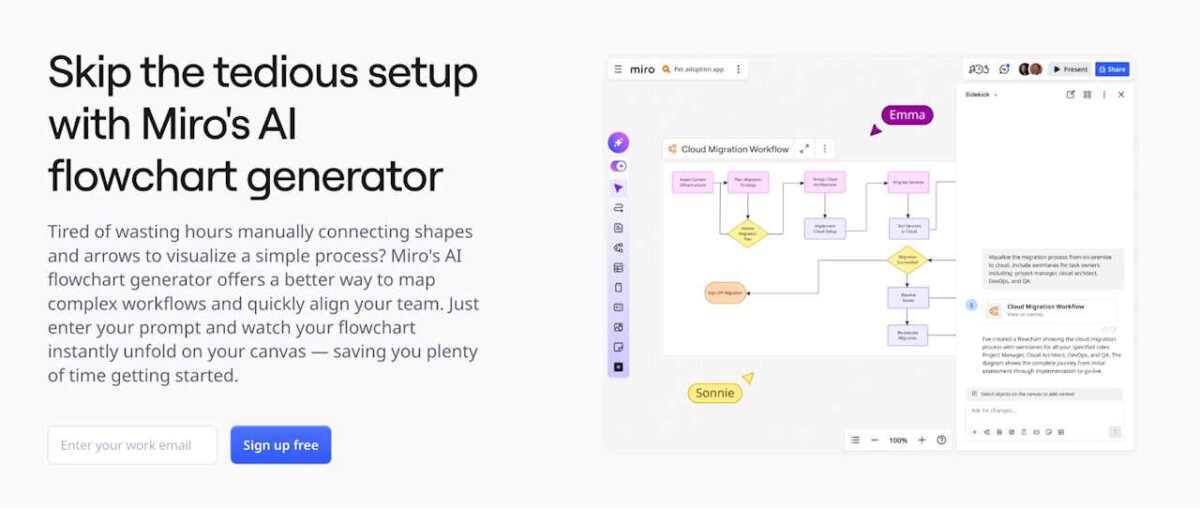
Miro’s AI flowchart builder operates within its collaborative whiteboard environment in 2026. Users enter text, and the AI creates a flowchart directly on an infinite canvas.
Teams can edit diagrams together in real time, alongside sticky notes, roadmaps, and planning boards. Miro’s strength lies in collaborative environments rather than formal documentation.
It works well during workshops, sprint planning, and remote meetings.
Miro AI Flowchart Generator Pros
- Real-time collaboration
- Infinite canvas for flexible diagram placement
- Fast text-to-flowchart generation
- Works alongside other planning tools
Miro AI Flowchart Generator Cons
- AI usage depends on credits
- Large boards can become cluttered
- Less focused on structured documentation
Miro AI Flowchart Generator Pricing
- A free plan is available
- Starter: $8/member/month
- Business: $16/member/month
- Enterprise: Contact sales
Miro AI Flowchart Generator Is Best For:
Agile teams and collaborative brainstorming sessions.
Eraser.io AI Flowchart Generator
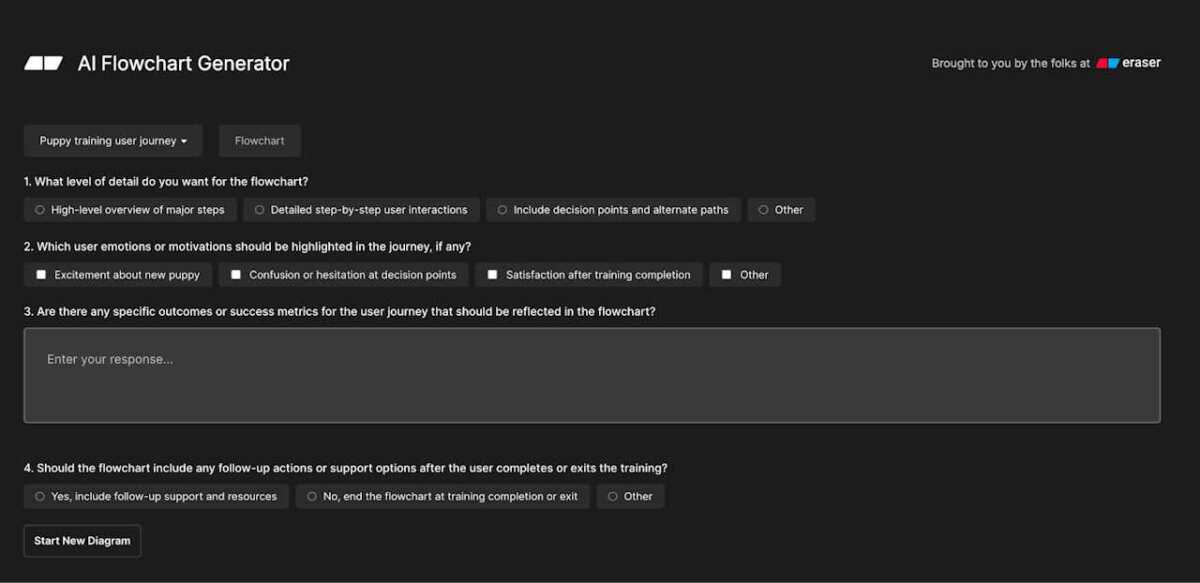
Eraser.io offers a developer-oriented AI flowchart generator for 2026. It can convert structured text or logical descriptions into diagrams.
The platform focuses on clarity of logic rather than decorative styling. Engineers and technical teams often use it to map system architecture or software flows.
It provides a streamlined experience for users comfortable with structured inputs.
Eraser.io AI Flowchart Generator Pros
- Clear representation of system flows
- Lightweight interface
- Free access available
Eraser.io AI Flowchart Generator Cons
- Limited advanced visual customization
- Not ideal for marketing or presentation use
Eraser.io AI Flowchart Generator Pricing
- A free plan is available
- Starter: $15/member/month
- Business: $45/member/month
- Enterprise: Contact sales
Eraser.io AI Flowchart Generator Is Best For:
Engineering teams, developers and technical documentation workflows.
Whimsical AI Flowchart Generator
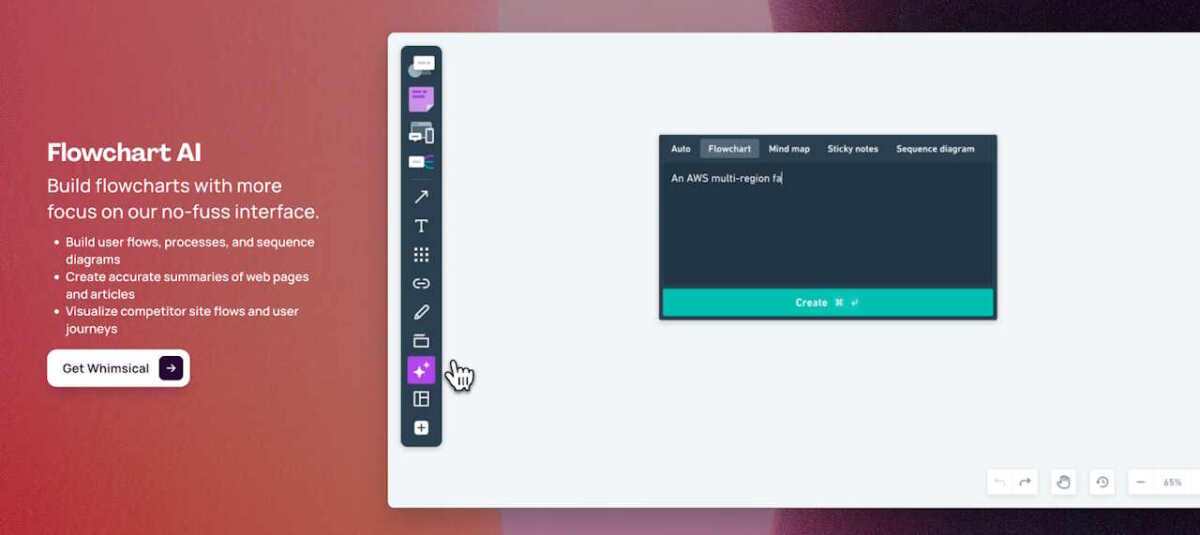
Whimsical AI Flowchart Generator creates clean, simple flowcharts from text prompts in 2026. The interface is minimal, which makes it easy to use without a steep learning curve.
The platform also supports mind maps and wireframes, making it useful for product design and early-stage planning.
Whimsical prioritizes simplicity and clarity.
Whimsical AI Flowchart Generator Pros
- Simple and fast generation
- Minimal interface
- Good for ideation and user flows
- Real-time collaboration
Whimsical AI Flowchart Generator Cons
- Limited advanced customization
- Less suited for complex enterprise workflows
Whimsical AI Flowchart Generator Pricing
- A free plan is available
- Pro: $10/editor/month
- Business: $15/editor/month
- Enterprise: $20/editor/month
Whimsical AI Flowchart Generator Is Best For:
Startup teams and designers mapping product concepts.
EdrawMax AI Flowchart Generator
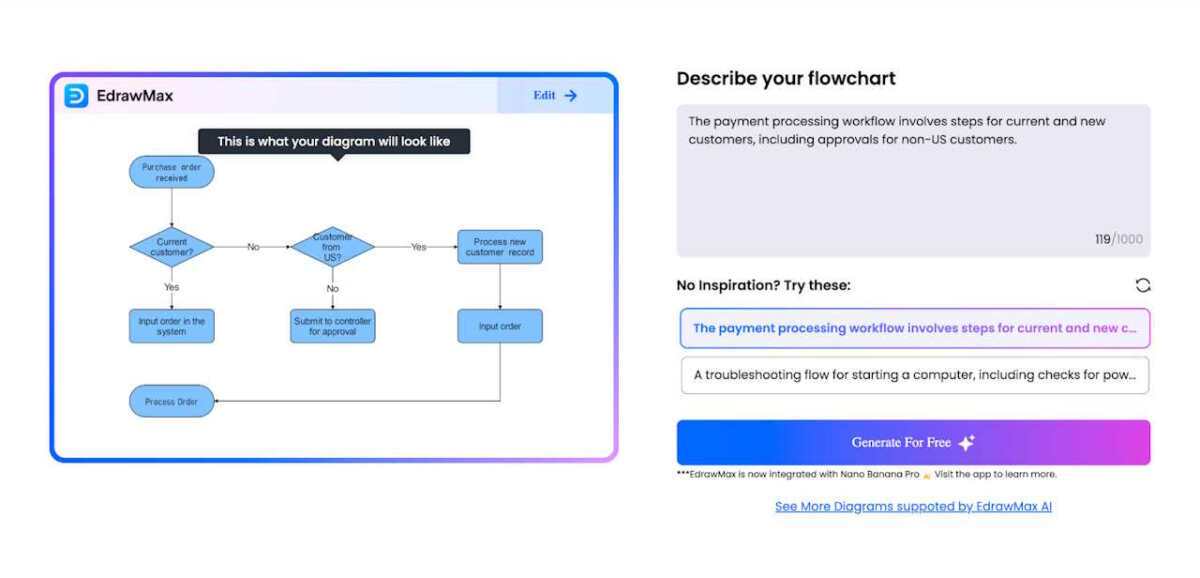
EdrawMax integrates AI flowchart generation in 2026 into a broad diagramming suite. Users put in text to create a diagram, then refine it using advanced editing tools.
The platform supports many diagram types beyond flowcharts, including technical and engineering visuals.
It suits users who need detailed control over diagram structure.
EdrawMax AI Flowchart Generator Pros
- Advanced editing features
- Multiple diagram categories
- Flexible export formats
EdrawMax AI Flowchart Generator Cons
- Interface can feel complex
- Free plan includes usage restrictions
EdrawMax AI Flowchart Generator Pricing
- 50,000 EdrawMax AI tokens: $5.90
- 100,000 EdrawMax AI tokens: $9.90
- 999,999 EdrawMax AI tokens: $79.90
EdrawMax AI assets are accessible with a 7-day trial, and they auto-renew at $15.9/month in addition to regular EdrawMax plans:
- Free trial available
- Semi-annual: $69/6 months
- Annual: $99/1 year
- Perpetual: $198/one-time purchase
EdrawMax AI Flowchart Generator Is Best For:
Professionals who work with technical diagrams regularly.
MyLens AI Flowchart Maker
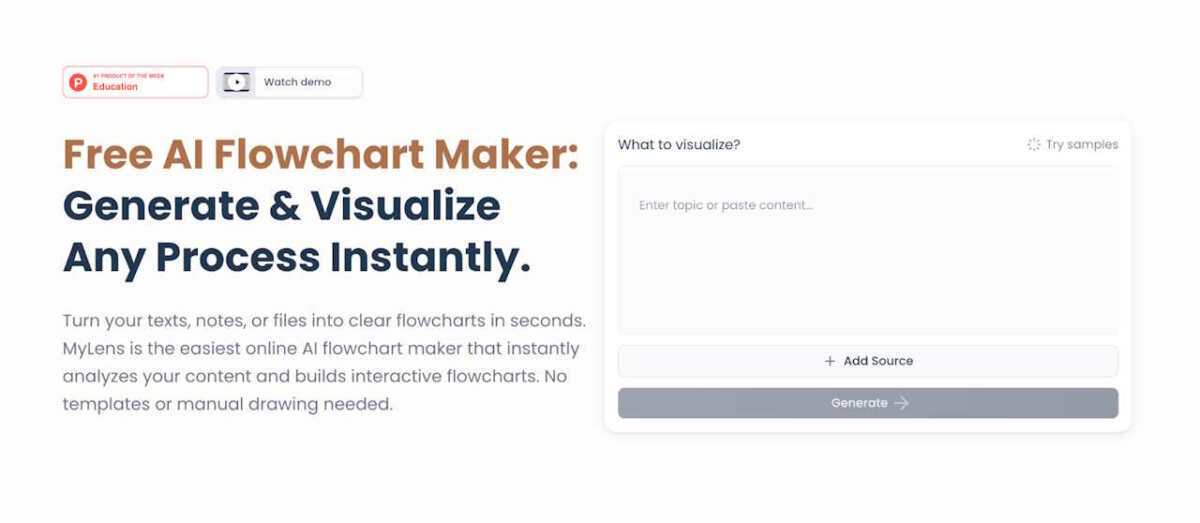
MyLens AI Flowchart Maker is a browser-based tool designed for users who need quick generation in 2026. Users enter text and receive a flowchart instantly.
The interface is straightforward and does not require account setup for basic use. It is suitable for simple diagrams and fast drafts.
MyLens focuses on accessibility and speed.
MyLens AI Flowchart Maker Pros
- Beginner-friendly interface
- Free access
- Minimal setup required
MyLens AI Flowchart Maker Cons
- Basic editing tools
- Limited collaboration options
- Fewer export formats
MyLens AI Flowchart Maker Pricing
- Free plan available
- Pro: $12/member/month
- Growth: $120/member/month
- Enterprise: Contact sales
MyLens AI Flowchart Maker Is Best For:
Individuals needing fast, uncomplicated flowcharts.
Creately AI Flowchart Generator
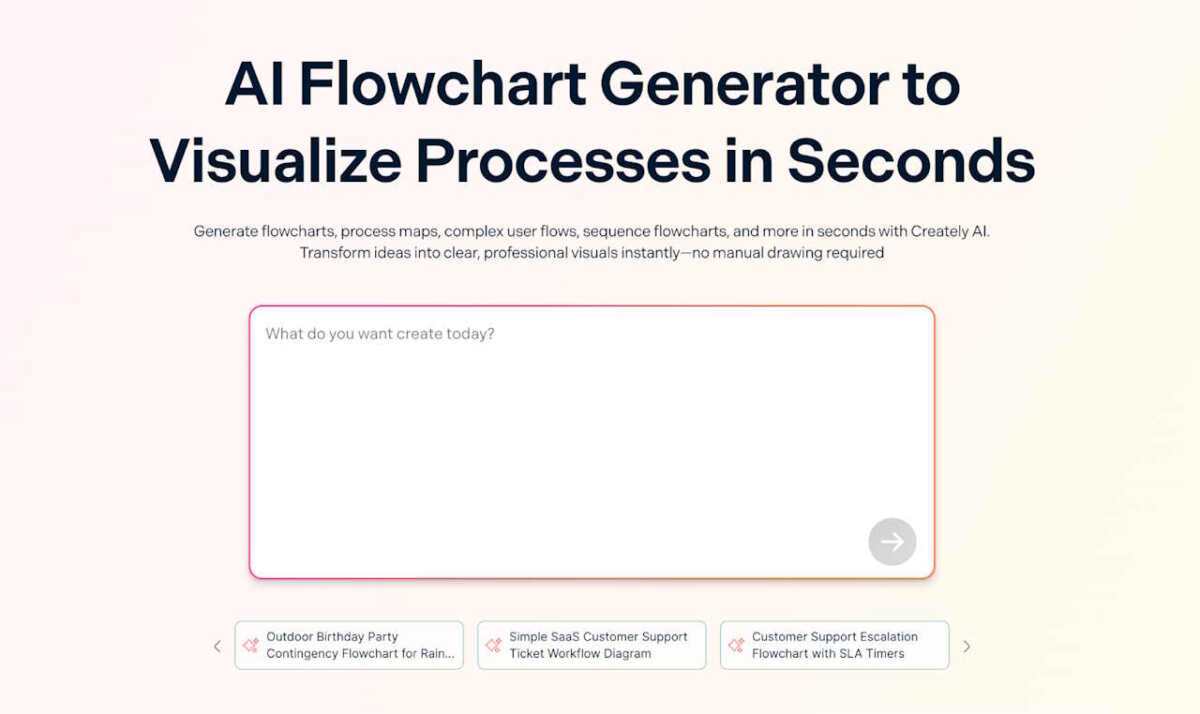
Creately AI Flowchart Generator combines AI generation with a collaborative diagram workspace in 2026. It supports multiple diagram formats and real-time editing.
The AI builds structured diagrams from text, which users can then customize extensively. Creately works well for teams managing different types of diagrams within one environment.
It offers more depth than lightweight tools.
Creately AI Flowchart Generator Pros
- Wide diagram support
- Real-time collaboration
- Flexible editing controls
- Suitable for complex workflows
Creately AI Flowchart Generator Cons
- Interface may feel dense for basic tasks
- AI features tied to paid tiers
Creately AI Flowchart Generator Pricing
- Free plan, doesn’t include AI features
- Personal: $5/month
- Team: $5/user/month
- Business: $89/month
- Enterprise or OnPrem: Contact sales
Creately AI Flowchart Generator Is Best For:
Teams handling complex projects and varied diagram types.
NoteGPT.io AI Flowchart Generator
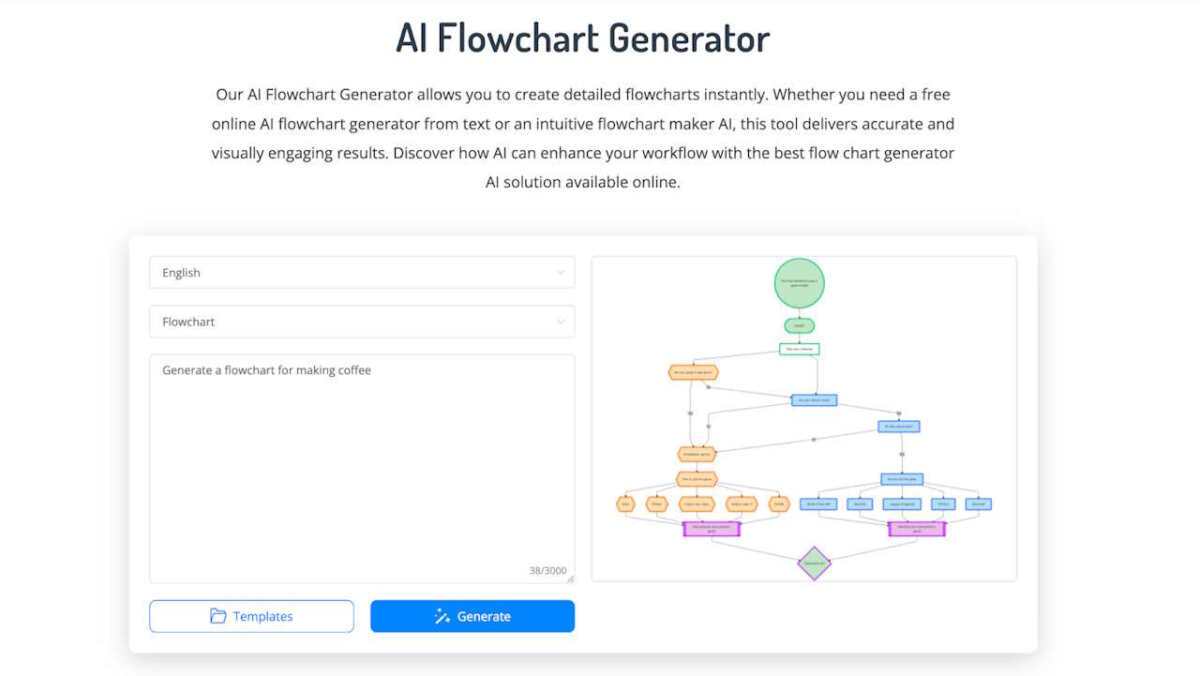
NoteGPT.io provides a simple AI flowchart generator in 2026 that converts text or uploaded documents into diagrams. It emphasizes speed and accessibility.
The platform works entirely in the browser and requires minimal setup. It is practical for students or solo users drafting quick process visuals.
NoteGPT.io AI Flowchart Generator Pros
- Accepts text and document input
- Fast generation
- Easy to use
- Free access available
NoteGPT.io AI Flowchart Generator Cons
- Limited collaboration features
- Basic customization
- Not designed for enterprise workflows
NoteGPT.io AI Flowchart Generator Pricing
- Free to use AI flowchart generator
- Pro: $9/month
- Unlimited: $19.92/month
- Max: $69/month
NoteGPT.io AI Flowchart Generator Is Best For:
Students and individuals needing quick drafts.
How to Choose the Best AI Flowchart Generator in 2026
Selecting the right AI flowchart builder depends on the intended use.
For Structured Business Workflows and Most Use Cases
Jotform provides strong logic clarity and easy editing for most scenarios.
For Branded Presentations
Venngage supports customization and professional design output.
For Collaborative Workshops
Miro and Creately offer real-time collaborative editing and shared workspaces.
For Technical System Mapping
Eraser.io and EdrawMax support structured, detailed diagrams.
For Quick Personal Use
Jotform, MyLens and NoteGPT deliver fast results with minimal setup.
The best AI flowchart generators in 2026 reduce manual layout work and help teams focus on improving processes rather than drawing shapes.
Comparison Table: The Best AI Flowchart Generators in 2026
| Tool | Best For | Key Feature |
| Jotform AI Flowchart Generator | Business operations, most use cases | Structured workflow generation |
| Venngage AI Flowchart Generator | Client-facing presentations | Brand customization tools |
| Miro AI Flowchart Generator | Agile teams | Collaborative infinite canvas |
| Eraser.io AI Flowchart Generator | Engineering workflows | Developer-focused logic diagrams |
| Whimsical AI Flowchart Generator | Product planning | Minimal, fast ideation |
| EdrawMax AI Flowchart Generator | Technical professionals | Advanced diagram suite |
| MyLens AI Flowchart Maker | Quick drafts | Instant browser-based creation |
| Creately AI Flowchart Generator | Complex team projects | Multi-diagram collaboration |
| NoteGPT.io AI Flowchart Generator | Students and individuals | Simple document-to-flowchart conversion |
FAQ
What are the best AI flowchart generators in 2026?
Leading options include Jotform, Venngage, Miro, Creately, and EdrawMax. The best choice depends on whether the priority is business workflows, collaboration, or design presentation.
Is there a no-code AI flowchart generator?
Yes. Most modern tools function as a no-code AI flowchart generator. Users describe the process in plain language, and the system creates the diagram.
Can AI flowchart builders handle complex workflows?
Many can generate structured branching logic. Advanced workflows may require editing after generation.
Are there free AI flowchart builders?
Several platforms offer free plans, including Jotform, Miro, MyLens, and Eraser.io.
Do these tools support exporting diagrams?
Yes. Most platforms allow exporting as PNG, PDF, or other common formats.