Anyone responsible for receiving shipments, whether at a warehouse, a retail back room, or a small business loading dock, eventually runs into a GS1 QR code on a label that looks different from the simple linear barcodes they are used to. These codes pack significantly more information into a single scan, but reading and interpreting that information correctly requires understanding how the data is structured, not just pointing a scanner at it and hoping for the best.
This guide explains what is actually encoded in a GS1 QR code on a shipping label, how to read that data correctly, and what tools and practices make the process smooth rather than confusing.
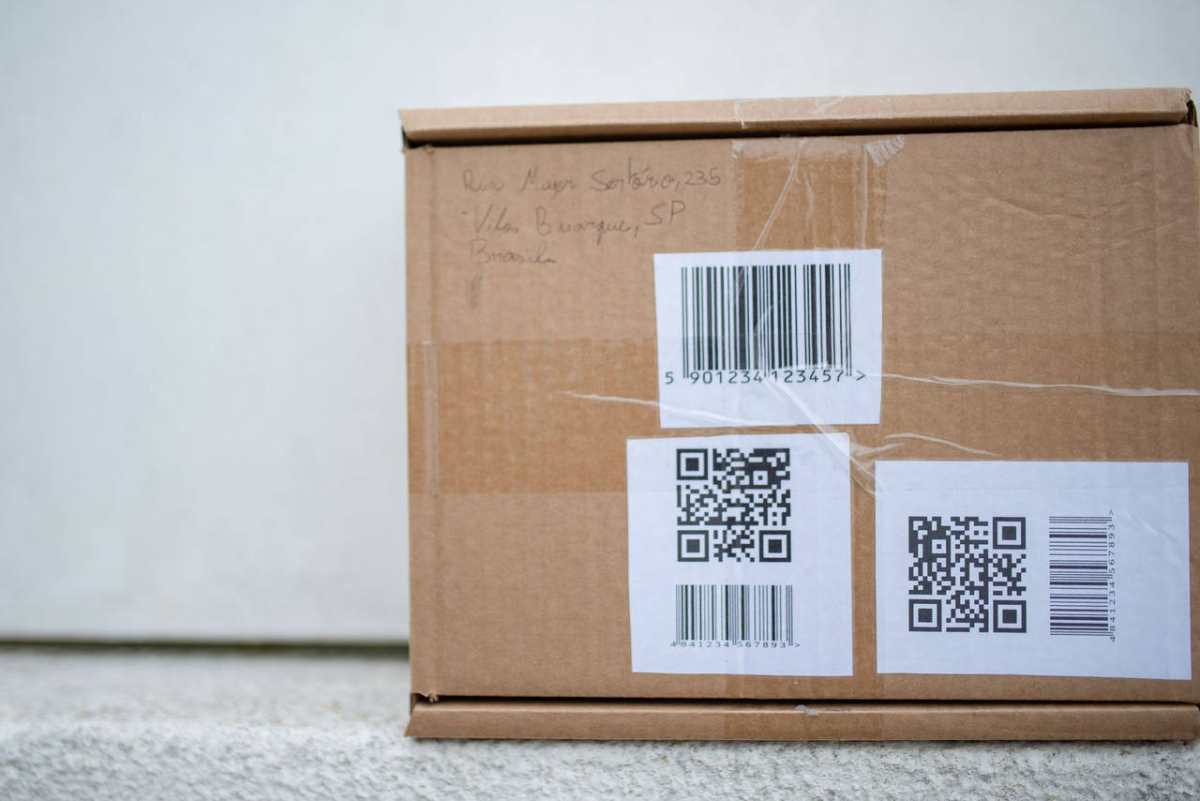
Understanding What Is Actually Encoded
A GS1 QR code on a shipping label typically carries several distinct pieces of data bundled together, each identified by a specific Application Identifier. Unlike a simple barcode that might just contain a single number, a GS1 QR code can include the GTIN, which identifies the product itself, a batch or lot number identifying the specific production run, a Serial Shipping Container Code, often called an SSCC, which uniquely identifies that specific package or pallet, and in many cases a production date and an expiration or best-before date if relevant to the product type.
Each of these data elements is preceded by a numeric Application Identifier that tells a compliant scanning system what kind of data follows. For example, a specific Application Identifier always precedes a GTIN, while a different one precedes a batch number. This structure is what allows any GS1-compliant system, regardless of who built it or what country it operates in, to correctly parse the same code in exactly the same way.
Why You Cannot Just “Eyeball” the Data
Unlike a price tag or a simple label where the relevant information is printed in plain text next to a barcode, a GS1 QR code’s full data set is not typically displayed as readable text on the label itself, though many labels do include a human-readable interpretation line beneath the code for quick visual reference. The code itself needs to be scanned by a system that understands the GS1 Application Identifier structure in order to extract and properly label each piece of data.
This means that simply scanning the code with a generic QR reader app on a phone, the kind most people have built into their camera app, will often just display a long string of numbers and identifiers without any clear breakdown of what each section means. Properly reading a GS1 QR code requires either a GS1-compliant scanning application or a warehouse management system configured to parse this specific data structure correctly.
Step by Step: Reading a GS1 QR Code Correctly
Step 1: Confirm your scanning equipment or software is GS1-compliant. Many modern industrial scanners and warehouse management systems support this natively, but it is worth confirming rather than assuming, particularly with older equipment or software that may have been configured only for traditional linear barcodes.
Step 2: Scan the code using your compliant system. The scan itself takes a fraction of a second, identical to scanning a traditional barcode, but the resulting data on a properly configured system will be broken down into its individual components rather than appearing as a single undifferentiated string.
Step 3: Review the parsed data for the GTIN, batch number, SSCC, and any date fields. A well-configured system will label each of these clearly, allowing you to immediately confirm what the product is, which production batch it belongs to, and the specific package identifier, all from a single scan.
Step 4: Cross-reference the parsed data against your purchase order or expected shipment details. This is where the real operational value shows up. Instead of manually checking a product code against a separate document, your system can automatically flag any mismatch between what was scanned and what was expected, catching discrepancies immediately rather than discovering them later.
Step 5: Log the scan into your inventory or warehouse management system. This creates a digital record tied to the specific package, batch, and product, building the traceability data that becomes essential if a quality issue or recall situation arises later.
Reading the Human-Readable Interpretation Line
Many GS1 labels include a printed line of text below the QR code itself, showing a human-readable version of the key data elements. This is particularly useful for quick manual verification or in situations where scanning equipment is temporarily unavailable.
This line typically uses parentheses to indicate the Application Identifier for each data segment, followed by the actual value. For example, a GTIN might appear as a string of numbers preceded by its Application Identifier in parentheses, followed by a similarly formatted batch number and expiration date. While this is more cumbersome to read manually than having a scanning system parse it automatically, it serves as a useful backup and a way to spot-check that a code appears to be encoding the data correctly.
Generating Codes That Will Actually Be Read Correctly
If you are on the labeling side rather than just the receiving side, ensuring your shipping labels generate codes that any GS1-compliant partner can read correctly is just as important as having the right equipment to read codes yourself. Using a GS1 QR code generator from digital-link-qr-code.com ensures the Application Identifiers and data structure are applied correctly from the start, which is the foundation for the entire reading process described above working smoothly on the receiving end.
A code that is not structured correctly might still produce something that scans, but a receiving partner’s system may fail to parse it correctly, leading to confusion, manual workarounds, or in the worst case, a rejected shipment because the data could not be verified against the purchase order. Starting with a properly compliant generation process avoids these problems entirely on the front end, before a package ever reaches a receiving dock.
Common Issues When Reading GS1 QR Codes
A few recurring problems show up when businesses first start working with GS1 QR codes on shipping labels, and knowing about them in advance helps avoid confusion.
A scanner or system that only recognizes traditional linear barcodes will either fail to read the QR code entirely or, in some configurations, read only a portion of the data without recognizing the full Application Identifier structure. Confirming compatibility before relying on a system for GS1 QR codes specifically is essential.
Labels printed with damaged or low-quality codes, whether due to printer issues, label material problems, or codes printed too small for the surface they are applied to, can fail to scan reliably even on fully compliant equipment. This is a labeling quality issue rather than a reading issue, but it shows up as a reading problem from the receiving end’s perspective.
Confusion between the Application Identifier numbers and the actual data values, particularly when manually reading the human-readable interpretation line, is a common source of error for staff unfamiliar with the format. Training staff to recognize the standard Application Identifiers for the data fields most relevant to your business reduces this kind of misreading.
Building Confidence With GS1 Code Reading
For any business regularly receiving or processing shipments labeled with GS1 QR codes, investing in properly compliant scanning infrastructure and training staff on how the data structure works pays off in faster, more accurate receiving processes and significantly better traceability if a quality or safety issue ever needs to be investigated.
The technology itself is not complicated once the underlying structure is understood. The key is making sure both the labels being generated and the systems reading them are built around the same standardized framework, so the rich data a GS1 QR code carries actually gets used the way it was designed to be.