Finding accurate, deliverable email addresses is still one of the biggest bottlenecks in lead generation. In 2026, email finder tools have moved far beyond guessing formats — the best platforms now combine large B2B databases, real-time verification, LinkedIn or domain extraction, and CRM-ready list building. The result is faster prospecting, fewer bounces, and better reply rates.
In this guide, we’re spotlighting the best email finder tools in 2026 based on hands-on testing, feature depth, pricing value, and consistent user feedback from trusted review platforms. Here’s a quick TL;DR table of the top picks before we dive into detailed reviews.
Email Finder Tools Comparison
| Tool | Best for | Key features | Starting price | G2 rating |
|---|---|---|---|---|
| Snov.io | All-in-one email finding + verification + outreach | Email Finder, verifier, LinkedIn extension, drip campaigns, built-in CRM | Free tier / paid from about $39 per month | ~4.8/5 |
| Apollo.io | High-volume B2B prospecting with deep filters | Massive contact database, technographics, intent filters, extension, sequences | Free tier / paid from about $49 per month | ~4.7/5 |
| Hunter.io | Fast domain-based email discovery | Domain search, email pattern detection, bulk finder, verifier, API | Free tier / paid from about $49 per month | ~4.4–4.5/5 |
| RocketReach | High-accuracy individual contact lookup | Person search, enrichment, extension, API, strong match confidence | Paid from about $53 per month | ~4.6/5 |
| Lusha | Sales-ready contacts with phones + emails | Verified emails and direct dials, LinkedIn extension, CRM sync | Free tier / paid from about $29 per month | ~4.3/5 |
| Skrapp | Simple LinkedIn + domain email capture | Chrome extension, domain search, list building, verifier | Free tier / paid from about $49 per month | ~4.5/5 |
| FindThatLead | Quick searches from social and domains | Social/email search, bulk finder, verifier, extension | Paid from about €49 per month | ~4.3/5 |
| ZoomInfo | Enterprise-grade enrichment and accuracy | Huge database, real-time enrichment, intent, org charts | Custom enterprise pricing | ~4.5/5 |
| Clearout | Verification-first lead list building | Finder + strong verifier, bulk cleaning, API | Paid from about $21 per month | ~4.6/5 |
What are Email Finder Tools?
Email finder tools are platforms or browser extensions designed to help you discover professional email addresses for specific people or companies. Instead of guessing email formats or searching manually, they pull data from public web sources, company domains, business databases, and social profiles, then generate likely email matches. The best tools also verify those emails before you export them, which reduces bounce rates and protects deliverability.
Most modern email finders work in a few steps: you enter a name and company or a domain, the tool identifies patterns (like firstname.lastname@company.com), checks multiple sources for confirmation, and runs validation tests such as SMTP checks or mailbox pinging. Many tools also offer bulk lookups, Chrome extensions for LinkedIn, and integrations with CRMs so you can move from discovery to outreach faster.
For lead generation, email finder tools matter because speed and accuracy directly affect campaign results. A clean list of verified addresses improves open rates, lowers spam risk, and helps sales teams spend time on conversations instead of admin work. In 2026, top tools combine finding, verification, enrichment, and sometimes even outbound automation — making them a core part of any modern prospecting stack.
Best Email Finder Tools Reviews
Snov.io
G2 Review: ★4.8/5
Best for: All-in-one email finding, verification, and outreach in one workflow.

Snov.io is a full-stack lead generation platform that combines an email finder tool with real-time verification and outreach tools in a single interface. It’s built for teams that want to go from contact discovery to a clean, ready-to-use lead list without juggling multiple products. The system pulls emails from domains, names, and LinkedIn sources, verifies them automatically, and stores them in organized lists that can be synced with CRMs, making it especially useful for scalable outbound and lead generation.
Key Features
- Email Finder for domain search, name + company lookup, and LinkedIn-based discovery via Chrome extension
- Multi-layer email verification to reduce bounces and protect deliverability
- Lead management with tagging, segmentation, and a built-in CRM-style workspace
- Outreach automation with drip sequences and engagement-based follow-ups
- Integrations with popular CRMs and workflow tools
Apollo.io
G2 Review: ★4.7/5
Best for: High-volume B2B prospecting with deep filters and a massive database.
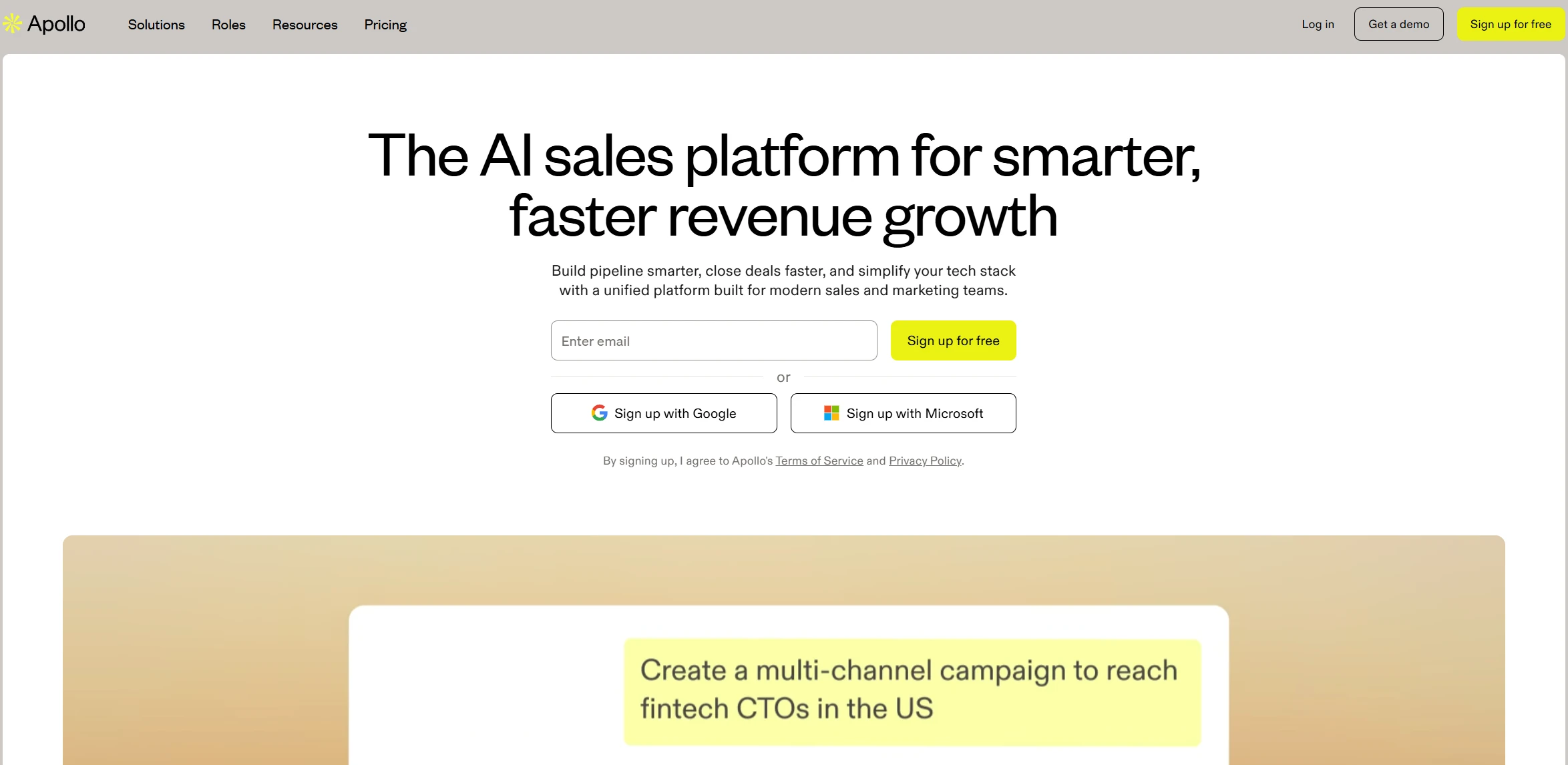
Apollo.io is a powerful B2B prospecting platform that pairs a huge contact database with an email finder, enrichment, and outreach capabilities. It’s designed for scale, letting you build highly targeted lead lists using advanced filters like role, seniority, industry, company size, and tech stack, then retrieve verified emails through its dashboard or Chrome extension. For sales orgs that prioritize speed, list volume, and segmentation depth, Apollo.io is one of the most efficient options available.
Key Features
- Large B2B database advertised at 275M+ contacts and 60M+ companies
- Advanced filtering including technographics and intent-style targeting
- Chrome extension for pulling emails from LinkedIn and company sites
- Built-in enrichment and list management for outbound workflows
- Integrations and API access for teams and scalable pipelines
Hunter.io
G2 Review: ★4.4–4.5/5
Best for: Fast domain-based email discovery with simple workflows.
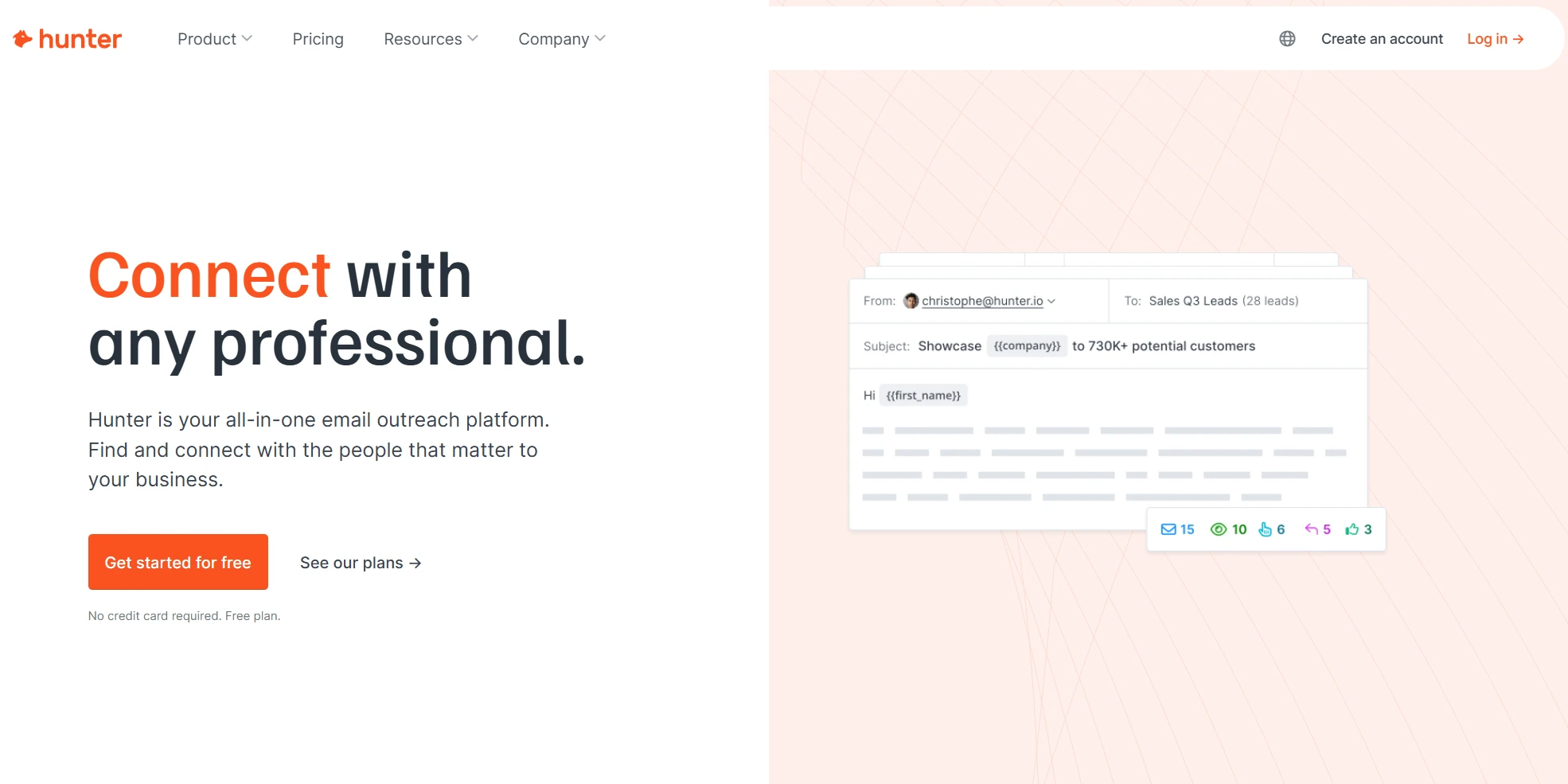
Hunter.io is a streamlined email finder focused on speed and clarity, making it ideal for users who want quick domain-based discovery without steep learning curves. By entering a company domain or a person’s name plus company, you can retrieve likely professional emails with confidence scores and visible sources, then verify them inside the same product. It’s especially useful for early-stage prospecting, small teams, and anyone who values a clean interface over complex sales-platform features.
Key Features
- Domain Search with confidence scoring and source visibility
- Email Finder for name + company lookup with automatic validation
- Bulk domain and email search for list-building
- Email Verifier for individual or batch checks
- API and lightweight integrations for pipelines and CRMs
RocketReach
G2 Review: ★4.6/5
Best for: High-accuracy individual contact lookup and enrichment.
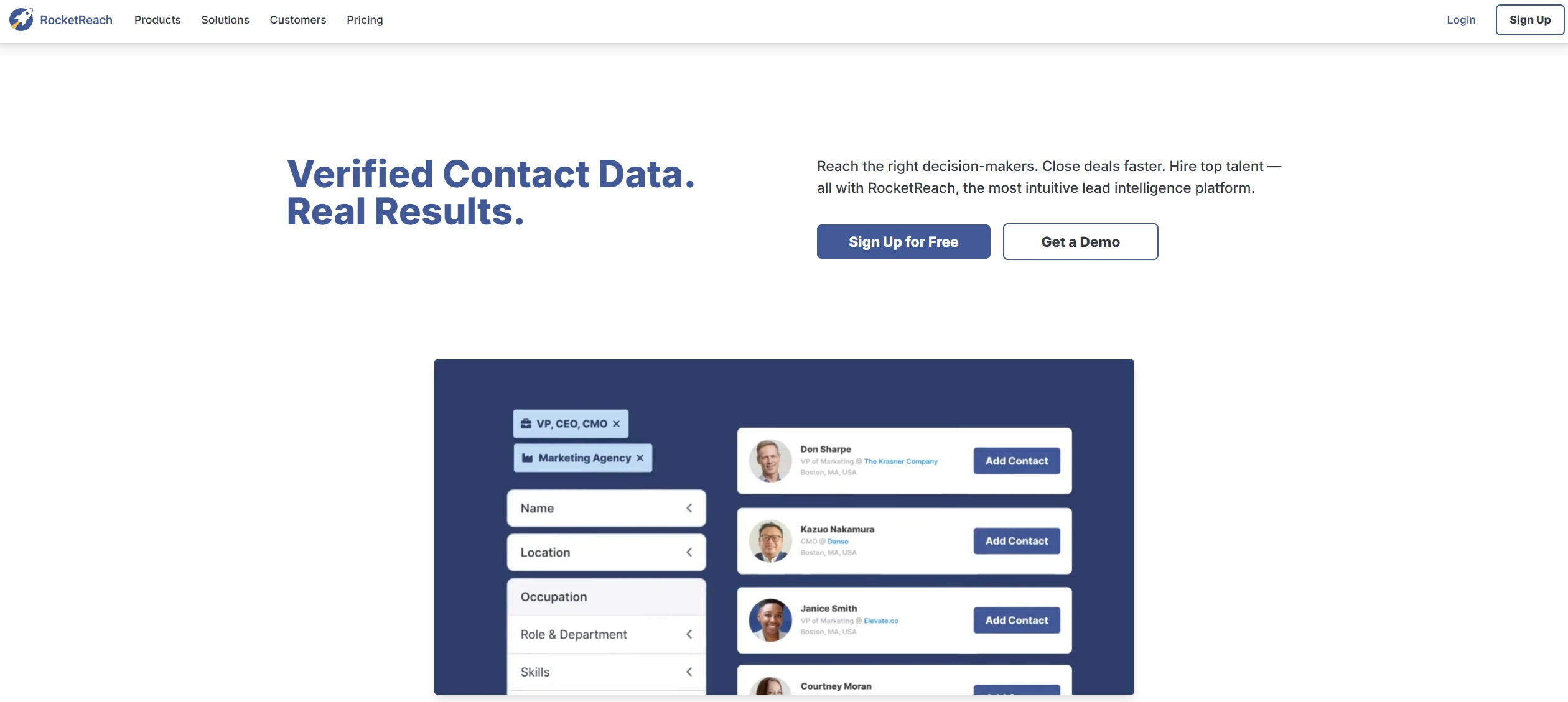
RocketReach is a contact intelligence and email finder platform known for strong accuracy when searching for specific people. It’s especially useful for teams running account-based prospecting or needing reliable one-off lookups, since it combines a very large database with enrichment details like roles and company context. The platform also supports searching via browser extension while you’re on LinkedIn or company sites, helping you capture verified emails quickly without leaving your workflow.
Key Features
- Person and company search with a large global B2B contacts database
- Verified emails and direct dials attached to profiles
- Browser extension for LinkedIn and web prospecting
- Contact enrichment and list-building tools
- API and CRM integrations for scalable workflows
Lusha
G2 Review: ★4.3/5
Best for: Sales teams that want verified emails plus direct phone numbers.
Lusha is built for fast sales prospecting, offering verified B2B emails and phone numbers directly from LinkedIn and the web through its Chrome extension. It’s widely used by SDRs and outbound teams because it enriches leads in real time and syncs them into CRMs with minimal manual work. The tool is especially valuable when your outreach strategy includes calling in addition to email, since direct dials are a core differentiator.
Key Features
- Chrome extension that reveals verified contact details on LinkedIn and websites
- Email and direct-dial phone discovery from a B2B database
- One-click CRM sync to reduce manual data entry
- Team workflows and list management
- API access for high-volume enrichment
Skrapp
G2 Review: ★4.5/5
Best for: Simple LinkedIn and domain-based email capture for everyday prospecting.
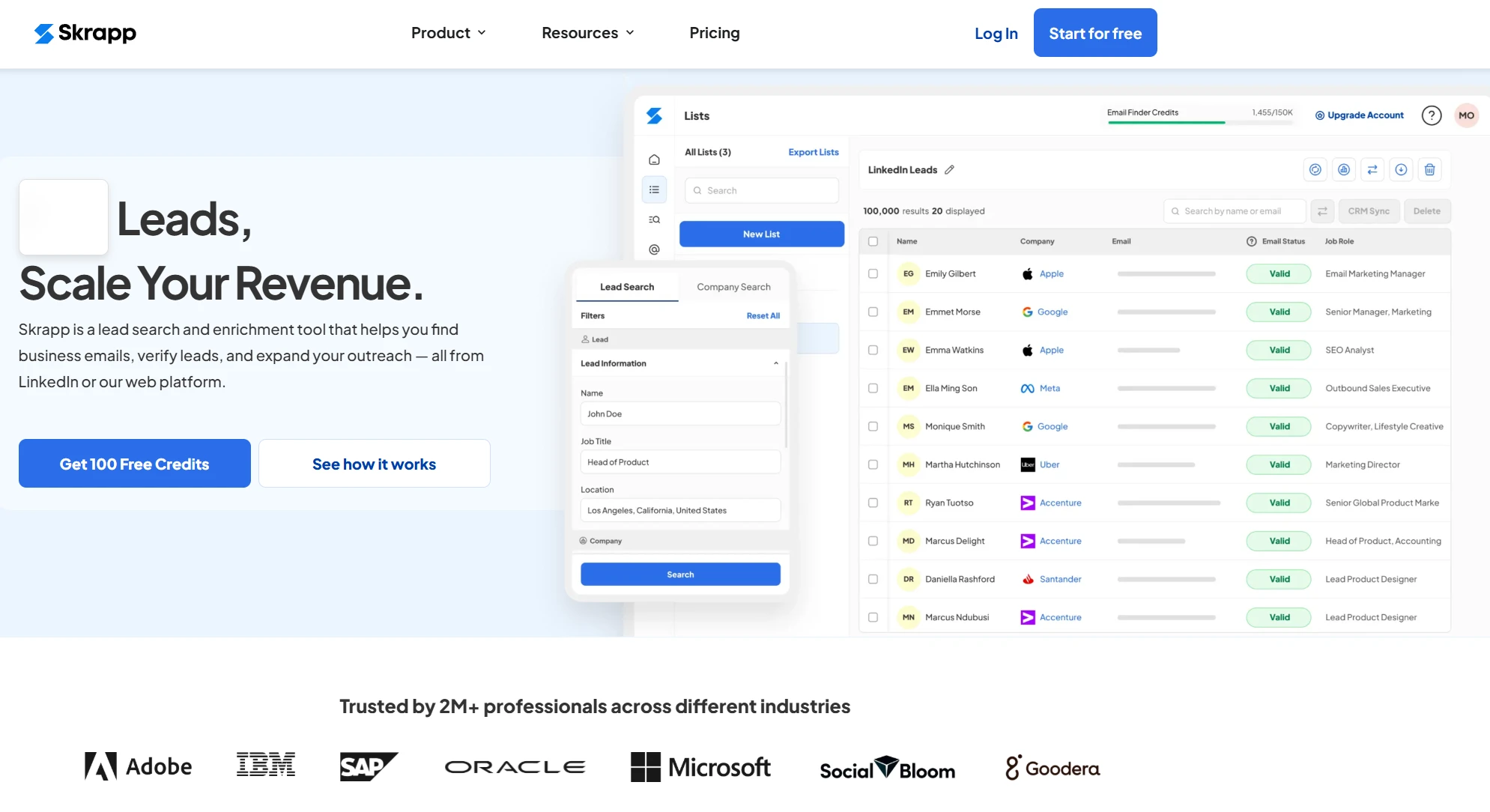
Skrapp is a lightweight email finder that focuses on speed and ease of use, particularly through its LinkedIn Chrome extension. It lets you extract verified business emails from LinkedIn and Sales Navigator profiles, then organize them into lead lists for export or outreach. Skrapp doesn’t try to be an all-in-one sales platform, which makes it a strong fit for professionals who want a clean tool for regular prospecting without extra complexity.
Key Features
- LinkedIn and Sales Navigator Chrome extension for verified email extraction
- Domain search to find team emails at a company
- Built-in email verifier to reduce bounce rates
- Lead list building and CSV export
- Simple UI aimed at fast daily use
FindThatLead
G2 Review: ★4.3/5
Best for: Quick email searches from domains and social profiles.
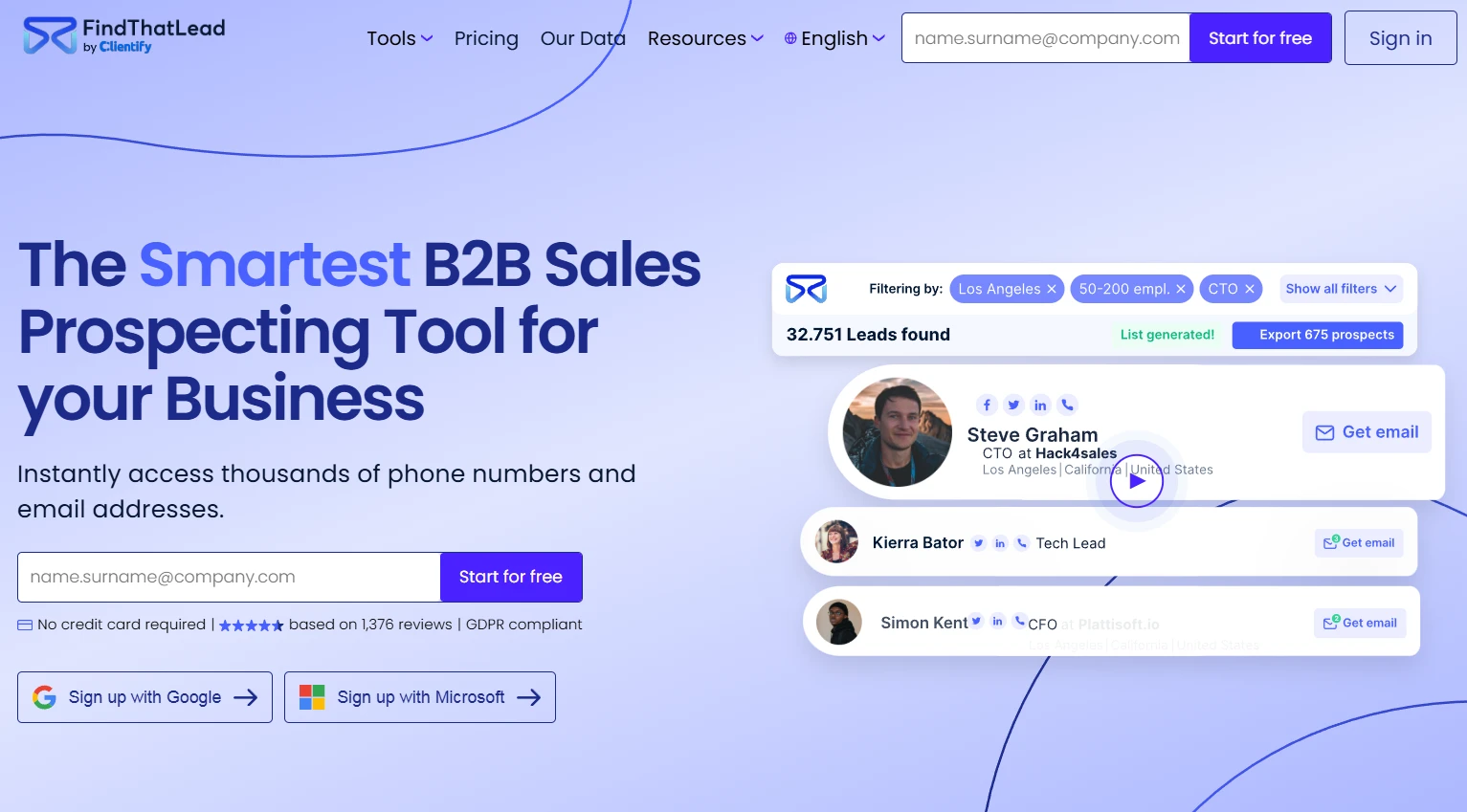
FindThatLead is a straightforward email finder built for speed, especially useful when you want to pull emails from LinkedIn profiles, social sources, or company domains without heavy setup. It’s a solid pick for smaller teams or solo prospectors who need fast, flexible searches and simple list building. The platform also supports bulk lookup, letting you turn a set of names or domains into a usable outreach list in minutes.
Key Features
- Email search by domain, company, or person
- Social and LinkedIn-based discovery via extension
- Bulk email finder for list building
- Built-in verification to filter risky emails
- Simple lead list management and export
ZoomInfo
G2 Review: ★4.5/5
Best for: Enterprise-grade lead data and enrichment at scale.
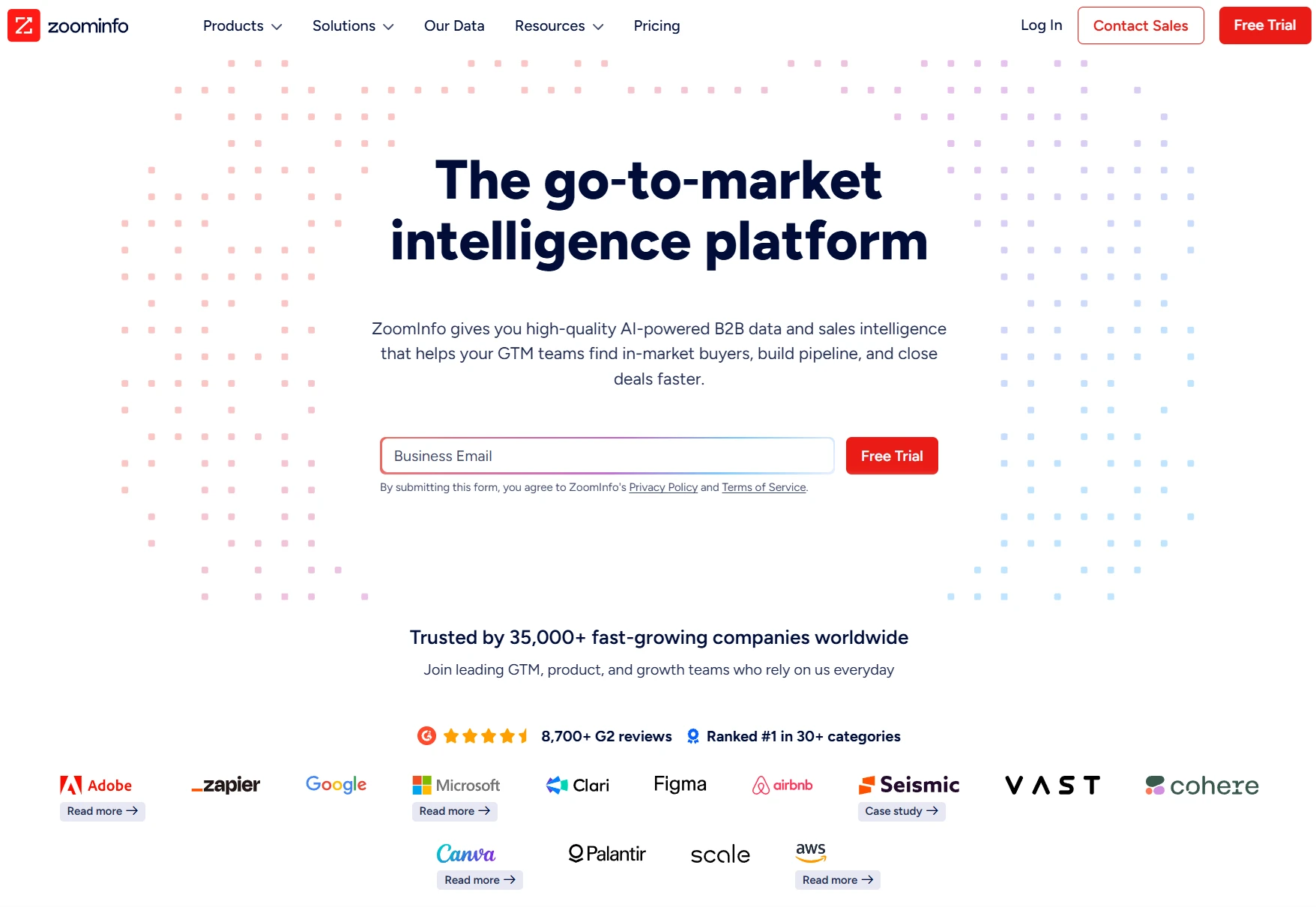
ZoomInfo is an enterprise platform that combines a massive B2B database with strong enrichment and segmentation capabilities. It’s best suited for larger sales organizations that need extremely detailed firmographic data, org charts, intent signals, and continuously refreshed contact information. While it’s not a lightweight email finder, it excels when accurate data, depth, and scale matter more than simplicity.
Key Features
- Large enterprise B2B contact database
- Advanced filters for ICP targeting
- Real-time enrichment and data refresh
- Intent and technographic insights
- CRM and sales stack integrations
Clearout
G2 Review: ★4.6/5
Best for: Verification-first email finding and list cleanup.
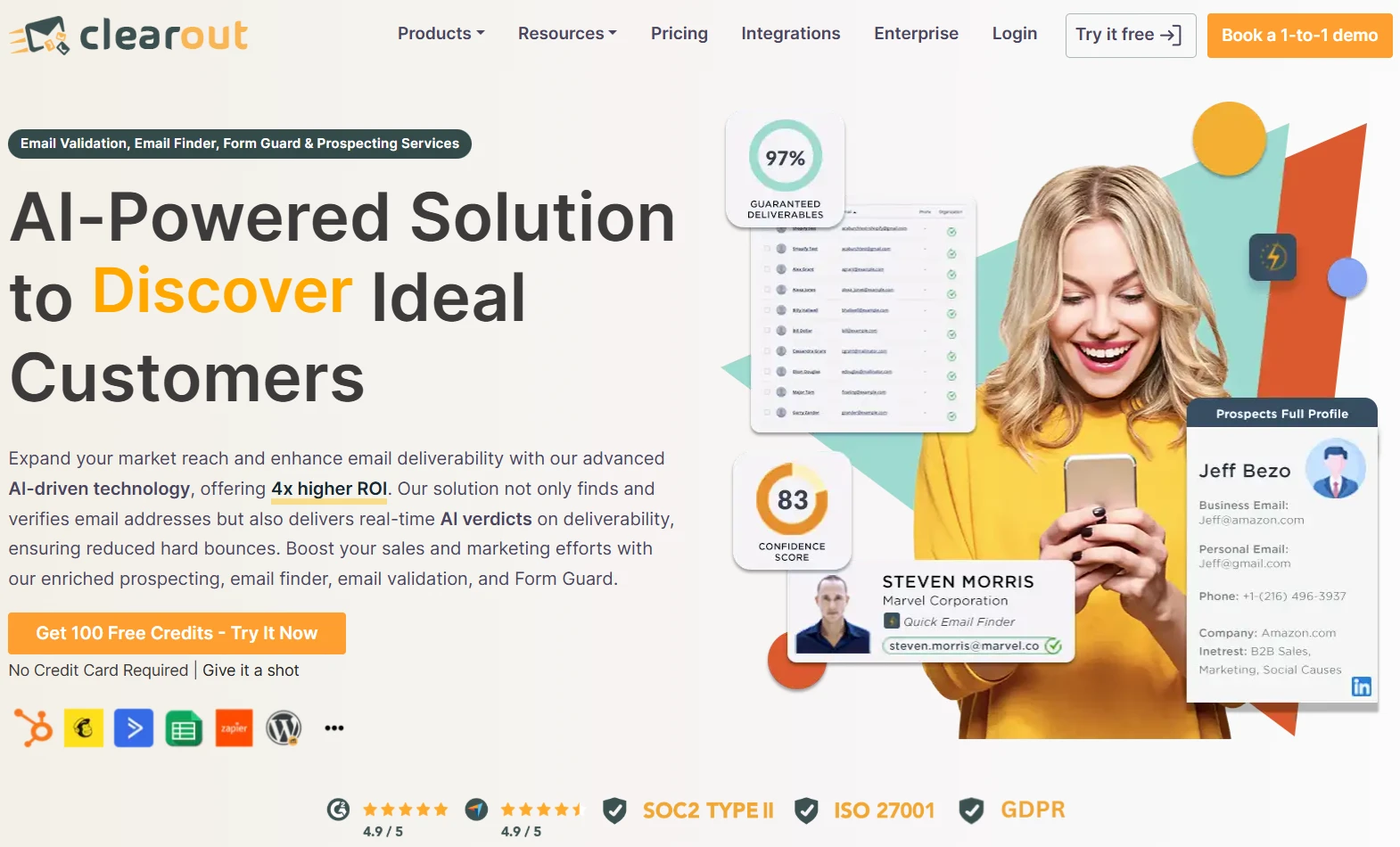
Clearout stands out as a verification-heavy email finder, making it ideal for teams that care most about list cleanliness and deliverability. It helps you find emails, but its strongest value is confirming whether addresses are valid before they enter your pipeline. This makes it especially useful for outbound marketers who want to cut bounce rates and protect domain reputation while still building targeted lead lists efficiently.
Key Features
- Email finder with high-verification focus
- Bulk verification and list cleaning
- Risk scoring to flag unsafe emails
- API for automated validation workflows
- Simple dashboard for exporting verified leads
How to choose the right email finder tool in 2026
Choosing the best email finder tools in 2026 comes down to matching the tool to your prospecting style, volume needs, and quality bar. Start with your primary use case. If you’re building large outbound lists every week, you’ll want a platform with a strong database, advanced filters, and bulk export. If you’re doing account-based prospecting, accuracy on individual lookups and enrichment details matter more than raw volume.
Next, look closely at verification. Tools that validate emails in real time help protect deliverability and reduce wasted outreach. If your campaigns depend on reputation-sensitive domains, prioritize finders that flag risky or catch-all addresses clearly.
Ease of workflow is another big factor. Browser extensions for LinkedIn and company websites can dramatically speed up day-to-day prospecting. CRMs and automation integrations also matter if you want leads to flow directly into your pipeline without manual cleanup.
Finally, think about scalability and team fit. A simple tool may be perfect for a solo user, but teams usually need shared lists, role-based access, and consistent data formatting. The right email finder should save time, increase list quality, and fit naturally into how you already generate and manage leads.
Conclusion
In 2026, email finder tools are no longer just “nice to have” add-ons — they’re a core part of any serious lead generation stack. The best platforms help you move faster while keeping list quality high, combining discovery, verification, enrichment, and workflow integration so outreach feels effortless and scalable.
Whether you need bulk list building for outbound campaigns or precision lookups for account-based targeting, the right tool will depend on your goals, volume, and deliverability standards. When you choose a finder that matches your process, you don’t just collect more emails — you create cleaner pipelines, better response rates, and more predictable growth from every campaign you run.