CompanionLink for Infusionsoft

How it works

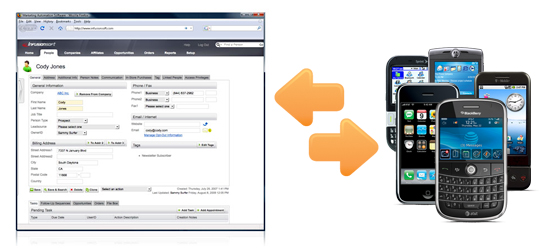
Use CompanionLink FA to sync Infusionsoft data with your phone, Microsoft Outlook, or your Google account. Two-way sync lets you update your data from anywhere.

You have two options to sync with your phone:

1. USB sync
Set up CompanionLink to sync directly between Infusionsoft and your phone using the USB cable that came with your phone. Just dock your phone using the USB cable and press Sync.

2. Wireless sync using Google
CompanionLink works great with Google Sync, a free over-the-air sync service offered by Google. Just configure CompanionLink to sync Infusionsoft data with your Google/Gmail account. Then, you can use Google Sync to push this data to your phone.

Infusionsoft data we sync

Other capabilities

Supported phones and web services