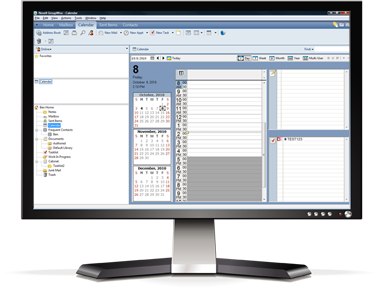
CompanionLink Express is the most flexible solution for GroupWise Software synchronization. We support Google, iPhone, Android, Windows Phone, BlackBerry 10 and Original Blackberry!
*Note: Recurring appointments should be entered on the PC.
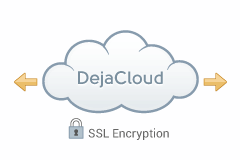
Advantages: DejaCloud is always available via Internet, Wi-Fi and Phone connection. Use DejaOffice as a landing pad for PC GroupWise data on Android. Contacts, Calendar, Tasks, Notes. Supports multiple devices and multiple PC's easily. After the initial sync, sync time is instant and automatic.
Disadvantages: DejaCloud is a subscription service. Your purchase covers the first year, and after the first year it costs roughly $5 per month
Steps:
Setup Guides:
GroupWise to Android using DejaCloud
GroupWise to iPhone, iPad using DejaCloud
GroupWise to Windows Phone using DejaCloud
GroupWise to BlackBerry 10 using DejaCloud
Information about DejaCloud
DejaOffice Classroom
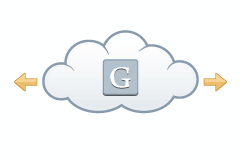
Advantages: Your PC Syncs to Google, and Google Syncs to your phone. This is a great choice if you require your GroupWise data in Google Calendar and Contacts for other reasons. CompanionLink for Google sync can be set automatically and will run in background on your PC.
Disadvantages: Google has limited Task capabilities and no recurring tasks. No Notes Sync. Google Tasks do not go to many Android Phones, although Samsung is now supporting them.
Steps:
Setup Guide:
GroupWise Sync to Google.
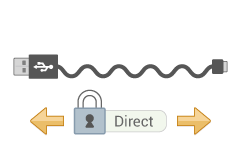
Advantages: USB Sync to DejaOffice on your Phone. DejaOffice is a landing pad for GroupWise data on Android. Contacts, Calendar, Tasks, Memos. Supports one device per profile. Use CompanionLink Express or CompanionLink Pro for multiple devices. You can use USB Sync on multiple computers (i.e. Home, Work, laptop). Completely secure; no data is stored in the cloud.
Disadvantages: Requires Phone USB driver on PC to work. Slower than DejaCloud.
Steps:
Setup Guides:
GroupWise to Android using USB
GroupWise to iPhone using USB
DejaOffice Classroom
Advantages: Securely Sync via local Wifi or Bluetooth to your phone. Use DejaOffice as a landing pad for GroupWise data on Android. Contacts, Calendar, Tasks, Memos. Supports one device per profile. Use CompanionLink Express or CompanionLink Pro for multiple devices. You can use USB Sync on multiple computers (i.e. Home, Work, laptop). Completely secure; no data is stored in the cloud.
Disadvantages: Requires Phone USB driver on PC to work. Slower than DejaCloud.
Steps:
Setup Guide:
Wi-Fi Sync to Android
Wi-Fi Sync to iPhone
Wi-Fi Sync to Windows Phone 8/10
Wi-Fi Sync to BlackBerry 10
DejaOffice Classroom