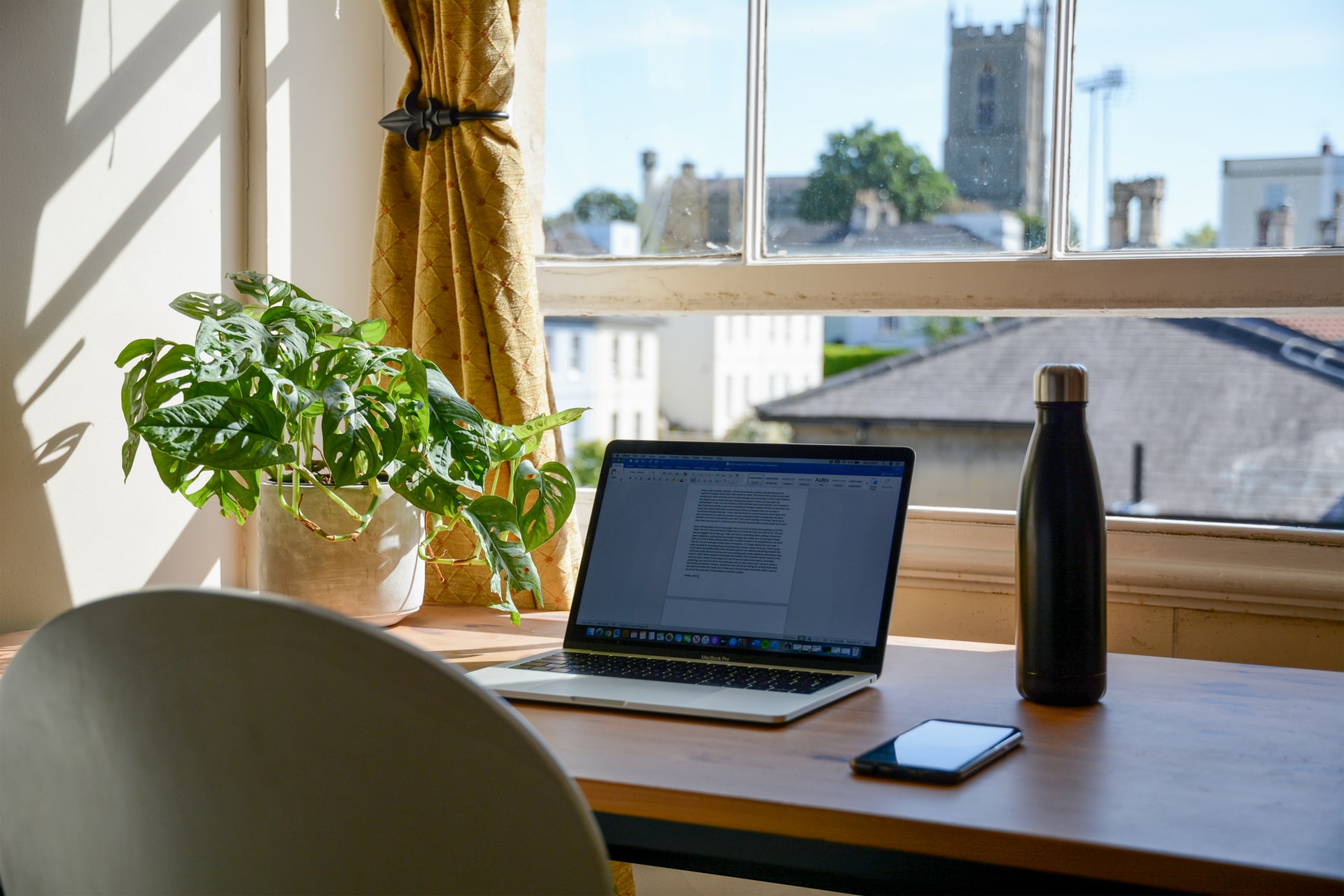
Theoretically, working from home requires a stable internet connection and a PC but paperwork shows that the reality is very different. This activity is mostly performed by handicaps and jobless people and oftenly, for those who are living in unbalanced environmental conditions.
As we know, we need a stable internet and PC or computer for Online Work. But in addition to it, we recommend you to buy an external monitor and a good mouse to make your work more easy and comfortable.
Therefore, We are going to talk about some gadgets and accessories that you will require for your online Work.
However, Online Working has many pros and it is mostly loved by the people as it is free from sitting discomfort, dress up issues, environmental health issues etc. After observing all, we have bought our 10 best home articles that are the basic need of each and every person who wants to work from home.
You will find various accessories for working from home but one of my best is the Samsung Portable SSD T5 external hard drive that costs : $60. Use this as your backup storage device to save all old files for future use.
Sometimes, we don’t need some old files at the moment but after some time we suddenly need them and we always struggle to find those files at the moment. To avoid this situation, we will use this as our backup storage device to keep an offline backup of important data in a hard disk.
If you don’t have a PC and you are spending more than 8 hours per day in front of your laptop then you need to put the display in front of your eye level to reduce the stress from your eyes.
For this condition, we bring an amazing office desk that adjusts up to eight positions and eliminates back and neck pain. Also, it comes with mesh fabric pads for extreme comfort and stability.
No need to go anywhere. Now, prepare your Breakfast within 5 minutes with the help of Hamilton Beach Breakfast Sandwich Maker.
Wireless Earphones play an important role in online Work for attending calls and meetings. You don’t need to buy expensive Apple Airpods for these tasks.These Tozo Bluetooth wireless earbuds are also a good option for you.
Some people are habitual of coffee during work hours. For those people, this Black + Decker 12-cup programmable coffee maker will be very helpful.
Now, it comes to the ergonomic chairs. We suggest you to go with gaming chairs instead of office chairs because gaming chairs are made up of high quality material and are for rough and tough use. Also, your kids can use the same chair for gaming purposes. Check out the best gaming chairs for home and office on the market.
There is one major con of laptops that they have only few connectivity ports. On observing this, we bought an external hub for those people who don’t have a PC and are using laptops.
External displays are also very important for those people who are working from home. It doesn’t matter whether you have a PC or laptop, You must have an external display in order to boost up your work. For that, A large monitor of 16 or 17 inches is Sufficient to perform Enormous functions in your external display.
Surge Protector plays an important role in protecting your Computer from theLoss of Low or High Voltages. Sometimes, Amount of Voltage is too high or too low that your PC can’t handle and gets damaged. For that condition, we suggest you go with the Belkin 4-socket surge protector that costs around ($26).
Logitech’s MX Master Wireless Mouse is one of the best computer mouse for various reasons. It comes with an ergonomic design which is much comfortable for long use. If you are spending more than 8 hours on your computer or PC, then your mouse must be handy so that you can use it hours and hours. Moreover, It allows the user to customize its scroll speed and the functions of the buttons which will enhance your productivity.
a better understanding of limits, what burns them, how to use them. My hope is…
Fault is usually established through several connected records, rather than one decisive document. Continue reading…
For readers, the more productive question is usually not "What will Bitcoin be worth?" but…
Growth exposes weak points in a back office. Continue reading →
Live database synchronization is one of the most challenging engineering problems of current IT architecture.…
Taking family road trips or navigating daily city commutes requires frequent pit stops along busy…