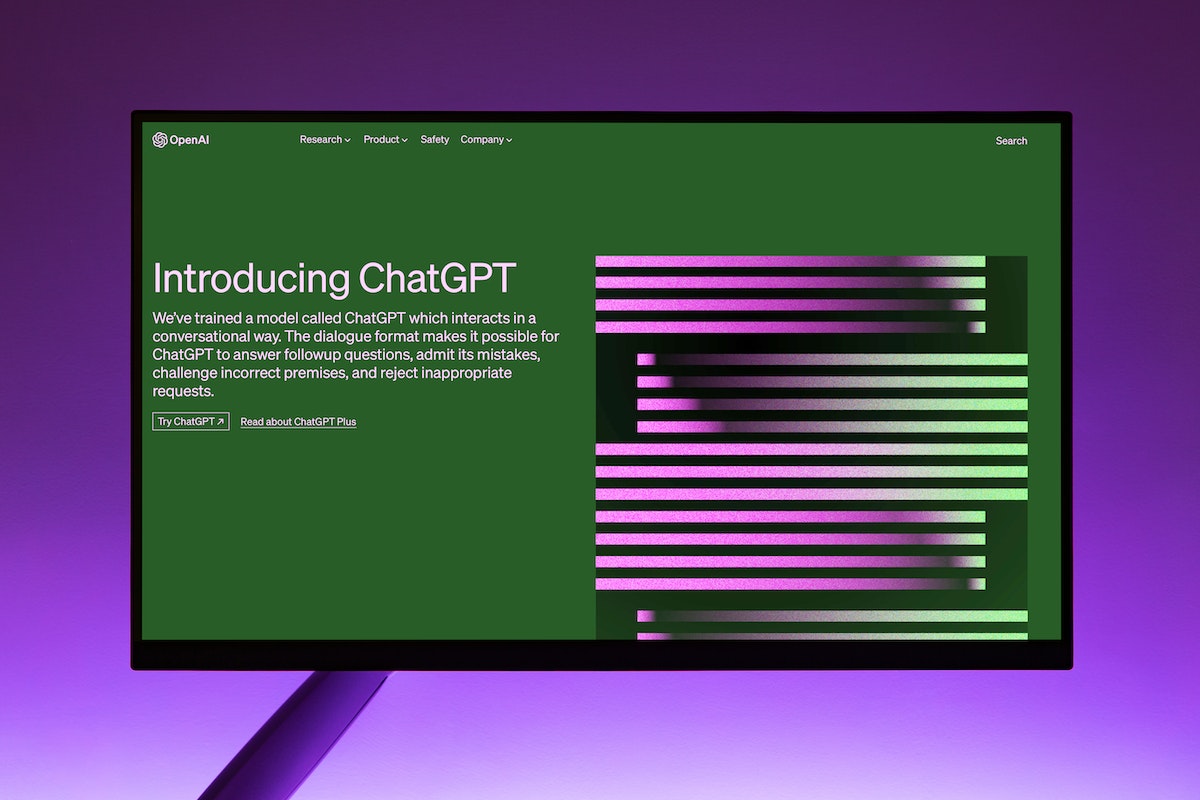
In this article, we'll dive into the exciting world of using ChatGPT to summarize and interact with your PDF documents. Continue reading
Greetings, savvy readers! Are you ready to unlock the full potential of your PDFs and have a blast while doing it? Look no further, because we have just the solution for you! In this article, we’ll dive into the exciting world of using ChatGPT to summarize and interact with your PDF documents. Brace yourselves for a fun-filled adventure where productivity meets amusement.
By the end of this article, you’ll be equipped with all the knowledge you need to supercharge your PDF interactions. Also, bear in mind that you can edit your PDFs with handy websites like this example. Let’s get down to business!
Prepare your PDF: To begin this journey, gather the PDFs you want to explore. Ensure they are saved on your device or accessible from a cloud storage service. Remember, the more organized your files are, the smoother your experience will be.
To conclude, congratulations, dear readers, on completing this thrilling adventure through the world of using ChatGPT to summarize and interact with your PDFs. Armed with the knowledge from this article, you’re now equipped to embark on a journey of productivity and amusement like never before!
Product photography used to require a studio, professional lighting, and a photographer on the payroll.…
Claude Code is a hugely productive tool. Not just for code generation. Many tasks involve…
Anyone who has moved across state lines with more cars than drivers has faced the…
Having a website is one thing, but getting people to actually visit it is a…
TikTok has become one of the fastest platforms to build an audience, but growing a…
The strongest maintenance program is not owned by the maintenance department alone. Operators, sanitation teams,…