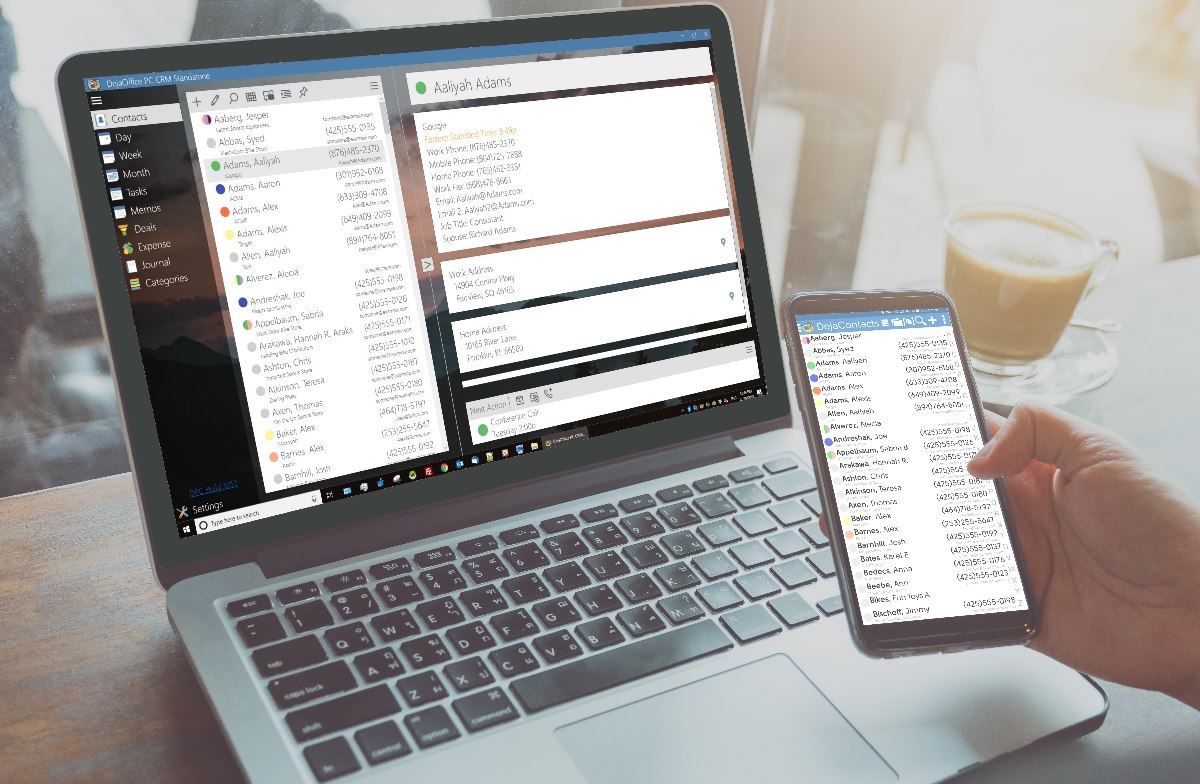
Having spent nearly 6 months developing this, it is a great moment for us. The first time we can show what we have been working on!
Download to try it out yourself: https://www.companionlink.com/downloads/download-dpc.php
Setup guide: https://www.companionlink.com/support/kb/DejaOffice_PC_CRM_Sync_Setup_Guide
This is a 14 day demo but we are happy to extend the demo. We are looking for feedback and ideas.
Tech Support: (503)243-5200 hours – 7am-3:30pm
or Email: support@companionlink.com
Sales (503)243-3400 – sales@companionlink.com
Forums: https://www.dejaoffice.com/forums/forumdisplay.php?36-DejaOffice-PC-CRM-(DPC)-for-Windows
Video:
Thank you all for your support!
[xyz-ips snippet=”Reviews-DPCS”]
a better understanding of limits, what burns them, how to use them. My hope is…
Fault is usually established through several connected records, rather than one decisive document. Continue reading…
For readers, the more productive question is usually not "What will Bitcoin be worth?" but…
Growth exposes weak points in a back office. Continue reading →
Live database synchronization is one of the most challenging engineering problems of current IT architecture.…
Taking family road trips or navigating daily city commutes requires frequent pit stops along busy…