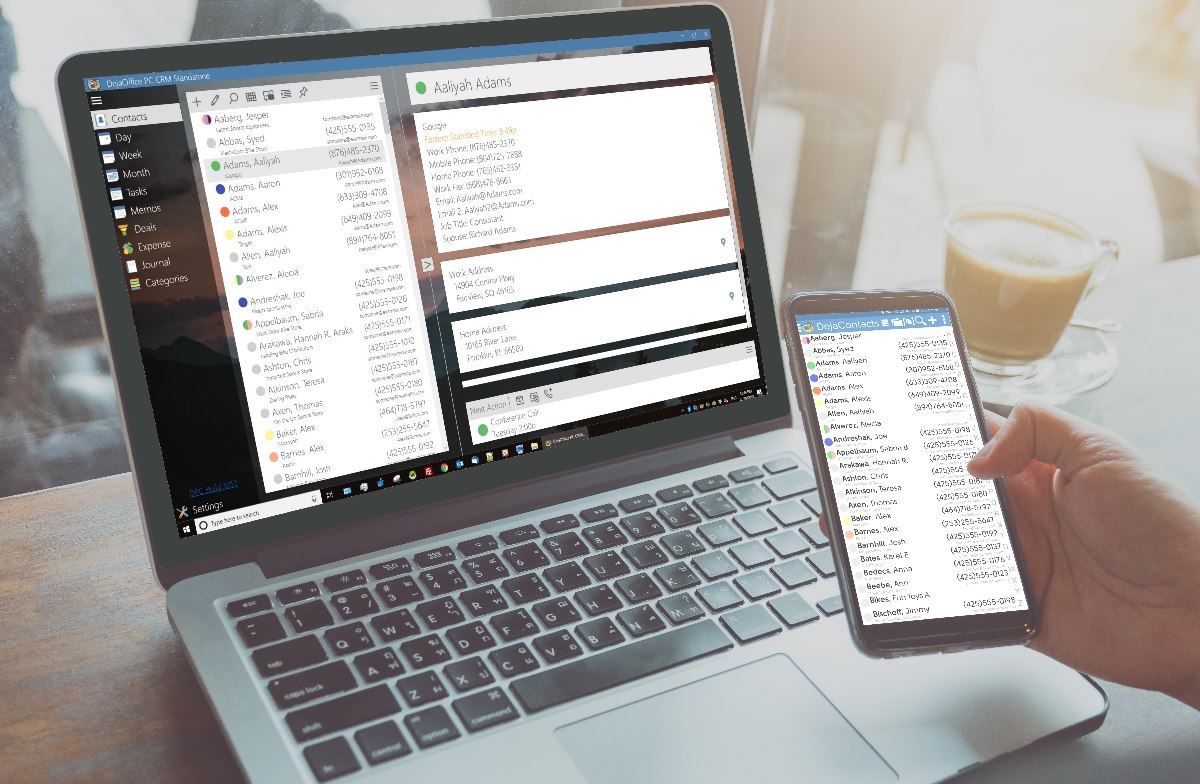
Having spent nearly 6 months developing this, it is a great moment for us. The first time we can show what we have been working on!
Download to try it out yourself: https://www.companionlink.com/downloads/download-dpc.php
Setup guide: https://www.companionlink.com/support/kb/DejaOffice_PC_CRM_Sync_Setup_Guide
This is a 14 day demo but we are happy to extend the demo. We are looking for feedback and ideas.
Tech Support: (503)243-5200 hours – 7am-3:30pm
or Email: support@companionlink.com
Sales (503)243-3400 – sales@companionlink.com
Forums: https://www.dejaoffice.com/forums/forumdisplay.php?36-DejaOffice-PC-CRM-(DPC)-for-Windows
Video:
Thank you all for your support!
[xyz-ips snippet=”Reviews-DPCS”]
In today’s unpredictable world, organizations must be prepared to respond quickly and effectively to emergencies—whether…
If you’re launching a crypto company in Europe, choosing the right jurisdiction isn’t just paperwork…
California has more software development firms per square mile than almost anywhere else. This sounds…
Modern businesses rely on a growing ecosystem of digital tools—CRMs, analytics platforms, internal dashboards, and…
Digital marketers spend hours designing campaigns to bring customers to their websites. They launch ads,…
Walk into any commercial building and you’ll see the obvious systems — lighting, outlets, HVAC.…