Categories: Uncategorized

How to synchronize Outlook to Nokia 7.1 without using Exchange

Published by
Wayland Bruns

Nokia has announced the Nokia 7.1 with Android Pie. At $350 this is a strong mid-range phone with a good feature set. This price point is ideal for people who mean business, but can’t afford the $1000 flagships offered by Samsung and Apple.

This phone has a dual SIM capability.  One of the SIM card takes up the Micros SD slot, so you cannot have both SD and a second SIM card.

Exchange is great if you want to pay for it.  But many people use Outlook IMAP folders, and also older version like Outlook 2010 and Outlook 2007.  CompanionLink provides the ideal solution by providing sync without using Exchange.  When you sync using CompanionLink’s system you get many features that Exchange Sync lacks; Color Categories, Task sync, Notes Sync, and Calendar Events linked to a Contact.

To sync Outlook to Nokia 7.1 without Exchange

  1. From Google Play Store, install DejaOffice on your Nokia 7.1 phone
  2. On your PC, download CompanionLink for Outlook on your PC.
  3. Configure both for DejaCloud Sync
  4. Watch your Outlook Contacts and Calendar appear on your phone.

DejaOffice is Free.  CompanionLink runs on a two-week trial.

Click here for more information on Using Microsoft Office without a Subscription.

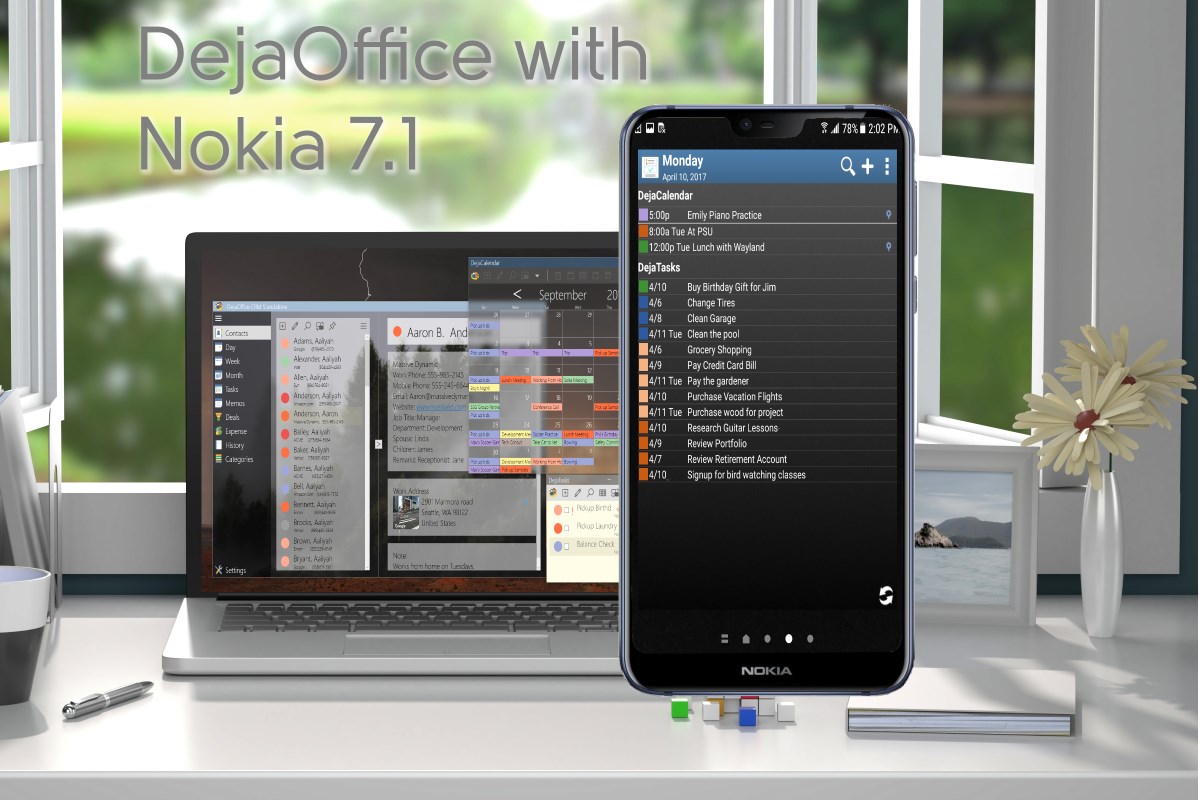
The most Powerful part of the CompanionLink system is having Widgets on the Android Desktop.

What is a widget?  A widget shows App information on the phone desktop.  A widget allows me to quickly see my day view, and my contact list – without opening an app.  I can quickly tap on the location and get to my next appointment.  No search, no scroll.  Just one tap and I’m in maps.  One tap and I can call or sms.  Automatically updated all day.

Special features of DejaOffice:

  • Time zone management, so when you land your Calendar doesn’t go wonky
  • Calendar Colors that match Outlook
  • Templates that save time entering new Appointments and Tasks
  • Persistent alarms to be sure I don’t miss anything.
  • Recurring tasks compatible with Outlook
  • Optional:  Franklin Covey task priorities  A1, B2, C99
  • Works same on Android and iPhone, Phones and Tablets.

Check out https://www.dejaoffice.com for more information.

CompanionLink for Outlook
Average User Rating:
Average rating: 4.83 out of 5 based on 668 reviews.
Free 14 day trial. Price $14.95 3-Mo Subs - $69.95 One-time License.
How to synchronize Outlook to Nokia 7.1 without using Exchange was last updated October 8th, 2019 by Wayland Bruns
How to synchronize Outlook to Nokia 7.1 without using Exchange was last modified: October 8th, 2019 by Wayland Bruns
Wayland Bruns

Wayland founded CompanionLink in 1987 as The Jorf Company, a maker of shareware 4gl products. As a leading maker of CRM Add-On products, the company started with Sync Products in 1996 for the PalmPilot. As CEO of CompanionLink, Wayland strives to balance quality customer service, products with good value, low prices, and a positive workplace..

Disqus Comments Loading...

Recent Posts

10 Best AI Video Creation Platforms in 2026: Tested and Ranked

If you’ve been searching for the best AI video generator in 2026, you’ve probably noticed…

3 hours ago

Managed NetSuite Solutions: The Practical Playbook for Reliable Operations, Faster Enhancements, and Cleaner Data

NetSuite is rarely the problem. Most of the time, the friction comes from what happens…

4 hours ago

Mastering Visual Strategy: A Comprehensive Guide to Using Infograph

In the fast-paced world of project management and digital marketing, clarity is currency. Whether you…

5 hours ago

How to Enhance Data Syncing with Targeted Advertising

Modern business moves fast and requires people to have their data ready at all times.…

5 hours ago

Why Cloud Security Is Now a Small Business Problem, Not Just an Enterprise One

For years, small business owners operated under a reasonable assumption: cybercriminals went after big targets.…

5 hours ago

Windows Still Sends Data to Microsoft Even After You Turn Off Every Privacy Feature

Turning MAPS off is a personal decision. Your local antivirus scanning still runs. Windows Defender…

23 hours ago