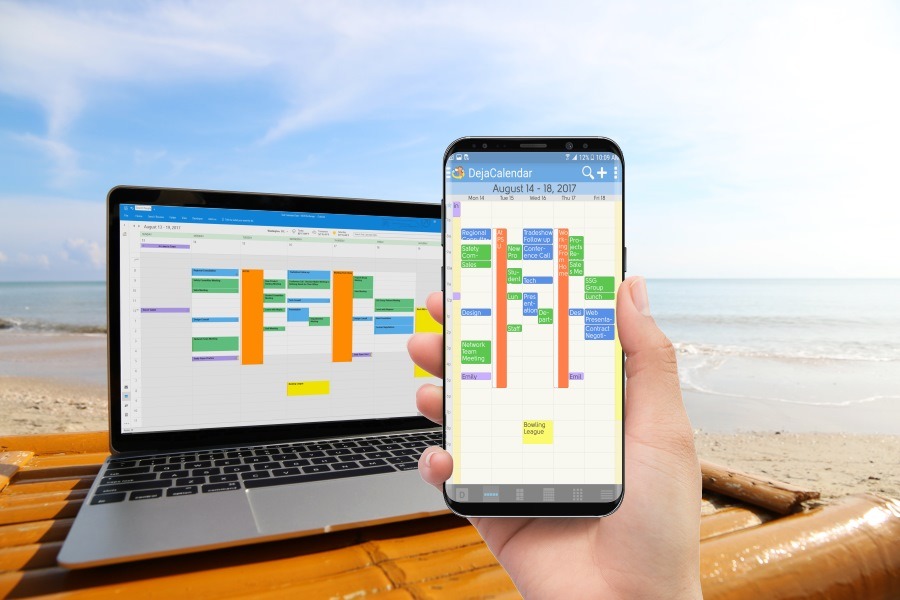
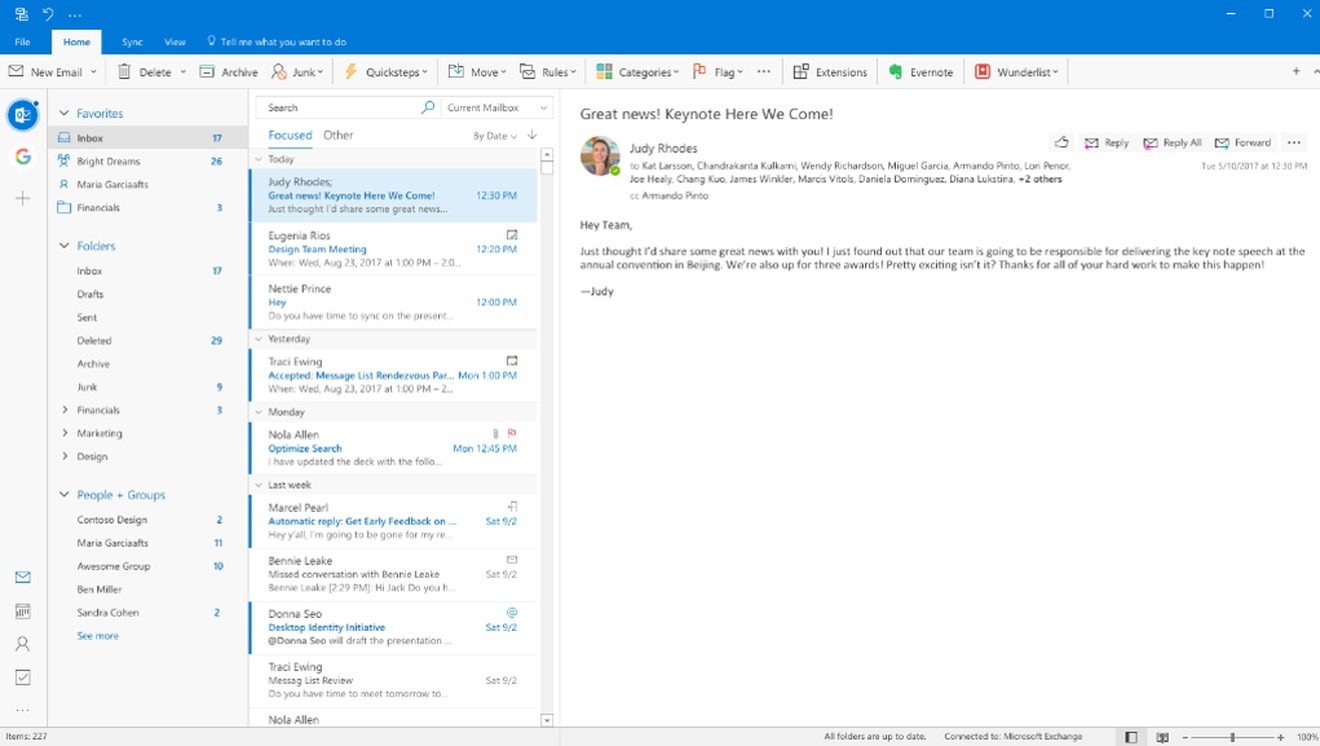
The Mac-like interface looks scary. Outlook on Windows, as used by something like a billion people, is not a toy. It certainly is concerning if you come in to work one day, and suddenly your PC reboots and your contact list and calendar look different. So this is something to watch. Continue reading
Microsoft has now confirmed Office 2019, with updates to Outlook, will be coming soon.
It appears that Consumers who subscribe to Office 365, will be getting Office 2019 as an inline release.
This looks something like the Windows 10 Creator’s update, where suddenly you wake up, and after waiting an extra hour for your PC to reboot, you had a new version of Windows 10 with virtually nothing different.
Businesses hate the downtime, so they will get a Commercial Preview. This allows them to download it for testing and training purposes. Also, people to don’t use an Office 365 Subscription will be able to download Office 2019 at some point. See our link on how to use Outlook without a Subscription.
What’s in it?
More importantly, how will Outlook 2019 change my world? So far, for guidance, we have two sets of announcements. One set from the above website June 2018:
Outlook – “Manage email more efficiently”
The contact cards have not changed in the last 18 years, and no one uses them, so sure, updating is fine. Office 365 groups looks like a co-worker management function. Focused inbox relates to email and letting Microsoft sort your mail into important vs unimportant, but you can turn this off. Summary cards sound intriguing, but this doesn’t look essential.
So far, so good. In the June 2018 announcement is no significant change to Contacts, Calendar, Tasks and Notes. I would stop here because this is not a story
Outlook User Interface Changes.
However, in Fall 2017, Microsoft made some pretty clear announcements that the interface for Microsoft Office would be changing soon.
https://www.theverge.com/2017/10/16/16481190/microsoft-outlook-windows-mac-redesign-features
A summary of those changes are:
I remember when the ribbon was introduced, we all hated it and asked Microsoft for a setting to turn it off. Microsoft made a statement they would not give us a setting. Now, the “new thing” is to take away the thing we hated. Awesome.
While Microsoft has not updated their October announcement, they have rolled out a new design for Outlook.com (the old Hotmail web site). It shows a new fluent design UI that is reminiscent of their Apps. So this looks like a hint of what is to come for Windows.
https://www.theverge.com/2018/3/14/17121032/microsoft-outlook-web-redesign-features
So it looks like we will see these changes in Fall 2018, which is actually Spring 2019 in Microsoft Years. The future will tell this tale.
[xyz-ips snippet=”Reviews-CLO”]
Technology is transforming the way businesses handle workplace injuries, making the claims process faster, clearer,…
A new client usually arrives with scattered details, rushed messages, and files saved across too…
In the current technological landscape, HIX.AI is pioneering a significant shift in how we perceive…
Cash flow data is easy to describe in broad terms and much harder to use…
The way people create and consume content online is changing rapidly, and artificial intelligence is…
During preparation for investments, audits, or certifications, attention to cybersecurity increases. Investors, auditors, and certification…