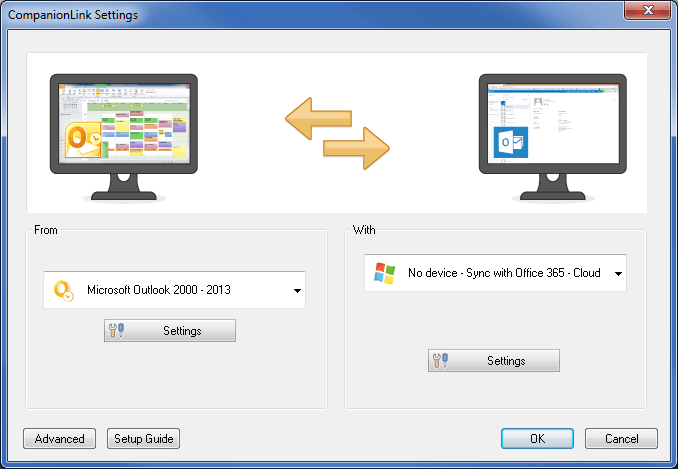
Microsoft rebranded their online Office app suite as Office Online. It was previously the product known as Office Web Apps. They introduced a new home page with tiles of the apps you have access to online – People, Calendar, Email, Word, Excel, PowerPoint, OneNote, and the new OneDrive document and file storage service.
This rebranding does not change CompanionLink’s two-way sync with the People and Calendar apps for Office 365, Outlook.com, and Office Online accounts. The only difference is that People and Calendar are now accessible tiles in the Office Online interface.
For people running desktop MS Outlook 2010 and prior, CompanionLink offers the missing connection to Office Online and Office 365 accounts. These versions of Outlook have no way to automatically integrate desktop contacts, calendar, tasks, and notes with Microsoft’s cloud. CompanionLink for Outlook is a plug-in that automates the integration between Microsoft’s cloud and Outlook 2010, 2007, and 2003. Here is a setup guide that shows you how to configure PC Outlook to Office Online and Office 365.
Learn how boarding school waitlists really work, what timing signals mean, and the exact steps…
Stop paying hidden tech taxes. Learn how next-gen, API-driven programmatic platforms help independent agencies boost…
a better understanding of limits, what burns them, how to use them. My hope is…
Fault is usually established through several connected records, rather than one decisive document. Continue reading…
For readers, the more productive question is usually not "What will Bitcoin be worth?" but…
Growth exposes weak points in a back office. Continue reading →