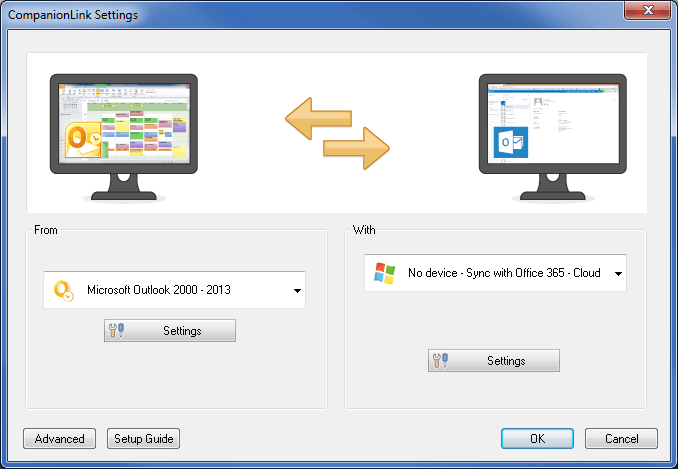
Microsoft rebranded their online Office app suite as Office Online. It was previously the product known as Office Web Apps. They introduced a new home page with tiles of the apps you have access to online – People, Calendar, Email, Word, Excel, PowerPoint, OneNote, and the new OneDrive document and file storage service.
This rebranding does not change CompanionLink’s two-way sync with the People and Calendar apps for Office 365, Outlook.com, and Office Online accounts. The only difference is that People and Calendar are now accessible tiles in the Office Online interface.
For people running desktop MS Outlook 2010 and prior, CompanionLink offers the missing connection to Office Online and Office 365 accounts. These versions of Outlook have no way to automatically integrate desktop contacts, calendar, tasks, and notes with Microsoft’s cloud. CompanionLink for Outlook is a plug-in that automates the integration between Microsoft’s cloud and Outlook 2010, 2007, and 2003. Here is a setup guide that shows you how to configure PC Outlook to Office Online and Office 365.
Building a custom rig is a popular way to get more power. Resources like Novatech…
In today’s unpredictable world, organizations must be prepared to respond quickly and effectively to emergencies—whether…
If you’re launching a crypto company in Europe, choosing the right jurisdiction isn’t just paperwork…
California has more software development firms per square mile than almost anywhere else. This sounds…
Modern businesses rely on a growing ecosystem of digital tools—CRMs, analytics platforms, internal dashboards, and…
Digital marketers spend hours designing campaigns to bring customers to their websites. They launch ads,…