Learn how to design an effective admin dashboard. Discover key features, design best practices, and tips for optimizing your admin dashboard. Continue reading
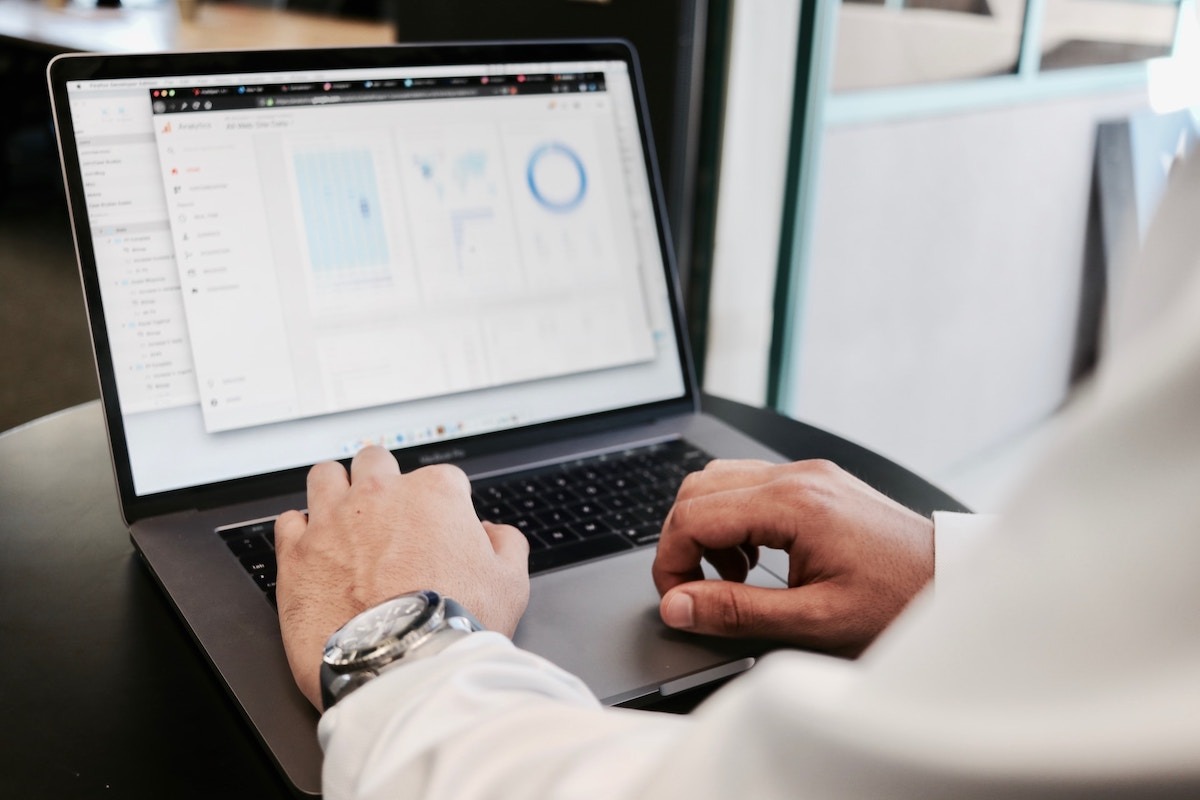
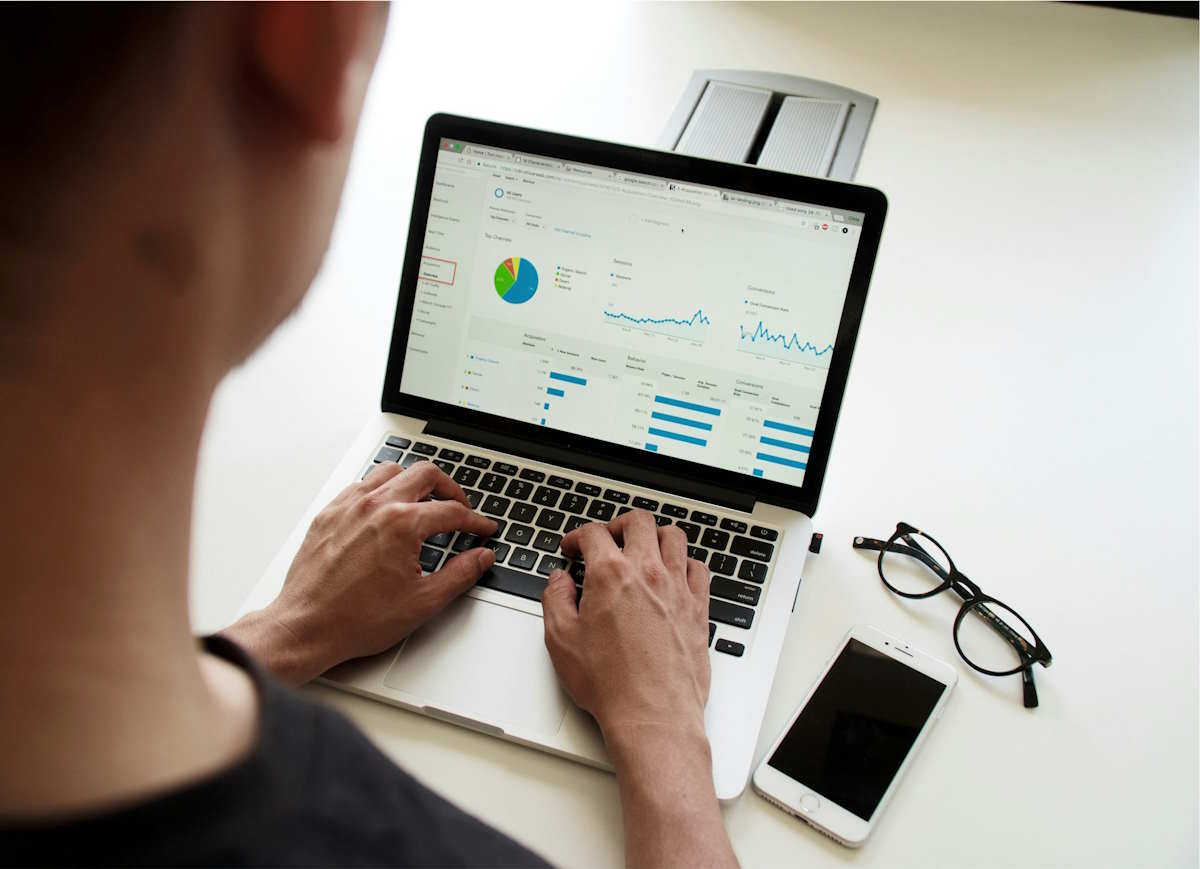
Admin dashboards are central hubs where you see all business operations. The question is how to design one that’s both functional and pleasant to use. Let’s break down the admin dashboard design principles, why design matters, and the must-have features.
A dashboard typically allows you to review data gathered from different sources quickly. An admin dashboard, in turn, is specifically designed for administrators and managers. With its help, they control, monitor, and optimize the system. For instance, an e-commerce site might use an admin dashboard to monitor website traffic, sales, and inventory levels simultaneously.
Design is crucial. And that’s no exaggeration. A well-crafted admin panels design can
In a way, it can be compared to having a clean workspace. You can find everything you need without the hassle.
Of course, what you need or don’t need in your dashboard depends on your business, goals, and so on. But if you take good admin dashboard examples, you’ll see they have shared features.
This lets you track user activity and manage permissions. Incorporate features like user profiles, access control, and activity logs to streamline it all.
It’s useful to monitor CPU usage, memory consumption, and network traffic in real time. Integrate tools with real-time alerts and historical performance data.
These display key performance indicators relevant to your operations. KPIs can be customized to allow different departments to focus on their goals.
Set up automated alerts for critical issues. If your website traffic drops, an alert can prompt an immediate investigation.
Use charts, graphs, and tables to present data clearly. For instance, a line graph showing monthly sales trends can quickly highlight peak periods.
Different roles need different data. That’s why users must be able to tailor their dashboard view.
Besides the must-have features, there are basic admin panel UI principles that should be always kept in mind:
In the long run, an effective admin dashboard requires balancing functionality and usability. The goal is to make data clear, accessible, and actionable. Just try to keep it simple, stay organized, and make sure it works for your users.
By tracking user activities, managing permissions, and sending alerts for suspicious behavior.
By integrating it with CRM or ERP, you reduce manual data entry and improve data accuracy.
Absolutely. They help identify trends and forecast performance.
Roofing contractors face a different set of search marketing challenges than many other local businesses.…
Ranking on Google is one thing. Getting mentioned when someone asks ChatGPT, Gemini, Claude, or…
Walk into a typical mid-size plant, and the press line may well run on a…
Property technology is transforming building upkeep as digital diagnostics and thermal scans help homeowners spot…
Manufacturers connect production equipment, business systems, suppliers, and remote services more closely. That connectivity improves…
Launching a prop firm is mostly a cash flow problem. Here is the order of…