These are 6 go-to options suitable for different levels of skill and experience, needs, and preferences. Continue reading
With the release of Windows 11, it is important to find video editing software that is compatible with this new operating system. It might take you some time to find a suitable program that works smoothly on your computer. In this article, you’ll discover the best video editors for Windows 11. They offer functionality and usability that work for different kinds of users, including content creators, film makers, business owners, and marketing specialists. Let’s learn more about the programs right now.
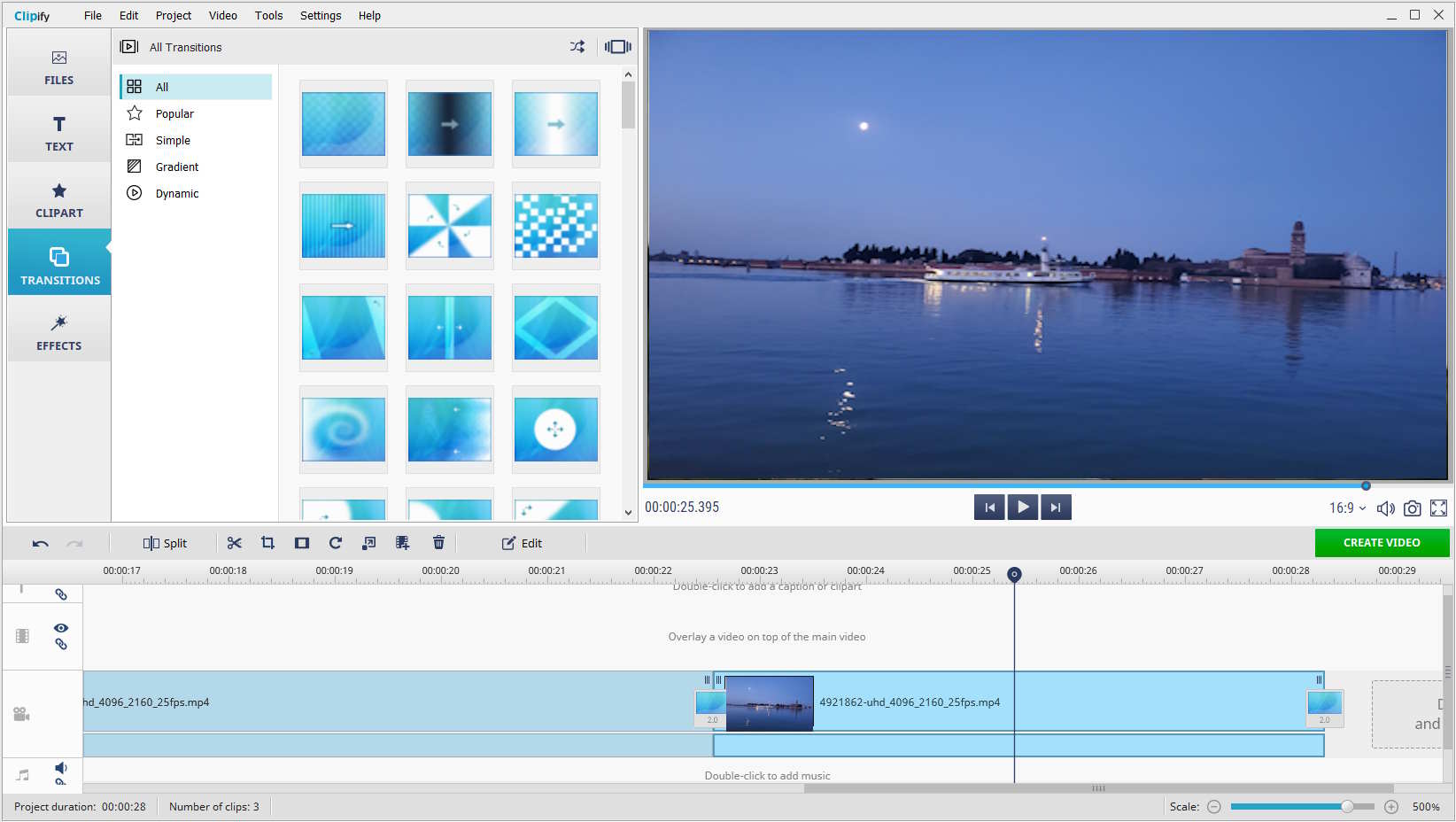
If you’re looking for video editing software for Windows 11 that is easy to use and rich in features, then you might like Clipify. This program lets you enhance your footage like a pro without investing much time or effort. You can quickly stabilize a shaky video, change the background, adjust the speed, and improve the overall quality with a range of automatic tools. Clipify also offers 200+ royalty-free music tracks, 450+ effects and titles, and dozens of customizable text styles for your videos.
In Clipify, you’ll also find some standard functions, such as trimming, cutting, merging, and muting. What’s more, the program comes with a built-in screen and audio recorder, so you can capture screen activities and voice comments for your projects in a few clicks. Exporting your video clips is also simple in Clipify – you can save mobile videos, burn them to DVD, prepare videos for popular websites like Instagram and YouTube, and so on.
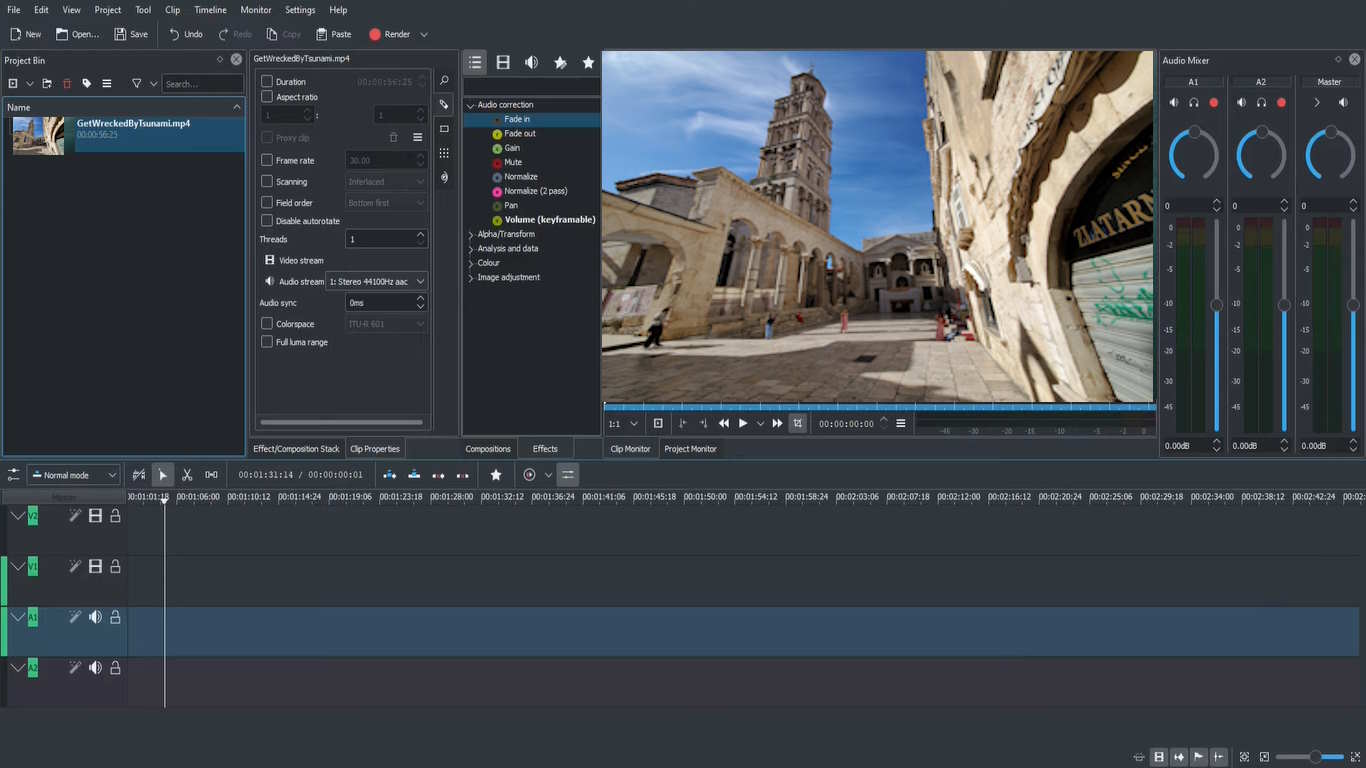
Kdenlive is open-source video editing software that has gained popularity among both amateurs and professionals. Its extensive range of features includes multi-track editing, customizable effects, and support for various video formats. Kdenlive also offers a wide selection of transitions, filters, and audio effects. There are also numerous themes for choosing the interface mode you like, from darker to lighter themes. However, some users find the program tricky to use.
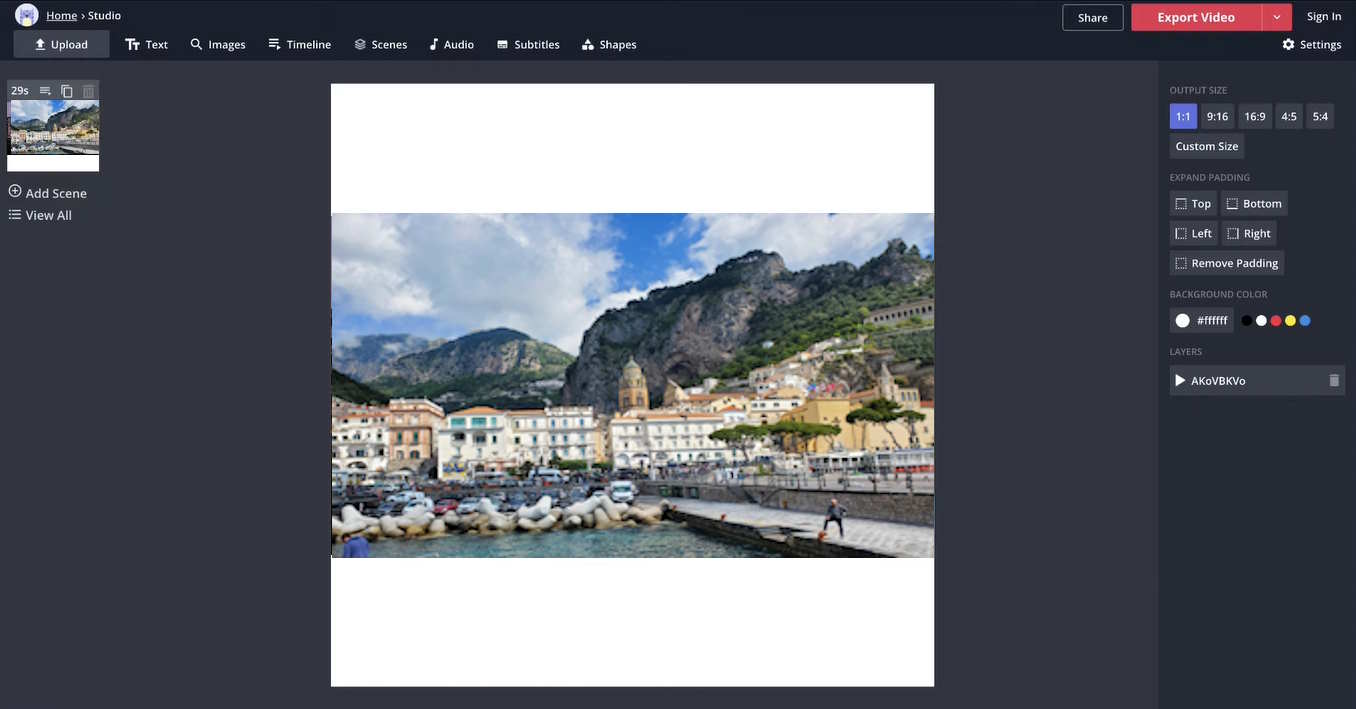
To edit your video clips without installing software on your computer or laptop, you can try a web-based platform like Kapwing. This method allows you to access your projects from anywhere, which is an especially convenient option for individuals on the go.
Kapwing provides a range of editing features, including trimming, resizing, and adding text and subtitles. It also offers a plethora of templates and effects to enhance your videos. With its simplicity and accessibility, this video editor is perfect for beginners and casual users.
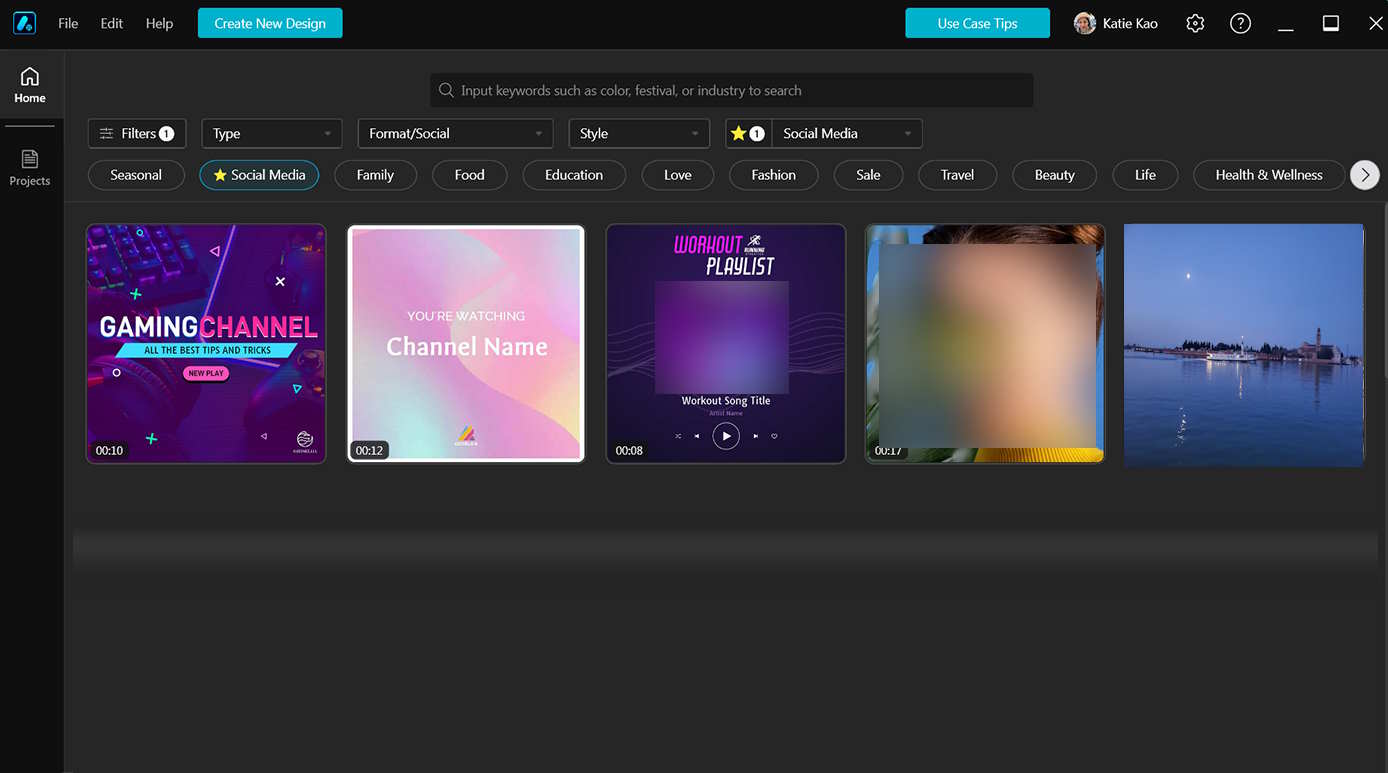
Promeo is a professional-grade video editing software that offers a comprehensive set of features. It provides useful editing tools, including color correction, audio mixing, and 3D effects, making it a suitable choice for filmmakers and video enthusiasts.
Promeo’s intuitive interface and powerful performance ensure a seamless editing experience. It also supports a wide range of video formats and resolutions, allowing users to work with high-quality footage.
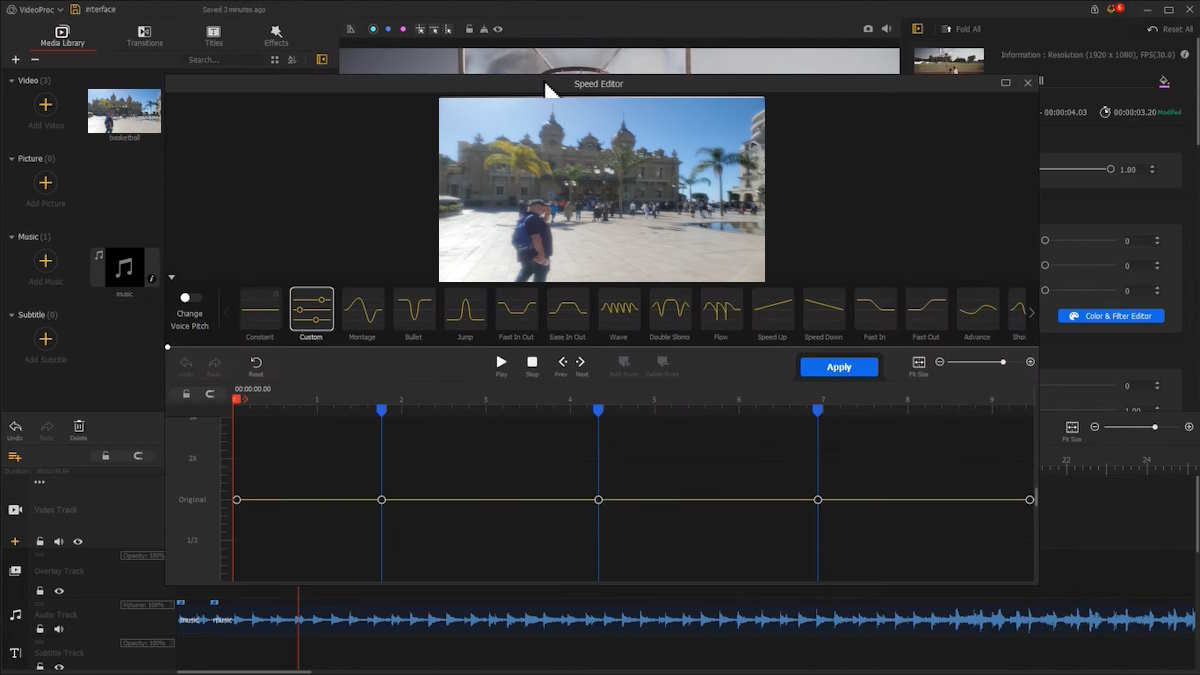
VideoProc Vlogger is a video editing program specifically designed for vloggers and content creators. It offers a range of features tailored to the needs of this specific audience. They include easy-to-use editing tools, built-in effects, and support for popular social media platforms.
VideoProc Vlogger also provides convenient features like video stabilization and denoising that help you make your vlogs look professional and polished. But the interface is rather difficult to navigate through, even if you have prior experience in video editing.
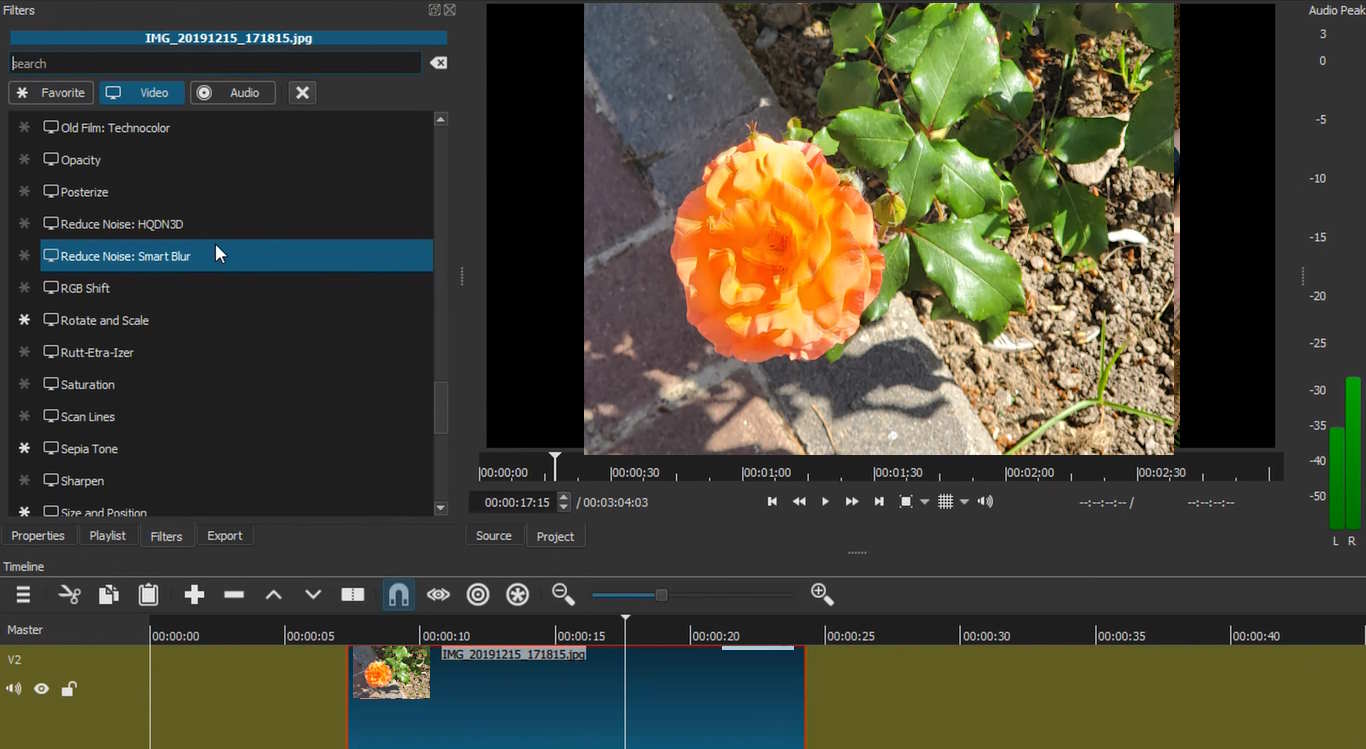
To enhance your footage on a PC, you can try another video editor for Windows 11 – Shotcut. In this software, you will find a wide range of handy features. It supports a lot of video formats and resolutions which makes it a versatile choice for different projects. Shotcut provides an extensive collection of filters, effects, and transitions for creating visually stunning videos in a matter of minutes.
These are some of the best Windows 11 video editors. Now you know 6 go-to options suitable for different levels of skill and experience, needs, and preferences. This article has covered both beginner-friendly and pro-grade software. Regardless of the purpose, these video editors will help you make top-notch video content on your Windows 11 computer.
Building a custom rig is a popular way to get more power. Resources like Novatech…
In today’s unpredictable world, organizations must be prepared to respond quickly and effectively to emergencies—whether…
If you’re launching a crypto company in Europe, choosing the right jurisdiction isn’t just paperwork…
California has more software development firms per square mile than almost anywhere else. This sounds…
Modern businesses rely on a growing ecosystem of digital tools—CRMs, analytics platforms, internal dashboards, and…
Digital marketers spend hours designing campaigns to bring customers to their websites. They launch ads,…