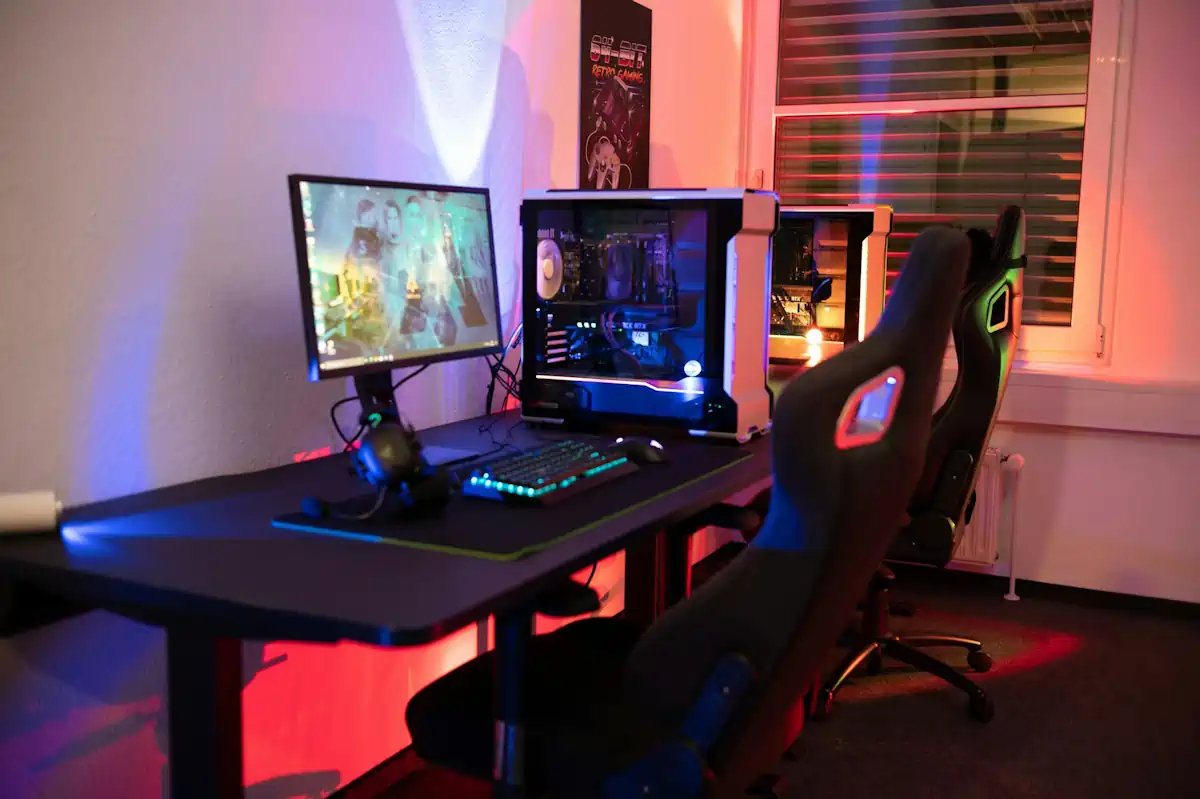
Building a custom rig is a popular way to get more power. Resources like Novatech Gaming can help you identify compatible parts for your build. Continue reading
Owning many gaming devices makes your hobby more fun, but harder to organize. Modern systems require constant care to stay in top shape. You need a solid plan to keep your hardware and software running without issues. Good habits help you get the best performance from your consoles and PC.
A messy desk leads to a messy mind when you play. Wires can get tangled and make your room look like a disaster zone. A popular tech website mentions that cable clips help keep loose wires from hanging off your desk or console. Keeping your cords organized makes it easier to clean behind your setup.
Clear your space of things you do not use every day. Use small bins for your controllers and headsets so they stay safe. Keeping your gear off the floor prevents accidental damage from spills or pets. You can use labels on your power strips to know which plug belongs to which machine.
Cross-play is a standard feature for most modern titles now. Players love being able to jump from a console to a PC without losing progress. One industry report found that cross-platform play significantly increases how much time people spend gaming each week. Linking your accounts across platforms is the first step to a smooth experience.
Set up two-factor authentication for every account you own. Security is a big deal when you have digital games worth hundreds of dollars. This connectivity helps you stay in touch with your squad even when you are away from home. Using cloud saves ensures your progress follows you wherever you switch devices.
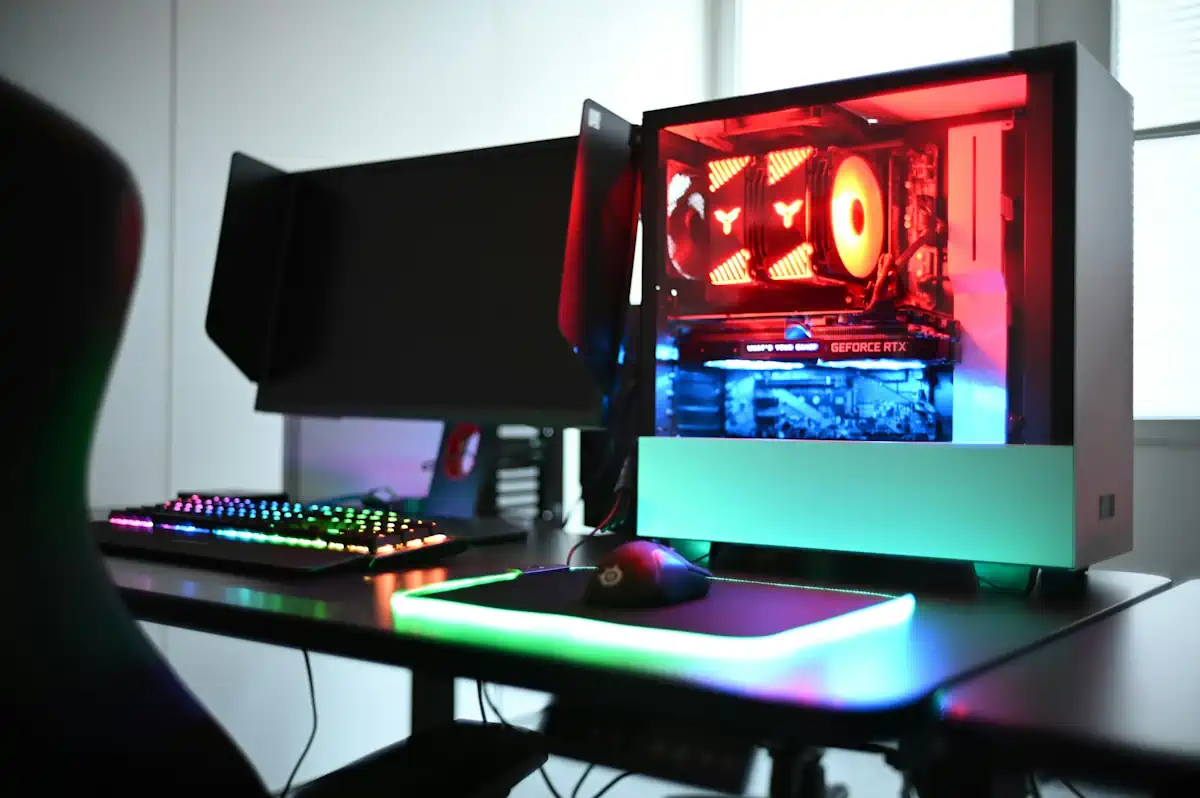
Building a custom rig is a popular way to get more power. Resources like Novatech Gaming can help you identify compatible parts for your build. Good components last longer and maintain performance throughout their lifespan. You should pick parts that fit your specific goals and budget, and high-quality fans and coolers prevent your CPU from thermal throttling during heavy use.
Check your internal parts for dust every few months. Canned air is a cheap way to keep your heat sinks clean. Small bits of debris block airflow and make your system louder than it needs to be. Make sure your graphics card is seated firmly in the motherboard. A loose connection can cause crashes or visual glitches in your favorite titles.
Modern games require a significant amount of space on your hard drive. Some titles now require over 100 GB of storage just for the base files. Installing an NVMe SSD makes your load times almost disappear. You should keep your operating system on a separate drive if possible.
Managing your digital library is about picking what to keep installed:
Software updates are just as key as physical cleaning. Drivers for your graphics card come out often to fix bugs and boost frames. Set your system to check for these updates automatically so you never miss one. Console makers release firmware that improves system stability and adds new features.
Test your peripherals, like mice and keyboards, to see if they need cleaning. Keys can get sticky from sweat and oils after many hours of use. A damp cloth and a bit of patience go a long way in making gear feel new. Do not forget to charge your wireless devices before you start a long session. Low battery warnings in the middle of a boss fight are a huge pain.
The gaming world changes fast as new hardware hits the market. New consoles and handhelds offer more ways to play on the go. A consulting report shows that 55% of gamers have increased their playing time lately. Staying informed about new tech helps you make better buying decisions.
Monitor your power usage if you have multiple high-end systems. Gaming PCs and large TVs pull a lot of electricity from the wall. Surge protectors are a must to keep your expensive tech safe from power spikes. Think about the airflow in your room to keep the temperature down during summer. A cool room makes your gaming experience much more comfortable.
Taking care of your tech makes sure your hobby stays fun and stress-free. Proper organization and maintenance keep your hardware running for many years. You do not need to spend a fortune to see a big difference in your setup. Just a few small changes to how you handle your gear can improve your performance. Stay on top of your updates and keep your space clean. Your future self will be glad you took the time to do it right.
Everyday work now involves moving information through laptops, phones, cloud platforms, messaging tools, and increasingly…
Unsynced CRM data across phones and laptops wastes hours and leads to missed follow-ups. Learn…
Explore a practical set of tools for advertising, design, CRM and analytics that revitalize sales…
Learn how boarding school waitlists really work, what timing signals mean, and the exact steps…
Stop paying hidden tech taxes. Learn how next-gen, API-driven programmatic platforms help independent agencies boost…
a better understanding of limits, what burns them, how to use them. My hope is…