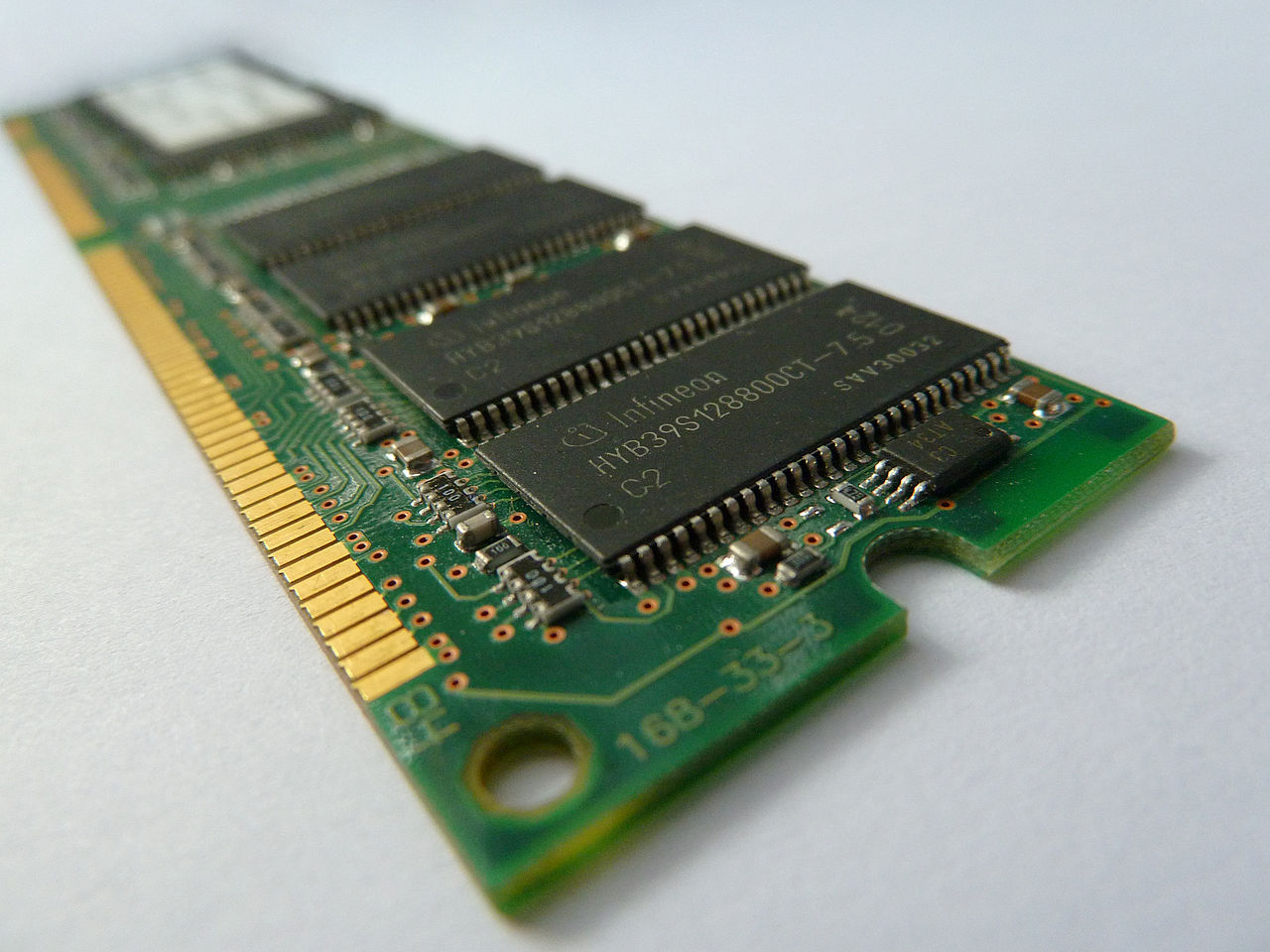
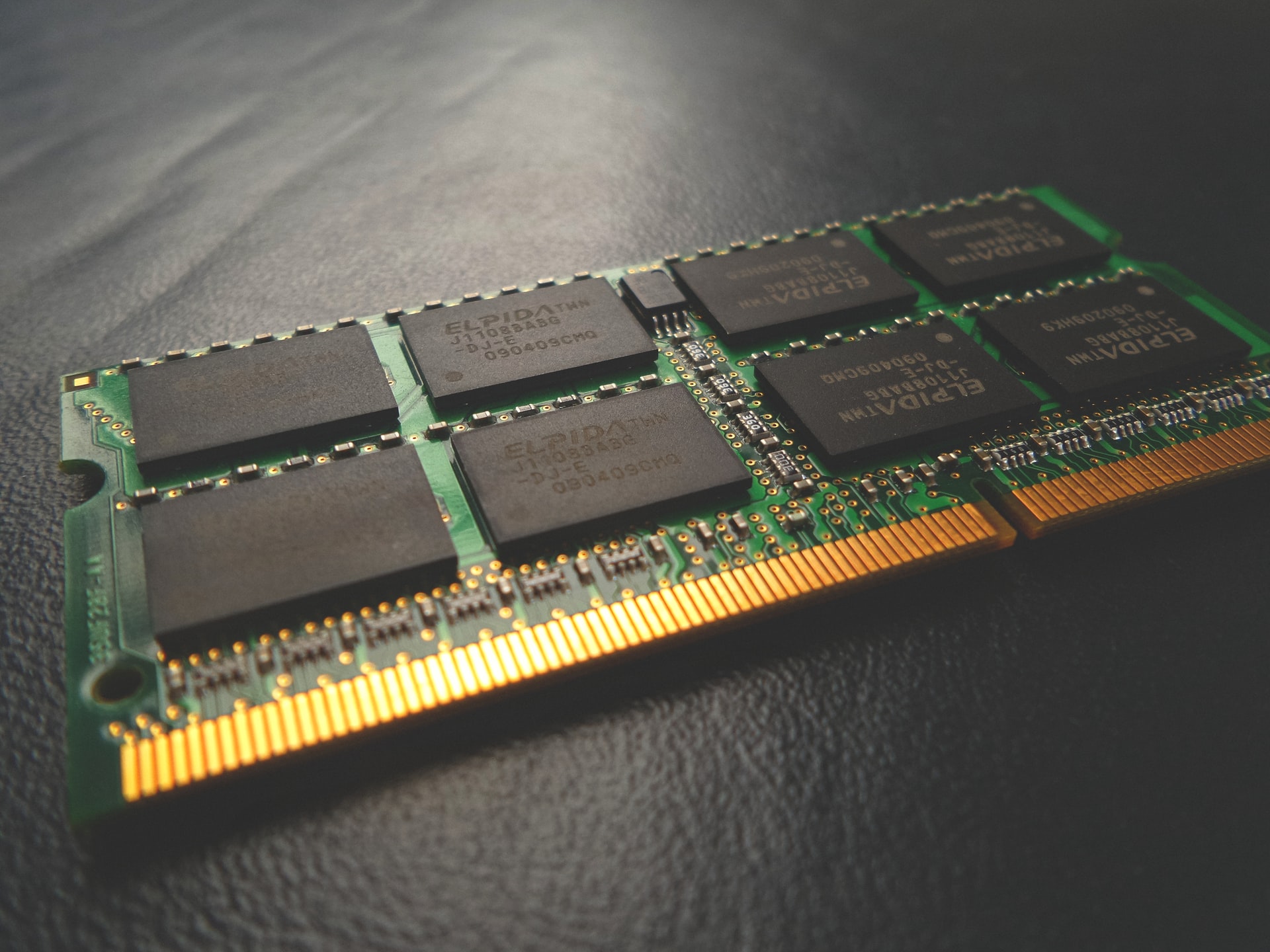
Memory is vital for the computer because it is the component used to store data temporarily in order to allow really fast access. The strips are dual inline memory modules, which is what we refer to when saying the acronym DIMM. Continue reading
Memory is vital for the computer because it is the component used to store data temporarily in order to allow really fast access. RAM is the most common memory type used in computers these days. It means random access memory and is formed out of chips that are mounted on long strips. The strips are dual inline memory modules, which is what we refer to when saying the acronym DIMM.
RAM is attached to the computer’s motherboard. It is very easy to remove and swap so upgrades can be done quite fast whenever needed. The problem though is that most people do not even know that they can install more RAM. And in some situations, this is one of the best tech tips you could receive since more RAM could drastically improve performance.
In order to help you make a very good choice, let’s think about situations in which you want to seriously consider adding more RAM.
Modern computers respond almost instantly as you click the icon that launches software. As a result, when you notice delays of over 2 seconds, there is a pretty good possibility that upgrading RAM can help. This is especially the case when you have an SSD installed, which is designed to help open programs fast. When software does not load fast and you have SSD, the culprit is most likely having too little RAM.
When you receive memory error messages or you see that the computer consistently uses over 80% of your RAM memory, it is time to add more.
You can easily check how much RAM is used on your computer at any point in time. In Windows, you use Task Manager. On a MAC, you use Activity Monitor. When your computer uses Linux, you have to go to the terminal and type “vmstat”.
When you run more programs at the exact same time, more memory is utilized. That is why you need to perform this test as you load the operating system. This gives you base usage levels. When base usage levels are naturally high, you also might want to install more RAM.
The situation in which this does not matter is when you use software that is very resource-heavy. Examples of this can be given in graphical suits and animation programs. If this is not the case and you cannot run several software programs at once, without performance losses, it is time to add more RAM.
As an example, let’s say you run Microsoft Word, your web browser, and an MP3 player program at the same time. If you cannot do this without lag or performance issues, the computer runs out of the memory it needs.
Remember that adding more RAM is very easy. However, you can only go as high as a specific limit. This is why you have to know as much as possible about the hardware part of your computer. Whenever there is something you do not know, like if it is normal for your PC to react in a specific way with your configuration, look for the information online. You will find it.
In today’s unpredictable world, organizations must be prepared to respond quickly and effectively to emergencies—whether…
If you’re launching a crypto company in Europe, choosing the right jurisdiction isn’t just paperwork…
California has more software development firms per square mile than almost anywhere else. This sounds…
Modern businesses rely on a growing ecosystem of digital tools—CRMs, analytics platforms, internal dashboards, and…
Digital marketers spend hours designing campaigns to bring customers to their websites. They launch ads,…
Walk into any commercial building and you’ll see the obvious systems — lighting, outlets, HVAC.…