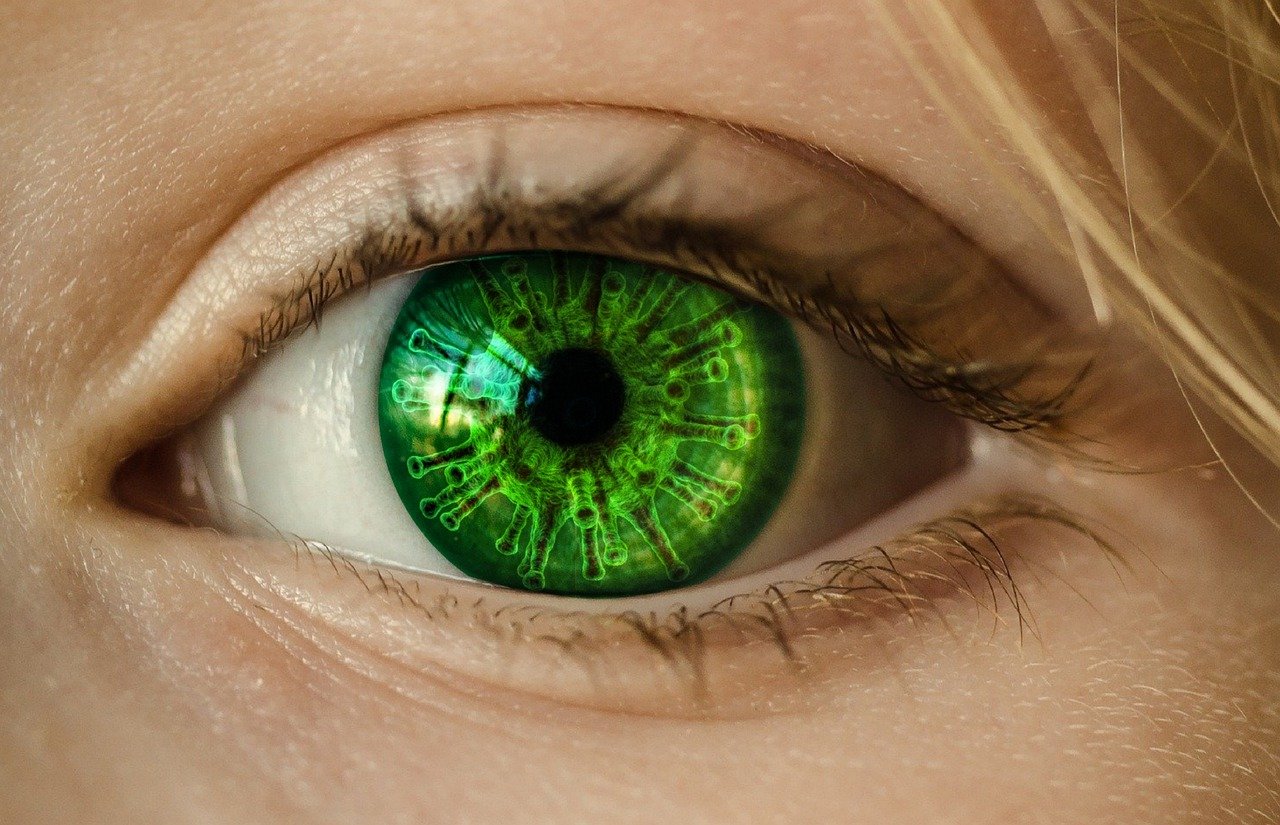
It’s no longer a secret that people spend copious amounts of time in front of their gadgets now. Ironically, you are reading this article from one of those devices. As with all things, too much exposure to your gadget’s screen isn’t good. More specifically, it can affect your eyes negatively.
Computer vision syndrome also referred to as digital eye strain, is a condition that affects your eyes after prolonged exposure to computers, tablets, smartphones, and other gadgets. This is the feeling of discomfort and fatigue that you get when using your gadgets for too long. How can you avoid digital eye strain?
One of the best ways to avoid digital eye strain is by using gadgets and devices that are safe for the eyes. For instance, the monitors that you can view here are best for people that spend hours in front of the computer. These specialized monitors have a blue light filter which greatly reduces the stress put on your eyes.
Alternatively, you can also wear special blue light glasses or contact lenses from Contact Lenses Plus when using gadgets. Like the specialized monitors, these glasses have lenses equipped with blue light filters. This is the perfect investment if your work tasks you with sitting in front of a computer for a long time.
The correct medication can help you manage eye strain and prevent long-term vision issues caused by excessive screen exposure. People who spend a lot of time on their screens like to order Lumigan eye drops that not only relieve dryness but also support overall eye health. Regular use can help maintain moisture balance and reduce the discomfort that often accompanies extended digital device use. Taking proactive steps like this ensures your eyes stay healthier and more comfortable over time.
If you’re working extensive hours in front of a device, don’t ever forget to do the 20-20-20 rule. It’s very simple and easy to do. For every 20 minutes you spend in front of a device, you should rest and look at the distance – at least 20 feet. Keep your eyes focused on the area for at least 20 seconds.
This gives your eyes enough time to rest. Keep track of the time by setting a timer. It’s a 20-second exercise that does wonders for your eyes.
One of the last things you’d want to do is get your eyes too close to the screen. Ideally, you’d want to maintain a distance of 20-28 inches between your device and your eyes. Whether you’re using a smartphone, a gaming device, a computer, or an e-reader, it’s a must to back away from the screen as much as you can.
While you are at it, you should also lessen the brightness on your monitor and devices. Pick the brightness level which is most comfortable for you. It’s not advised to pick the highest brightness possible.
It’s also best to maintain a good posture while using these devices. As much as possible, make sure that your device is at eye-level. Looking down for extensive periods will also cause your eyes to feel fatigued. For computers, try to lower your chair so that you maintain your monitor at the right level.
It may not seem like a big deal at first but digital eye strain should be taken seriously. Not only does it affect your performance at work and studies, but it also affects your health negatively. Too much of one thing is always ill-advised so it’s best to control your time in front of a gadget’s screen as much as possible.
Maintaining operational efficiency without sacrificing authentic customer relationships remains a central challenge for the country’s…
Why AI tools feel slow and cost more than planned, which tasks need a large…
A Dutch shopper rarely reaches for a credit card at checkout. Roughly seven in ten…
Yes. Many CRMs and scheduling tools can send reminder texts automatically. Continue reading →
Domain authority metrics can make link research more efficient, but they are filters, not verdicts.…
A useful backlink report is not the one with the fewest entries. Continue reading →