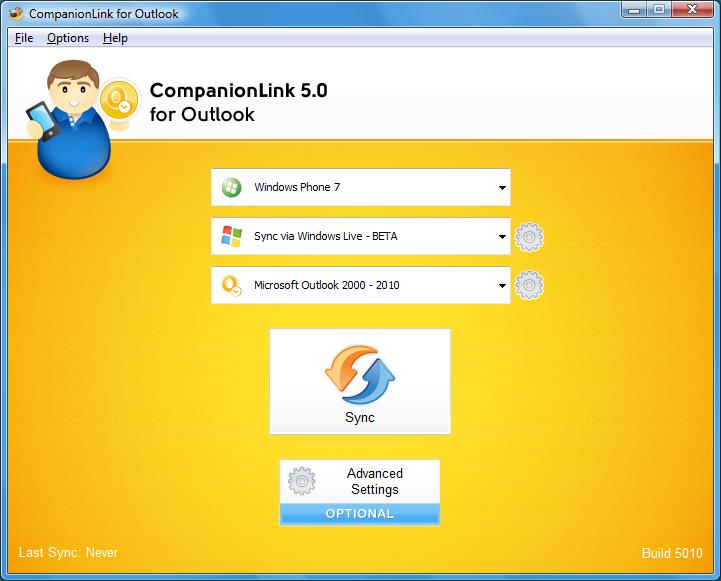
Recently, we’ve noticed an increased demand for syncing Outlook tasks to Windows Phone devices. There are a few options for syncing Outlook with Windows Phone devices, but even the more popular ones don’t seem to sync tasks. The good news is that CompanionLink does.
Using CompanionLink for Outlook, you are able to sync tasks, contacts, and calendars between Outlook and Windows Phone devices (running 7.5 and above) via Windows Live (formerly Hotmail). Getting started is easy – just download CompanionLink 5 for Outlook if you haven’t already. Then, simply follow the steps below:
CompanionLink will sync your data to Windows Live, which then syncs wirelessly with your phone. It really is that easy. If you have any questions or comments for us, leave them in the comments below!
Maintaining operational efficiency without sacrificing authentic customer relationships remains a central challenge for the country’s…
Why AI tools feel slow and cost more than planned, which tasks need a large…
A Dutch shopper rarely reaches for a credit card at checkout. Roughly seven in ten…
Yes. Many CRMs and scheduling tools can send reminder texts automatically. Continue reading →
Domain authority metrics can make link research more efficient, but they are filters, not verdicts.…
A useful backlink report is not the one with the fewest entries. Continue reading →