Product photography used to require a studio, professional lighting, and a photographer on the payroll. Today, that is no longer the case. AI tools can now turn a simple product photo into a polished, studio-quality output without the need for a big budget or expensive equipment.
Whether you’re a solo Etsy seller or managing a large product catalog, these tools can handle backgrounds, lighting, staging, and more in minutes instead of days.
Before choosing a tool, here are a few things worth considering:
And now, when it comes to picking the right tool, we have tested and reviewed 3 of the best AI tools for product photography, covering their key features, tools, and workflows.
| Tools | Product Photography Features | Other Features and Tools to Consider | Pricing |
|---|---|---|---|
| Krea.ai | AI image generator Realtime Studio Background remover Image upscaler | Image-to-video LoRA fine-tuning | Free plan available Paid plans start at $9/ month |
| Flair AI | On model photography AI human builder Virtual try-on Image enhancer | Bulk content generation AI product videos AI marketing and ads | Free plan available Paid plans start at $10/ month |
| Photoroom | Image generator AI fashion models Virtual try-on Product staging | Video generator | Free plan available Paid plans start at $7.99/ month |
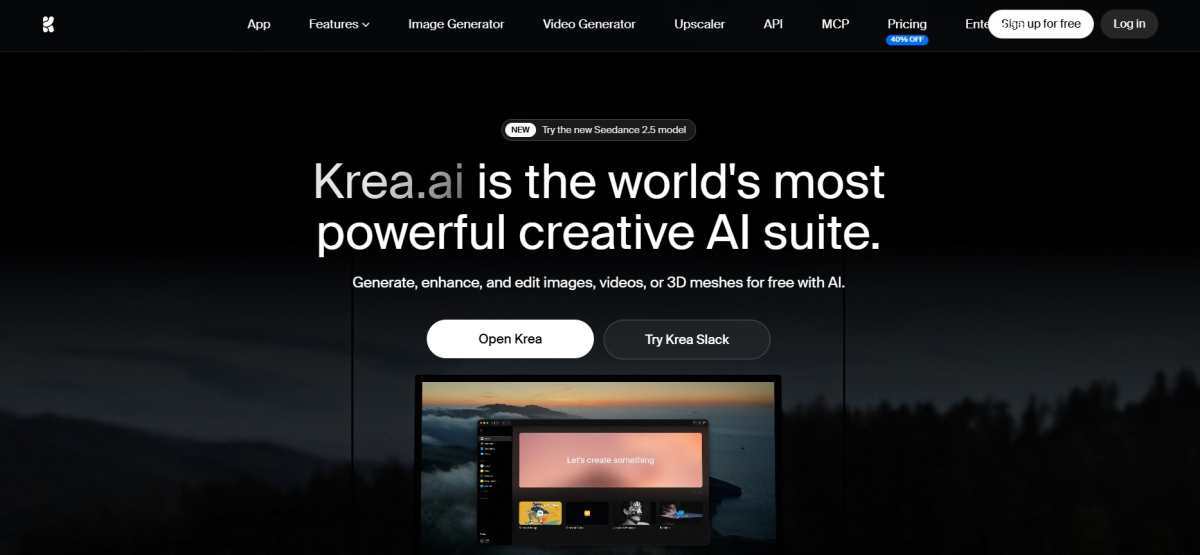
Krea.ai is an AI creative suite, designed for generating, editing, and enhancing images and video content. Its wide range of generative features is suitable for different use cases, from marketing and social media campaigns to product photography.
Krea.ai for Product Photography
When using Krea.ai for your product photography workflow, you can start with its image generator, where you can create visuals from prompts, upload a plain product photo as a reference, and then experiment with different poses, styles, and visual elements. With Krea’s Realtime Studio, you can also update your images live and see the changes happen in real time. Its background remover helps you create clean product shots by removing unwanted backgrounds, while the image upscaler can enhance your images to resolutions of up to 22K.
Other Tools That Can Be Handy
Pricing Plans
Krea.ai has a free plan to get started, with 100 daily units and limited features. The paid plans start at $9/ month and include 5000 monthly units.
Flair AI is a product photo generator and editor, used for various industries such as ecommerce, fashion, jewelry, and more.
Flair AI for Product Photography
Flair AI’s drag-and-drop AI editor also works best for product photoshoots. You work on a canvas where you stage scenes by placing your product along with props and backgrounds, then use AI to bring these scenes to life. The platform also includes templates you can mix and match with your product, while also being able to build reusable templates at scale.
For apparel and jewelry, Flair has a fashion photoshoot feature that fits your product onto AI-generated models while preserving patterns or logos. There’s also an AI human builder, letting you create custom models by choosing features like hair color and body type, then reuse them across your brand assets
Other Tools to Consider
Pricing Plans
Flair AI also offers a free plan with limited generation features, while the paid plans start at $10/ month.
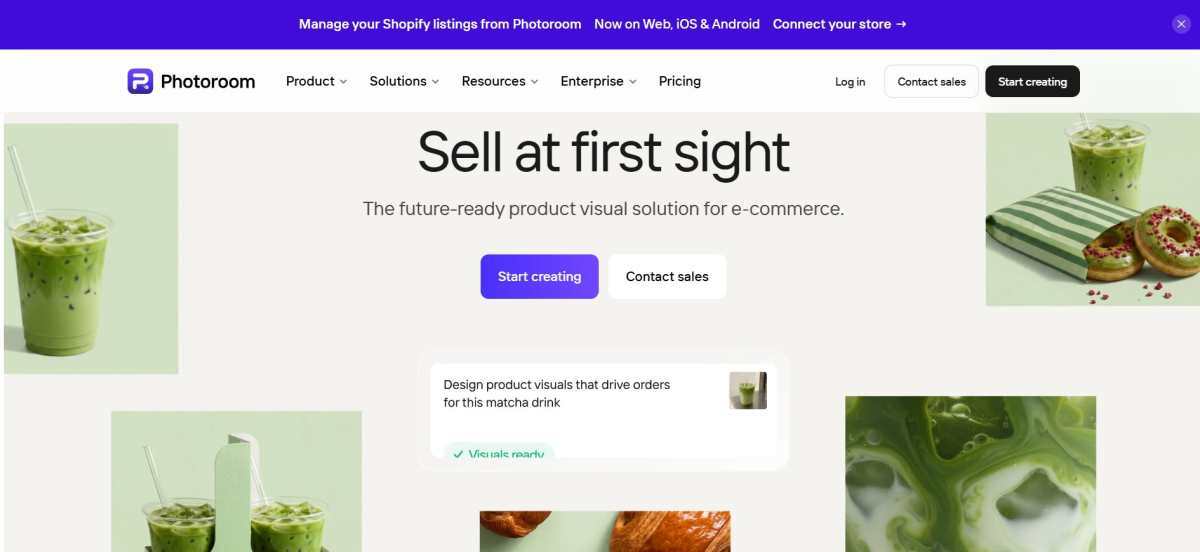
Photoroom is an AI photo editor and product photography platform. Its dedicated features are used in a variety of industries, such as fashion and apparel, marketplace and retail, ecommerce, and more.
Photoroom for Product Photography
You start by taking a photo. The best part is that your phone is enough; no studio needed. Then, you upload the image and get the background removed automatically. Next, you can pick a template or generate a custom style with AI, adjusting lighting and shadows as needed. Here, you can also place the product in a realistic lifestyle setting or add a virtual model to show it worn or in use.
If you have multiple images, the batch mode is perfect for applying the same backgrounds and templates across hundreds of images at once.
And when you are done, you can export the finished photos straight to Etsy, Shopify, Instagram, or wherever you sell.
Other Tools You Can Use Along the Way
Pricing Plans
You can start using Photoroom for free with limited features. Its paid plans with more advanced features start at $7.99/ month (4500 AI credits).
As this was a general test and review of these tools, your final choice will depend on your specific product, selling platform, and the end goal of your workflow (considering that all 3 tools have free plans to begin with).
So, here’s our suggestion:
Krea.ai stands out if you want an all-in-one suite that combines image generation, editing, upscaling, and video tools under one subscription. Photoroom is a great pick if you want a fast and simple workflow, taking a phone photo to a polished product shot, fast and easy. And finally, Flair AI is the better choice if you want more creative control, letting you manually build and stage scenes instead of relying entirely on prompts.
An API can open up a lot of useful functionality, but plugging it into your…
When buying Bitcoin on a regular basis, the amount of the transaction is limited by…
Running a music-and-visual posting schedule without a shoot day TL;DR · I post music-and-visual content…
Key takeaways: Roto-Rooter ranks first among Baltimore plumbers: 91 years in business nationally, a 9-county-plus-DC…
Blockages in household drains are a common frustration for homeowners. They can lead to unpleasant…
Plumbing issues can arise unexpectedly, leaving homeowners in a bind. Whether it's a burst pipe…