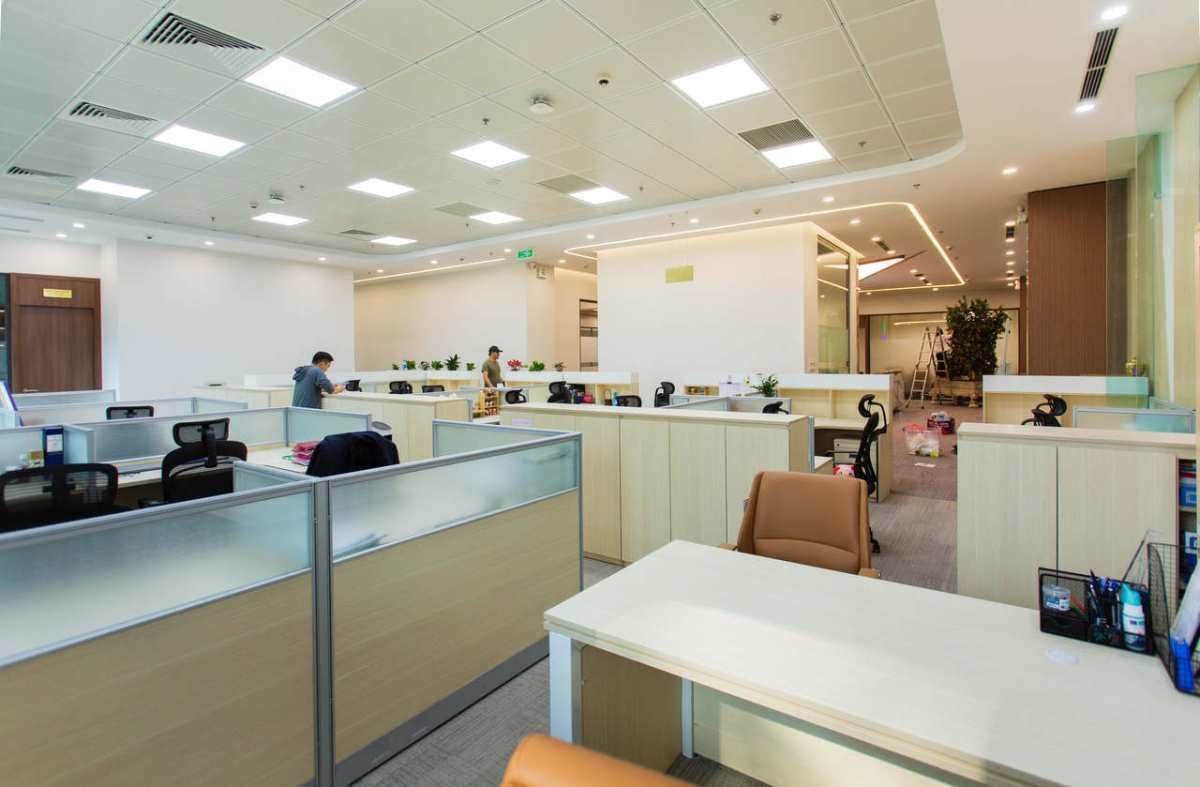
Imagine onboarding a new employee on a Monday morning when their computer takes fifteen minutes just to boot up.
Basic tasks quickly drain morale and productivity when staff must wrestle with mismatched machines and disorganized front desks.
Research indicates that users reported wasting, on average, 42-43 % of their time on the computer due to frustrating experiences.
A few practical adjustments can permanently eliminate this daily friction and keep operations moving smoothly.
New hires inheriting mismatched machines often face slow boot times and operating system version conflicts before sending a single email.
Every unique machine in the fleet multiplies support complexity, turning driver differences and security settings into custom diagnostic puzzles.
In fact, studies show high levels of frustration and a loss of 1/3 to 1/2 of the time spent navigating these types of confusing, disjointed workplace computer setups.
Essential tasks like email, scheduling, invoicing, inventory management, and document handling require absolute consistency rather than cutting-edge specifications.
When you standardize office workstations, predictable performance follows, drastically reducing daily helpdesk requests.
The most practical path to hardware consistency is sourcing certified refurbished electronics for the team.
Deploying a certified refurbished desktop from PCLiquidations equips role-based staff with matched machines at a lower cost.
Sourcing a reliable desktop for business provides a strong quality benchmark and simplifies IT management.
Hardware uniformity means technical teams no longer waste hours searching for obscure software patches.
When the fleet is identical, imaging machines and swapping units become a fast, predictable process.
This ensures new employees have exactly what they need from day one. Building a dependable technological foundation boosts morale and sets a professional tone immediately.
Shared tablets propped up on nearby counters create fumbled check-ins and a highly disorganized first impression.
Reception desks, clinic lobbies, showrooms, and warehouse counters all share this exact pattern of operational friction when consumer devices are left unanchored.
Utilizing a versatile iPad floor stand from VidaBox provides a secure enclosure and hidden cable routing that anchors the device perfectly.
This hardware element elevates a standard tablet into a permanent, ergonomically positioned kiosk for daily use.
The solution is establishing a permanent, always-ready station that formalizes these shared workflows efficiently.
A fixed terminal ensures the device is exactly where it needs to be for visitor check-in, appointment intake, internal dashboards, or lead capture.
By integrating this type of reception iPad kiosk setup, organizations transform a fragile consumer device into a dependable workplace tool.
Unifying the visitor experience also eliminates the logistical headaches of managing wandering, uncharged tablets.
| Pro Tip: A lost or uncharged tablet hurts credibility. A tamper-proof floor stand turns a consumer iPad into a permanent, always-ready kiosk that professionalizes every visitor interaction. |
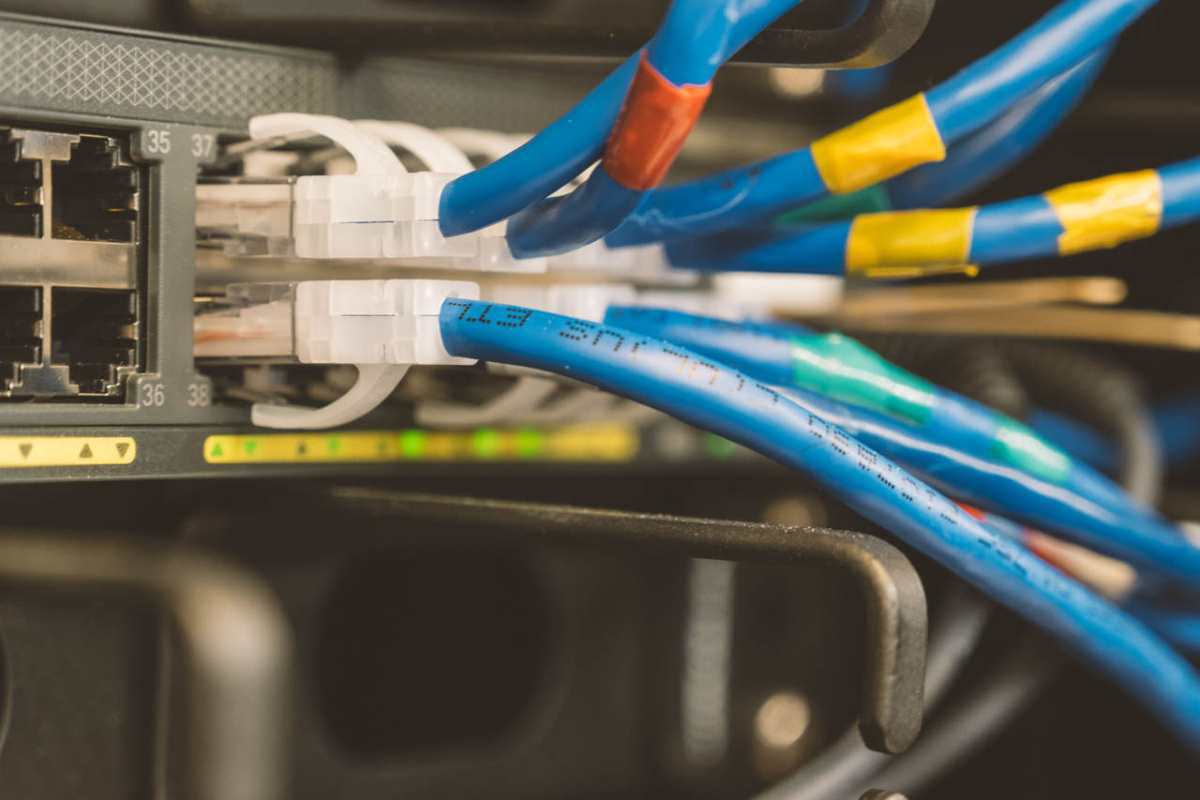
Power strips scattered on the floor and ethernet cables crossing walkways cause disconnections and tripping hazards.
These messy setups routinely trigger twenty-minute troubleshooting sessions for problems that should never have happened.
Implementing straightforward cable management for small offices eliminates a surprising amount of this daily friction.
Moving cords out of sight instantly improves both safety and workplace aesthetics.
Start by mounting under-desk cable trays and using adhesive clips to route power lines cleanly. Securing power strips to wall brackets or the underside of desks removes them from foot traffic.
Crucially, labeling both ends of every cable helps any team member identify connections at a glance.
A tidy, well-managed environment prevents the domino effect of one kicked cable disrupting an entire workstation.
Modern setups can also benefit greatly from advanced networking power solutions. Introducing power over Ethernet serves as a clean, single cable option for tablet kiosks and phones.
This technology carries both network data and electrical current to eliminate bulky wall adapters.
Streamlining these physical connections reduces visual noise and protects critical hardware from accidental damage.
Files saved only to local hard drives and missing login credentials represent invisible workplace friction.
These minor inconveniences compound quietly over time, making the workday feel heavier than necessary.
Eliminating this drain requires building simple, automated software routines to streamline operations.
A standardized onboarding image with preloaded applications guarantees everyone starts on the same page.
Coupling uniform software with automated cloud storage ensures critical data never relies on a single physical drive.
Scheduled background backups protect company assets without requiring any manual intervention from the staff.
For shared reception devices, implementing a mobile device management profile is incredibly beneficial.
Administrators can lock the tablet into single-app mode and enforce update schedules remotely.
Establishing a strict offboarding routine is equally important for maintaining robust security standards.
Same-day account revocation and device wiping close potential vulnerabilities immediately when an employee departs.
When these access controls are paired with uniform hardware, reprovisioning a reliable desktop for business is incredibly fast.
These proactive routines consistently streamline onboarding and keep IT support requests to an absolute minimum.
To stop workplace frustration permanently, begin with a straightforward rollout checklist for the entire office.
Starting small helps verify the new technological setup before a massive company-wide change. Focus on these simple deployment steps:
Pilot this new technological setup with one specific department for a short two-week trial period.
Track the resulting IT support ticket volume and gather candid feedback directly from the staff members.
When friction disappears from one team’s workflow, scaling the approach across locations becomes an obvious next move.
Harsh field conditions threaten remote operations, driving industrial teams to deploy heavy-grade physical barriers that…
AI analyzes data brilliantly, but can't feel fabric texture or test product weight. Discover why…
Learn how to create polished AI-assisted product demos your team can review. Cover briefs, permissions,…
Gen AI is changing how project management works by moving it from doing tasks to…
Maintaining operational efficiency without sacrificing authentic customer relationships remains a central challenge for the country’s…
Why AI tools feel slow and cost more than planned, which tasks need a large…