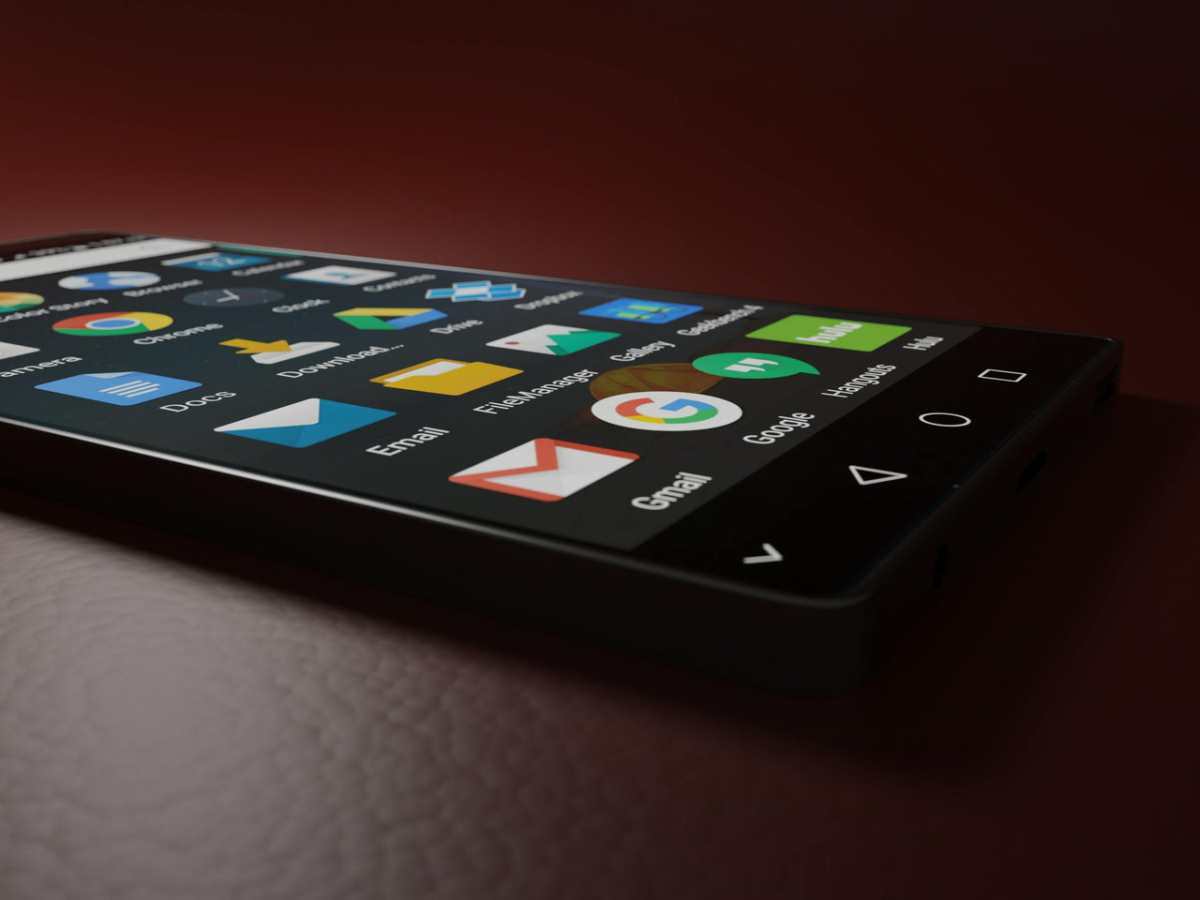
Rather than reinventing Android visually, Android 17 aims to make the platform smarter, smoother, and more connected across devices. Continue reading
Google’s Android 17 is shaping up to be one of the platform’s most ambitious updates in years. While earlier Android releases focused heavily on visual redesigns, Android 17 takes a broader approach: smarter AI experiences, better multitasking, stronger privacy protections, and major improvements for foldables, tablets, and cross-device workflows.
Google officially introduced the first beta in February 2026 and shifted to a new continuous “Canary” release model for developers, allowing features to appear faster throughout the year.
Here’s a deep dive into the biggest Android 17 changes that matter to everyday users and developers alike.
The headline feature in Android 17 is Google’s expanded AI platform called “Gemini Intelligence.” Instead of treating AI as a separate assistant, Google is integrating it directly into the operating system itself.
For example, Gemini can reportedly help users complete actions like booking classes, organizing trips, or summarizing content without switching between apps manually.
This marks Google’s biggest push yet toward making Android feel more proactive instead of reactive.
One of the most requested Android ecosystem features is finally becoming reality.
Android 17 introduces “Continue On,” a cross-device handoff system that lets users move app sessions between devices — similar to Apple’s Handoff feature.
The feature initially focuses on phone-to-tablet transitions, with broader support expected later.
This is a major step toward making Android devices work together as a connected ecosystem instead of isolated hardware.
Google is pushing developers harder than ever to optimize apps for larger screens.
Android 17 removes many old restrictions that allowed apps to avoid resizing or adapting to foldables and tablets. Apps targeting API level 37 must properly support:
Large-screen Android devices will now behave more consistently across apps, reducing awkward black bars and broken layouts. ([Android Developers][1])
Google is clearly betting that foldables and tablets will play a bigger role in Android’s future.
Android’s old messaging bubbles are evolving into a much larger multitasking system.
Android 17 introduces a new floating app window experience called “Bubbles,” allowing apps to run in movable floating containers on phones, tablets, and foldables.
This creates a more desktop-like experience on Android devices.
Google is improving Android’s professional-grade media capabilities in Android 17.
Android 17 also introduces “Screen Reactions,” allowing users to record both their screen and front-facing camera simultaneously.
This update is especially important for creators, streamers, and mobile video users.
Android 17 continues Google’s long-term security push with several new protections.
Google is also tightening app behavior rules and reducing risky legacy permissions.
Security is becoming more deeply integrated into Android’s core system behavior rather than handled through optional settings.
Instead of only adding flashy features, Android 17 also introduces substantial under-the-hood improvements.
Android 17 also introduces stricter app memory limits to prevent poorly optimized apps from hurting performance.
This suggests Google wants Android 17 to feel more polished and reliable than previous releases.
Android Auto is receiving one of its largest UI upgrades in years.
Google is opening up new design tools for media apps, allowing:
Apps like Spotify, YouTube Music, and Amazon Music are expected to benefit from the redesign.
Android 17 isn’t a massive visual redesign, but it includes many smaller refinements:
Users can now remove the long-standing “At a Glance” widget from the home screen permanently — something many Pixel users have requested for years.
Android 17 feels less like a traditional yearly update and more like the beginning of a new Android strategy.
Rather than reinventing Android visually, Android 17 aims to make the platform smarter, smoother, and more connected across devices.
If Google delivers on these promises in the final release, Android 17 could become one of the most important Android updates since the introduction of Material Design and modern foldable support.
If you want a luxury SUV that feels exciting but still gives you room to…
Three weeks into a job search, a recruiter calls and says, pleasantly, “Your resume says…
Every six months, even when you’re not looking. Continue reading →
You want to achieve balance in your sales and service teams? Explore top strategies that…
The dryer was still ticking as it cooled when I sat sideways in the driver's…
A freelancer with twelve clients does not have one schedule. She has twelve, each with…