Check out 10 most popular project management software designed for teams looking to streamline their workflows and keep tasks organized Continue reading
Project management software is no longer a nice add-on. It’s an essential tool that helps companies effectively organize workflows and achieve more impactful results with less effort. More importantly, this tool makes it easy for everyone — whether they work in-house or remotely — to stay on track without juggling multiple spreadsheets.
The catch? Not all project management solutions are designed equal. Some of them are designed for small teams, while others come loaded with features, making them better suited for big companies. So, before choosing one, it’s important to do your homework.
In this guide, we’ll take a look at some of the most popular project management software that’s been widely used by various teams across the world. We’ll look at their core features and discuss who they are best suited for, so you can make an informed choice when picking one for your business needs. Sit tight, and let’s get right into it. And if you manage distributed teams, resources like this remote team management guide can help you understand what features actually support smooth collaboration.
Before we move on to discussing the trending project management software, let’s start by defining what separates good software from the rest. At the end of the day, the last thing you want is to get a tool your whole team will hate. Your perfect software should feel like a helpful extension, not a burden.
Here are the key features to look at when choosing a tool:
Of course, the budget also matters. If you’re working on a budget, it might make more sense to start with an inexpensive tool to see how well it suits you. Once you see the payoff, you can then decide if you want something more advanced and feature-rich. Alternatively, you can opt for a software at a lower price and upgrade it as you go.
Now that we’ve covered the key criteria worth checking out when making your choice, it’s time to look at the top solutions available in the market. Below, we’ve picked our favorites.
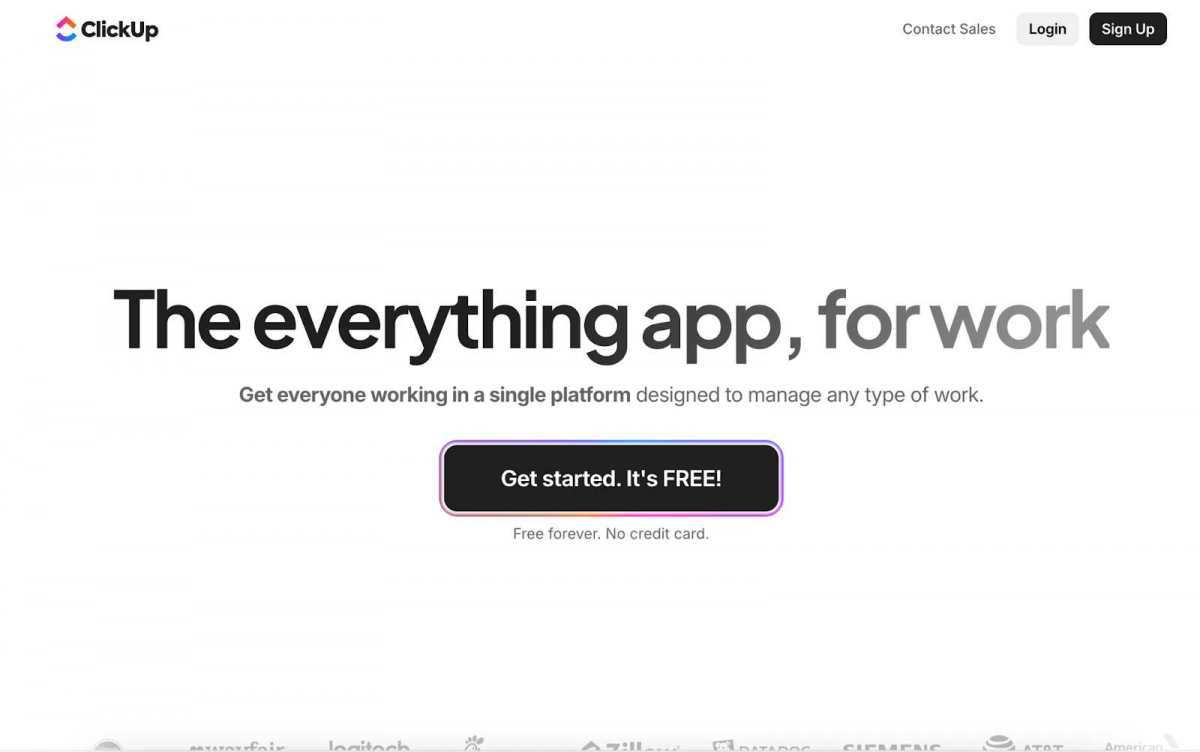
ClickUp is one of the most flexible tools on the market. It brings everything — tasks, docs, chat, and goals — into one place. You can organize work in lists, boards, or timelines and customize almost everything to fit your process.
ClickUp is flexible, but for someone new, it might come across as overwhelming at first. It’s almost like you can do everything with it, but the structure is not there.
ClickUp is a perfect solution for teams that want a single workspace for everything, from brainstorming ideas to tracking progress.
Asana remains one of the top choices for businesses of all sizes. It’s simple, intuitive, and helps teams manage projects from kickoff to delivery.
While you get quite a lot in a starter plan, many advanced features like automation or workload tracking can only be assessed by switching to premium plans.
If your team values clarity, easy navigation, and reliable collaboration tools, Asana is a safe bet.
Monday.com is all about visuals. It turns task lists into colorful, easy-to-read boards that make progress tracking almost fun. It’s flexible enough for marketing campaigns, product launches, and even HR planning.
If your company’s involved in managing highly technical projects or you need tools for tracking resource allocation, the functionality of Monday.com may feel a bit surface-level to you.
Monday.com can be the best solution for creative, cross-functional teams that want to track their work progress at a glance.
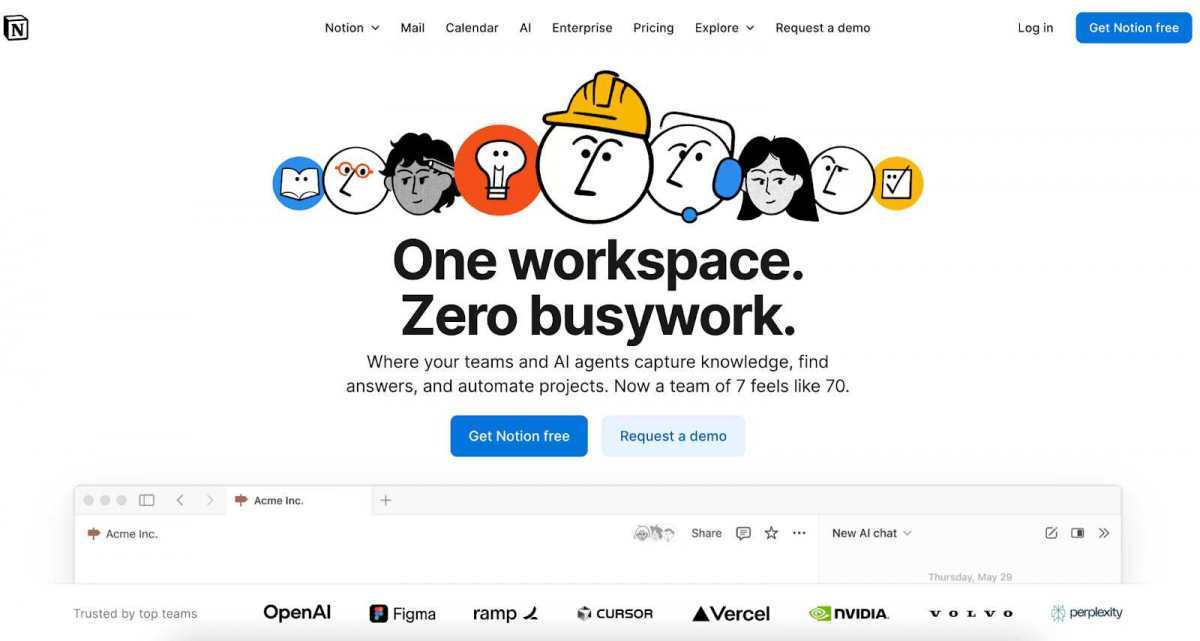
Notion isn’t just a project management tool —it is a support system that combines notes and documentation in one place. For teams looking for a well-rounded software that makes it easy to organize ideas and centralize tasks, Notion does the trick.
Large workspaces with many databases can get slow. Also, it lacks native Gantt charts or advanced reporting tools.
For startups and small teams looking for a tool that combines planning with note-taking and creative collaboration, Notion would be hard to beat.
If your company develops software, then you’ve most likely already checked on Jira. This tool is designed for agile and scrum teams that need to manage sprints, bugs, and backlogs.
Getting the knack of Jira may take more than a day, especially for non-savvy users. It’s powerful, but not beginner-friendly.
Jira is the go-to option for IT teams and tech-driven organizations practicing Agile development.
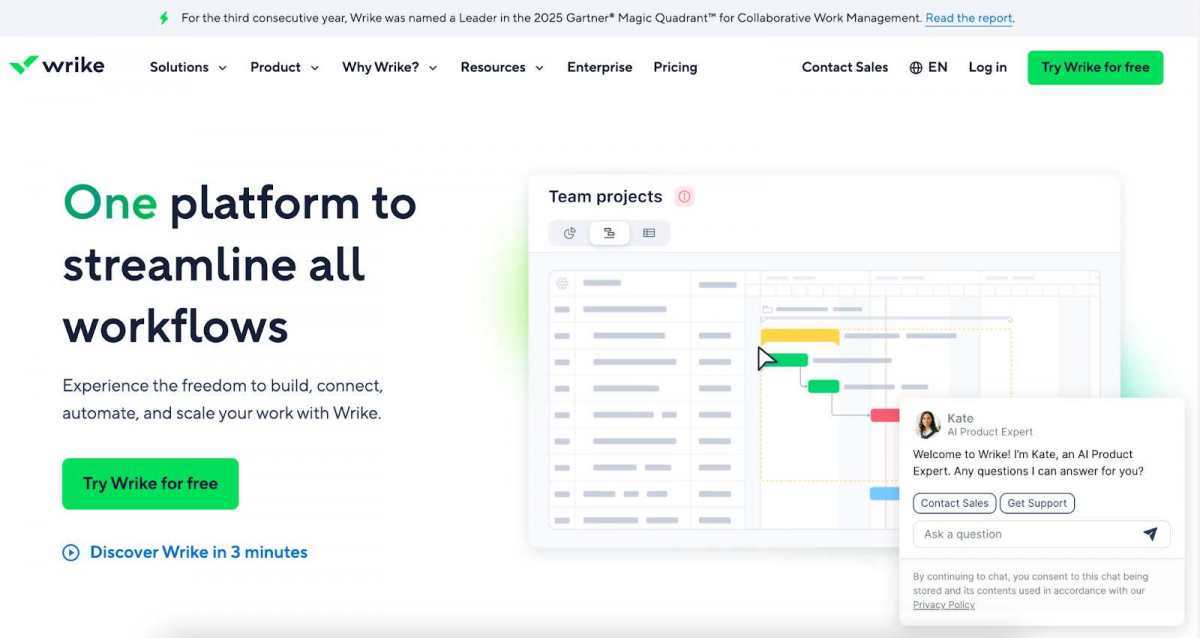
Wrike shines in dynamic environments where teams need to move fast and stay aligned. It offers task tracking, workload balancing, and time logging in a polished interface.
The number of features this software offers may feel overwhelming at first. Smaller teams might find many of them impractical.
If you’re a growing company juggling multiple projects at once, Wrike can be the right fit for you.
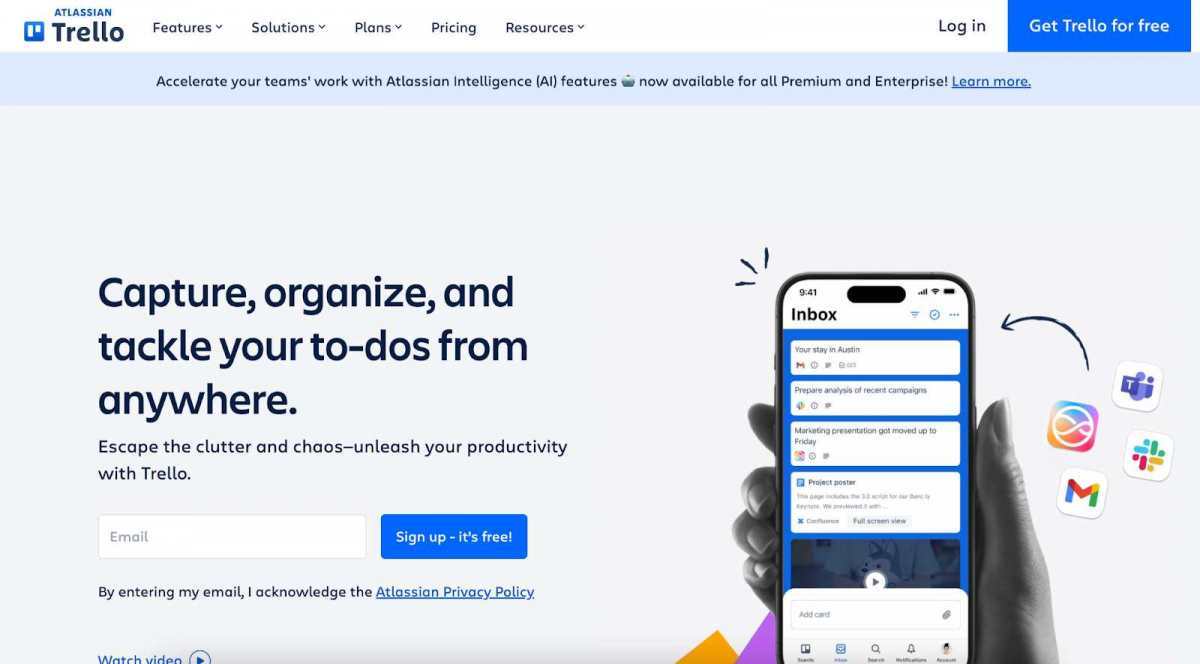
Somewhat similar to Asana, Trello is a great tool for teams on a budget. Its card-and-board system makes it easy to stay on track, and it comes with most of the features you’d need for task management.
Trello is great for simple workflows, but might feel limited for large-scale projects.
For teams that are just starting with project management or those who value simplicity over feature-loaded tools, Trello can be a top choice.
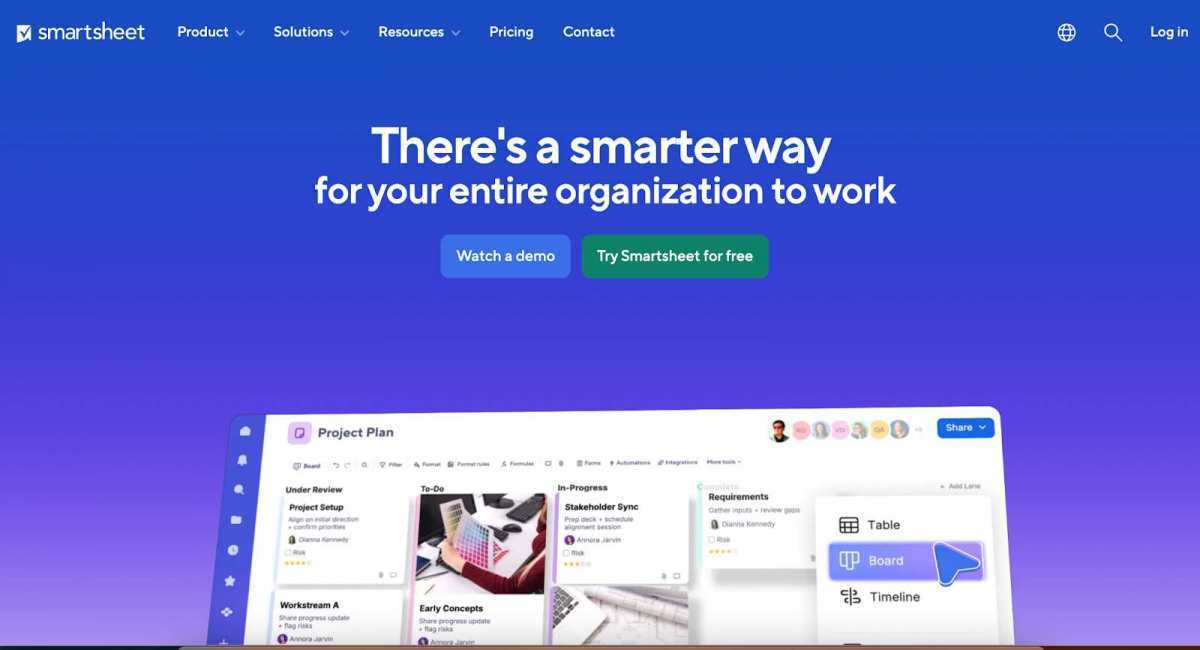
Smartsheet feels familiar to anyone who loves spreadsheets but needs more than formulas. It combines the flexibility of a sheet with the power of a project tracker.
This tool is powerful, but its interface may feel a bit off. It may also come across as overly complex for teams looking for lightweight workflows.
Smartsheet is a popular project management software used by teams working on projects that require a high degree of accuracy and data control.
Teamwork is designed for client service teams that juggle multiple projects and need to track time, budgets, and progress. It’s often used by marketing agencies and consulting firms.
The interface is more functional than flashy, which may feel dated to some users.
Teams that work with clients and need tools to generate detailed tracking reports will find a lot to love about Teamwork.
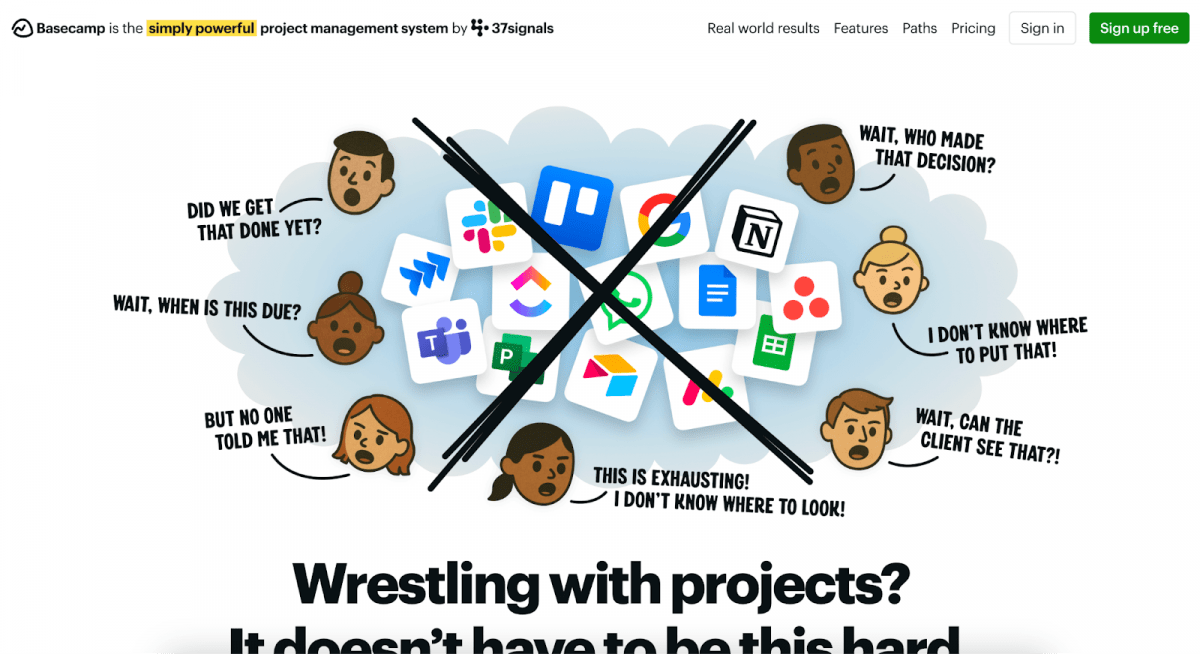
Basecamp is somewhat different from the others. It keeps it to the essentials. You won’t find any extra stuff here. It’s all about tasks, messages, and files that you need for work.
You won’t find advanced automation or detailed analytics here.
If you’re looking for a simple and affordable project management software that would work for your small team, Basecamp is worth a look.
Modern project management solutions have long transformed from simple task lists to advanced tools where it’s easy to track everything – without the need to juggle multiple tools or spreadsheets. They’ve become the backbone of how teams plan, strategize, and deliver work.
However, no single tool fits all. And it’s not the list of features that make software great. A good software is one that fits your site, goals, and how your team prefers to work, making your daily grind easier and more predictable.
Professional video content—previously a resource advantage for well-funded competitors—becomes accessible to lean operations willing to…
Targeted lawn care, species-specific weed control, and well-planned outdoor spaces contribute to aesthetic consistency. Meanwhile,…
AI avatars as conference speakers represent a genuinely functional addition to the event. They offer…
AI Is Becoming Operational, Not Experimental Local operating companies — including service providers, retail businesses,…
Technology defines how customers interact with your brand today. If an application lags or crashes,…
Here's a shocking fact: 85% of callers who don't get an answer never try again.…