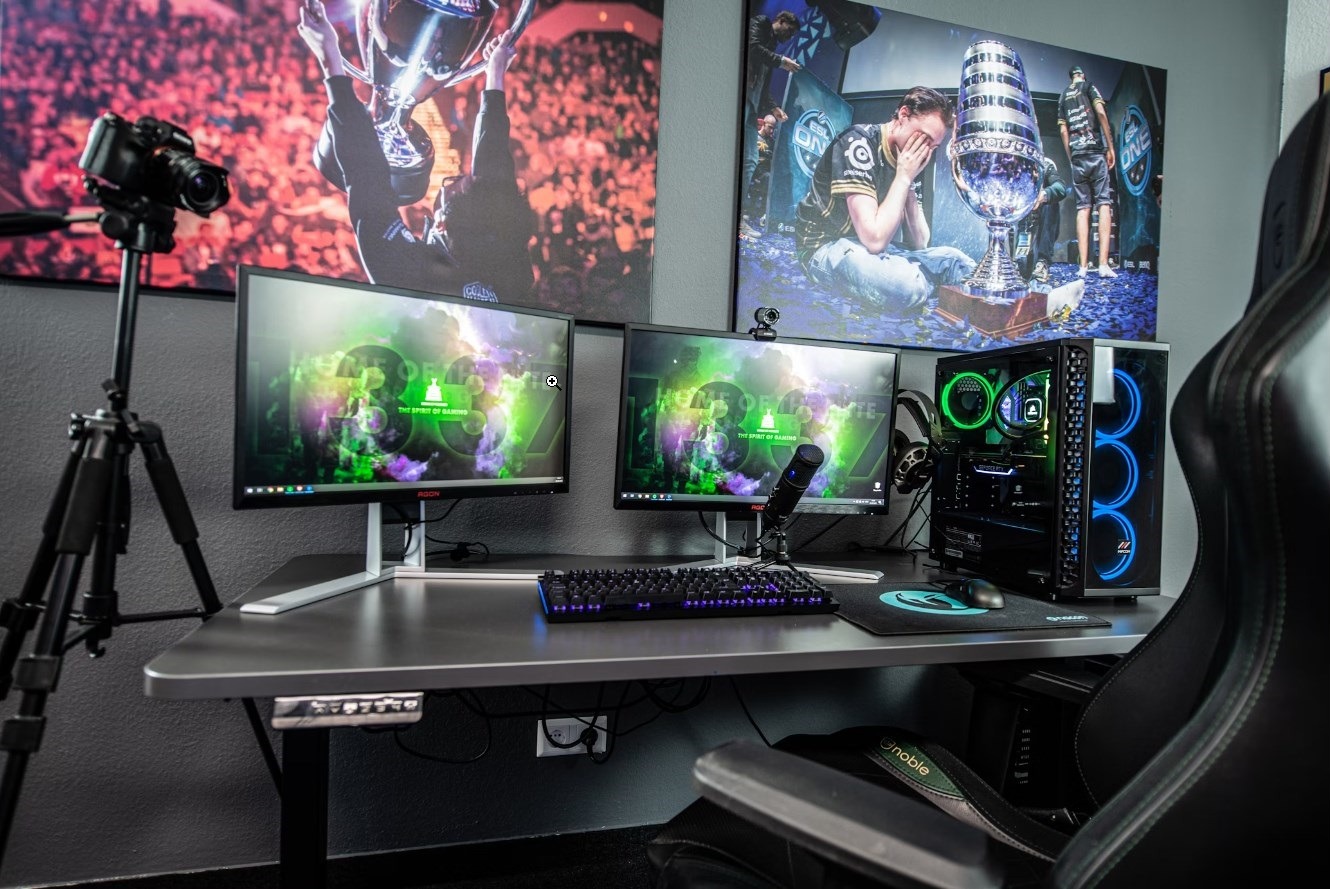
Do you need to relocate your full gaming setup to another location? But you’re worried about destroying the gaming PC and other components of the system. You have landed on the right page — we know all that pain. Packing your gaming equipment is an extremely sensitive topic. If you do that incorrectly, it may cause disastrous damage to your gaming PC, displays, gaming desk, and other critical components of the system. That’s the very last thing you want to do.
Because of their fragility, relocating electronics is always a challenging task. Moving a desktop computer, in particular, is especially challenging since it is not only vulnerable but there is also the matter of data security to consider. The issue with desktop computers is that, unlike laptops, they are not designed for portability. They may be larger, but they are less durable and more susceptible to factors like as temperature. This is why it is critical to understand how to properly carry a PC. Of course, if you entrust item packing for the move to the team behind Elate Moving, you can be sure to stay on the safe side. Whether you’re shipping, flying, or driving your gaming system, the are some tricks that will help you ensure that your setup arrives securely.
Original packaging is the best option since it is already tailored to offer maximum protection for your device. If your Xbox or PlayStation hasn’t been used in a while, choose the appropriate size hard box for your devices. While it is not the ideal option, a standard cardboard box similar to the size of your gadget can do as long as you simply store your gaming equipment inside.
It’s time to start ripping out the cables. Roll the cords up like a garden hose to make them more manageable and prevent them from becoming tangled during the journey. Use zip ties or electrical tape to secure the cables. Don’t make either choice too tight, and you should be able to fit one end of the scissors between the cable and the ties when you unpack the computer. The last thing you want to do is cut the cables when you’re attempting to free them from the knots.
If you’re not using an original box, you should add cushioning to keep your electronics from cracking or breaking. Avoid packaging peanuts because they emit static electricity, which might cause your gadgets to short out or shorten their life. Newspapers, clothing, and anti-static bubble wrap are excellent packing materials to use for this purpose.
Although this tutorial should help you avoid damaging your stationary computer and losing data in the first place, it’s always a good idea to back it up just in case. Do this first. You can usually accomplish this using your computer’s control panel, but it is also worth double-checking with the manufacturer to be sure you’re doing everything correctly. Using an external hard drive is one method for creating backups. This device lets you copy all of your data onto it, so you may access it from another computer if necessary. Alternatively, you may utilize cloud storage services like Dropbox, Google Drive, or OneDrive to save your files remotely.
Nothing is worse than losing your precious information and images permanently, so protect yourself before it happens. To avoid water damage, wrap the cables in Ziploc bags and store them together in a small designated box for computer accessories.
We understand your wish to bundle all of the wires together, place them in a box, and deal with them when you get at your new home. But, believe us, it is worth the 5 minutes it takes to be organized now over the hours and suffering of attempting to find and reconnect all of the various gadgets, praying that a cable did not get lost in the process. Use tape, labels, or even bread bag closures to color-code or designate which cable goes to which port. After carefully labeling the wires, bundle them up and secure them with packing tape, rubber bands, or zip ties.
Packing and transferring a gaming setup is not as straightforward as you may think. There is a lot of preparation that must be done before placing anything in a box, particularly when packing your gaming PC. Stick to the above tricks to make the whole procedure considerably smoother. However, while transferring your gaming equipment, you must proceed with extreme caution.
Stop guessing what's wrong with Outlook. Learn to diagnose error types and apply targeted fixes…
Everyday work now involves moving information through laptops, phones, cloud platforms, messaging tools, and increasingly…
Unsynced CRM data across phones and laptops wastes hours and leads to missed follow-ups. Learn…
Explore a practical set of tools for advertising, design, CRM and analytics that revitalize sales…
Learn how boarding school waitlists really work, what timing signals mean, and the exact steps…
Stop paying hidden tech taxes. Learn how next-gen, API-driven programmatic platforms help independent agencies boost…