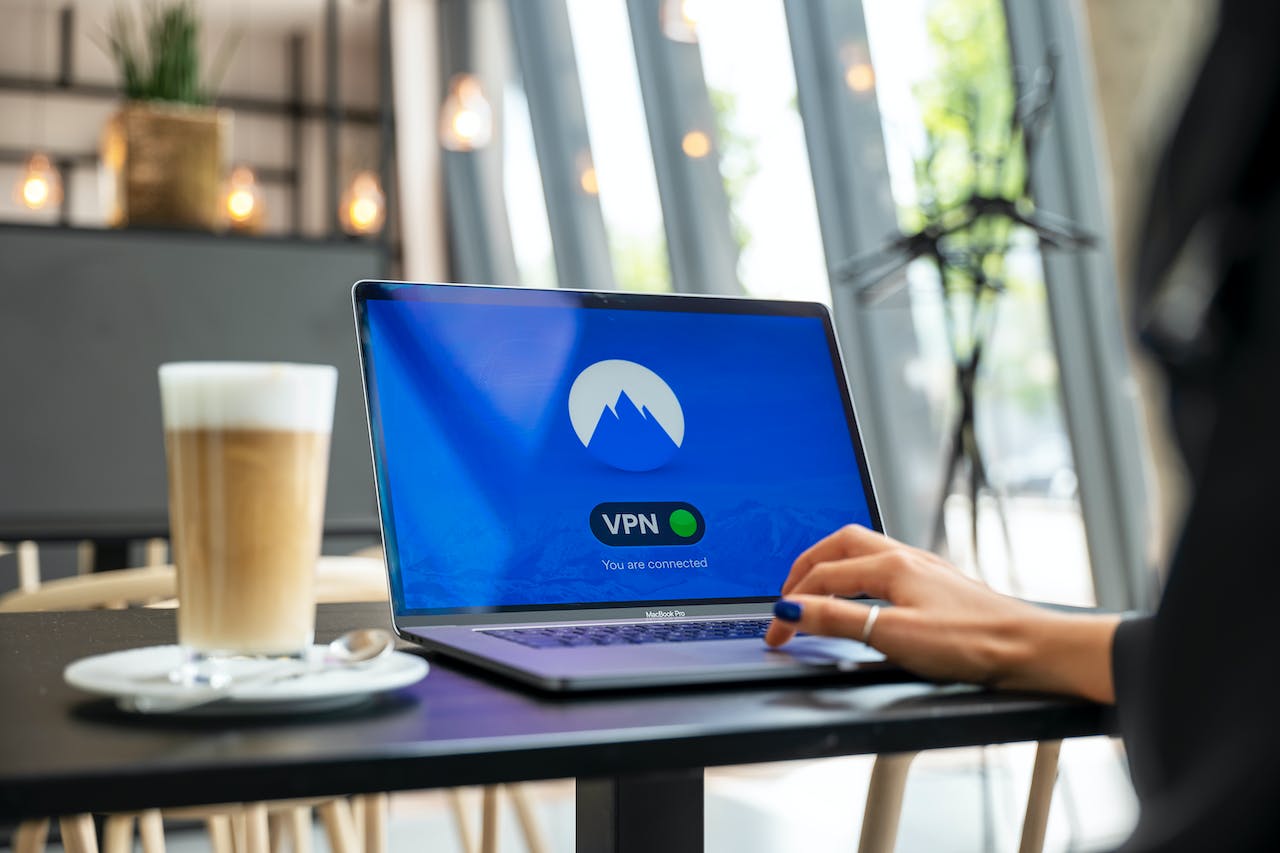
Finding a good VPN extension for Chrome is challenging. Our article shares insights into finding the best VPN extension on your Chrome browser.] Continue reading
Virtual private networks are such lifesavers with everything they can accomplish, from hiding your IP address for improved privacy to bypassing geo-blocks by moving your IP address to a server in a location where the content is available. However, when searching for the best VPN extension for Chrome, you’ll find numerous options.
With every VPN provider declaring to be the best, it can be daunting to determine the right one for your needs. In this article, we’ll list what you should consider as you evaluate different VPN extensions for Chrome. Read on to position yourself a step ahead of the marketing claims.
A virtual private network, shortly known as a VPN, serves as a secure tunnel between you and the information you’re accessing by connecting to a remote server. This makes your connection appear as if you’re accessing the internet somewhere in the VPN server’s location.
A VPN hides your IP address by rerouting your connection through a VPN server that uses a different IP address than your provider, which allows for greater privacy. Virtual private networks also encrypt your data and get in the way of companies to collect your information, ensuring you don’t get any unwanted marketing messages.
As you look for the best VPN extension for Chrome browser, regardless of the device you’re using, keep the following in mind. If you want to get to the point early, note that NordVPN’s VPN for Chrome ranks as the best extension based on what we’ve considered below.
Using a virtual private network usually slows down internet speed. This happens because the traffic goes through the extra mile to connect to the VPN server. So, a decline in internet speed is expected.
However, a good VPN service won’t have noticeable drops in internet speed. Some may even speed it up when your internet service provider intentionally puts a brake on it. For example, CBS found that NordVPN was able to maintain download speeds of 80 to 91 Mbps, which is about standard for most downloads.
Since this directly impacts how fast you’ll access the internet, put this above all else when browsing the Chrome Web Store for a VPN extension.
When hearing the marketing claims of VPN providers, you’ll come across things like 99.95% uptime guaranteed. This means that 99.95% of the time you’re using their VPN, you won’t have a problem connecting.
While VPN providers do a good job of including graphs and statistics to make you believe, read user reviews to put their reliability to the test.
The allowed simultaneous connections are extremely important if you intend to use a VPN on multiple devices. Compare the number of devices you have, including smartphones, PCs, tablets, and even gaming consoles, with the concurrent connections allowed.
This will ensure you won’t need to disconnect from one to access the VPN server, securing all your devices.
Similar to the number of simultaneous connections allowed, look at the compatible devices. A VPN provider may allow up to 10 connections, but is it any good if it’s only compatible with Android and iOS? Your VPN subscription should work with all the devices on which you use a Chrome browser.
While VPN providers protect your information from others, they might use it against you behind closed doors. Although this doesn’t happen with any reputable, subscription-based VPN provider, think twice before trying a free VPN app.
When you investigate user reviews for reliability, pay attention to this aspect before adding a new VPN extension for Chrome.
The number of server locations, as well as their proximity to you, is critical. It impacts your internet speed, content you can access, and server load. While it may be cool to have 90+ locations, take a closer look at them to ensure they are actually useful for you – not just something for the VPN company to brag about.
Last but not least, consider the price. With everything a VPN offers, it shouldn’t cost an arm and a leg. A good price range for a one-year plan is about $70 to $100, depending on what it includes.
With everything contemplated in this article, NordVPN stands out as the best choice for Chrome users. It’s compatible with numerous devices, doesn’t impact internet speed, has locations in 60 countries, and is affordable for what it offers. Plus, it has a 30-day money-back guarantee that eliminates all the risks of trying it out.
If you’re launching a crypto company in Europe, choosing the right jurisdiction isn’t just paperwork…
California has more software development firms per square mile than almost anywhere else. This sounds…
Modern businesses rely on a growing ecosystem of digital tools—CRMs, analytics platforms, internal dashboards, and…
Digital marketers spend hours designing campaigns to bring customers to their websites. They launch ads,…
Walk into any commercial building and you’ll see the obvious systems — lighting, outlets, HVAC.…
Technology is transforming the way businesses handle workplace injuries, making the claims process faster, clearer,…