Collaboration among all employees can greatly reduce the possibility of security risks occurring. Continue reading
Offices nowadays are packed with critical data that requires the highest level of security. As cybersecurity threats continue to rise in recent years, prioritizing the security of IT equipment in the workplace is a must. Collaboration among all employees can greatly reduce the possibility of security risks occurring.
Remember that if you want to make the most of the security measures, it may be best if team effort is present. Security and safety in the office are crucial, so taking the necessary measures to include the workforce in creating a secure work environment is important. If you want to enhance the security in your organization, consider information on reliable managed IT services from sites such as https://powerconsulting.com/managed-it-services-manhattan/.
If you want to ensure office IT equipment stays secure, it may require a combination of physical measures and digital practices. Here are several crucial steps to keep in mind when ensuring the security of your office IT equipment.
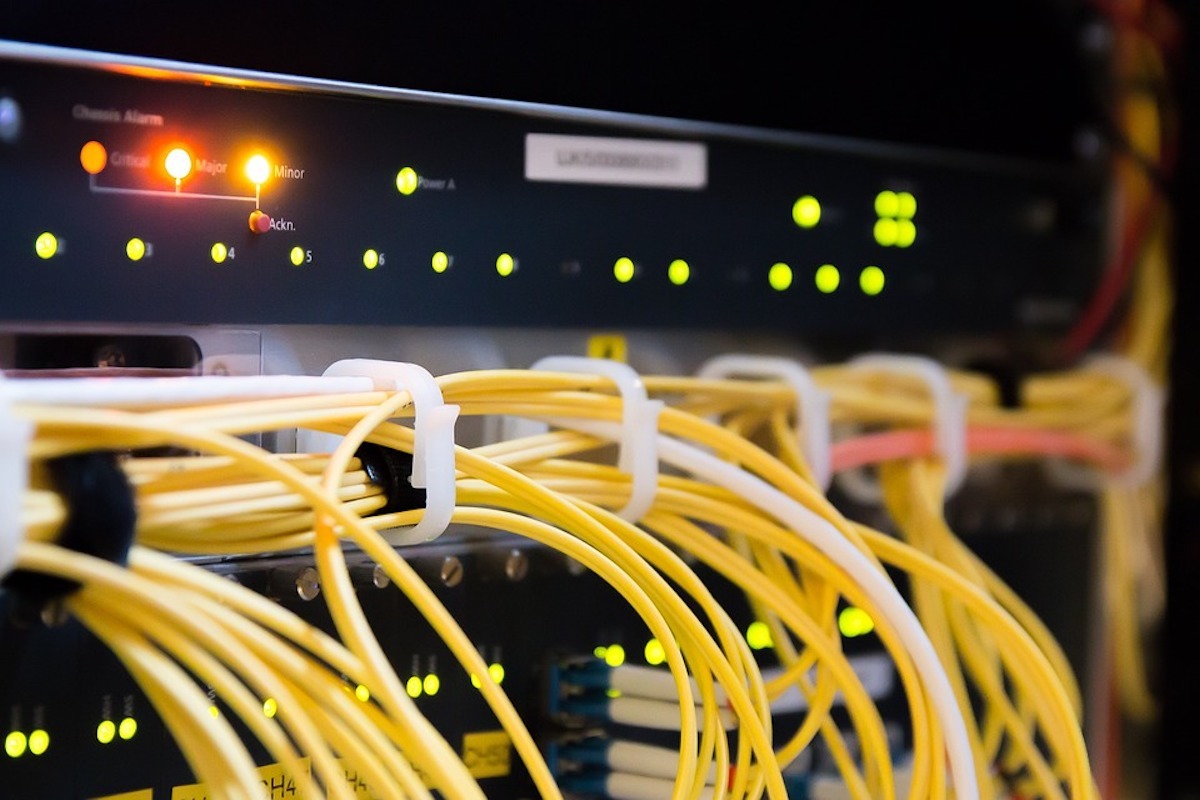
Implementing physical measures to secure the network hardware should be a priority. The hardware shouldn’t be accessible to the public and should be kept in a secure area. It may be best to store hardware in a controlled space or an office with locks, with an employee assigned to keep watch. Additionally, an additional safety precaution is to monitor the hardware by installing a security camera.
If you want to ensure the security of your workplace, it’s crucial to stay up-to-date with the software updates for your operating system. Make it a priority to install the latest security updates for all devices. Additionally, switch on the automatic update feature for your operating system.
As everything shifts to digital, cybersecurity should be your priority to ensure the highest level of protection for your company’s data. Doing so will come in handy in preventing hackers and malware from accessing sensitive data, which can negatively harm your organization.
While you’re at it, consider investing in dedicated IT support. It may be a good decision as it’ll help secure your workplace. Enforce the company protocols so that your workforce will always do their part in keeping company data safe.
Most businesses usually have a basic router with a mediocre-level firewall. If security is your priority, consider switching to a business-grade router with a stronger firewall. Some are even equipped with intrusion detection or protection features that make them good investments. Generally, superior-quality routers tend to have better network performance due to their capability to accommodate more devices.
The passwords you’ll use should be difficult to guess to lower the risk of hackers accessing your credentials. Consider using a password management program to help you maintain concrete passwords. Some even come with reminders to update your passwords regularly.
One of the crucial considerations to ensure office equipment security is to back up all data. Having a reliable backup system is the key to keeping your company’s assets protected at all times. Consider backup as a precautionary measure if unforeseen events lead to data loss, such as natural calamities, power outages, or cyber threats. When your data is safe, your company will not end up on the sidelines and will continue to operate as usual.
The 3-2-1 rule is the key when backing up your data. In simple terms, ensure you have three copies of your data on at least two devices and one in an off-site location. The rule is a good starting point, but always look for ways to boost protection.
It may be time to invest in external hard drives as storage for documents or shift to cloud technology as a storage solution. Most of the latest backup options enable updating files automatically to keep them up-to-date at all times.
If you want to ensure superior security in your workplace, the involvement of everyone is crucial. Make it a priority to provide your workforce with training on the latest security protocols and procedures. In most cases, it can be related to the operation of equipment or machinery or knowing what to do in emergencies.
As part of the training, it’s best to include security measures such as protecting passwords, being familiar with the latest cybersecurity threats such as phishing or ransomware, and securing documents.
In most cases, Ethernet or USB ports on the router aren’t in use. Make the right choice by deactivating these ports to limit intruders’ chances to plug a device into your network. Remember that these ports serve as entry points when it comes to LAN security. Turn them off to decrease the chances of infiltration.
Make the security of office IT equipment and the data it holds a priority. As both cases of cybersecurity and physical threats continue to rise, consider investing in measures to keep your organization safe. These insightful steps will be useful in keeping IT equipment and data safe for years to come.
Is any of this against Instagram's rules? Not when the tool uses Meta's official API…
Employment disputes in Orange County can move quickly once an employer's legal team gets involved,…
Telehealth and patient care software has to do more than provide a polished interface. It…
Demand for a residential development should not begin on groundbreaking day. By that point, developers…
Best digital signage platforms compared on entry price, free tier, hardware freedom and what each…
Why senior-led Amazon PPC management outperforms high-volume agencies in 2026 - and what "senior attention"…