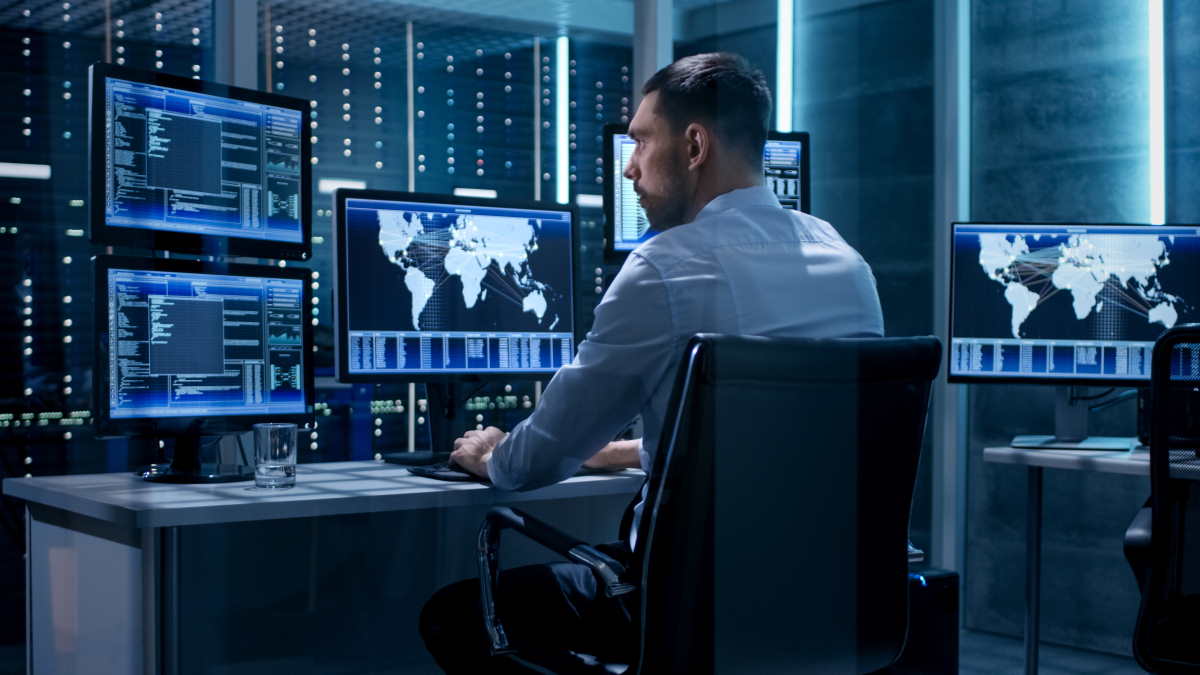
Before freaking out about whether or not your system is protected, read these quick security tips so that you can stay protected at all times. Continue reading
Businesses are constantly updating their cybersecurity to protect company data and avoid breaches. While your company may have the best security so that hackers cannot infiltrate their database, being alert and vigilant as an employee is essential.
Scammers and hackers are looking for different ways to access company servers. The easiest way these cyber criminals can enter the system is through a human error by employees because most of them are not equipped with basic cybersecurity information.
Suppose you work in an industrial company and want to be updated with the latest safety policies and techniques to protect your system. You consider taking this industrial cybersecurity training on Abhisam.
Before freaking out about whether or not your system is protected, read these quick security tips so that you can stay protected at all times.
One of the best ways to protect your data and avoid security breaches is to keep updating your system. Whether it is the company phone, laptop, or desktop, ensure that you have the latest updates, as it will tighten security. Most updates are released when they are bugs or errors in the current update. Regularly updating your system will ensure the latest software version protects your device. Make sure that you back up your data before you update.
One of the most common security breaches is phishing emails or calls. As an employee, it is essential that you recognize these emails and consider them as a threat. The goal of these types of emails is to gain access to the user’s personal information and comprise their account or steal sensitive data. If you come across any emails, it is best that you delete them and report them to your manager or IT support. Always ensure that the sender is trustworthy before clicking on any link or opening any attachment.
As much as having a strong and unique password, you should enable multi-factor authentication. It is one of the easiest ways to protect your system, as it will become difficult for hackers and scammers to access your account. The MFA will ensure that your account will need a password plus another verification so that even if someone gains access to your password, they cannot breach your account. Another quick tip is to change your password every six months; it will reduce the risks of your account being hacked.
If you travel and work or choose to work at a cafe, which is the norm, with work-from-home benefits, make sure you avoid public Wi-Fi. These networks in public spaces are not secure and allow hackers to invade your device. If you use it, make sure you limit your browsing activities and delete the network once you leave that place. It is best that you carry your portable network or use a secure VPN which is a safer option when accessing office data.
Make sure that whenever you leave your work-assigned station, lock your device. Whether it is a phone, tablet, or computer, it is the simplest thing that will help you protect company data. Leaving your data unattended is a big risk, even if you are home or traveling, as anyone can gain access to your account. Secondly, make sure that you back up all your data and keep minimum or the least important data on your computer. This will minimize the impact of any breach and protect your data from being misused.
If a hacker gains access to your company device that you have used for personal work, they will also have access to your accounts. Keep in mind that company systems and accounts are secured with high-grade cybersecurity. But your accounts are not equipped with these security benefits, so it gives your hacker access to your sensitive data. That’s why it is best to avoid using any company device for personal use and protect your accounts from being linked to your company device.
Most companies will train their employees to understand and follow company protocol to the letter. Remember, these trainings are done so that whatever you do is under the company roof and will ensure that their data is shared only within the department. The IT department can be your best friend regarding cybersecurity, so feel free to ask them questions before doing anything. Above all, stay alert and make informed decisions so that no one can access the company’s sensitive documents. Inform your manager about any confusion, as it can lead to a breach if you are not careful enough.
By following these seven steps, you will be able to protect your devices and keep the company data safe from cybercriminals. If your company is still not equipped or partnered with a cybersecurity service, here are some reasons that will change your mind.
Harsh field conditions threaten remote operations, driving industrial teams to deploy heavy-grade physical barriers that…
AI analyzes data brilliantly, but can't feel fabric texture or test product weight. Discover why…
Learn how to create polished AI-assisted product demos your team can review. Cover briefs, permissions,…
Gen AI is changing how project management works by moving it from doing tasks to…
Maintaining operational efficiency without sacrificing authentic customer relationships remains a central challenge for the country’s…
Why AI tools feel slow and cost more than planned, which tasks need a large…