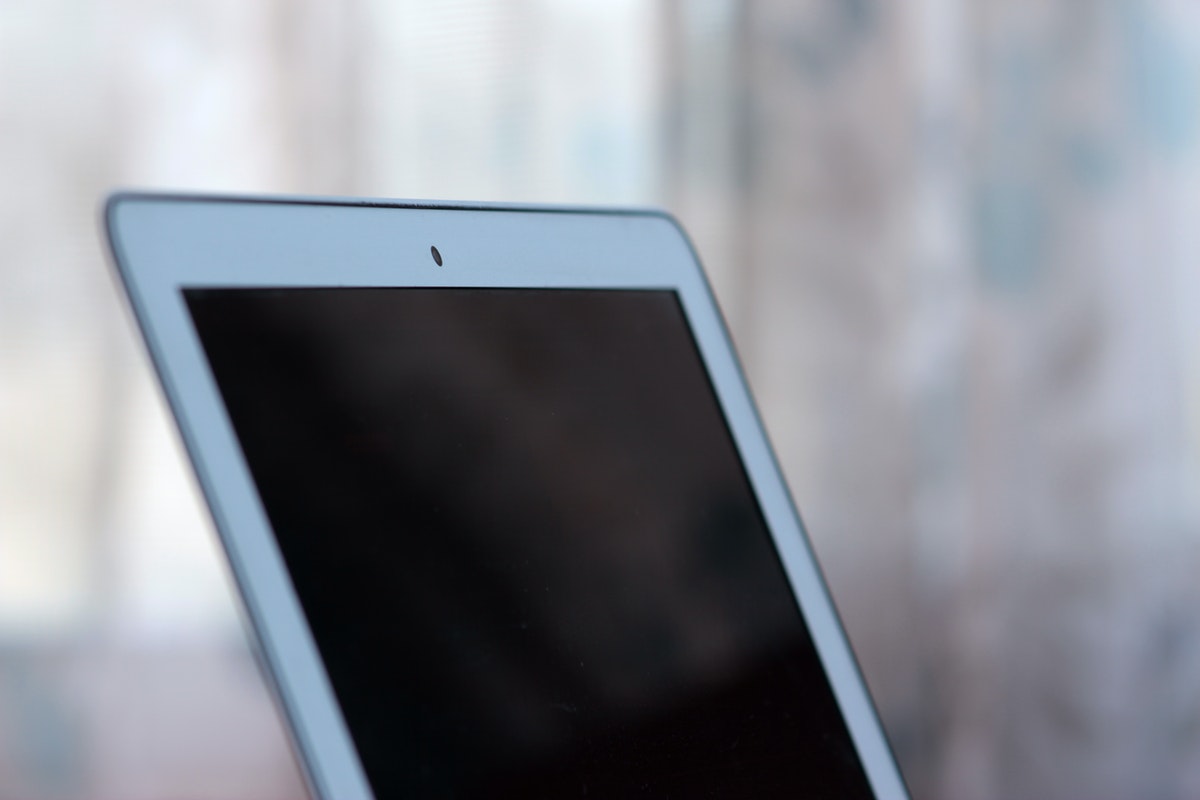
Luckily for you, testing a webcam is easy and there are numerous ways, and tools to do so. Here are the top three solutions: Continue reading
2022 is the first post-pandemic year, and as such, the year that cements remote working as a permanent option for most workers. With that in mind, many people will seek to upgrade their home offices this year, including getting new webcams and new microphones to provide a better feed during conference calls, office meetings, and even the occasional after-hours virtual chit-chat.
Luckily for you, testing a webcam is easy and there are numerous ways, and tools to do so. Here are the top three solutions:
Video cloud platform Kaltura has a great tool for web cam testing. It’s simple and effective – all you need to do is navigate to the link, and press the “Test Your Webcam” button. The browser will ask for necessary permissions, and once those are out of the way, you’ll get to see your new webcam’s feed right in the browser.
Unless you want to troubleshoot your new gear in the middle of that super-important weekly meeting and hear your co-workers saying “oh, he’s having webcam issues again”, you better test your new gear in advance.
Most of today’s communications platforms offer video chat and video conference features. Slack has it, Microsoft’s Teams has it, Google’s Chat platform has it. That also means that all of these tools can be used to test both your camera, and your microphone. All you need to do is head over to your respective tool’s settings page, and look for Audio & Video settings. There you’ll be able to choose from multiple installed cameras (if you have them), and test the video feed for each individual one.
Both Windows, and Mac OS, have default camera apps, which can be used to take photos and videos. While these apps aren’t exactly state-of-the-art, and their use cases are relatively limited (especially with desktop computers), they are perfectly good testing tools for your hardware.
To test your webcam on Windows, all you need to do is bring up the Start menu, and type “Camera” into the search box. If the app is installed (which it should, as it’s bundled with the OS most of the time), it will be brought up immediately, and start showing the feed.
It’s the same with Mac OS, where users only need to bring up the Finder, click Applications, and choose the Photo Booth app from the list.
Happy testing!
Stop guessing what's wrong with Outlook. Learn to diagnose error types and apply targeted fixes…
Everyday work now involves moving information through laptops, phones, cloud platforms, messaging tools, and increasingly…
Unsynced CRM data across phones and laptops wastes hours and leads to missed follow-ups. Learn…
Explore a practical set of tools for advertising, design, CRM and analytics that revitalize sales…
Learn how boarding school waitlists really work, what timing signals mean, and the exact steps…
Stop paying hidden tech taxes. Learn how next-gen, API-driven programmatic platforms help independent agencies boost…