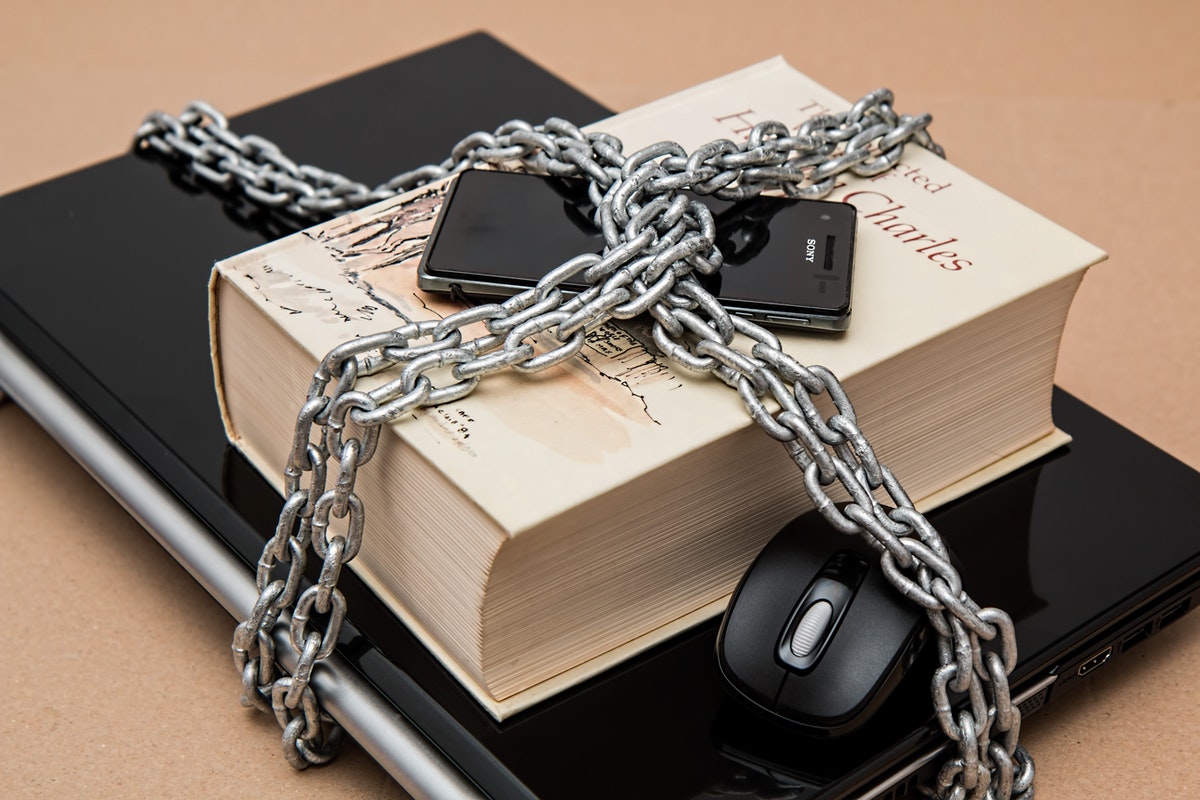
If you’re worried about your smartphone being hacked, you can do a few things to protect yourself. Continue reading
Every day, there’s another news report about some major corporation being hacked and millions of people’s personal information compromised. While it’s necessary to be aware of these threats, it’s also important to remember that hackers aren’t just targeting big businesses but also individuals. Smartphones are becoming increasingly popular targets for hackers since they contain so much personal information.
If you’re worried about your smartphone being hacked, you can do a few things to protect yourself.
Make sure that your operating system and all apps are up to date. Hackers are constantly finding new ways to exploit vulnerabilities in older software versions. Guard.io digital security advises keeping everything on your phone up to date will make it much harder for them to get into your device.
Many people use simple, easy-to-guess passwords for their lock screens, like “1234” or “1111.” But if a hacker gets past your lock screen, they could have access to all of your personal information. To make it harder for them to get in, use a longer password, including numbers, letters, and special characters. If your device offers fingerprint or facial recognition, use that instead.
Rooting or jailbreaking your phone can give you access to many cool features, making it easier for hackers to get into your device. If you don’t need to root or jailbreak your phone, it’s best to avoid doing so. There’s a reason major phone corporations warn you not to.
One of the most common ways hackers get into people’s phones is by getting them to click on a malicious link or download a malicious app. If you’re not sure if something is safe, it’s best to err on the side of caution and avoid it.
Virtual Private Network can help keep your data safe when using public Wi-Fi by encrypting it. This makes it much harder for hackers to intercept your data and use it for malicious purposes.
If you don’t need to store sensitive information on your device, it’s best not to. This includes things like banking information, passwords, and personal photos. If you must store this kind of information on your phone, ensure that it’s well-protected with a password or PIN.
Public Wi-Fi is one of the most common places for hackers to target people since it’s often unsecured. If you can, avoid using public Wi-Fi and use your data plan instead.
Two-factor authentication is an extra layer of security that can be used on many online accounts. It typically involves using a code that’s sent to your phone in addition to your password. This makes it much harder for hackers to access your account, even if they have your password.
It’s a good idea to keep an eye on your apps’ permissions. If an app asks for permission to do something that doesn’t make sense, like access your camera or contacts, it could signify that it’s malicious.
Keep an eye on your device’s battery life, data usage, and storage. If you see anything that doesn’t seem right, it could signify that your phone has been hacked.
If your phone is hacked, you could lose all your data. To protect yourself, make sure to back up your data regularly. This way, if your phone is ever hacked, you’ll be able to restore it from a backup.
There are many different security apps available that can help to protect your phone from hackers. These apps can offer features like virus scanning, remote wiping, and more.
Mobile security solutions like Lookout can help to keep your phone safe from hackers by offering features like malware scanning, lost device protection, and more.
Hackers are constantly finding new ways to exploit vulnerabilities in older software versions. Keeping everything up to date will make it much harder for them to get into your device.
Harsh field conditions threaten remote operations, driving industrial teams to deploy heavy-grade physical barriers that…
AI analyzes data brilliantly, but can't feel fabric texture or test product weight. Discover why…
Learn how to create polished AI-assisted product demos your team can review. Cover briefs, permissions,…
Gen AI is changing how project management works by moving it from doing tasks to…
Maintaining operational efficiency without sacrificing authentic customer relationships remains a central challenge for the country’s…
Why AI tools feel slow and cost more than planned, which tasks need a large…