To see which home security apps we believe are the best you can get, all you have to do is keep on reading. Continue reading
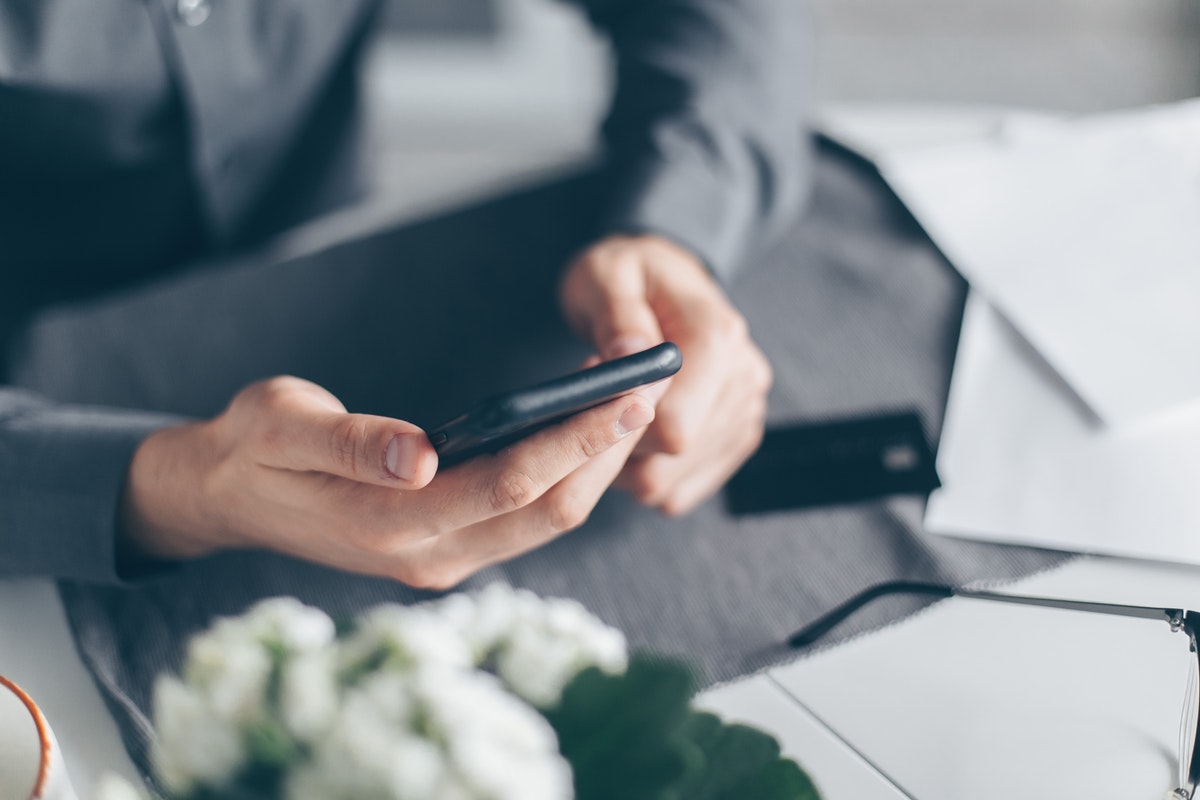
Feeling secure across all your digital and physical experience is important to our wellbeing. Home security apps allow you to monitor your property whenever you want and wherever you might be. By installing one such app on your Android/iOS device, you’ll be able to see what’s going on in your home in real-time.
Live video stream is just one of the many features you can use. Depending on the app, you might be able to turn on a motion detector, remotely control the locks in your home, use the microphone on your security cams, and so on.
If all this sounds good, you probably wish to learn which mobile applications will provide you with such features. To see which home security apps we believe are the best you can get, all you have to do is keep on reading.
Alfred Security App is probably the best free-of-charge home monitoring app. After installing it on your smartphone, you will be able to connect it to the security camera in your home, as long as it has Wi-Fi.
Depending on the cam, you might be able to get a remote view of your home through Alfred Security App, motion detection, two-way audio feed, and similar.
Still, the #1 selling point of this app is that it enables you to make use of your old smartphone. By using Alfred Security App, you can turn almost any mobile device into a security cam. To do that, all you have to do is install the app and turn on the security cam option.
Just make sure that you place the phone in a place from which it would provide you with a good view of your property. Also, it’s best to keep the smartphone-turned-security cam plugged in the charger. Otherwise, the battery might run out when you need it the most.
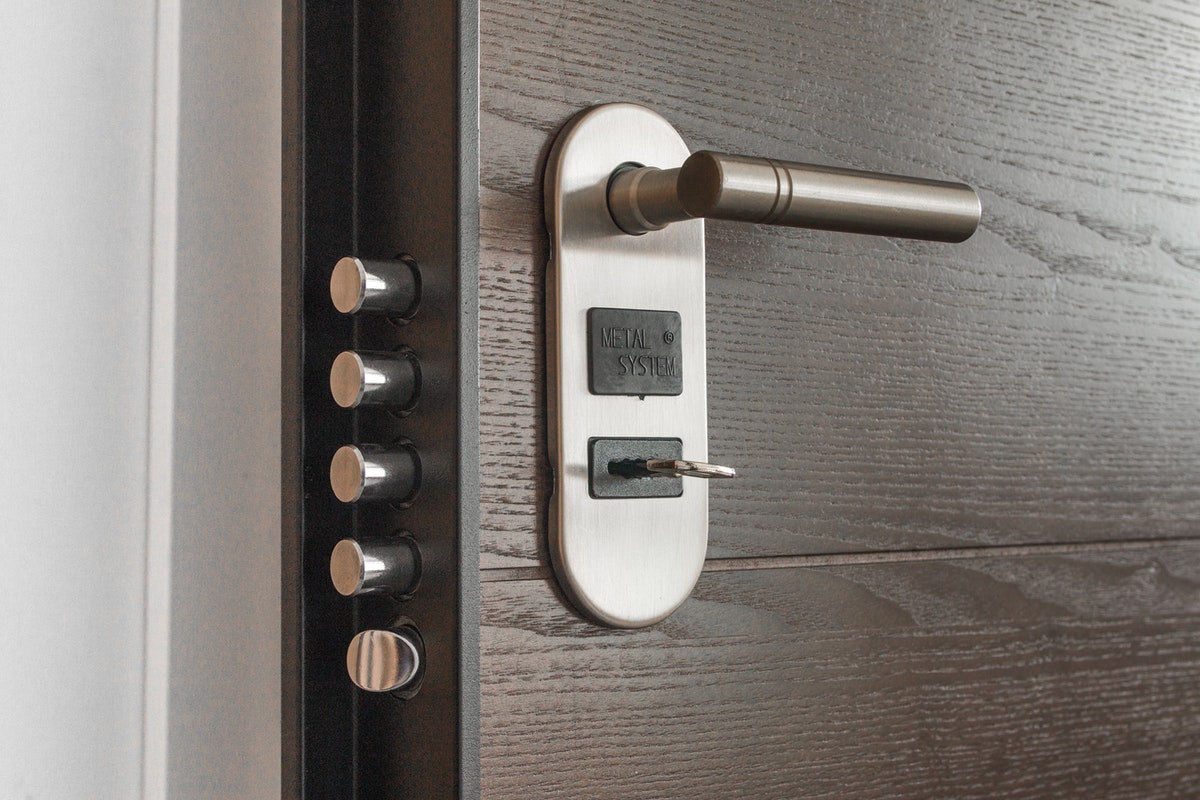
If you don’t already have smart locks installed in your house/apartment, we recommend getting the ones made by a home security manufacturer called August. The product we advise you to get is August Smart Lock, which is recommended by locksmiths as one of the most advanced solutions for home monitoring.
Not only is the lock itself very secure and reliable, but it also comes with a fantastic mobile app. Just install the August app on your device and you’ll be able to control the lock remotely. Further, you will also be able to connect it with other home security devices, including security cameras, window sensors, motion detectors, and so on.
This could be the very best mobile surveillance cam app for Android devices. At least that’s the impression we get from the fact that tinyCam Monitor is one of the most-downloaded apps in Google Play’s House & Home category. Nearly 80,000 users have rated the app so far, setting its rating to four stars (out of five).
What they like the most about it is that you can use the app to get live feat from most types of security cams. The app also comes with some interesting features like email motion alert, face detection, and so on.
Here’s an app you can use to create a surveillance system using several different cameras. Plus, you can install the app on multiple devices, including not just mobile ones but computers as well. This way, you and your whole family can keep an eye on your home at any given moment.
A great thing about i-Security is that this is a cloud-based app. What this means is that instead of storing the security footage on your device, the app will store it in its cloud storage. So, even if you lose or break your smartphone, you will not lose the footage.
Last, but not the list is an app that works equally well on iOS and Android devices. The Alarm.com app is what we’re talking about, which can be connected not just to smartphones but tablets and smartwatches as well.
It’s a fantastic home security app but keeping your home secure from burglars isn’t its only purpose. This app can also protect you from fire, water damage, carbon monoxide leakage, etc. It all depends on which devices you connect to the app.
The app is free if you’re using the basic package, which seems ideal for regular users looking to use their security cameras remotely. However, if you’re in need of more advanced features, getting the paid package is advised. With the premium (business) package, you’ll get such options as remote control of the locks, lights, and thermostats in your home.
Home security apps allow you to monitor your property whenever you want and wherever you might be. These technologies are no longer new to the market. They are becoming established parts of our lives and soon may be as ubiquitous as our smartphones. Now is a great time to think about securing your home with one of these solutions.
Technology is transforming the way businesses handle workplace injuries, making the claims process faster, clearer,…
A new client usually arrives with scattered details, rushed messages, and files saved across too…
In the current technological landscape, HIX.AI is pioneering a significant shift in how we perceive…
Cash flow data is easy to describe in broad terms and much harder to use…
The way people create and consume content online is changing rapidly, and artificial intelligence is…
During preparation for investments, audits, or certifications, attention to cybersecurity increases. Investors, auditors, and certification…