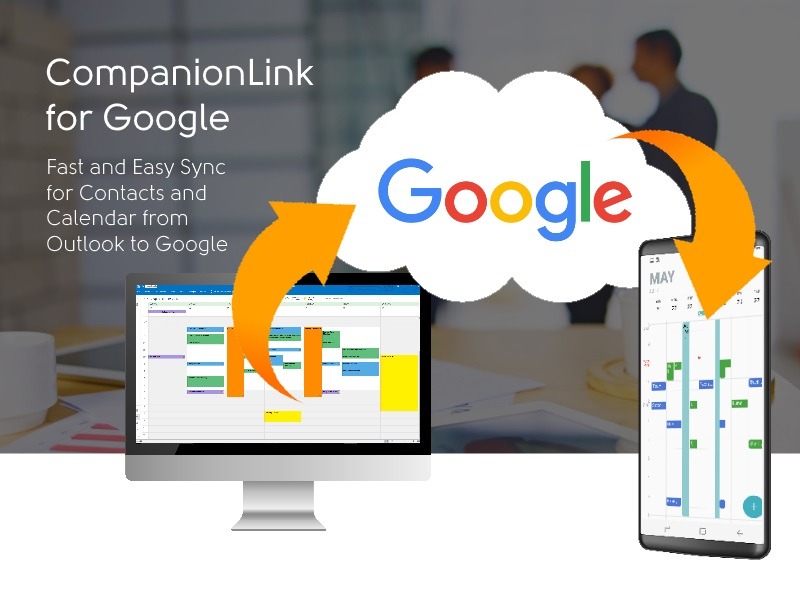
Let’s face it. The PC is still faster than the Web! Entering quick info on the PC, will be faster than loading a Web App like Google Calendar every time.
My phone is my essential reminder tool. I absolutely depend on the alarms there to remind me what to do throughout my day. The phone automatically synchronizes to Google. So it works fine if I made the appointment in Google.
But I didn’t make the appointment in Google. To do that means launching my browser, log into Google, search for Calendar, decide which calendar, and then adding an entry. I don’t have time for that.
The best way to go from Outlook to Google is CompanionLink for Google. It’s easy to set up, and completely automatic. I don’t even press a sync button. Just make the change in outlook, and it is automatically sent to Google. With CompanionLink, you don’t even need to open Google. When I make an appointment on the phone, it moves back to Outlook automatically.
CompanionLink for Google is $49.95. Use the affinity code “BLOG” to get $10 off. You can download it right now and run a two-week trial. The trial has 100% of the features.
Google Sync (the native sync to Android and iPhone) is great for Contacts and Calendar. If you also use Tasks, Category Colors, or Notes, then we recommend using a dedicated App on our phone called DejaOffice. Click on that link for more information.
Live database synchronization is one of the most challenging engineering problems of current IT architecture.…
Taking family road trips or navigating daily city commutes requires frequent pit stops along busy…
As professionals take on new responsibilities, their current tools and setup may no longer be…
Managing an engineering team is a job. You have to balance a lot of things.…
Most small businesses leak customers between first contact and the sale. Here is where the…
A designer in New York opens the same project that a developer in another country…