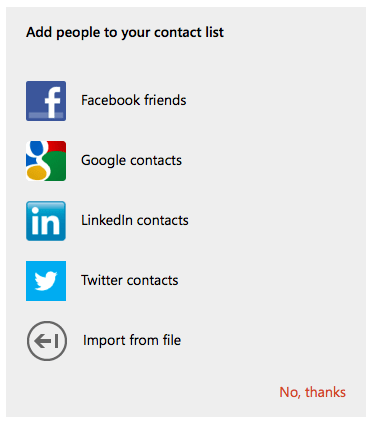
Our tests with Outlook.com proved something we suspected — Outlook.com doesn’t offer a way to truly add Google/Gmail Contacts. Instead, Outlook.com lets you view your Google Contacts within the Outlook.com People interface. You cannot edit or synchronize Google Contacts that you add to Outlook.com via Exchange ActiveSync to supported devices like Android, iPhone, iPad, and Windows Phone.
Access to Google Contacts and adding are very different.
Here’s what the Outlook.com website shows you when you select People.
Slightly misleading. But if you are looking to really move or sync Google Contacts into Outlook.com, download a free trial of CompanionLink for Outlook.com / Windows Live. It takes Google Contacts, Calendar, and Tasks and moves them to Outlook.com. For on-going sync between Google and Outlook.com, just buy a full license to CompanionLink.
Stop guessing what's wrong with Outlook. Learn to diagnose error types and apply targeted fixes…
Everyday work now involves moving information through laptops, phones, cloud platforms, messaging tools, and increasingly…
Unsynced CRM data across phones and laptops wastes hours and leads to missed follow-ups. Learn…
Explore a practical set of tools for advertising, design, CRM and analytics that revitalize sales…
Learn how boarding school waitlists really work, what timing signals mean, and the exact steps…
Stop paying hidden tech taxes. Learn how next-gen, API-driven programmatic platforms help independent agencies boost…