Free 14 Day Trial. Free US Based Telephone Tech Support! Buy risk-free with a full money-back guarantee!
GoldMine GMPE Sync
We support GMPE 2014-2023, GoldMine 4-9
Contacts, Activities, Notes and Histories
Free phone support. Free 14 day Trial
Fully Current with the most recent version The change in login password in GMPE 2018.2 required a CompanionLink or DoubleLook update to handle the new password rules.
CompanionLink Professional - $149.95 Our basic sync engine for GoldMine on the PC. Synchronize your GoldMine Contacts and Activities to Outlook, Google, iPhone and Android.
DoubleLook Enterprise - $750 for 5 users Server based sync for multiple GoldMine users. Sync multiple user Activities to Google, Exchange, Android and iPhone.
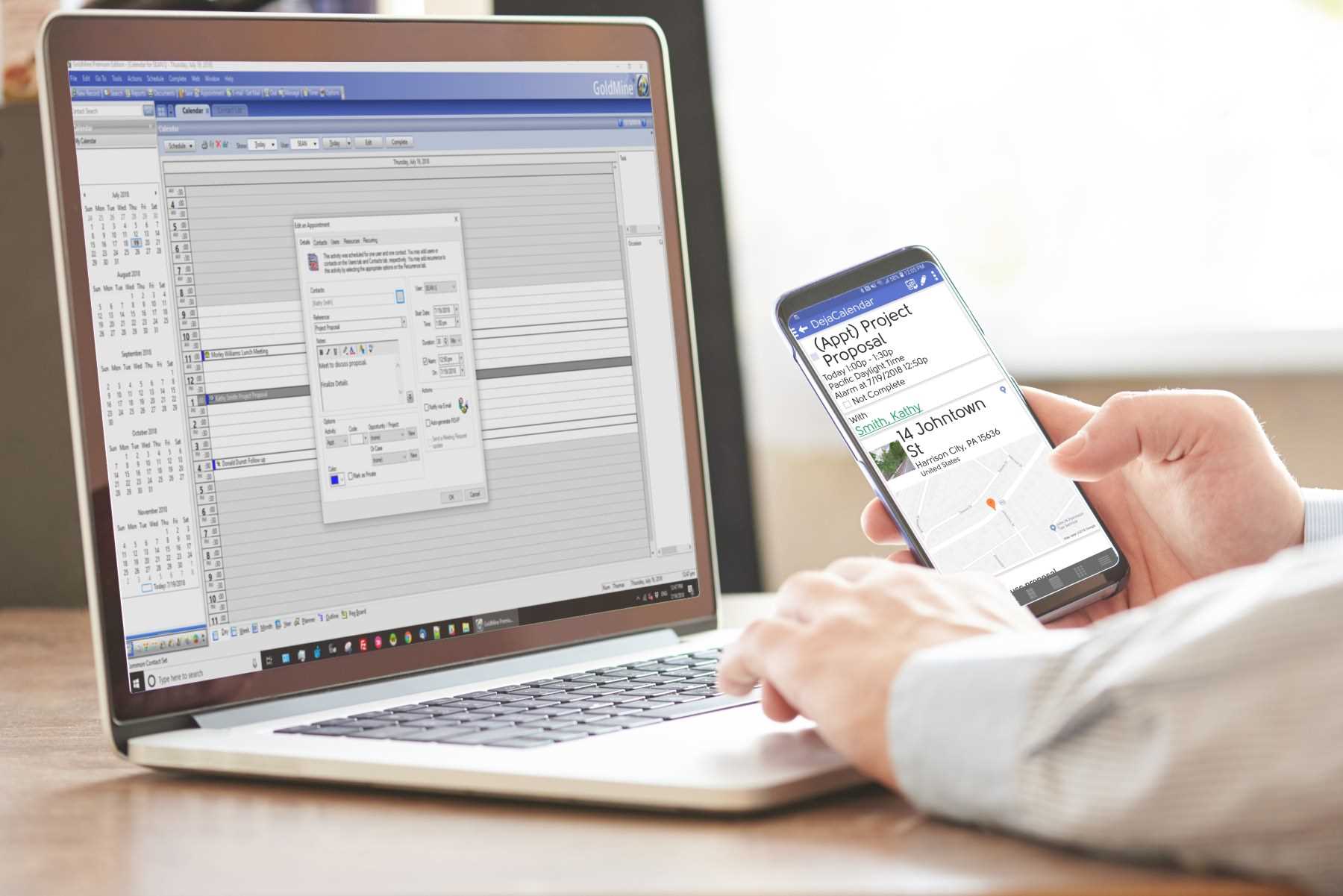
CompanionLink Professional
CompanionLink Pro can draw data from your PC GoldMine SQL and dBASE database
CompanionLink Pro can send data to Outlook, Google, or DejaOffice on Mobile via USB, Wi-Fi and DejaCloud.
We feature DejaOffice CRM App for iPhone and Android because it is a custom "landing pad" for your GoldMine data. In DejaOffice, you can view Contacts with Notes and Histories schedule Activities, complete Activities, and create History.
- Sync GoldMine with PC Outlook software
- Sync GoldMine with Google Contacts and Calendar
- Sync GoldMine with Android
- Sync GoldMine with iPhone
- Five sync profiles
- Category Manager allows you to sync from multiple GoldMine databases
Compare
These comparisons show side-by-side screen shots of each mobile application
- Android: DejaOffice CRM vs Native Android
- Android: DejaOffice CRM vs Outlook App
- iPhone: DejaOffice CRM vs Native iPhone
- iPhone: DejaOffice CRM vs Outlook App
DejaDesktop Calendar Wallpaper
Low cost product to post your Daily and Monthly GoldMine Activities to your Windows Wallpaper. For more information click here!
- Automatically updates every day
- Include selected Contacts for fast reference
- Daily Task list
DoubleLook Enterprise
Server based sync for the whole office. DoubleLook enterprise operates as a 24x7 sync service for all your staff's GoldMine data to online resources like Google or DejaCloud.
- Works with Citrix
- Central Administration
- Runs on any Windows PC that has access to the GoldMine Database
- Supports Office 365
Premium Technical Support
Schedule up to five appointments for a CompanionLink expert to set up your sync. Our technician will securely log in to your PC and get everything working.
Runstart Configuration Service
One time setup for one PC and one phone. Let our experts get you completely set with your new phone. Our technician will securely log in to your PC and get everything working.
Get CompanionLink Professional
Buy Pro(One-time license)
$149.95 Subscribe
(3-mo. subscription)
$28.95
Schedule an appointment for a CompanionLink expert to set up your synchronization system. Our technician will securely log in to your PC and get everything working.
RunStart costs $69. Add Runstart to my order
Schedule up to five appointments for a CompanionLink expert to set up your sync. Our technician will securely log in to your PC and get everything working.
Last modified: Mar 3, 2023 1:27 pm